
Jitsi Meet


Host unlimited meetings with no account required. Experience crystal-clear, end-to-end encrypted video conferencing that respects your privacy and works right in your browser.
Publisher
Category
Social NetworkingDownloads
12M+User Rating
Total Ratings
4K+Locales
1Discover the interface used by 12M+ users.
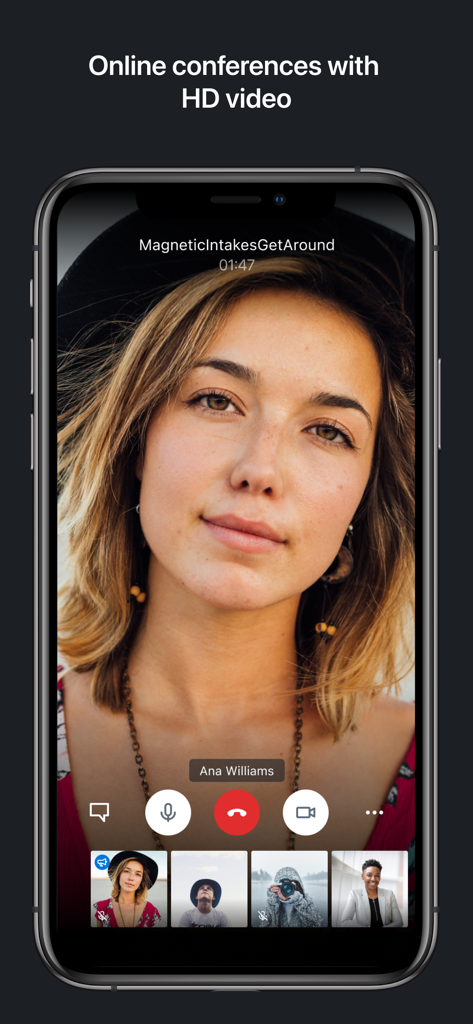
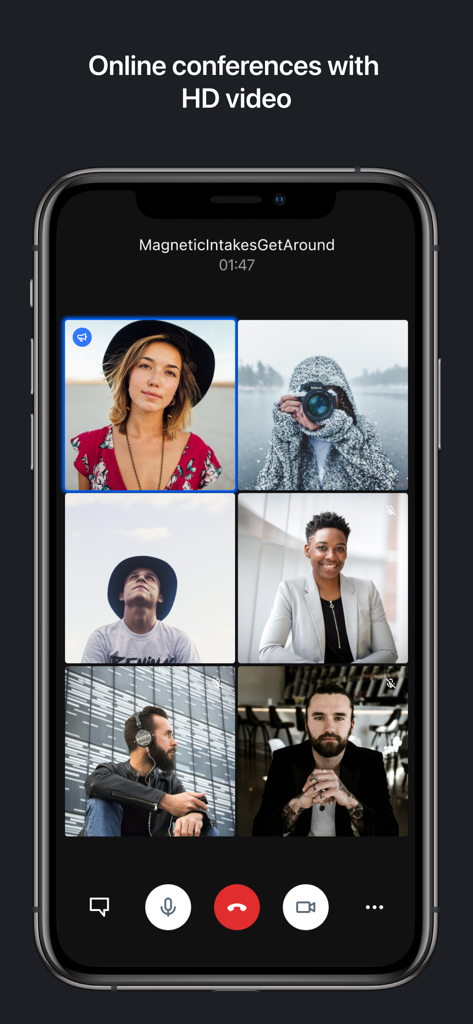
The tools that make this app stand out, trusted by 12M+ users.
Your data is your own. Enjoy fully encrypted, 100% open-source video calls without the intrusive data harvesting or tracking found in corporate alternatives.
Eliminate friction and app fatigue. Start meetings instantly and invite others via simple, readable URLs without requiring anyone to create an account.
Break free from 40-minute caps. Host unlimited participants for as long as you need with high-definition audio and video that scales to your requirements.
Everything you need to know about Jitsi Meet.
Description
Latest Version
26.6.1
Size
58.2 MB
First Released
Jan 6, 2017
Join millions of professionals and privacy advocates who choose secure video conferencing without the baggage of accounts or time limits. Download Jitsi Meet today and start your next meeting in seconds.
Everything you need to know about Jitsi Meet
Jitsi Meet is a free, open-source video conferencing app that allows unlimited users to connect for instant video calls with family, friends, or colleagues. It adapts efficiently to scale, offering high-quality communication.
No, Jitsi Meet does not require an account to participate in video conferences. Users can join meetings without needing to register or log in, promoting quick and easy access.
Yes, Jitsi Meet is secure. It provides lock-protected rooms for conferences, allowing password control. Meetings are also encrypted by default, ensuring privacy for all participants.
Yes, Jitsi Meet allows for unlimited users and conference participants. There are no artificial restrictions on the number of attendees; only server power and bandwidth are limiting factors.
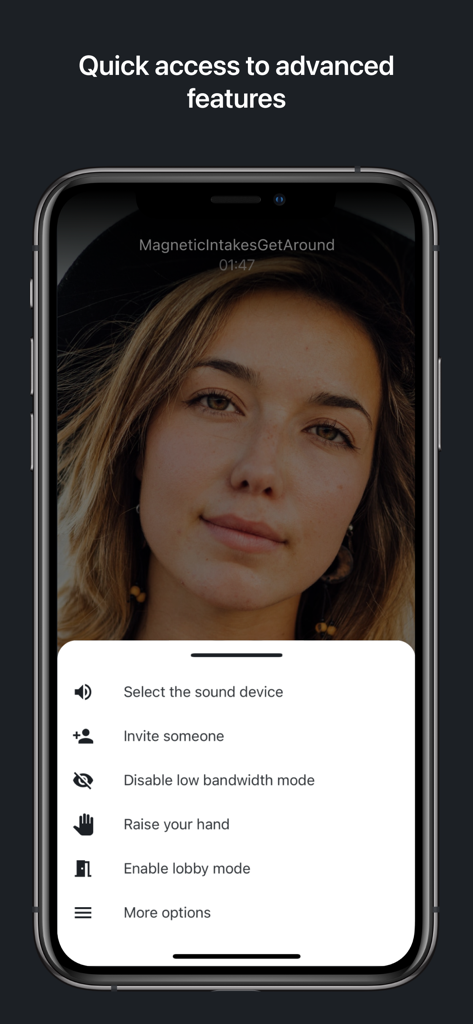
You can invite someone to a Jitsi Meet conference by sharing your conference URL. Jitsi Meet also offers an "Invite someone" option within the advanced features menu during a call.
Yes, Jitsi Meet offers high-quality audio and video. Online conferences support HD video, providing clarity and richness with Opus and VP8 codecs for a superior meeting experience.
Yes, participants can join Jitsi Meet conferences without downloading the app. Jitsi Meet works directly within web browsers, allowing guests to join by simply sharing the conference URL.
Yes, you can secure your Jitsi Meet conference with a password. Jitsi Meet provides lock-protected rooms, giving you control over access to your meetings and enhancing privacy.
Yes, Jitsi Meet includes a lobby mode feature. Users can access and enable lobby mode through the "Quick access to advanced features" menu during a call, managing participant entry.
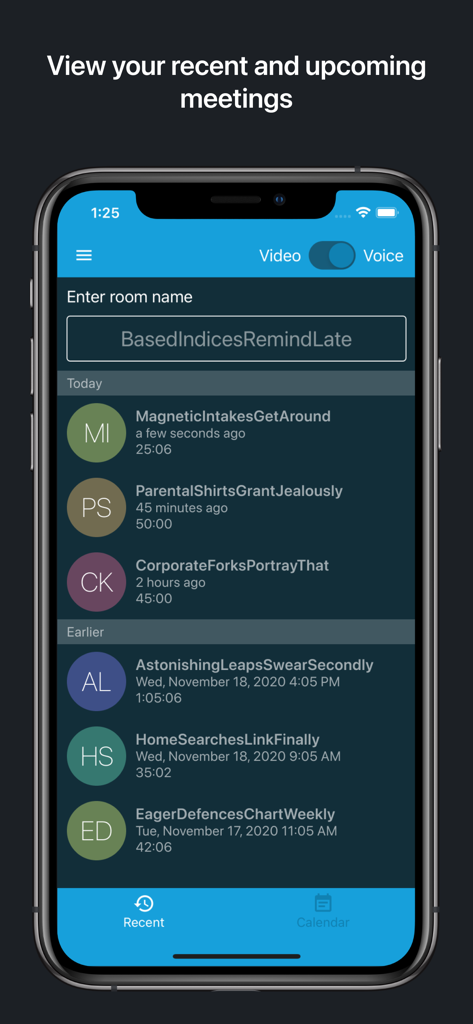
Yes, Jitsi Meet supports viewing both recent and upcoming meetings. The app provides dedicated sections for users to review their meeting history and future scheduled conferences easily.
Apps with similar features and user experience

GoTo Group, Inc.

LARK TECHNOLOGIES PTE. LTD.

RingCentral, Inc

VEBINAR TEKHNOLOGII, OOO

Hit Labs, Inc.

Zoho Corporation

Microsoft Corporation

Zoom Communications, Inc.

Google LLC
App information, icons, screenshots, and descriptions displayed on this page are sourced from the Apple App Store and are the property of their respective developers. Download estimates and rankings are based on MWM's proprietary models and may not reflect actual figures. This page is provided for informational and analytical purposes only.
Believe this page infringes your intellectual property? File a dispute