
This page is not an official page of the app or its developer, but an independent editorial publication created for informational and commentary purposes. Unless expressly stated otherwise, neither the app nor its developer is affiliated with, endorsed by, sponsored by, authorized by, or otherwise officially connected with MWM, Apple, Google Play, the app publisher, or the app's developer, and nothing on this page implies that the app was developed using MWM's services. Any trademarks, logos, screenshots, and other content remain the property of their respective owners.


Lark - Team Collaboration
Eliminate the "toggle tax" and centralize your chat, meetings, docs, and AI tools. Stop switching between apps and empower your global team with a single, seamless platform designed for maximum efficiency.
Downloads
3M+User Rating
Total Ratings
12K+Publisher
Category
BusinessLocales
15Latest Version
7.59.26Size
683.0 MBFirst Released
Feb 16, 2019Say Goodbye to App-Switching Fatigue
Lark centralizes your chat, docs, and meetings into one powerful interface, eliminating the 'toggle tax' so your team stays in the flow.
One Single Source of Truth
Replace Slack, Zoom, and Google Docs with a seamless workspace that keeps all your projects and communications in one spot.
AI-Powered Productivity
Let AI handle the busy work with automated meeting transcriptions, smart action item extraction, and no-code workflow automation.
Frequently Asked Questions
Everything you need to know about Lark - Team Collaboration
What is Lark - Team Collaboration?
Lark - Team Collaboration is an all-in-one productivity platform that centralizes tools like chat, video meetings, documents, and calendars. It helps teams communicate effectively and streamline workflows from a single application.
What core features does Lark - Team Collaboration offer?
Lark offers built-in chat, messenger, video meetings, Docs with templates, email, a simple calendar, approval system, Base for no-code apps, Wikis, an OKR tracker, Magic Share, and file sharing.
Does Lark - Team Collaboration support video conferencing?
Yes, Lark - Team Collaboration supports video conferencing. Its paid plan allows video conferences with up to 500 attendees for up to 24 hours, including unlimited AI meeting transcription.
Can Lark - Team Collaboration help global teams?
Yes, Lark - Team Collaboration is designed for global teams. It offers auto-translation for video meetings and chat, enabling easy communication across different languages and time zones.
Is there a free version available for Lark - Team Collaboration?
Yes, Lark - Team Collaboration offers a free plan. Users can try Lark for free, and its existence is confirmed by the description of the paid plan's additional features.
What is included in the paid plan of Lark - Team Collaboration?
The paid plan for Lark includes unlimited message history, 50,000 automated Base workflow executions, unlimited Wiki spaces, video conferences for up to 500 attendees, unlimited AI meeting transcription, 15TB storage, and enhanced security controls.
How does Lark - Team Collaboration centralize team tools?
Lark centralizes team tools by integrating chat, video meetings, documents, email, and calendars into a single platform. This reduces the need to switch between multiple applications, saving time and improving efficiency.
Does Lark - Team Collaboration provide an approval system?
Yes, Lark - Team Collaboration includes an approval system. Users can request and approve items directly within the application, streamlining workflow processes.
Where can I find the Privacy Policy for Lark - Team Collaboration?
The Privacy Policy for Lark - Team Collaboration is available on their website. You can find it at https://www.larksuite.com/en_us/privacy-policy.
What kind of documentation features does Lark - Team Collaboration offer?
Lark - Team Collaboration offers Docs with easy-to-use templates and Wikis that are simple to set up. It functions as a central knowledge hub for searching, viewing, and annotating documents.
Is Lark - Team Collaboration available on mobile devices?
Yes, Lark - Team Collaboration is available on mobile devices. The app allows users to get work done and manage tasks like approvals on the go, making it a powerful mobile solution.
What are the user reviews for Lark - Team Collaboration?
Lark - Team Collaboration receives excellent reviews. It has a 4.9 out of 5 stars rating on iOS from over 1,700 real customers, with users praising its comprehensive and centralized functionality.
The following screenshots and description are sourced directly from the app's official store listing and are the property of the app developer.
App Store
Screenshots
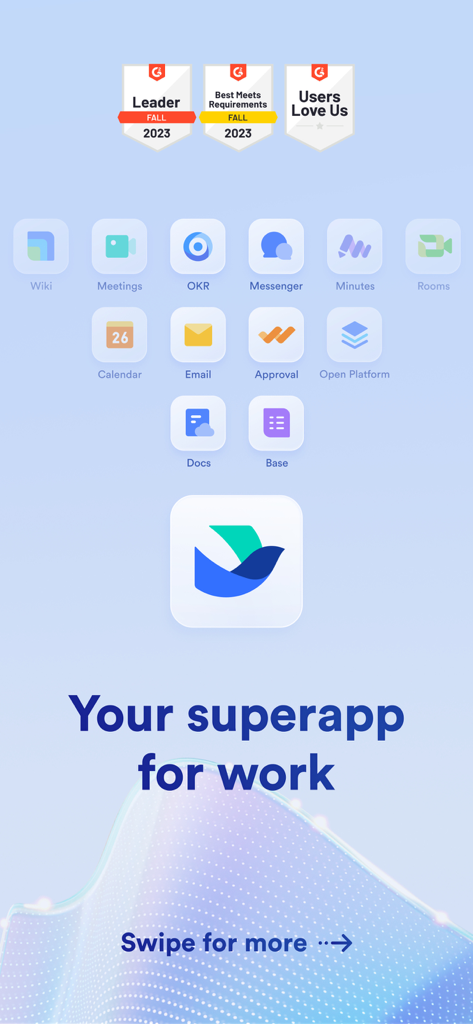
Lark mobile app display featuring tool icons for chat, meetings, and docs with the tagline your superapp for work
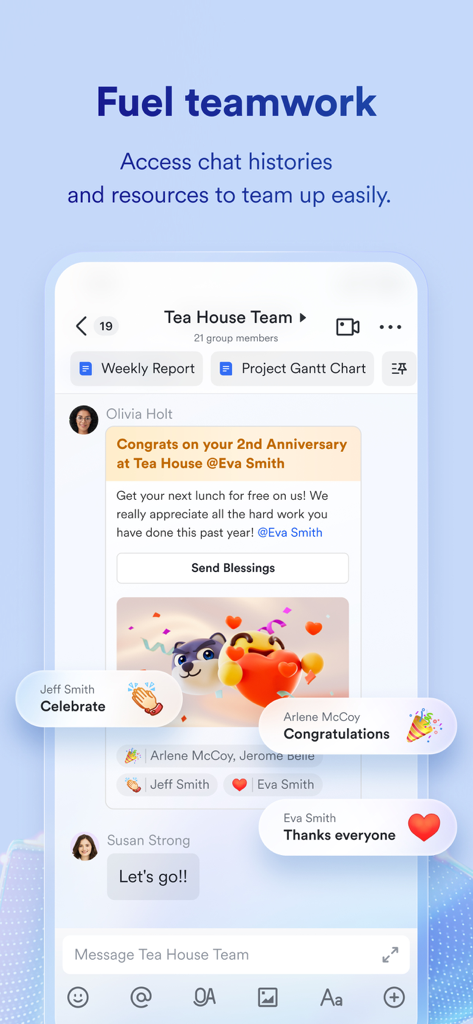
Lark team chat interface showing integrated reports and collaborative messages
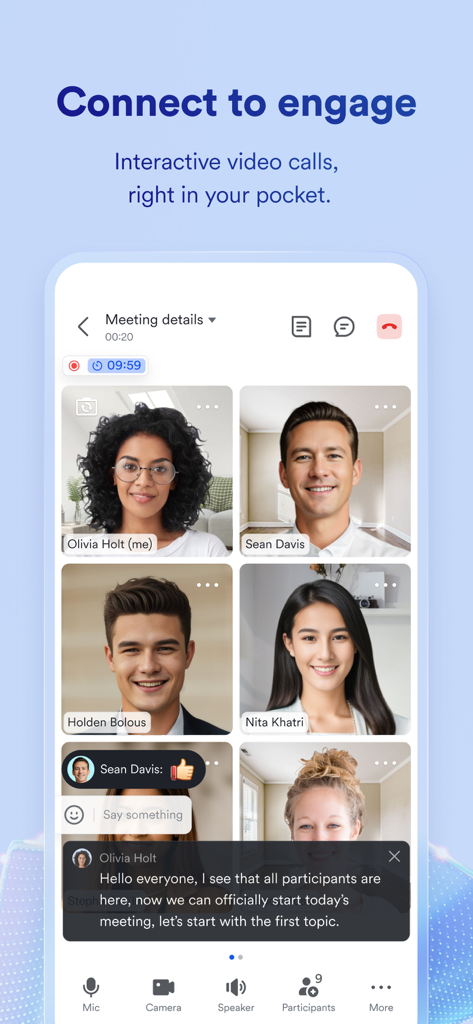
Lark mobile video meeting interface with team participants and live captions
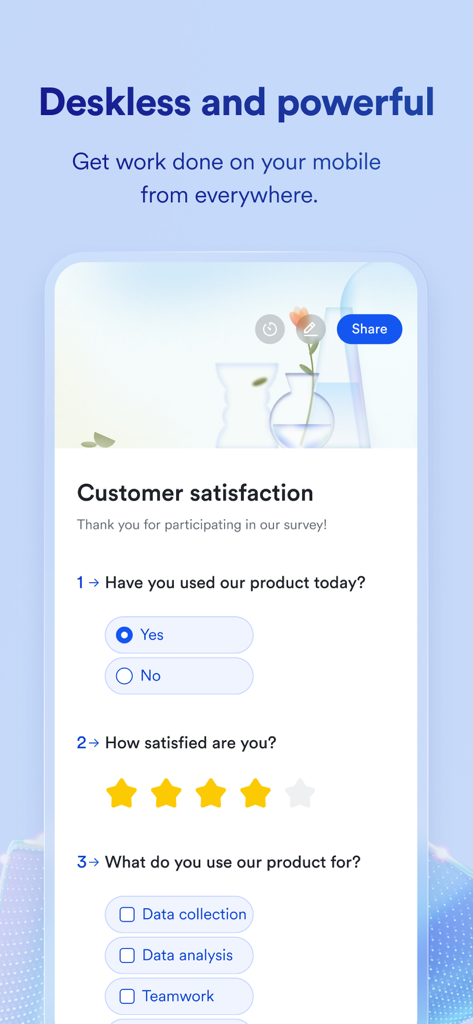
Lark team collaboration app mobile interface showing a customer satisfaction survey
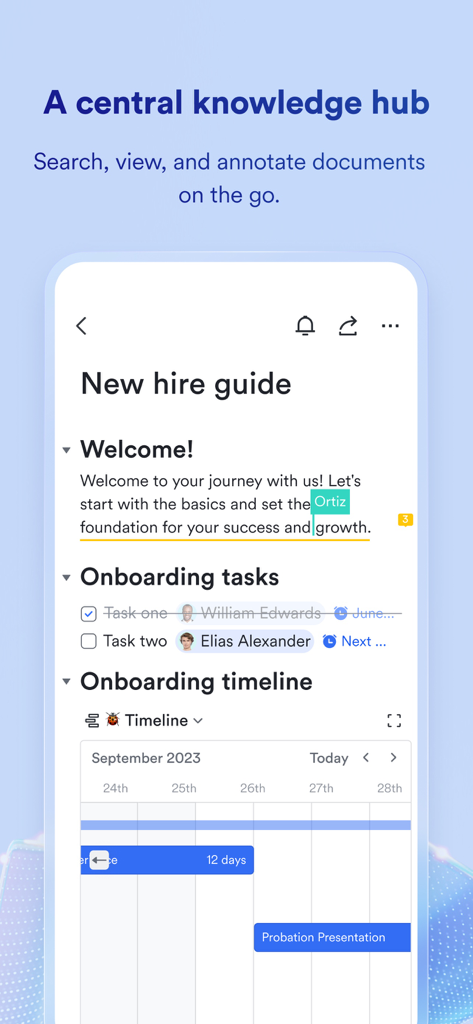
Mobile app screen showing Lark's central knowledge hub with an onboarding document and project timeline
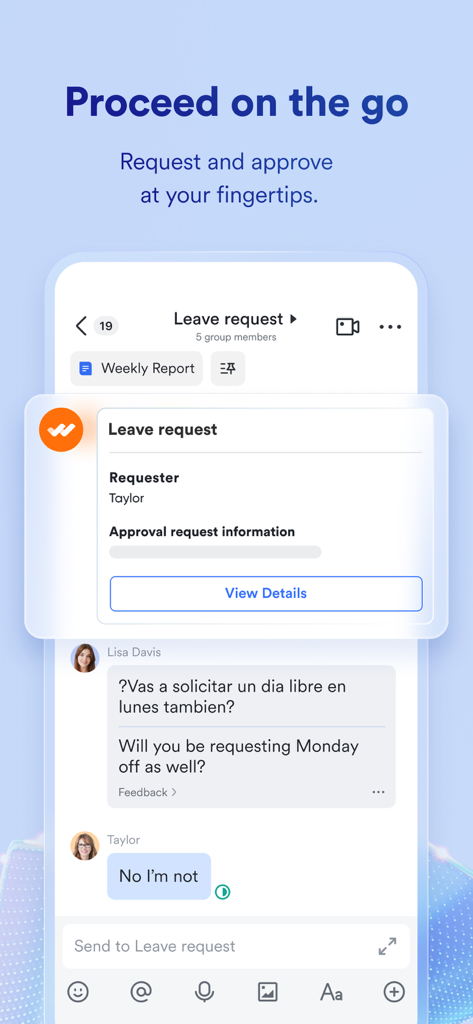
Lark mobile app interface showing a leave request workflow and real-time chat translation.
Description
Download
More Like This
Apps with similar features and user experience

GoTo
GoTo Group, Inc.

RingCentral
RingCentral, Inc

MTS Link
VEBINAR TEKHNOLOGII, OOO

Pronto Team Communication
Hit Labs, Inc.

Zoho Cliq - Team Communication
Zoho Corporation

Microsoft Teams
Microsoft Corporation

Zoom Workplace
Zoom Communications, Inc.

Google Meet
Google LLC
Google Chat
Google LLC
This page is not an official page of the app or its developer, but an independent editorial publication created for informational and commentary purposes. Unless expressly stated otherwise, neither the app nor its developer is affiliated with, endorsed by, sponsored by, authorized by, or otherwise officially connected with MWM, Apple, Google Play, the app publisher, or the app's developer, and nothing on this page implies that the app was developed using MWM's services. Any trademarks, logos, screenshots, and other content remain the property of their respective owners.