JoyColor: Your color assistant
Download on App Store

This page is not an official page of the app or its developer, but an independent editorial publication created for informational and commentary purposes. Unless expressly stated otherwise, neither the app nor its developer is affiliated with, endorsed by, sponsored by, authorized by, or otherwise officially connected with MWM, Apple, Google Play, the app publisher, or the app's developer, and nothing on this page implies that the app was developed using MWM's services. Any trademarks, logos, screenshots, and other content remain the property of their respective owners.

Logo of JoyColor: Your color assistant
Download on App Store

JoyColor: Your color assistant

The ultimate companion for digital artists and designers to extract stunning schemes from photos, explore 5,000+ professional templates, and master visual harmony with scientific precision.

Key Figures

Downloads

700

User Rating

4.8/5

Total Ratings

0

Publisher

雨萱 龙

Category

Graphics & Design

Locales

4

Latest Version

2.0.8

Size

12.4 MB

First Released

Nov 7, 2023
Features

Master the Art of Color

JoyColor transforms your creative vision into perfect palettes with professional-grade tools designed for designers, artists, and aesthetic enthusiasts.

Capture Any Vibe

Instantly extract stunning palettes from your favorite photos to recreate any mood or aesthetic with precision.

Scientific Harmony

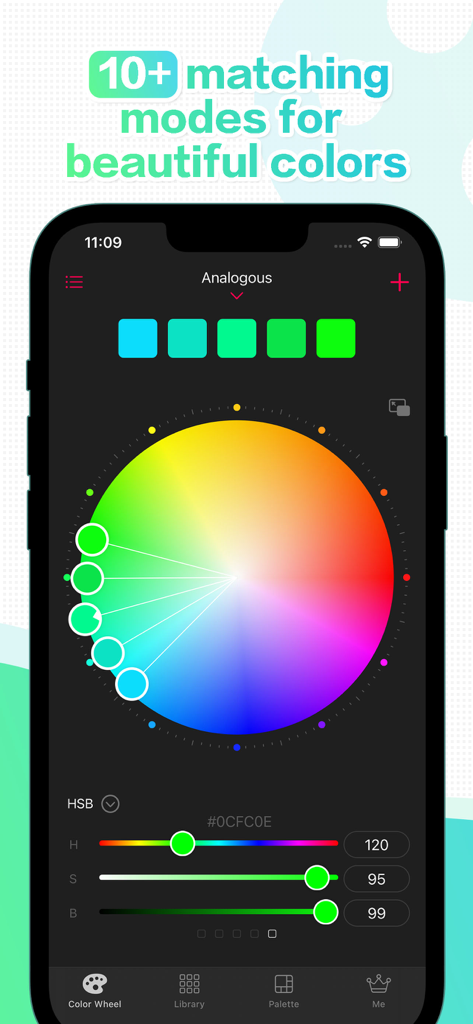
Use 10+ intelligent presets and a balanced color wheel to find mathematically perfect combinations every time.

The following screenshots and description are sourced directly from the app's official store listing and are the property of the app developer.

App Store

Screenshots
JoyColor: Your color assistant - JoyColor app introduction screen showing a colorful ring and the text Your Ultimate Color Assistant
JoyColor app introduction screen showing a colorful ring and the text Your Ultimate Color Assistant

JoyColor: Your color assistant - JoyColor app interface showing a color wheel and analogous color matching mode with HSB sliders
JoyColor app interface showing a color wheel and analogous color matching mode with HSB sliders

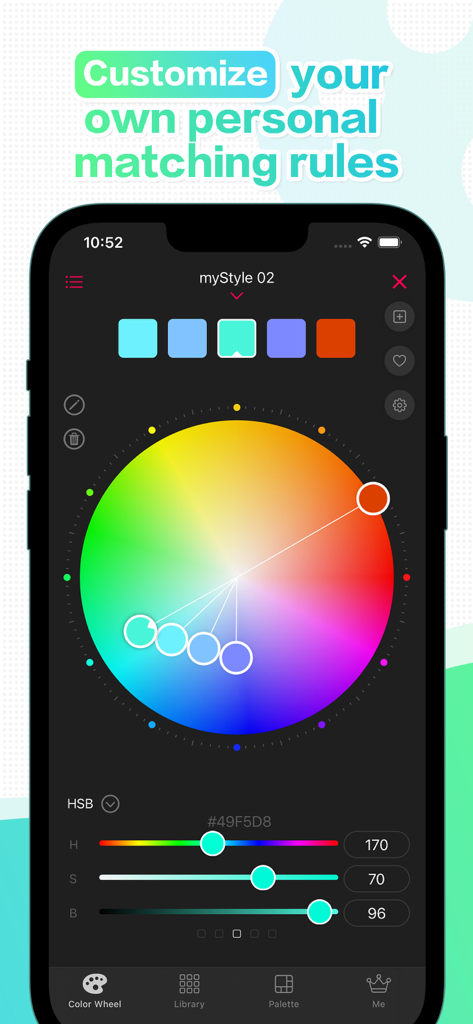
JoyColor: Your color assistant - JoyColor mobile app interface showing a scientific color wheel and HSB sliders for custom color matching rules
JoyColor mobile app interface showing a scientific color wheel and HSB sliders for custom color matching rules

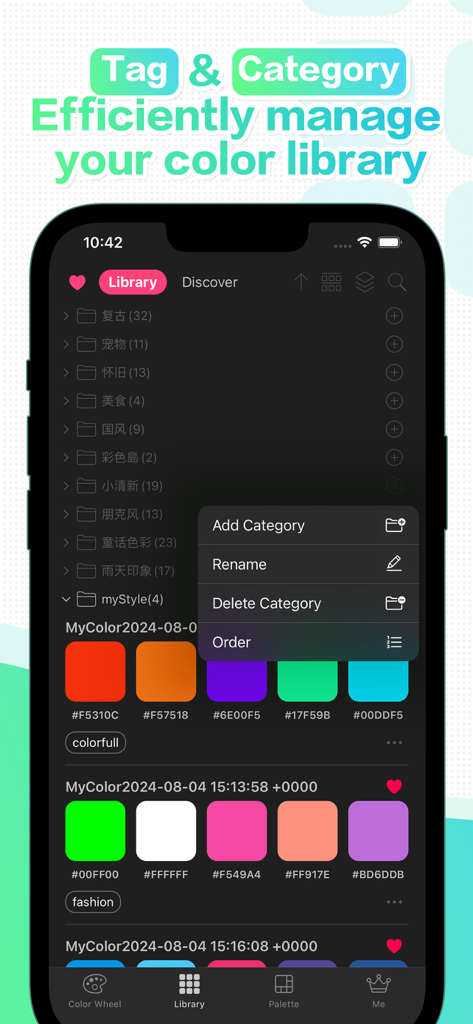
JoyColor: Your color assistant - JoyColor app interface showing organized color palettes with tags and category folders
JoyColor app interface showing organized color palettes with tags and category folders

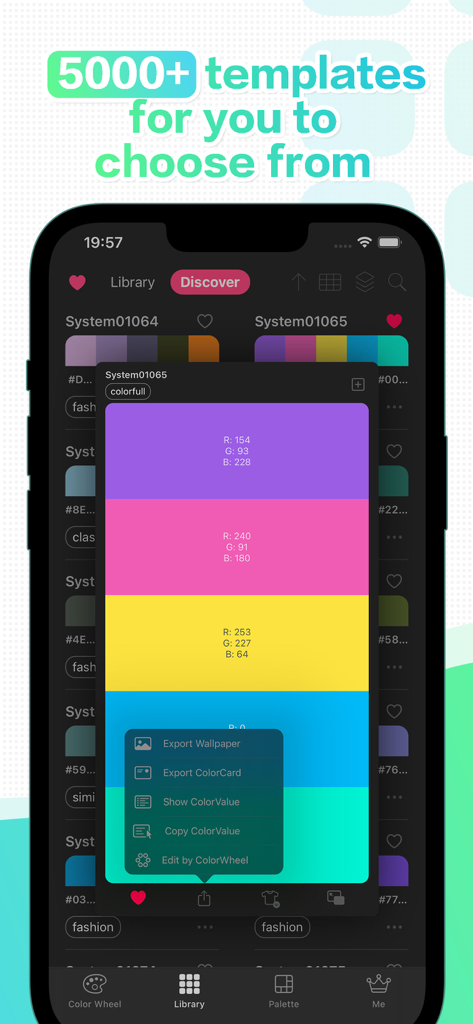
JoyColor: Your color assistant - JoyColor app interface showing a library of color palette templates and detailed RGB values
JoyColor app interface showing a library of color palette templates and detailed RGB values

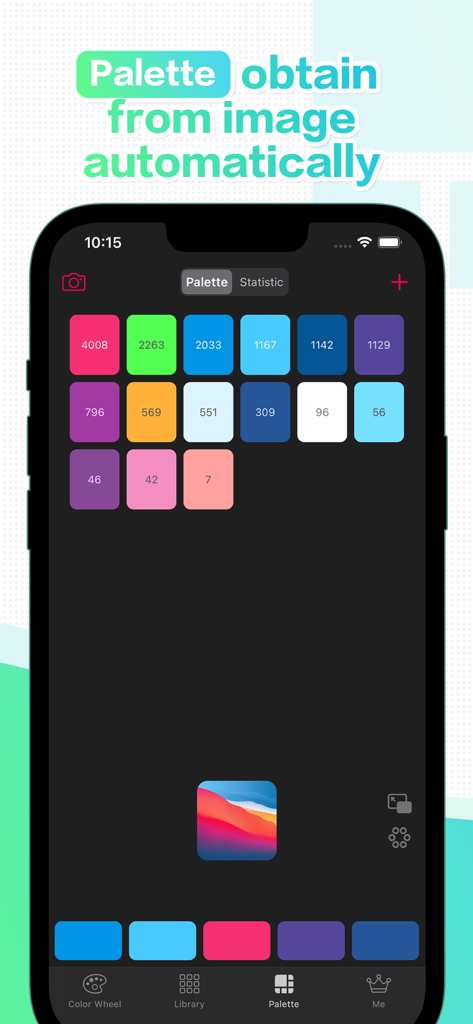
JoyColor: Your color assistant - JoyColor app interface demonstrating automatic color palette generation from an uploaded image
JoyColor app interface demonstrating automatic color palette generation from an uploaded image

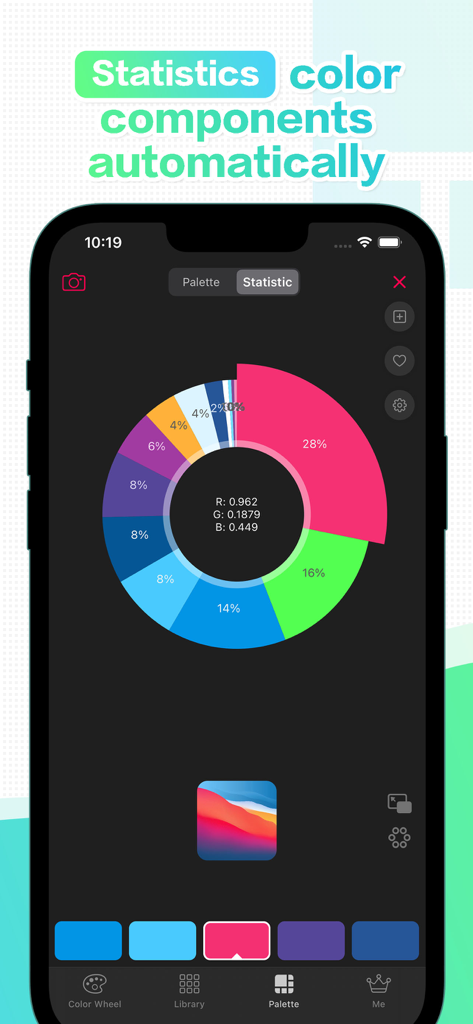
JoyColor: Your color assistant - A donut chart displaying the percentage distribution of different colors extracted from an image in the JoyColor app
A donut chart displaying the percentage distribution of different colors extracted from an image in the JoyColor app

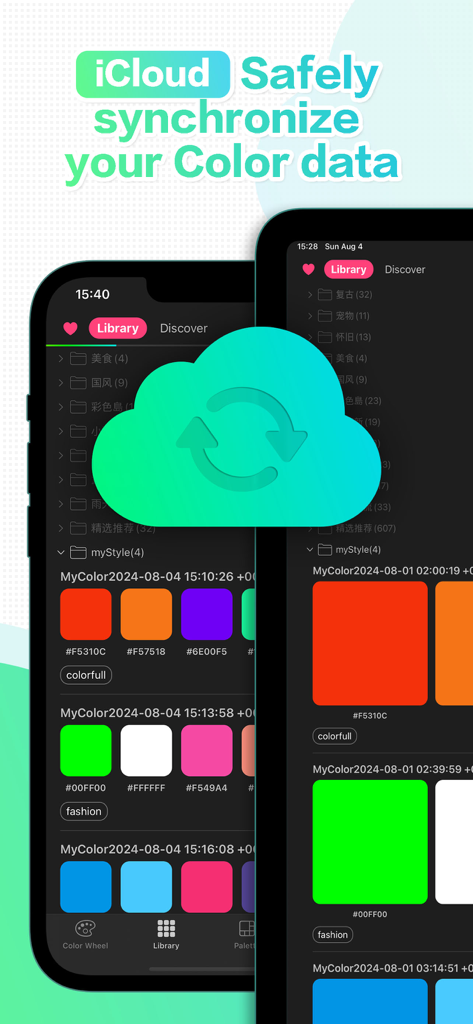
JoyColor: Your color assistant - JoyColor app screenshot showing iCloud synchronization of color palettes in the user library
JoyColor app screenshot showing iCloud synchronization of color palettes in the user library

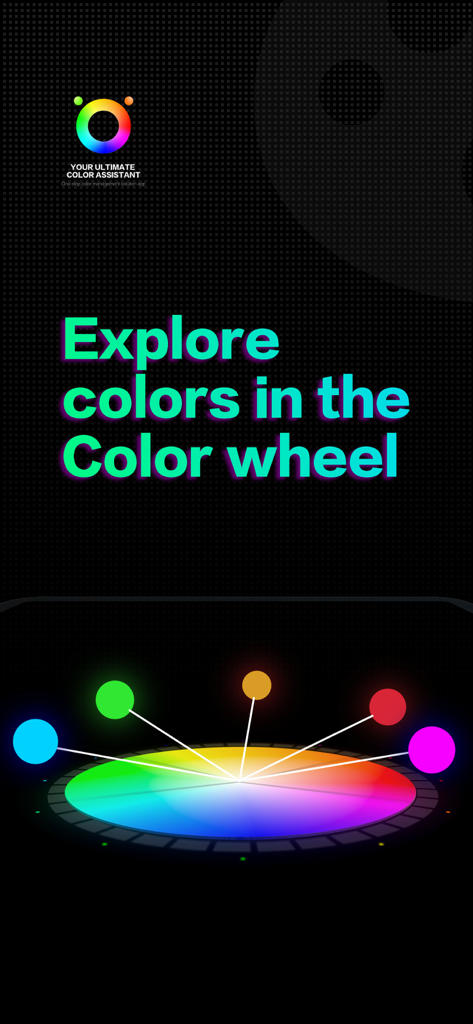
JoyColor: Your color assistant - A 3D color wheel with glowing markers for exploring palettes in the JoyColor app

A 3D color wheel with glowing markers for exploring palettes in the JoyColor app

Description

We are dedicated to creating a lightweight, convenient, intelligent, and efficient color matching assistant app for you, tailored for generating, managing, researching, and exploring color schemes! With our intelligent, rational, and visually appealing color matching algorithm, you can effortlessly create your favorite color schemes. Our thoughtful and user-friendly color schemes management mode allows you to seamlessly manage your exclusive color matching library, anytime, anywhere. Navigate the vibrant world of colors with ease, unleashing your full potential in color matching and creation! 1. Classic color wheel - A more scientific color wheel model Compared to traditional color wheels, the color distribution of the classic color wheel model is more uniform, reasonable, and in line with visual aesthetics -10+ color matching presets More than 10 automated, intelligent, and professionally designed color matching modes are preset, making it easy to handle any style! - Personalized color matching mode customization Customize your own exclusive matching mode to present any color inspiration in the most direct and stunning way! (Suitable for individuals with some experience in color matching) 2. Lightweight color library - Color tags Tagged management, adding style labels to each color scheme for easier and more efficient querying! - Category grouping Organize color schemes by category, making management and maintenance easier, more worry free, and more efficient! - 5000+ massive color matching templates More than 5000+color templates, with unlimited expansion in the future, there will always be one that suits you! - Color scheme collection Whether from the color template library or your own exclusive color library, you can easily customize your favorite color schemes with just one click Collection, convenient for future use! 3. Picture color palette - Picture color picker Generate a color palette with just one click from the picture, supporting 3-12 levels of resolution accuracy settings! - Color statistics Show statistical data of various colors in the image in a more intuitive way in the form of charts. - Custom color palette From the color palette, freely select color combinations, generate and add them to your own exclusive color library! 4. Exploration of color matching - Color scheme show in color wheel By showing the color scheme in reverse in the color wheel, it is a more intuitive and convenient way to study and explore the color matching relationship of the color scheme. -Free customization of personalized color schemes By freely customizing the color scheme, as well as freely customizing the color matching rules, you can unleash your color talent on the color wheel! ------------------------------------------------------------------------------------- Preferential Policies: Download for the first time and experience all the features in the JoyColor Pro free trial for 30 days! Technical Support: - Urgent issues e-mail: 1277352276@qq.com - More information Official website: www.mengir.net/joycolor (under construction)

Download

Download on App Store

This page is not an official page of the app or its developer, but an independent editorial publication created for informational and commentary purposes. Unless expressly stated otherwise, neither the app nor its developer is affiliated with, endorsed by, sponsored by, authorized by, or otherwise officially connected with MWM, Apple, Google Play, the app publisher, or the app's developer, and nothing on this page implies that the app was developed using MWM's services. Any trademarks, logos, screenshots, and other content remain the property of their respective owners.







