
This page is not an official page of the app or its developer, but an independent editorial publication created for informational and commentary purposes. Unless expressly stated otherwise, neither the app nor its developer is affiliated with, endorsed by, sponsored by, authorized by, or otherwise officially connected with MWM, Apple, Google Play, the app publisher, or the app's developer, and nothing on this page implies that the app was developed using MWM's services. Any trademarks, logos, screenshots, and other content remain the property of their respective owners.


KEF Connect
Seamlessly integrate your favorite high-resolution music services and fine-tune your sound to perfectly match your room's unique acoustics.
Downloads
122K+User Rating
Total Ratings
100Publisher
Category
MusicLocales
10Latest Version
1.26.1Size
85.9 MBFirst Released
Sep 22, 2020Master Your Sound Environment
Take complete command of your KEF wireless system with an interface designed for the discerning listener. From room-specific tuning to high-resolution streaming, every detail is at your fingertips.
Expert Sound Tailoring
Optimize your speaker's output to match your room's unique acoustics for a perfect, studio-grade listening experience.
High-Resolution Hub
Stream bit-perfect audio from TIDAL, Qobuz, and Amazon Music, or explore global radio and podcasts in stunning clarity.
The following screenshots and description are sourced directly from the app's official store listing and are the property of the app developer.
App Store
Screenshots
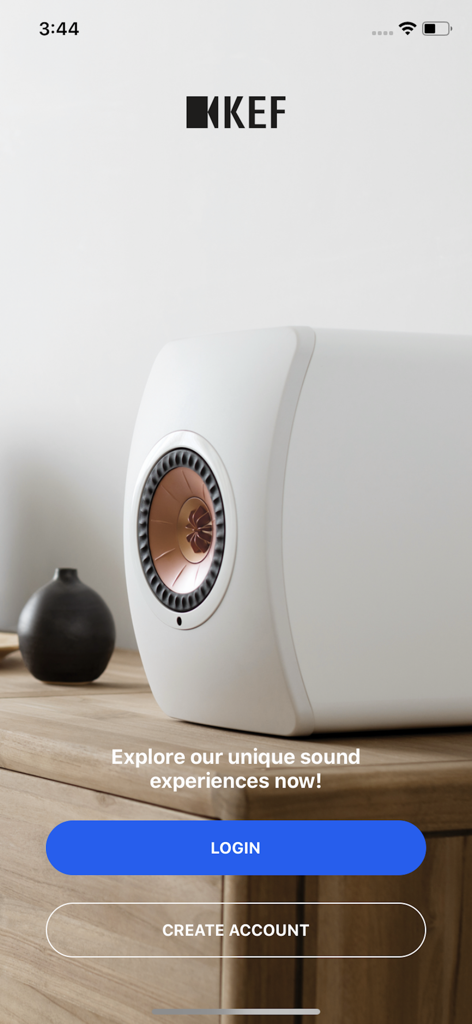
KEF Connect app login screen featuring a premium white high-fidelity speaker
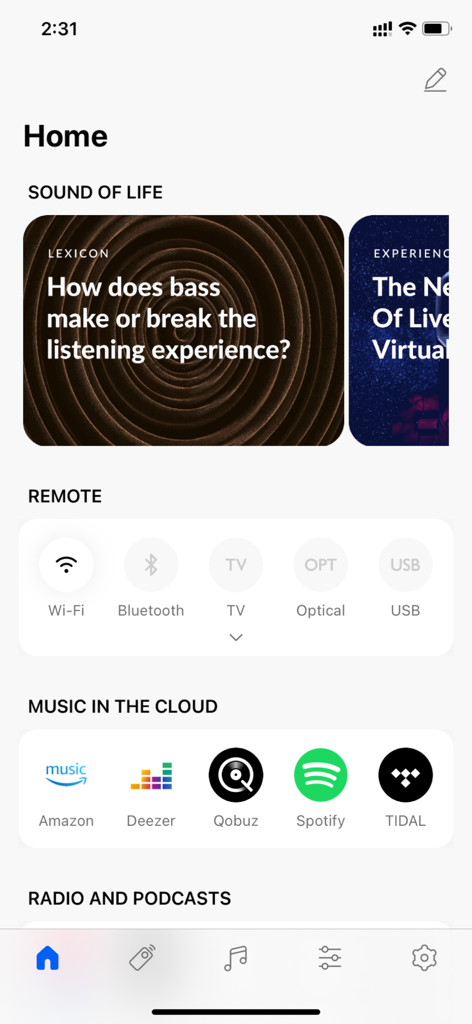
Home screen of the KEF Connect app showing remote input controls and music streaming service options.
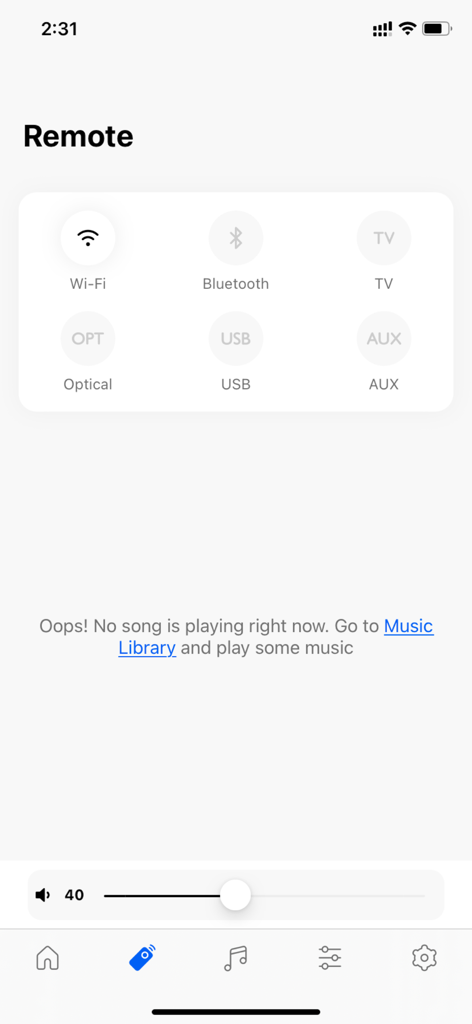
Digital remote control interface in the KEF Connect app showing audio source selection and volume slider.
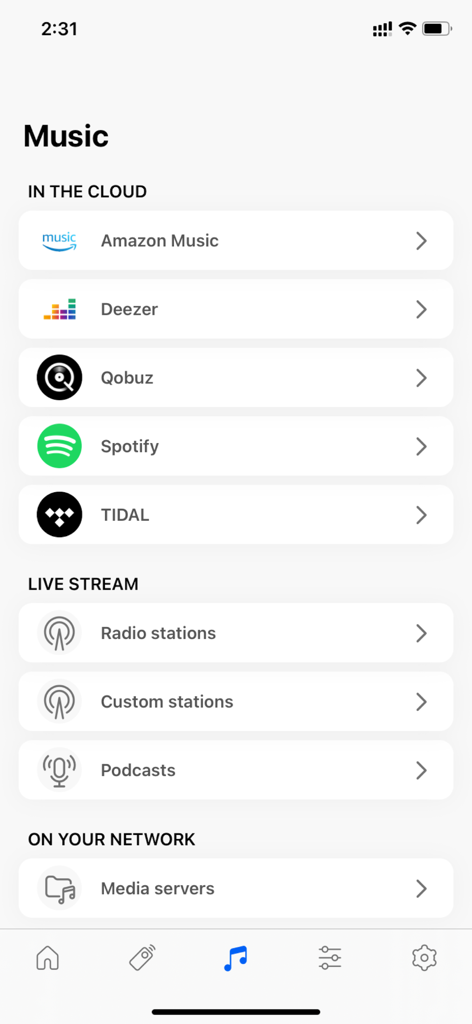
KEF Connect app music menu showing streaming services and radio stations
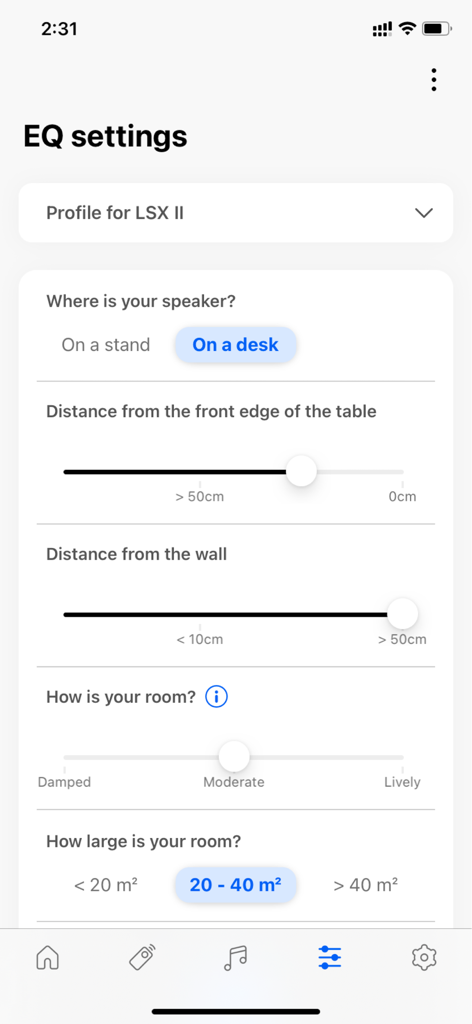
KEF Connect app EQ settings screen for speaker and room sound optimization
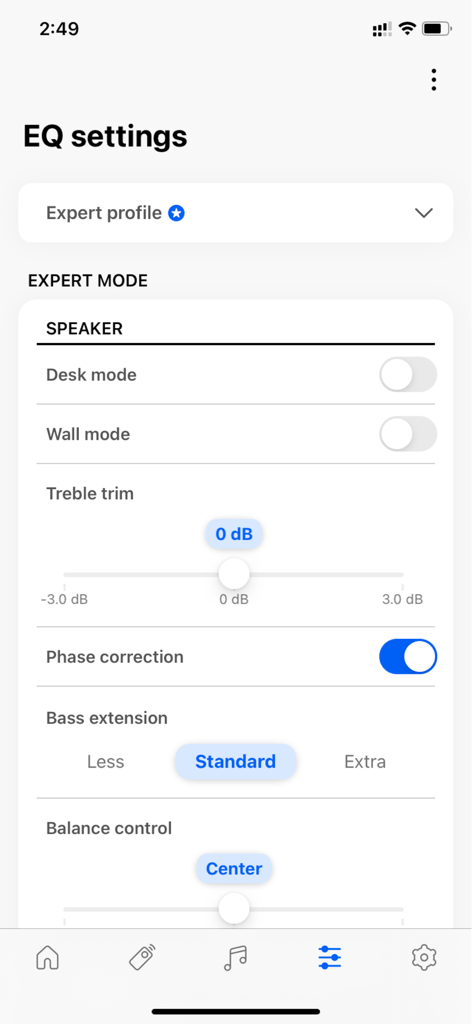
Interface of the KEF Connect app displaying expert EQ settings for speaker sound optimization
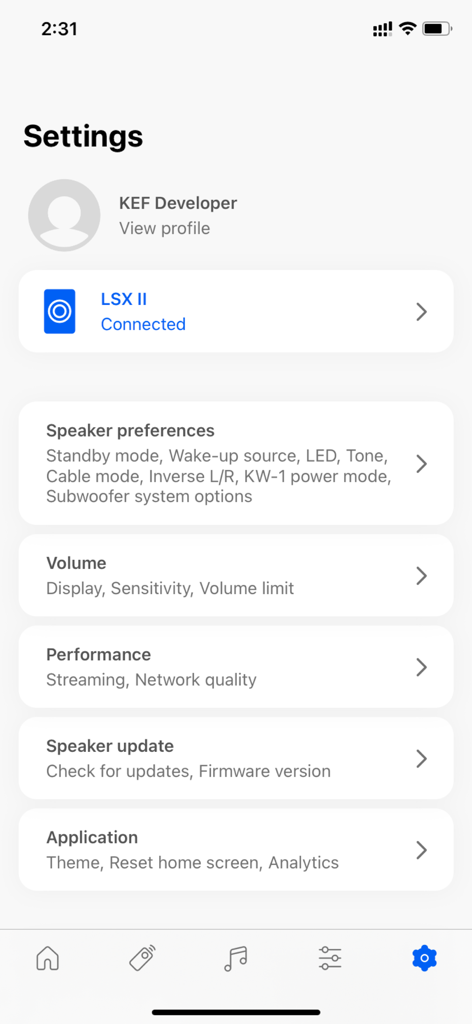
The settings interface of the KEF Connect app for wireless speaker management
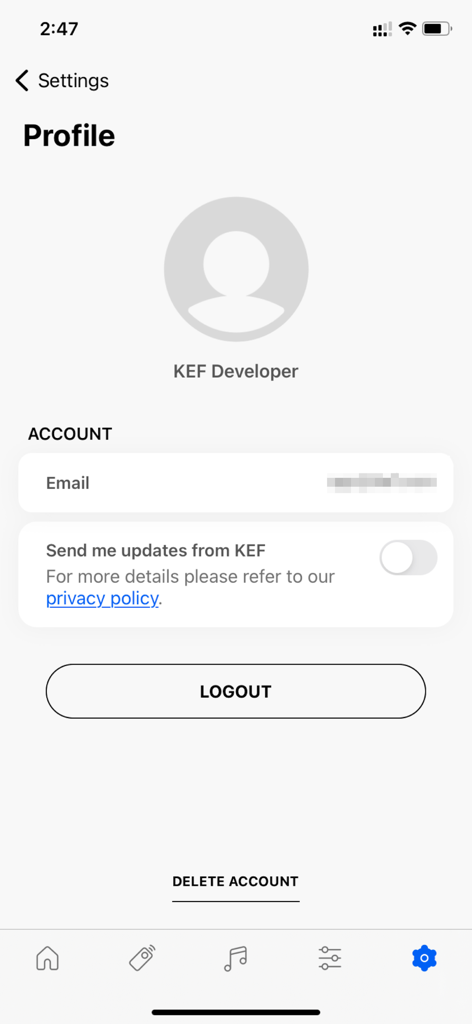
The user profile and account management screen in the KEF Connect app showing account details and settings.
Description
Download
More Like This
Top-ranked apps in the same category

Spotify: Music and Podcasts
Spotify

YouTube Music
Google LLC

Shazam: Find Music & Concerts
Apple Inc.

SoundCloud: The Music You Love
SoundCloud Global Limited & Co KG

Suno - AI Songs & Music
Suno Inc.

QQ音乐 - 听我想听
Tencent Technology (Shenzhen) Company Limited

Audiomack - Play Music Offline
Audiomack, Inc.

GuitarTuna: Tune & Play Guitar
Yousician Ltd

BandLab – Music Maker & Beats
BandLab Singapore Pte Ltd
This page is not an official page of the app or its developer, but an independent editorial publication created for informational and commentary purposes. Unless expressly stated otherwise, neither the app nor its developer is affiliated with, endorsed by, sponsored by, authorized by, or otherwise officially connected with MWM, Apple, Google Play, the app publisher, or the app's developer, and nothing on this page implies that the app was developed using MWM's services. Any trademarks, logos, screenshots, and other content remain the property of their respective owners.