
This page is not an official page of the app or its developer, but an independent editorial publication created for informational and commentary purposes. Unless expressly stated otherwise, neither the app nor its developer is affiliated with, endorsed by, sponsored by, authorized by, or otherwise officially connected with MWM, Apple, Google Play, the app publisher, or the app's developer, and nothing on this page implies that the app was developed using MWM's services. Any trademarks, logos, screenshots, and other content remain the property of their respective owners.


Kentucky 511 Traffic Cameras
Take the guesswork out of your commute with instant KYTC camera feeds. Create custom route groups and see live traffic conditions directly from your home screen widgets.
Downloads
3K+User Rating
Total Ratings
100Publisher
Category
NavigationLocales
1Latest Version
1.0.4Size
14.7 MBFirst Released
Jan 13, 2024Master Your Kentucky Commute
Skip the guesswork and gain full visual control over your route with real-time KYTC camera access designed for the daily Bluegrass driver.
Live Home Screen Widgets
Check the bridge or I-65 traffic instantly without opening the app. Add up to four live camera feeds directly to your iPhone for a zero-friction morning routine.
Custom Camera Groups
Organize cameras by your specific routes, like 'Work Commute' or 'School Run.' Scroll through your personal feed to see the entire road ahead in seconds.
Frequently Asked Questions
Everything you need to know about Kentucky 511 Traffic Cameras
What is the primary function of the Kentucky 511 Traffic Cameras app?
The Kentucky 511 Traffic Cameras app is designed to provide the best way to view Kentucky 511 CCTV traffic cameras. It helps users monitor real-time traffic and current road conditions effectively.
Can users create custom camera groups in the Kentucky 511 Traffic Cameras app?
Yes, users can create custom groups of KYTC cameras based on their frequented routes. This feature allows for significantly faster viewing of traffic and road conditions.
How many traffic camera widgets can be added to the home screen using the Kentucky 511 Traffic Cameras app?
Yes, the Kentucky 511 Traffic Cameras app allows users to add up to four traffic camera widgets directly to their home screen. These widgets help users stay updated with the latest traffic and road conditions.
Does the Kentucky 511 Traffic Cameras app allow viewing multiple cameras for an entire route?
Yes, the Kentucky 511 Traffic Cameras app enables users to quickly view all cameras along their entire route. This provides comprehensive real-time coverage of road conditions.
What information do the camera groups in Kentucky 511 Traffic Cameras app provide?
The custom camera groups in the Kentucky 511 Traffic Cameras app display current traffic and road conditions. Users can scroll through these image lists to quickly assess their frequented routes.
Is it possible to view single cameras in the Kentucky 511 Traffic Cameras app?
Yes, the Kentucky 511 Traffic Cameras app offers the option to view a single camera at a time. This is available alongside the functionality to scroll through groups of images.
The following screenshots and description are sourced directly from the app's official store listing and are the property of the app developer.
App Store
Screenshots
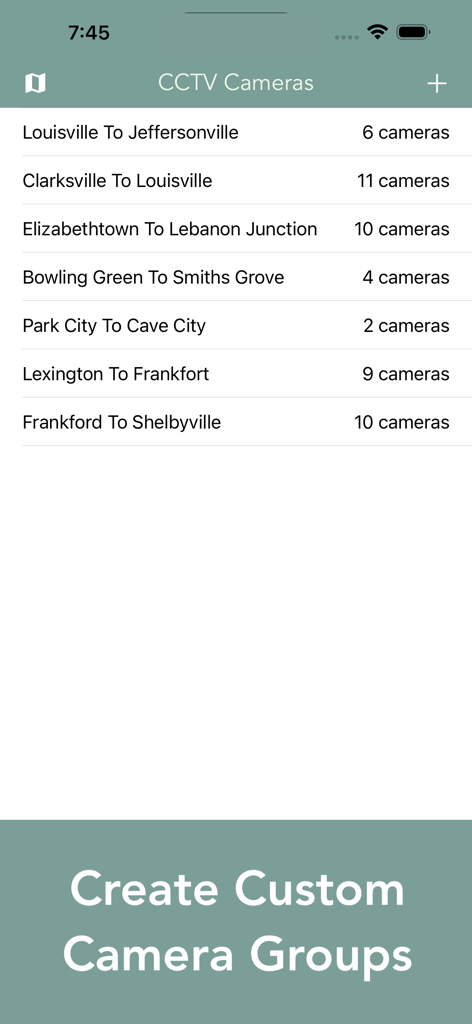
Interface showing a list of custom traffic camera groups for Kentucky commute routes
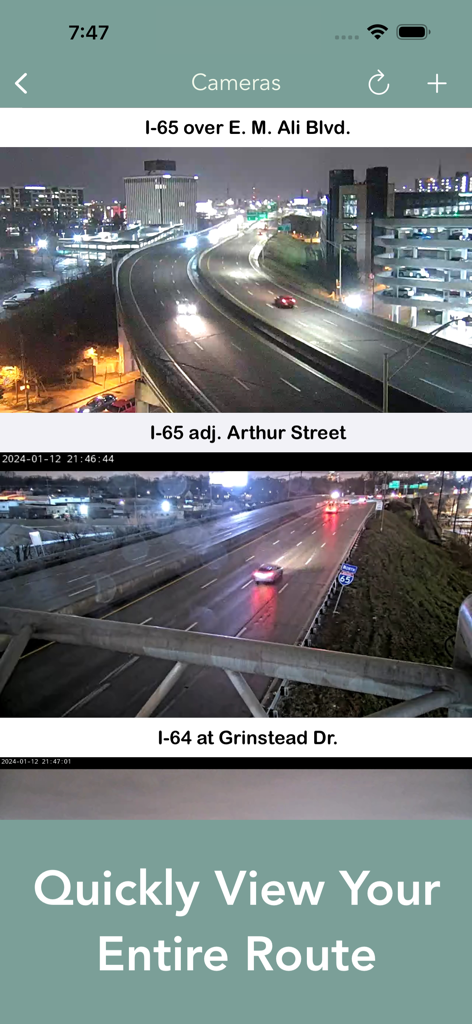
Live traffic camera feeds showing highway conditions in Kentucky.
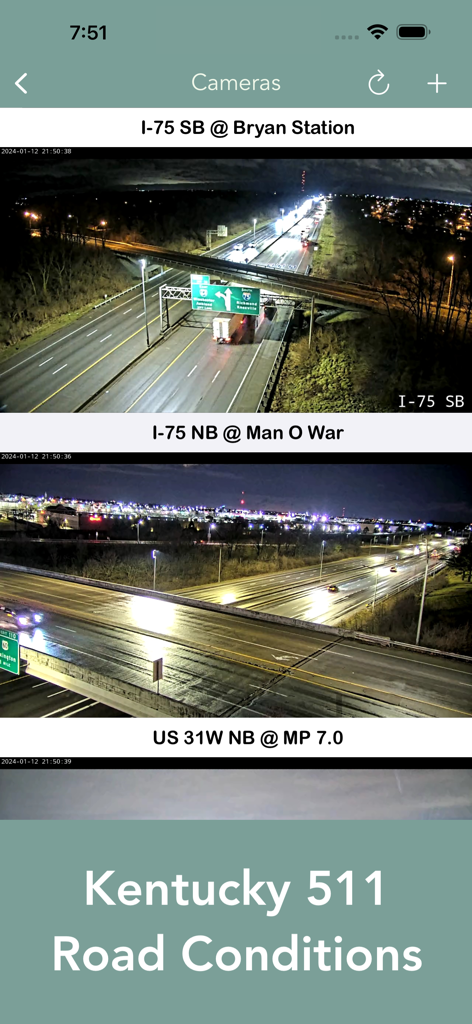
Screenshot of the Kentucky 511 Traffic Cameras app showing night views of I-75 highway sections
Description
Download
More Like This
Top-ranked apps in the same category

Google Maps
Google LLC

Waze Navigation & Live Traffic
waze

AMap Global
AutoNavi Information Technology Co. Ltd.

百度地图-路线规划,出行必备
Beijing Baidu Netcom Science & Technology Co.,Ltd

Moovit: Bus & Transit Tracker
Moovit App Global LTD

Transit • Subway & Bus Times
9280-0366 Quebec inc.

ParkMobile: Park. Pay. Go.
Parkmobile USA, Inc

腾讯地图-路线规划,导航地铁打车出行
Shenzhen Tencent Computer Systems Company Limited

Île-de-France Mobilités
Ile de France Mobilites
This page is not an official page of the app or its developer, but an independent editorial publication created for informational and commentary purposes. Unless expressly stated otherwise, neither the app nor its developer is affiliated with, endorsed by, sponsored by, authorized by, or otherwise officially connected with MWM, Apple, Google Play, the app publisher, or the app's developer, and nothing on this page implies that the app was developed using MWM's services. Any trademarks, logos, screenshots, and other content remain the property of their respective owners.