
This page is not an official page of the app or its developer, but an independent editorial publication created for informational and commentary purposes. Unless expressly stated otherwise, neither the app nor its developer is affiliated with, endorsed by, sponsored by, authorized by, or otherwise officially connected with MWM, Apple, Google Play, the app publisher, or the app's developer, and nothing on this page implies that the app was developed using MWM's services. Any trademarks, logos, screenshots, and other content remain the property of their respective owners.
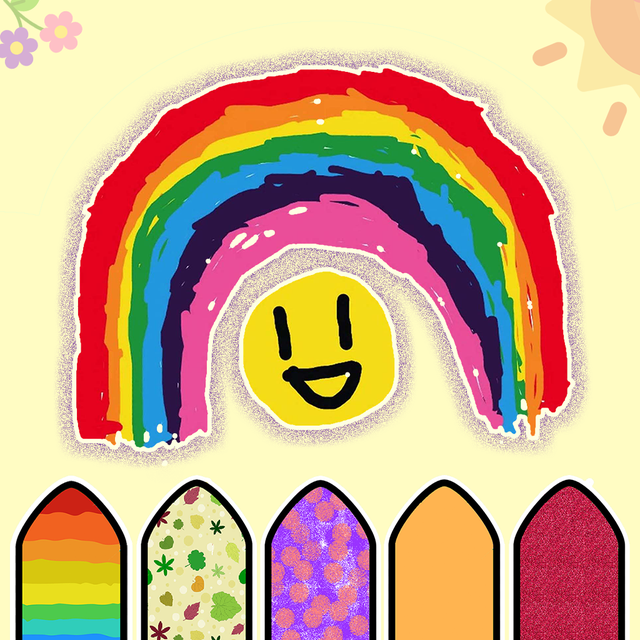

Kids Drawing, Doodle Painting
Transform screen time into a world of magic with AR drawing, glowing doodles, and interactive animations. Give your child a safe and educational space to spark their imagination and develop fine motor skills.
Downloads
990K+User Rating
Total Ratings
31K+Publisher
Category
EntertainmentLocales
10Latest Version
2.3Size
179.5 MBFirst Released
Jul 27, 2018The Ultimate Creative Playground
A safe, ad-free studio designed to develop your child's fine motor skills and artistic confidence through play.
Magical AR Drawing
Bring sketches to life using Augmented Reality, making art an immersive 3D experience for your little explorer.
Guided Skill Development
Boost confidence with step-by-step tracing that teaches shapes, objects, and control in a fun, stress-free way.
Frequently Asked Questions
Everything you need to know about Kids Drawing, Doodle Painting
What is the "Kids Drawing, Doodle Painting" app?
The "Kids Drawing, Doodle Painting" app is an engaging and educational tool for children to explore their artistic talents and have fun through various drawing and coloring activities.
Does "Kids Drawing, Doodle Painting" offer augmented reality (AR) drawing?
Yes, the "Kids Drawing, Doodle Painting" app includes an AR Drawing feature. Kids can create and watch their drawings come alive in augmented reality using easy-to-use tools.
Can parents create custom drawing lessons in the "Kids Drawing, Doodle Painting" app?
Yes, parents can actively create personalized Tracing lessons, Animation sequences, and Pattern Coloring exercises within the "Kids Drawing, Doodle Painting" app to match their child's interests.
What are the subscription options for "Kids Drawing, Doodle Painting"?
The "Kids Drawing, Doodle Painting" app offers a Monthly Premium Membership for $2.99 and a Yearly Premium Membership for $5.99. Both options unlock all content, features, and remove ads.
How can I cancel my subscription to "Kids Drawing, Doodle Painting"?
Users can manage their subscriptions and turn off auto-renewal by going to their Account Settings after purchase. This must be done at least 24-hours before the current period ends.
Does "Kids Drawing, Doodle Painting" include tracing activities?
Yes, the "Kids Drawing, Doodle Painting" app features tracing activities. These provide step-by-step instructions to guide children in drawing various objects, improving their drawing skills.
Are there different color options in the "Kids Drawing, Doodle Painting" app?
Yes, the "Kids Drawing, Doodle Painting" app provides a diverse range of colors. These include basic colors, sparkling glitter hues, and captivating patterns to enhance the artistic experience.
Can children create animated drawings in "Kids Drawing, Doodle Painting"?
Yes, children can create their own animated drawings using the "Kids Drawing, Doodle Painting" app. They can also explore animations crafted by their parents.
What is the Doodle Kaleidoo feature in "Kids Drawing, Doodle Painting"?
The Doodle Kaleidoo feature in "Kids Drawing, Doodle Painting" allows children to create beautiful drawings with glowing lines. It supports symmetrical designs ranging from 1 to 16 lines.
Does the "Kids Drawing, Doodle Painting" app have a privacy policy?
Yes, the "Kids Drawing, Doodle Painting" app has a privacy policy. It is accessible via the link: https://doitconnect.com/apps/kids-drawing-doodle-painting/policy-privacy/.
The following screenshots and description are sourced directly from the app's official store listing and are the property of the app developer.
App Store
Screenshots
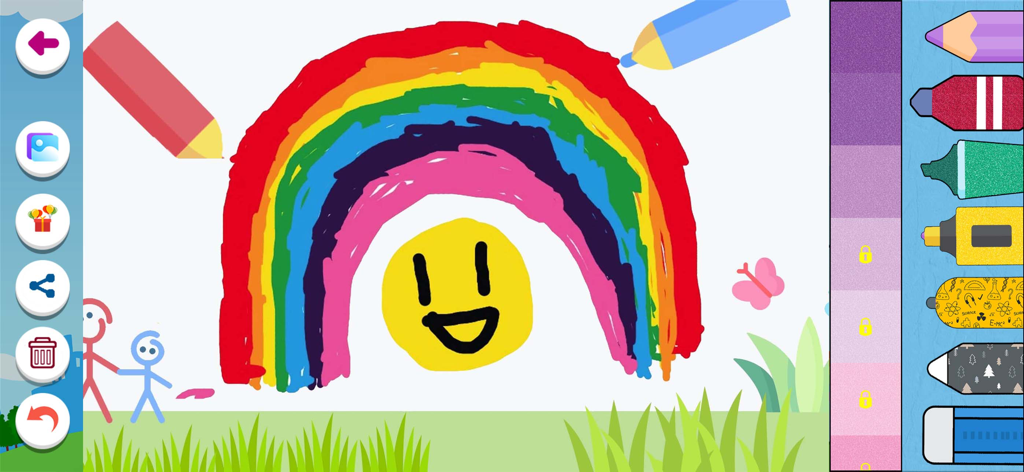
A colorful rainbow and sun drawing in the kids painting app interface
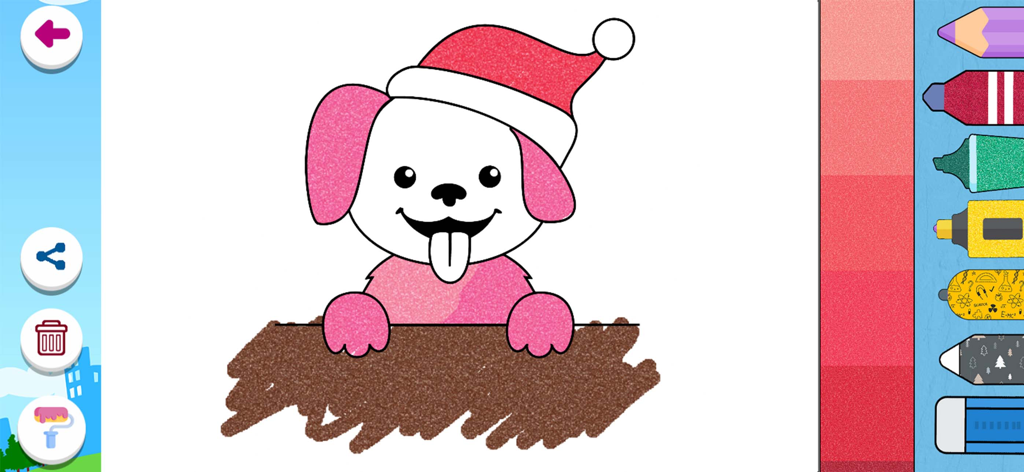
A digital coloring page of a cute cartoon dog wearing a Santa hat with pink glitter effects and various drawing tools on the screen
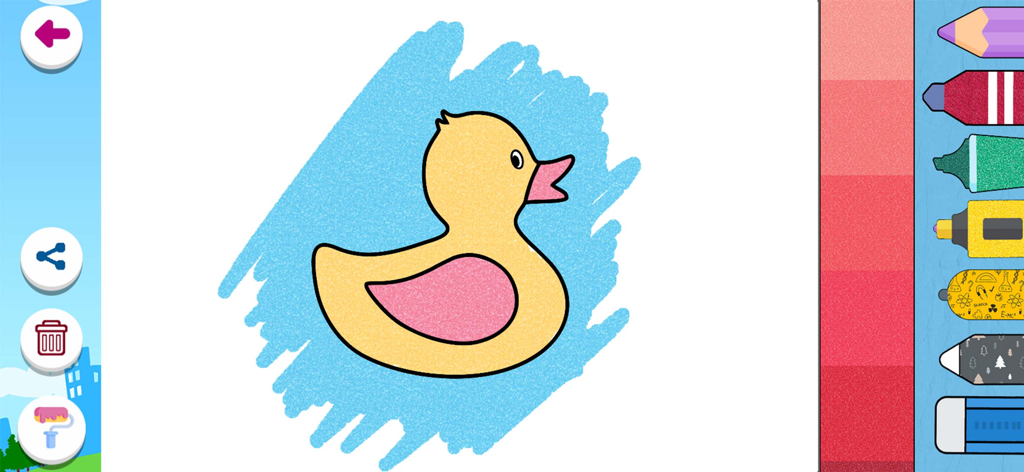
Digital coloring screen in a kids drawing app featuring a yellow duck with various painting tools and color options
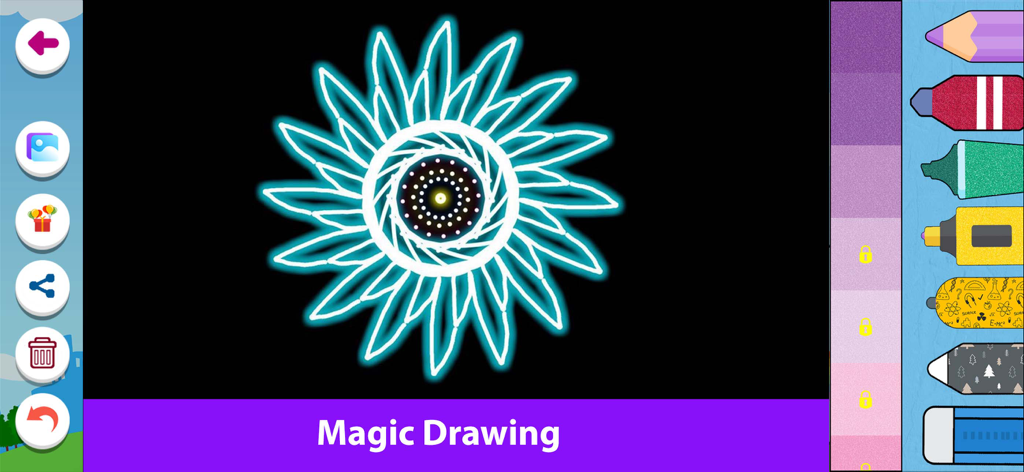
Magic drawing interface featuring a glowing neon flower on a black background with creative coloring tools
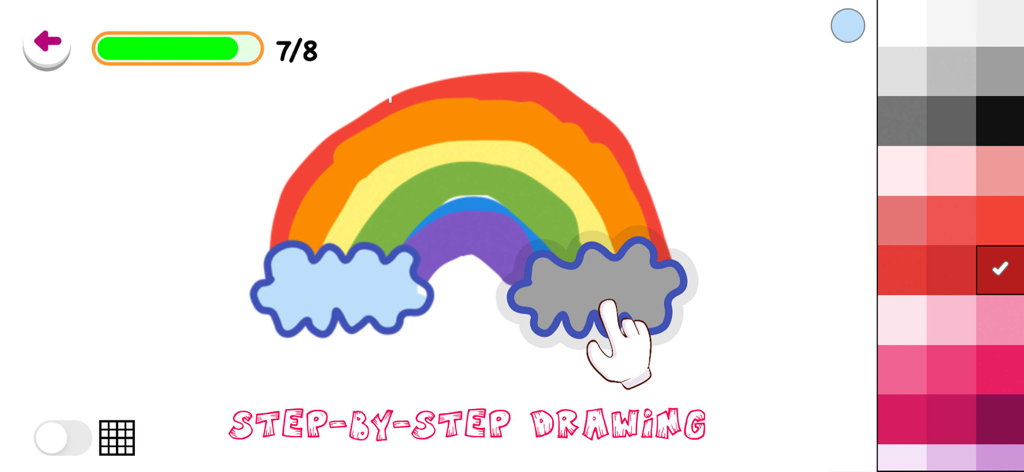
A step-by-step drawing tutorial for kids featuring a colorful rainbow and clouds
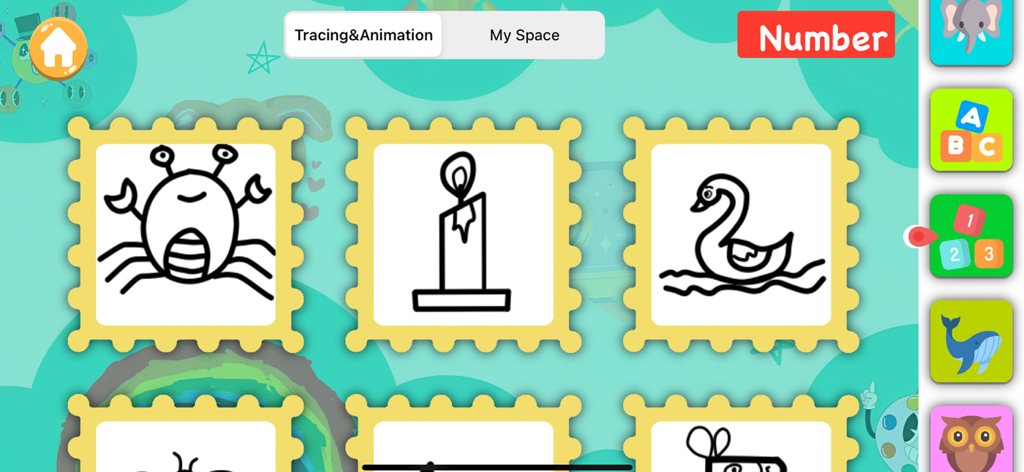
Tracing and animation menu in the kids drawing app with simple object sketches
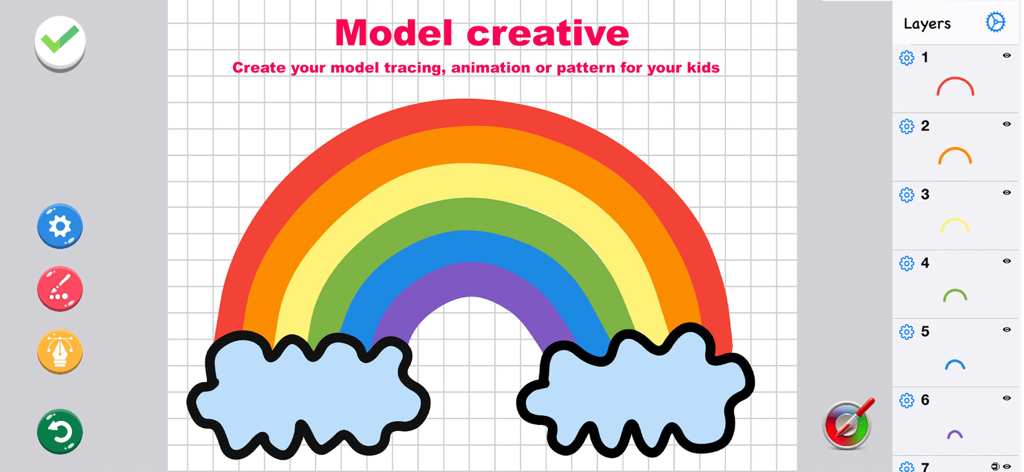
Interface of the kids drawing app showing a rainbow and clouds drawing being created in the model creative mode for tracing lessons.
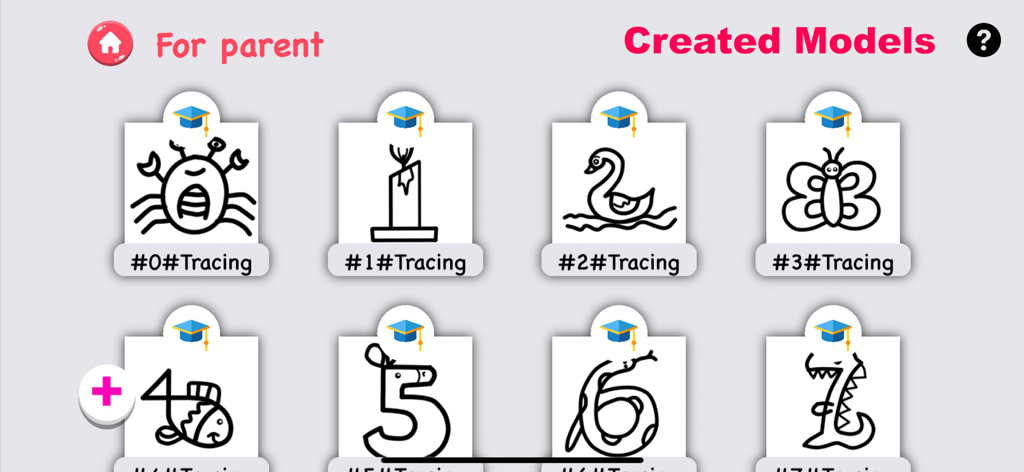
A parent dashboard showing custom created tracing lessons including animals and stylized numbers
Description
Download
More Like This
Apps with similar features and user experience
Project Aqua: Adobe for Kids
Adobe Labs, Inc.

The Magical Mix-Up AR
King Studio, LLC

Plugo by PlayShifu
MOBILIZAR TECHNOLOGIES PRIVATE LIMITED
Animopus: kids drawing 2+
Animopus Inc.

My Very Hungry Caterpillar AR
StoryToys Limited

Discover Dairy
Center for Dairy Excellence
Elf Studio
North Pole Command Centre Limited
Orboot Earth AR by PlayShifu
MOBILIZAR TECHNOLOGIES PRIVATE LIMITED
Math Ninja AR
Fantamstick, Ltd.
This page is not an official page of the app or its developer, but an independent editorial publication created for informational and commentary purposes. Unless expressly stated otherwise, neither the app nor its developer is affiliated with, endorsed by, sponsored by, authorized by, or otherwise officially connected with MWM, Apple, Google Play, the app publisher, or the app's developer, and nothing on this page implies that the app was developed using MWM's services. Any trademarks, logos, screenshots, and other content remain the property of their respective owners.