
This page is not an official page of the app or its developer, but an independent editorial publication created for informational and commentary purposes. Unless expressly stated otherwise, neither the app nor its developer is affiliated with, endorsed by, sponsored by, authorized by, or otherwise officially connected with MWM, Apple, Google Play, the app publisher, or the app's developer, and nothing on this page implies that the app was developed using MWM's services. Any trademarks, logos, screenshots, and other content remain the property of their respective owners.


快記:倉頡速成拼音輸入碼 / 課程 / 中英字典
專為專業人士與海外華人打造。內建三萬字庫、互動教學及離線字典,全面支援 iPhone、Mac 及 Apple Watch,讓您在任何裝置上都能精準輸入、提升效率。
Downloads
163K+User Rating
Total Ratings
3K+Publisher
Category
ReferenceLocales
9Latest Version
2.26.3Size
68.7 MBFirst Released
Oct 12, 2017Unlock Your Professional Typing Potential
A comprehensive toolkit designed to help the Traditional Chinese diaspora master input methods, improve productivity, and maintain cultural roots across all devices.
Accelerated Mastery Course
Go from Pinyin to Cangjie expert with structured lessons and typing challenges designed for maximum efficiency and speed.
Seamless Apple Ecosystem
Look up codes instantly on your Apple Watch or Mac while you work, with all your bookmarks synced perfectly via iCloud.
The following screenshots and description are sourced directly from the app's official store listing and are the property of the app developer.
App Store
Screenshots
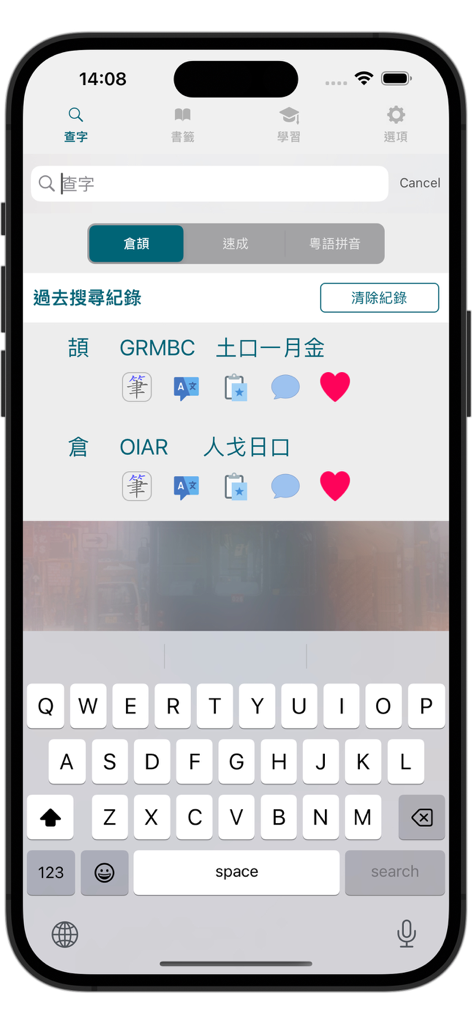
iPhone screenshot of the Quick Memo app showing Cangjie and Quick input code lookup results.
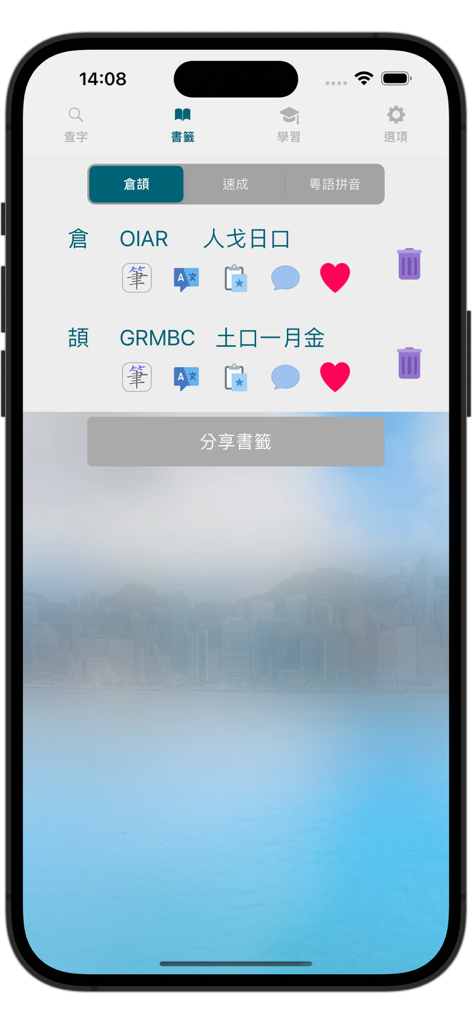
Screenshot of the bookmarks page in the Quick Memo app showing Cangjie input codes for Chinese characters
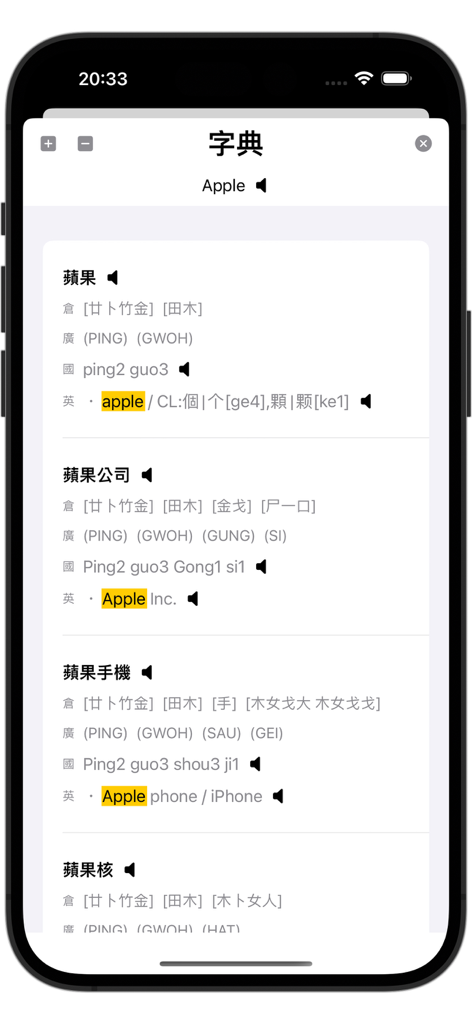
Screenshot of the Quick Memo app dictionary interface showing Chinese character input codes and English translations for the word Apple
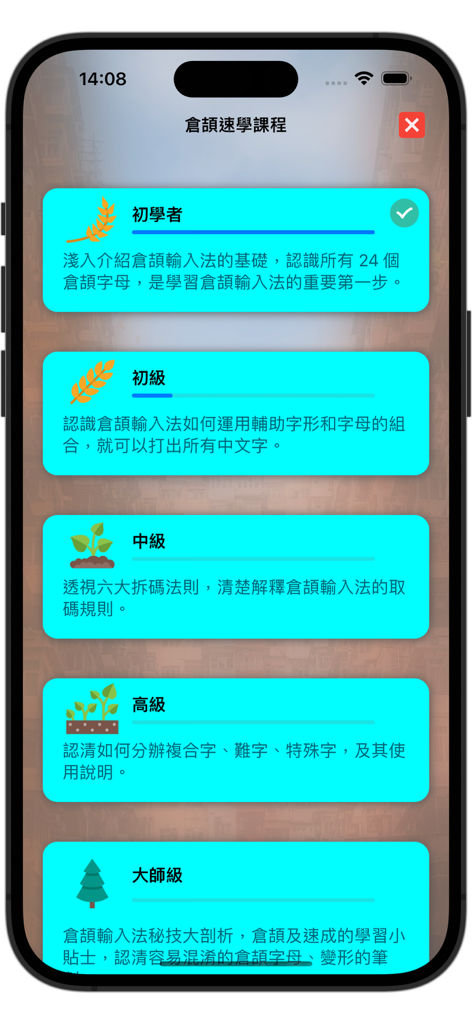
A mobile screen showing five levels of a Cangjie input method fast learning course from beginner to master level.
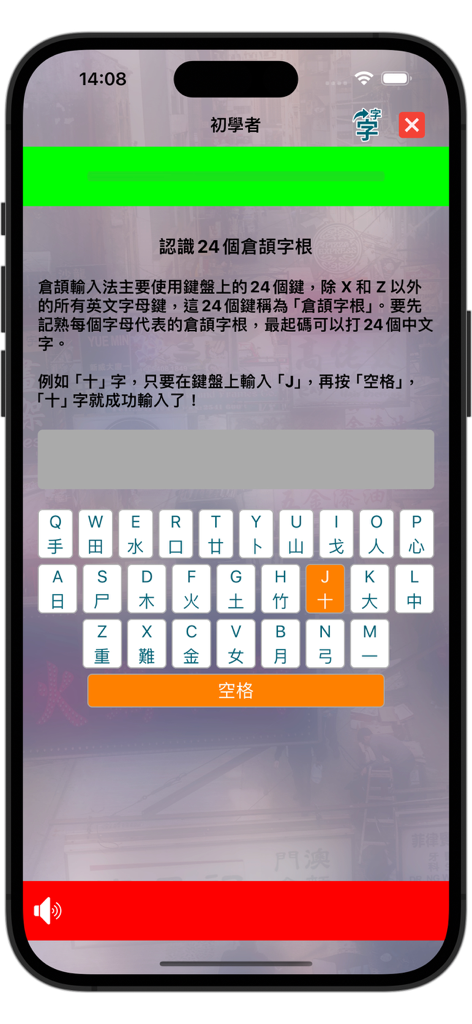
Cangjie input method beginner course showing 24 radicals on a mobile keyboard
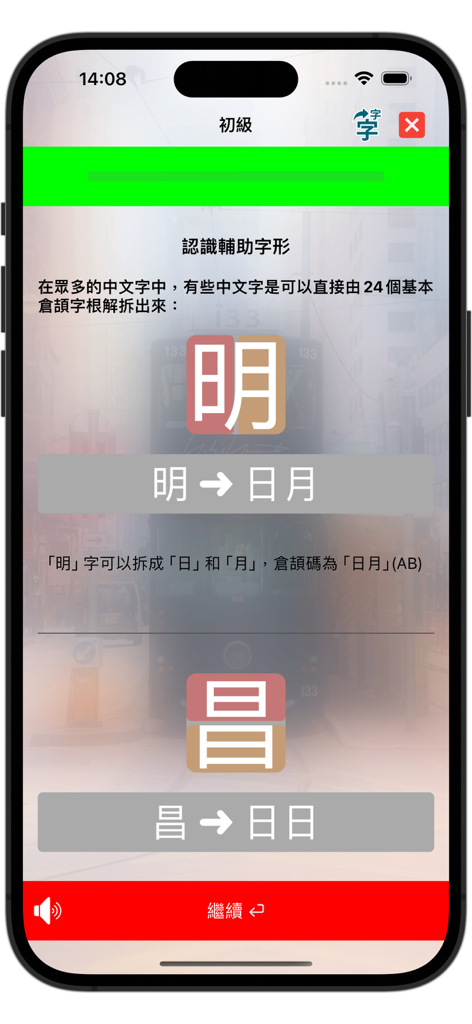
Mobile app tutorial screen showing the decomposition of Chinese characters for learning the Cangjie input method.
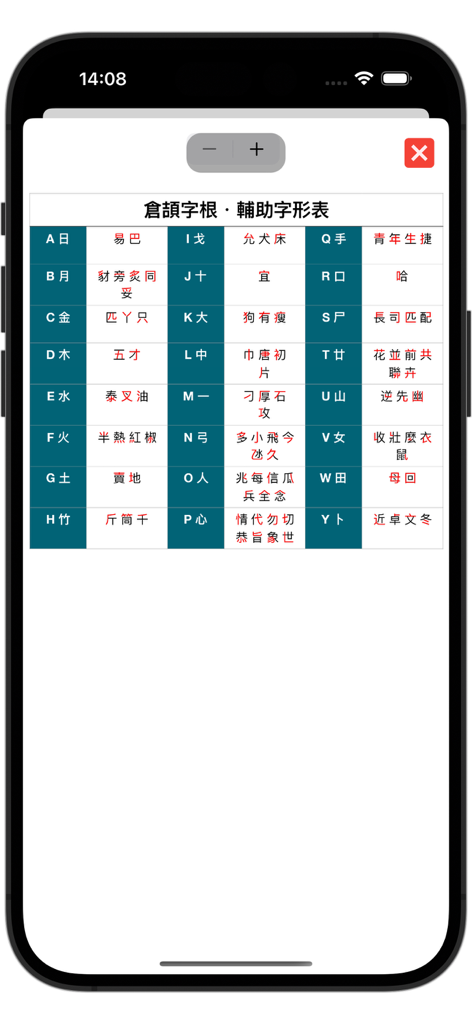
A reference table showing Cangjie input method radicals and auxiliary shapes mapped to letters.
Description
Download
More Like This
Top-ranked apps in the same category

Google Translate
Google LLC

火箭沙盒
P2E CO., LTD.

Bible
Life.Church

Bible Chat: Daily Devotional
BookVitals APP SRL

Youdao Dictionary
Beijing NetEase Youdao Computer System Co.,Ltd

Translate Now - AI Translator
AIR APPS SYSTEMS, UNIPESSOAL, LDA

Naver Papago - AI Translator
NAVER Corp.

ΗiΤV - Endless Movies & Shows
学 张

Live Translator - AI Translate
DigitalSail (HK) Limited
This page is not an official page of the app or its developer, but an independent editorial publication created for informational and commentary purposes. Unless expressly stated otherwise, neither the app nor its developer is affiliated with, endorsed by, sponsored by, authorized by, or otherwise officially connected with MWM, Apple, Google Play, the app publisher, or the app's developer, and nothing on this page implies that the app was developed using MWM's services. Any trademarks, logos, screenshots, and other content remain the property of their respective owners.