
This page is not an official page of the app or its developer, but an independent editorial publication created for informational and commentary purposes. Unless expressly stated otherwise, neither the app nor its developer is affiliated with, endorsed by, sponsored by, authorized by, or otherwise officially connected with MWM, Apple, Google Play, the app publisher, or the app's developer, and nothing on this page implies that the app was developed using MWM's services. Any trademarks, logos, screenshots, and other content remain the property of their respective owners.


L192 Delivery and Business
Track inventory, monitor sales summaries, and manage every order in real-time. The professional toolkit built for entrepreneurs who run their business from their pocket.
Downloads
39K+User Rating
Total Ratings
0Publisher
Category
BusinessLocales
1Latest Version
2.8.6Size
47.2 MBFirst Released
Mar 28, 2019Power Your Business From Your Pocket
The all-in-one command center for modern entrepreneurs to track sales, manage inventory, and maximize profits on the go.
Real-Time Profit Tracking
Monitor your balance and see exactly how much you earn on every single item sold with transparent, real-time financial dashboards.
Smart Inventory Control
Avoid stockouts and manage your supply chain efficiently with visual inventory summaries designed for busy sellers.
The following screenshots and description are sourced directly from the app's official store listing and are the property of the app developer.
App Store
Screenshots
L192 Delivery and Business app splash screen with red background and white text
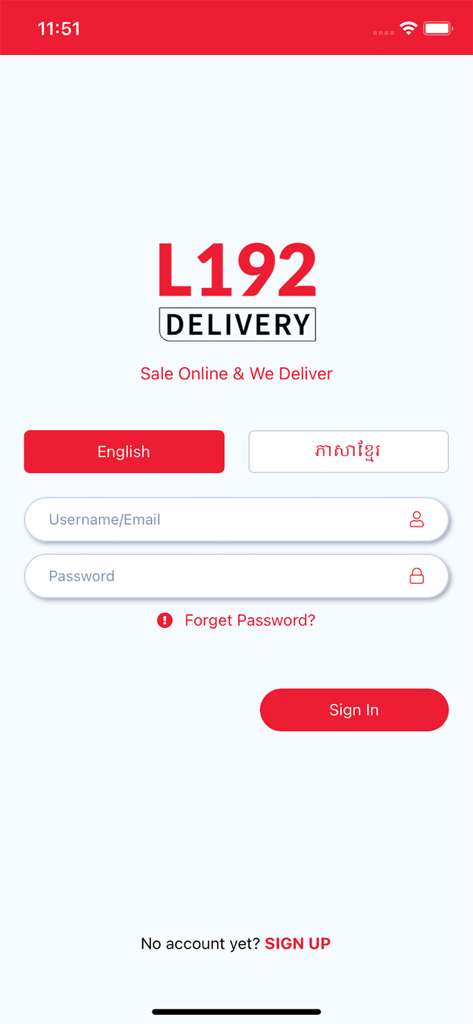
Login screen for the L192 Delivery and Business app with language selection and sign in fields
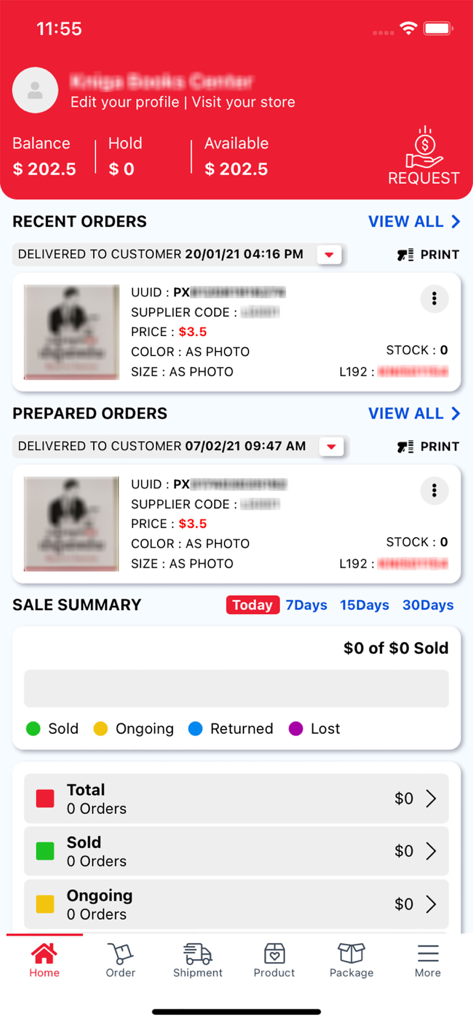
Dashboard of L192 Delivery and Business app showing balance recent orders and sales summary
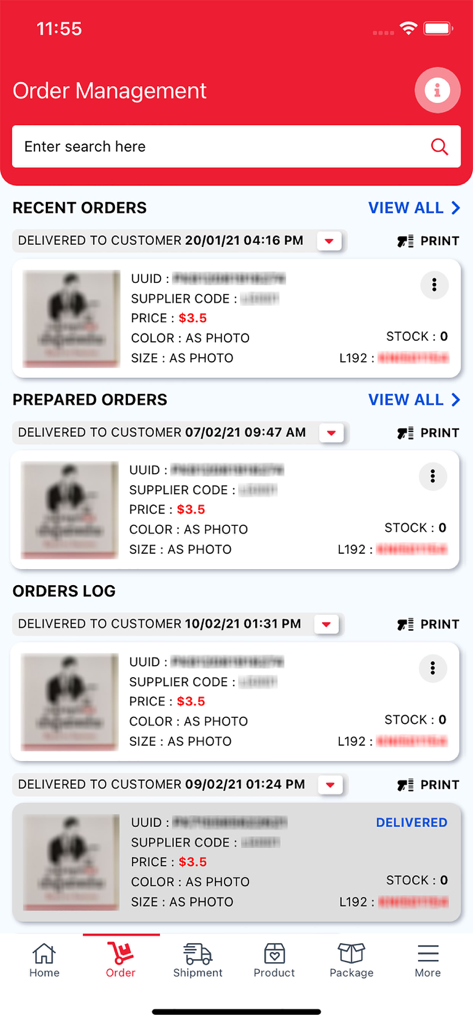
Order Management interface of the L192 Delivery and Business app displaying recent and prepared customer orders with product details
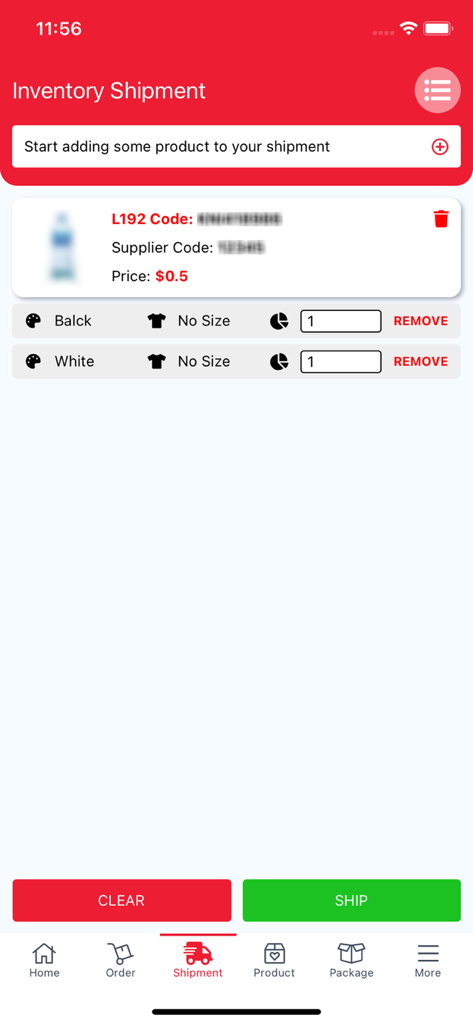
Inventory shipment screen showing product selection quantity adjustment and shipping options
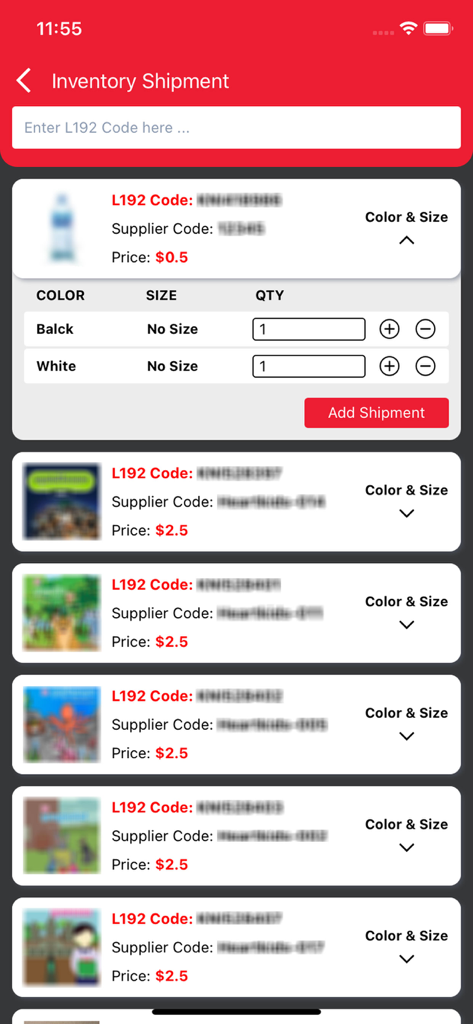
Screenshot of the Inventory Shipment screen in the L192 app showing product listings with codes, prices, and options to add quantities for shipping.
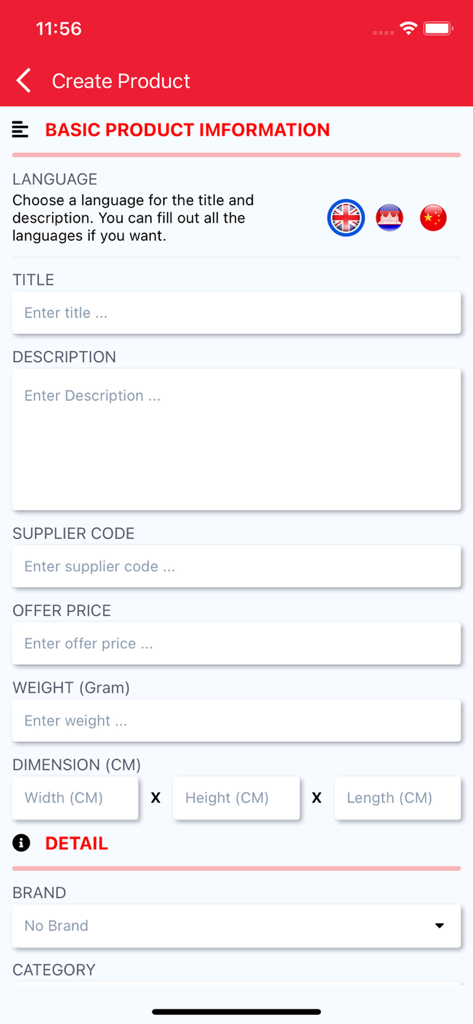
Interface of the L192 app showing the Create Product form with fields for title description price and weight
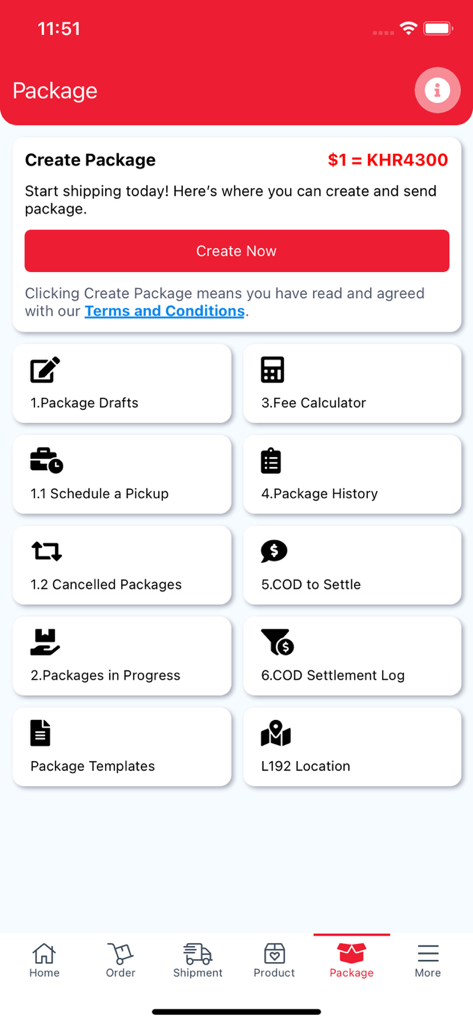
Package management dashboard of the L192 app showing options for creating packages and calculating fees
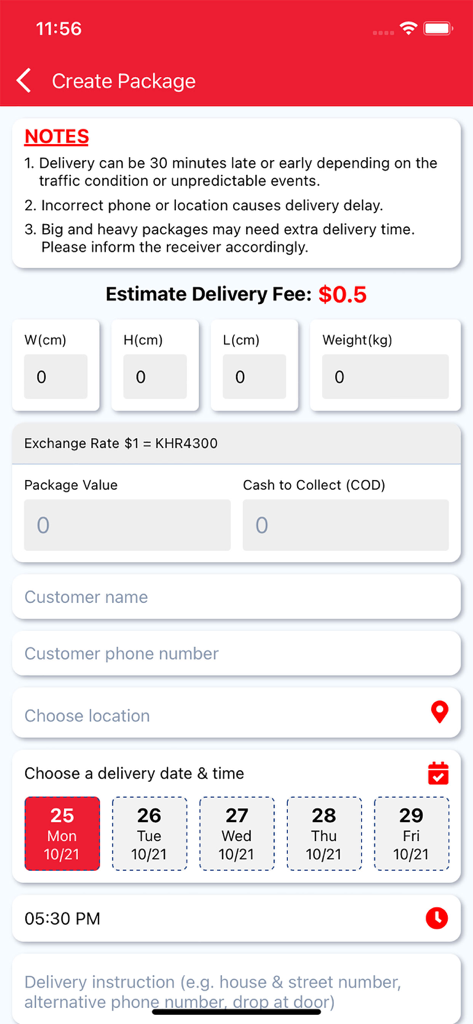
L192 app interface for creating a new package including delivery fee calculation weight dimensions and customer information
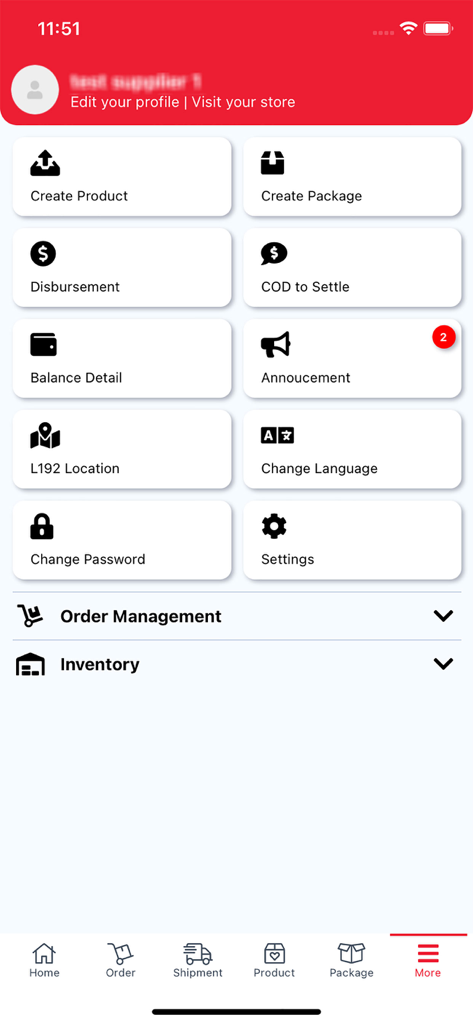
L192 Delivery and Business app dashboard showing various management tools like Create Product and Balance Detail
Description
Download
More Like This
Top-ranked apps in the same category

Microsoft Teams
Microsoft Corporation

Zoom Workplace
Zoom Communications, Inc.

WhatsApp Business
WhatsApp Inc.

Indeed Job Search
Indeed Inc.

LinkedIn: Network & Job Finder
LinkedIn Corporation

Adobe Acrobat Reader: Sign PDF
Adobe Inc.

WeCom-Work Communication&Tools
Tencent Technology (Shenzhen) Company Limited

BOSS直聘-招聘求职找工作神器
Beijing China Product Bo Farce Network Technology Co., Ltd.

DingDing - Redefine Work in AI
DingTalk Technology Co., Ltd.
This page is not an official page of the app or its developer, but an independent editorial publication created for informational and commentary purposes. Unless expressly stated otherwise, neither the app nor its developer is affiliated with, endorsed by, sponsored by, authorized by, or otherwise officially connected with MWM, Apple, Google Play, the app publisher, or the app's developer, and nothing on this page implies that the app was developed using MWM's services. Any trademarks, logos, screenshots, and other content remain the property of their respective owners.