
This page is not an official page of the app or its developer, but an independent editorial publication created for informational and commentary purposes. Unless expressly stated otherwise, neither the app nor its developer is affiliated with, endorsed by, sponsored by, authorized by, or otherwise officially connected with MWM, Apple, Google Play, the app publisher, or the app's developer, and nothing on this page implies that the app was developed using MWM's services. Any trademarks, logos, screenshots, and other content remain the property of their respective owners.


Lab to Dent
Boost productivity and gain full control with real-time barcode tracking, integrated accounting, and seamless cloud-based management for technicians and dentists.
Downloads
200User Rating
Total Ratings
0Publisher
Category
Health & FitnessLocales
1Latest Version
2.0.2Size
112.9 MBFirst Released
Jun 10, 2024Streamline Your Dental Lab Workflow
Stop managing your lab with paperwork and manual logs. Lab to Dent brings professional automation to your fingertips, helping you scale production and delight dental clinics.
Precision Barcode Tracking
Eliminate human error and 'lost' cases with instant barcode scanning that tracks every prosthetic through every stage of production.
Seamless Clinic Communication
Reduce time-consuming status calls by giving dentists a dedicated portal to track their orders in real-time from any device.
The following screenshots and description are sourced directly from the app's official store listing and are the property of the app developer.
App Store
Screenshots
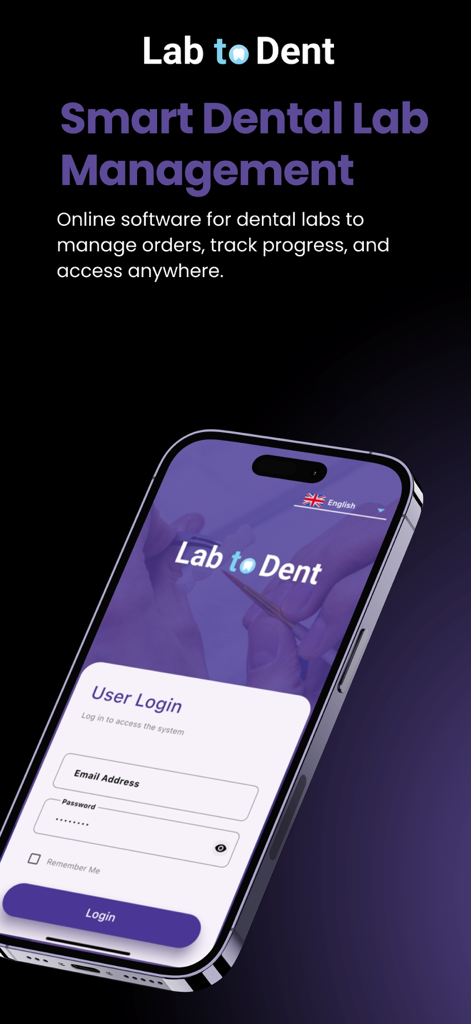
Login screen for Lab to Dent smart dental lab management software on a mobile phone
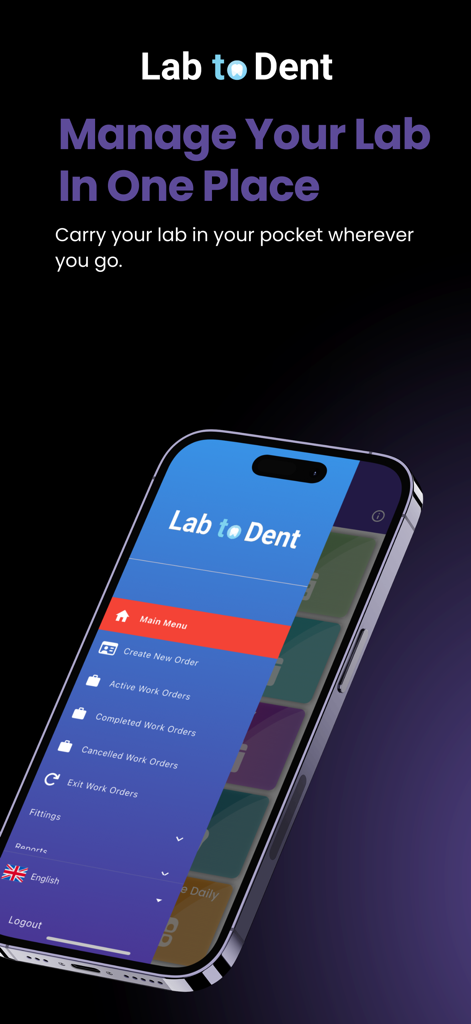
Lab to Dent mobile app main menu showing work order management options for dental laboratories
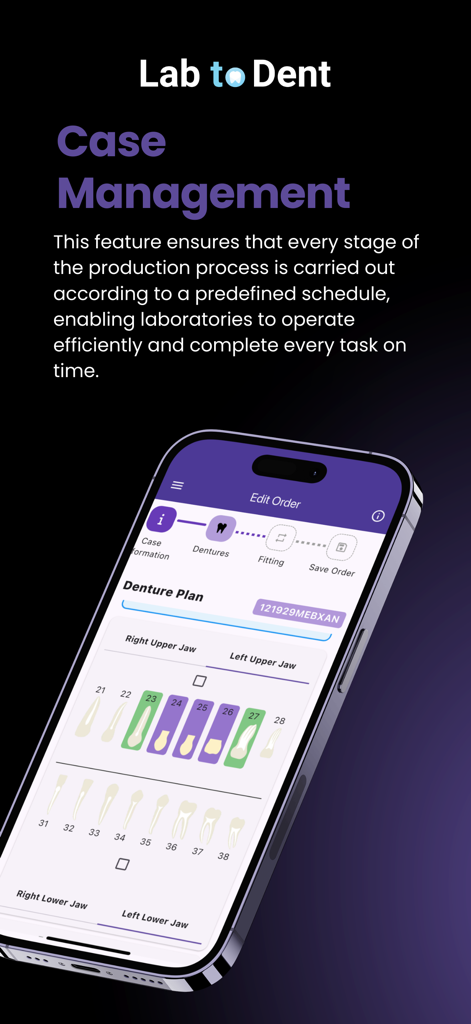
Lab to Dent mobile app interface for dental case management and order tracking
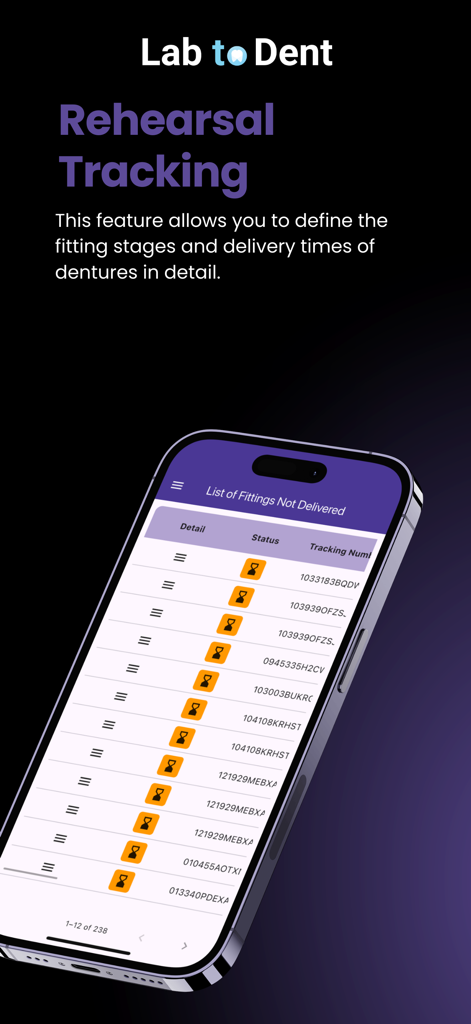
Mobile screen of the Lab to Dent app showing a list of undelivered denture fittings and tracking statuses.
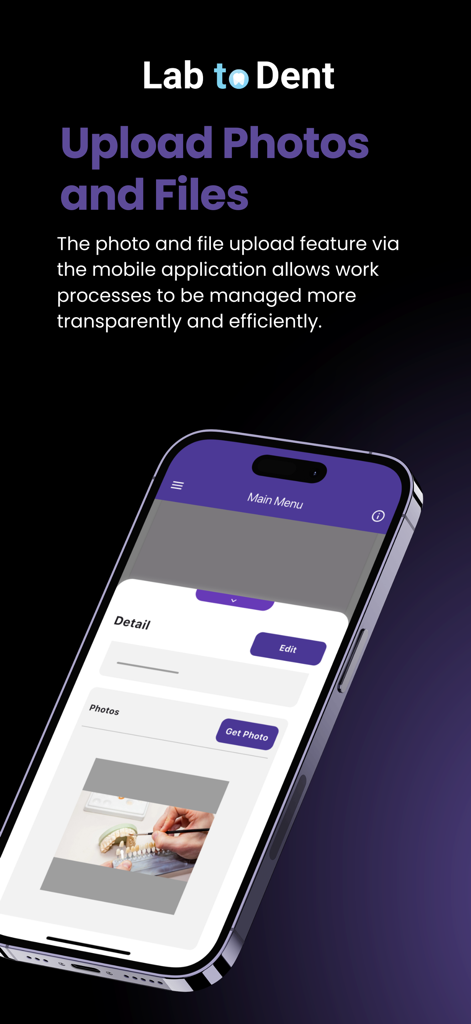
Lab to Dent mobile app screen showing the photo and file upload feature for dental laboratory workflow management.
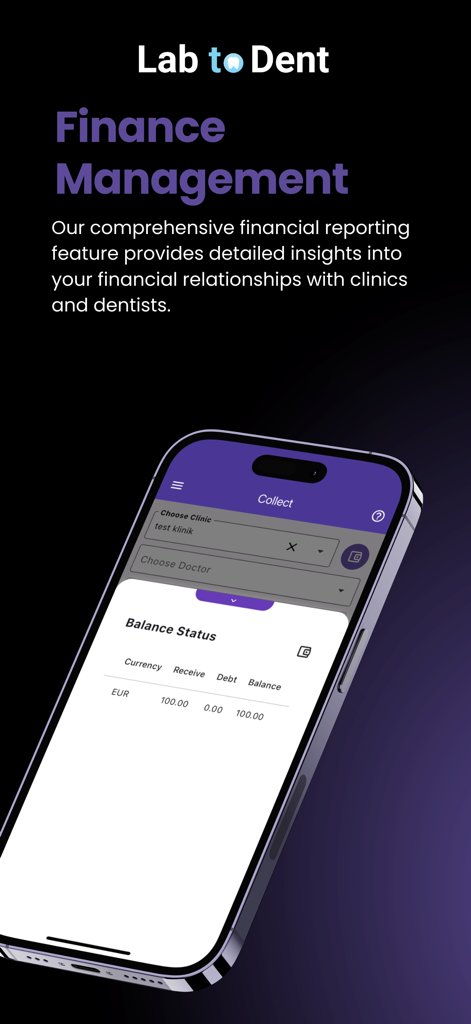
Lab to Dent mobile app interface showing financial management and clinic balance status for dental laboratories
Description
Download
More Like This
Top-ranked apps in the same category

Strava: Run, Bike, Walk
Strava Inc.

Flo Cycle & Period Tracker
FLO HEALTH UK LIMITED

AI Calorie Tracker by Yazio
YAZIO GmbH

Mi Fitness (Xiaomi Wear Lite)
Beijing Xiaomi Co., Ltd

MyFitnessPal: Calorie Counter
MyFitnessPal, Inc.

Cal AI - Calorie Tracker
Viral Development LLC

美柚 - 经期·备孕·怀孕·育儿&亲友版
Xiamen Meet You Co., Ltd.

Yuka - Food & Cosmetic Scanner
Yuca

Period Tracker Period Calendar
ABISHKKING LIMITED.
This page is not an official page of the app or its developer, but an independent editorial publication created for informational and commentary purposes. Unless expressly stated otherwise, neither the app nor its developer is affiliated with, endorsed by, sponsored by, authorized by, or otherwise officially connected with MWM, Apple, Google Play, the app publisher, or the app's developer, and nothing on this page implies that the app was developed using MWM's services. Any trademarks, logos, screenshots, and other content remain the property of their respective owners.