Lama fiXing

Lama fiXing

Download on App Store
Logo of Lama fiXing

Lama fiXing: The Smart AI Eraser for Flawless Photos

From photobombers and power lines to skin blemishes and wrinkles—simply draw to make them vanish. Get the perfect, clutter-free shot for your feed in seconds with effortless AI magic.

Download on App Store

Publisher

Sebastien BUET

Category

Photo & Video

Downloads

0

User Rating

1.0/5

Total Ratings

0

Locales

2

Flawless in Seconds

Discover the interface used by 0 users.
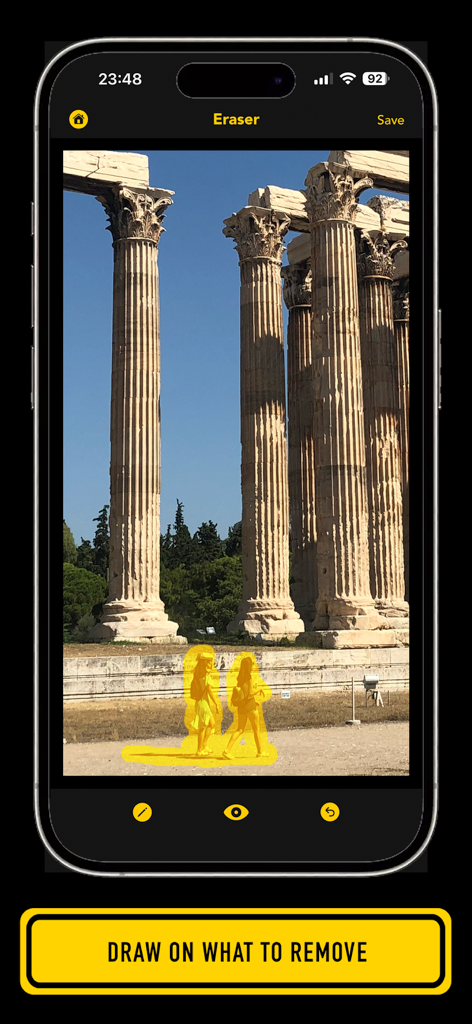
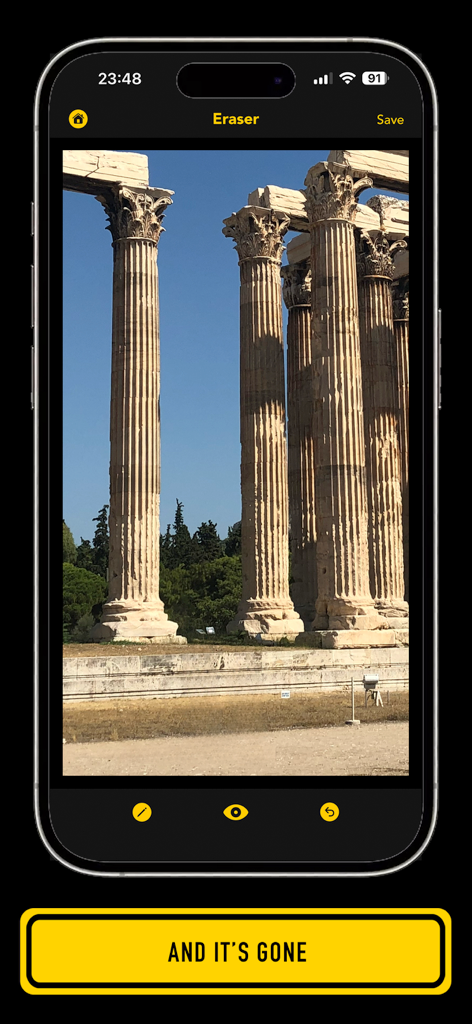
Lama fiXing app interface showing a user highlighting people to remove from a photo of historical columns.

Lama fiXing app interface showing a user highlighting people to remove from a photo of historical columns.

Screenshot of Lama fiXing app showing the eraser tool applied to a photo of columns

Screenshot of Lama fiXing app showing the eraser tool applied to a photo of columns

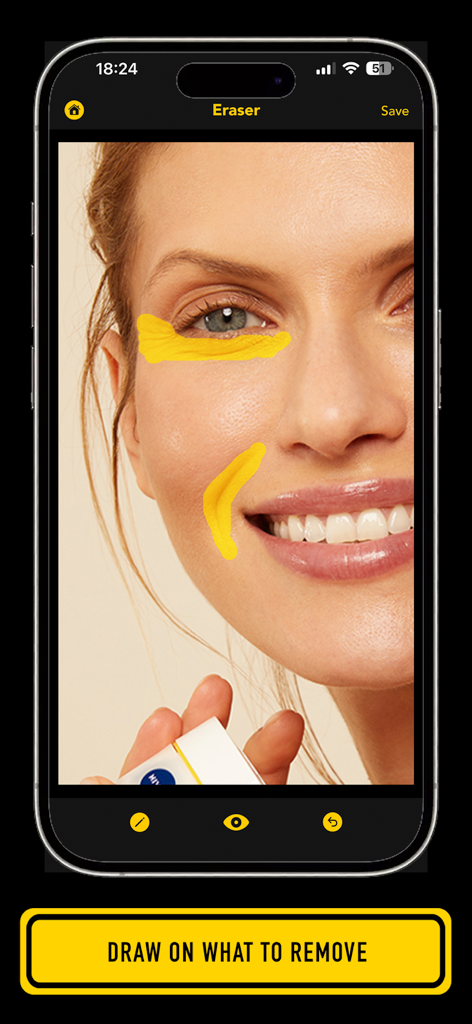
Lama fiXing app interface showing brush strokes used to remove skin imperfections on a portrait

Lama fiXing app interface showing brush strokes used to remove skin imperfections on a portrait

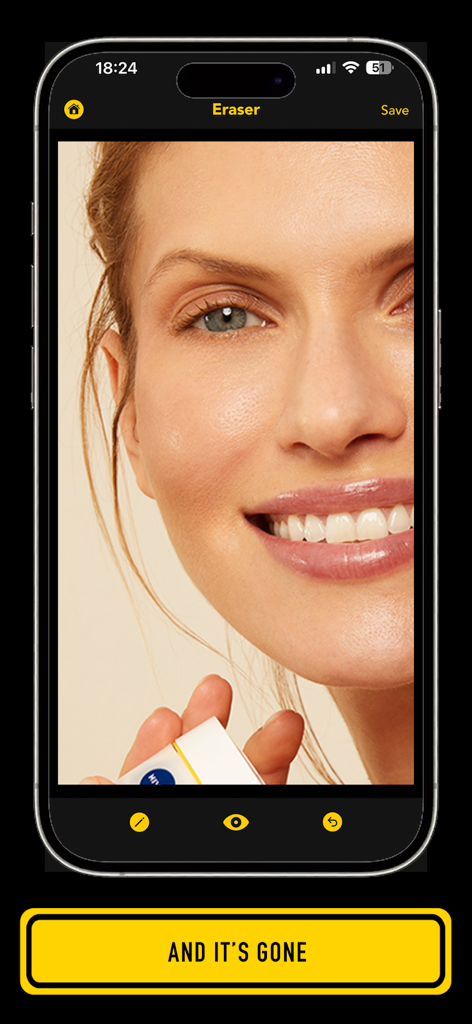
Interface of Lama fiXing app showing the removal of skin imperfections on a portrait photo

Interface of Lama fiXing app showing the removal of skin imperfections on a portrait photo

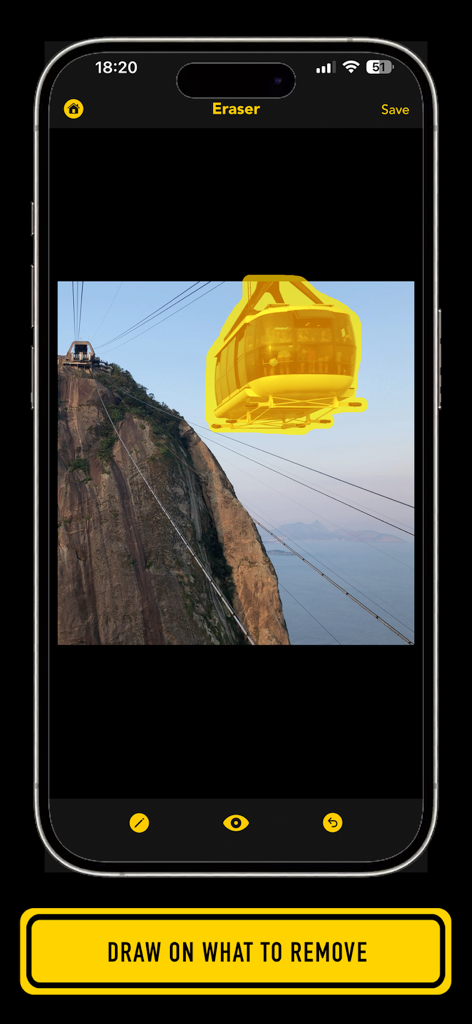
Lama fiXing app interface showing a cable car being highlighted with a yellow brush for removal from a landscape photo

Lama fiXing app interface showing a cable car being highlighted with a yellow brush for removal from a landscape photo

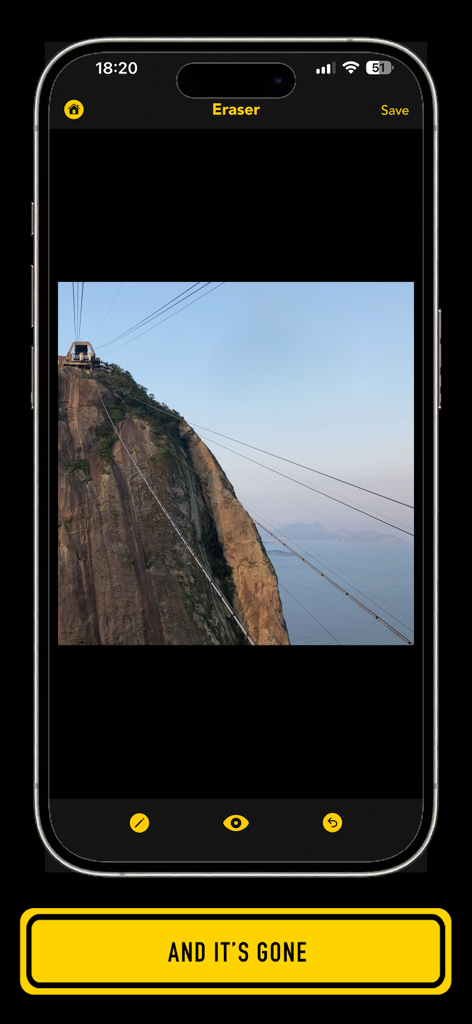
Lama fiXing app interface showing a mountain landscape with the AI object removal tool and a banner saying and it is gone

Lama fiXing app interface showing a mountain landscape with the AI object removal tool and a banner saying and it is gone

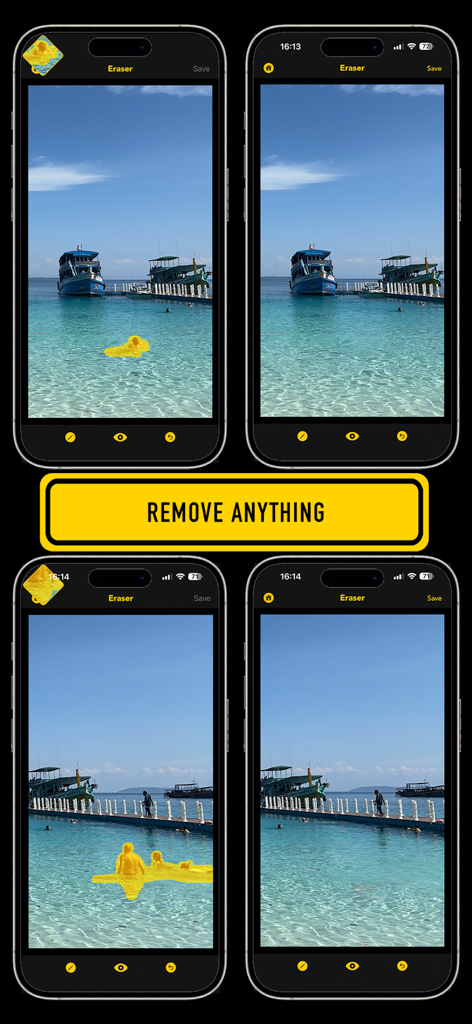
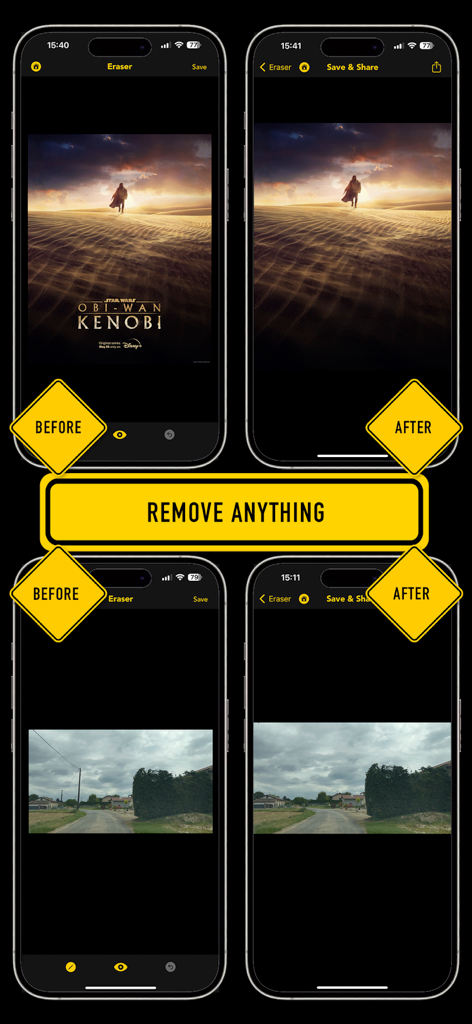
Before and after screenshots of Lama fiXing app showing the removal of people from vacation photos

Before and after screenshots of Lama fiXing app showing the removal of people from vacation photos

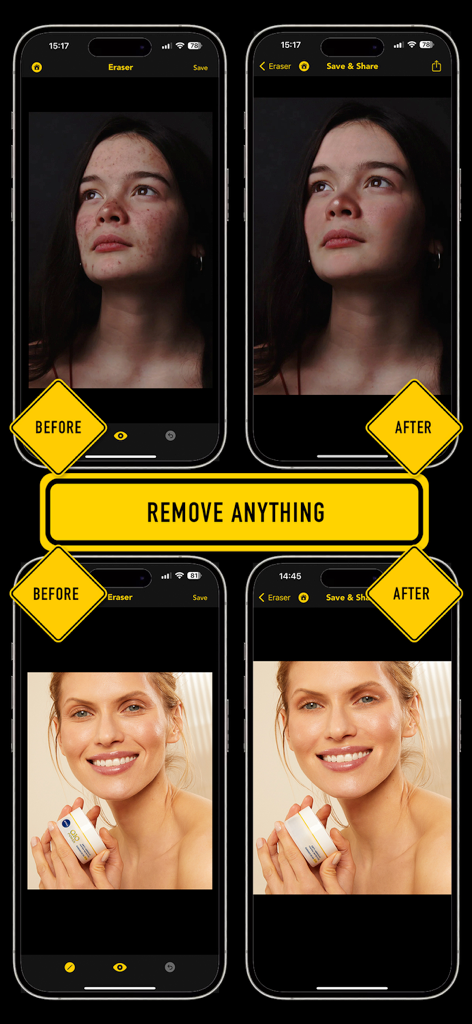
Side by side before and after comparison showing portrait skin retouching and object removal with the Lama fiXing app.

Side by side before and after comparison showing portrait skin retouching and object removal with the Lama fiXing app.

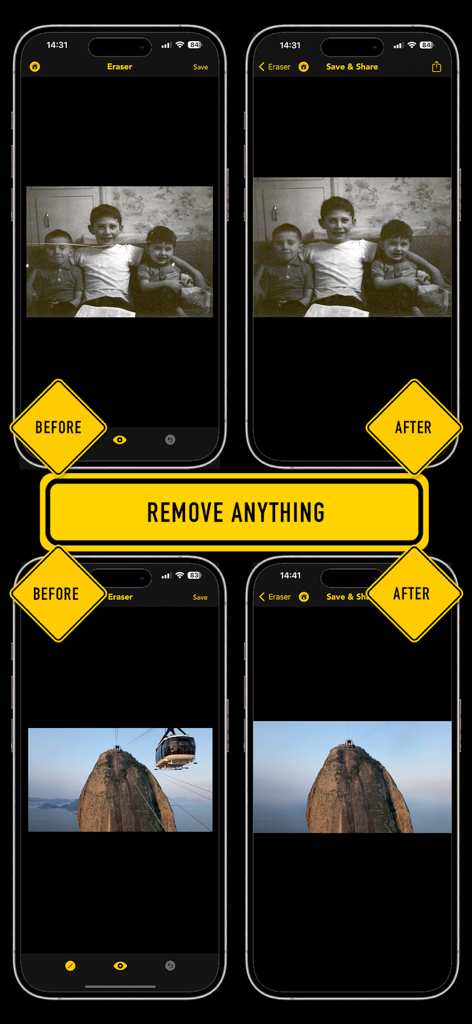
Before and after comparison screenshots showing the app removing a scratch from an old photo and a cable car from a landscape.

Before and after comparison screenshots showing the app removing a scratch from an old photo and a cable car from a landscape.

Comparison screenshots of the Lama fiXing app demonstrating text and power line removal from photos

Comparison screenshots of the Lama fiXing app demonstrating text and power line removal from photos

Magical Editing, Zero Effort

The tools that make this app stand out, trusted by 0 users.

🪄

Instant Object Removal

Just draw over people, cables, or cars and watch them vanish into a perfectly filled background.

✨

Flawless Portrait Retouching

Quickly erase spots, wrinkles, or scars to look your best without the heavy filters.

🖼️

Restore & Refine Memories

Bring old photos back to life by removing scratches, stains, and unwanted text in seconds.

About the app

Everything you need to know about Lama fiXing.

Description

Remove anything from your photos by simply drawing on it; the Lama is pretty smart and can remove anything! - You want to remove people from your photos? - You want to remove cables and pillars from your landscapes? - You want to improve and fix your old photos and remove creases, scratches or stains? - You want to look better and remove pimples or spots? - You want to look younger and remove wrinkles? - You want to hide scars or tattoos? - You want to remove watermark or texts? Just draw on them and the lama will remove it all! Lama fiXing is very simple to use: - Pick a photo in your camera roll - Pinch or double tap the photo to zoom in/out - Draw on an element you want to remove - Wait a few seconds for the lama to take care of it - Repeat the operation for the other elements you want to remove - Adjust the pen size to draw more accurately on what to remove - Compare your editing with the original photo by tapping the 'eye' button - Tap the undo button to continue your last drawing (in case you missed some parts), to undo the last edit, or to restart editing the photo - Save your editing when you are done and/or share them It's that simple! If you have any issue, question or suggestion, just drop us an email at support@seb-appstore.com

Latest Version

1.1

Size

214.0 MB

First Released

Apr 25, 2024

Ready to Make Your Photos Flawless?

Stop letting distractions ruin your best moments. Join the thousands of creators using AI magic to paint away the clutter and get the perfect shot in seconds.

Download on App Store

App information, icons, screenshots, and descriptions displayed on this page are sourced from the Apple App Store and are the property of their respective developers. Download estimates and rankings are based on MWM's proprietary models and may not reflect actual figures. This page is provided for informational and analytical purposes only.

Believe this page infringes your intellectual property? File a dispute