
This page is not an official page of the app or its developer, but an independent editorial publication created for informational and commentary purposes. Unless expressly stated otherwise, neither the app nor its developer is affiliated with, endorsed by, sponsored by, authorized by, or otherwise officially connected with MWM, Apple, Google Play, the app publisher, or the app's developer, and nothing on this page implies that the app was developed using MWM's services. Any trademarks, logos, screenshots, and other content remain the property of their respective owners.

Left - Widgets for Time Left
Elegant, minimalist widgets for life progress, countdowns, and habits. Transform your Home Screen into a Stoic-inspired dashboard for focus and digital wellness.
Downloads
51K+User Rating
Total Ratings
800Publisher
Category
UtilitiesLocales
1Latest Version
2026.1.5Size
22.3 MBFirst Released
Jan 13, 2025Visualize Your Most Precious Resource
Transform your iPhone into a meaningful dashboard of your life. Whether you're tracking long-term goals or daily habits, Left provides the visual perspective you need to stay intentional.
Master Your Perspective
Embrace Stoic philosophy with 'Life in Weeks' and year-progress visualizations. See your time as a finite resource and focus on what truly matters.
Build Unstoppable Streaks
Maintain consistency with integrated habit tracking and 'time-since' counters. Visualize your progress through elegant dots, stars, and hexagons.
Frequently Asked Questions
Everything you need to know about Left - Widgets for Time Left
What is Left - Widgets for Time Left?
Left transforms how you see time by making it visible through elegant, customizable widgets. It offers countdowns, life progress, time-since counters, and habit/streak tracking for various events and goals.
Does the Left app offer customizable widgets?
Yes, Left offers fully customizable widgets with over 20 styles, including dots, stars, hearts, and hexagons. Users can personalize their widgets to visualize time as desired.
Can I track habits and streaks with the Left app?
Yes, Left provides habit and streak tracking features to help users stay consistent over time. It includes visual progress, consistency streaks, and time-since counters with optional streaks.
What types of countdowns can I create with Left widgets?
Left supports countdowns for various events like birthdays, holidays, vacations, retirement, Christmas, milestones, and custom dates. It also features life progress and memento mori widgets.
Does Left support Home Screen, Lock Screen, and StandBy widgets?
Yes, Left offers widgets for the Home Screen, Lock Screen, and StandBy displays. This allows users to view their time visualizations conveniently across different iOS interfaces.
How does Left track time for personal events?
Left uses countdowns for future events and 'time-since' counters for past events. This includes tracking how long it has been since any specific event, along with optional streaks.
Does the Left app offer notifications?
Yes, Left provides notifications for important moments and elapsed time. This feature ensures users are informed about their critical countdowns or habit tracking milestones.
Is there a privacy policy for Left - Widgets for Time Left?
Yes, the Left app has a privacy policy. It is accessible via the link: https://www.cristianrus.me/apps/left, as stated in the app's description.
Can Left integrate with a calendar for important dates?
Yes, Left allows users to track and sync important dates to their calendar. This integration helps manage and visualize personal events within the app's framework.
Does Left include Pomodoro or interval timers?
Yes, Left features Interval and Pomodoro timer widgets. These tools are designed to help users with focus and productivity by managing work and break intervals.
The following screenshots and description are sourced directly from the app's official store listing and are the property of the app developer.
App Store
Screenshots
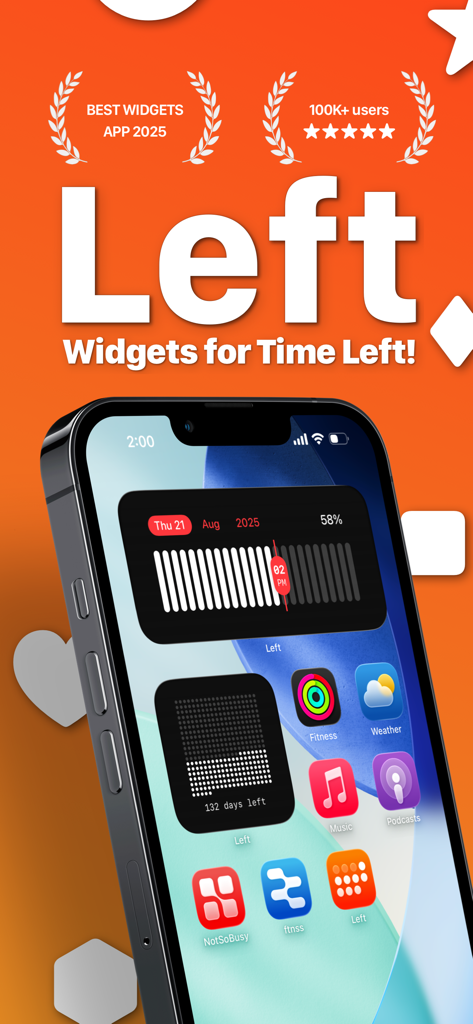
Aesthetic iPhone home screen featuring time tracking and life progress widgets from the Left app.
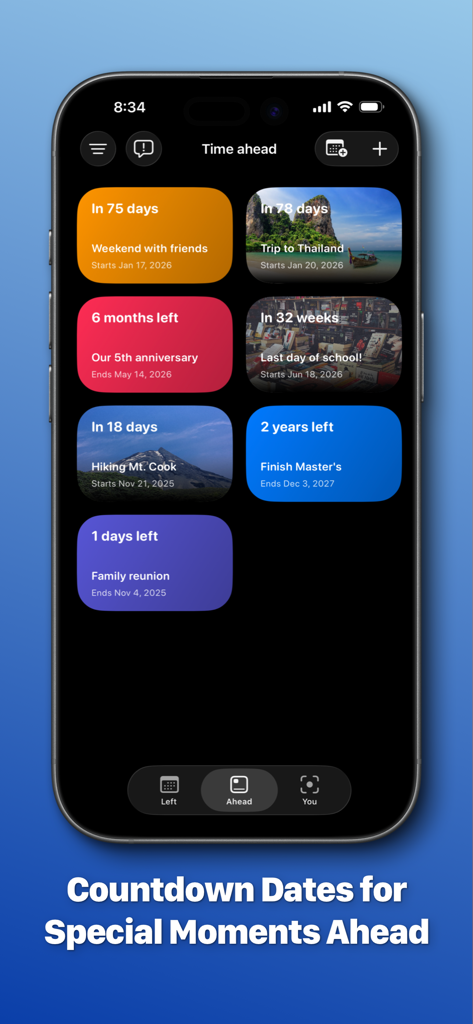
A mobile app interface displaying multiple colorful countdown widgets for upcoming events like trips, anniversaries, and school milestones.
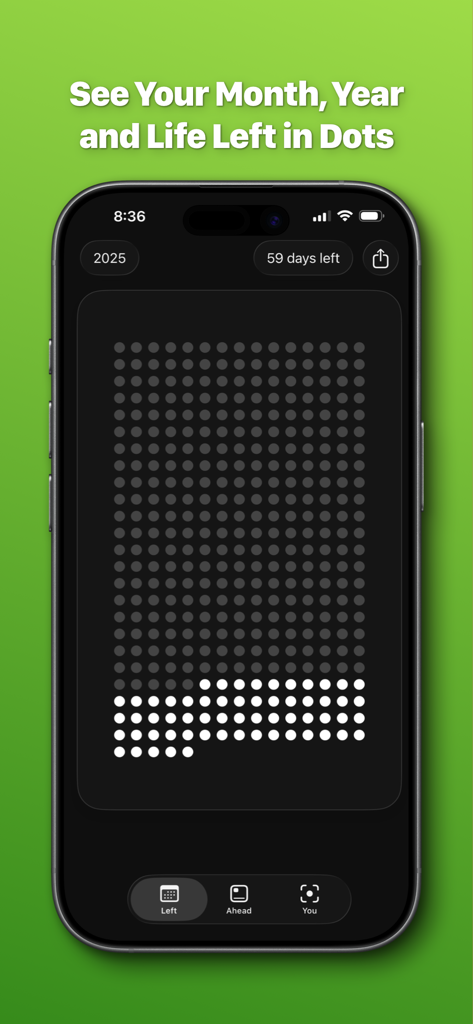
iPhone displaying the Left app visualizing time left in a year using a grid of dots
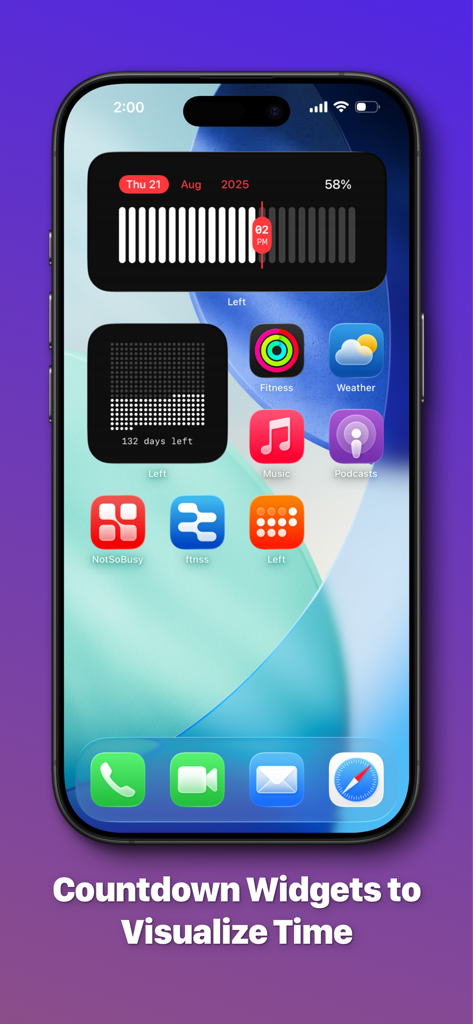
iPhone Home Screen with aesthetic countdown and time progress widgets.
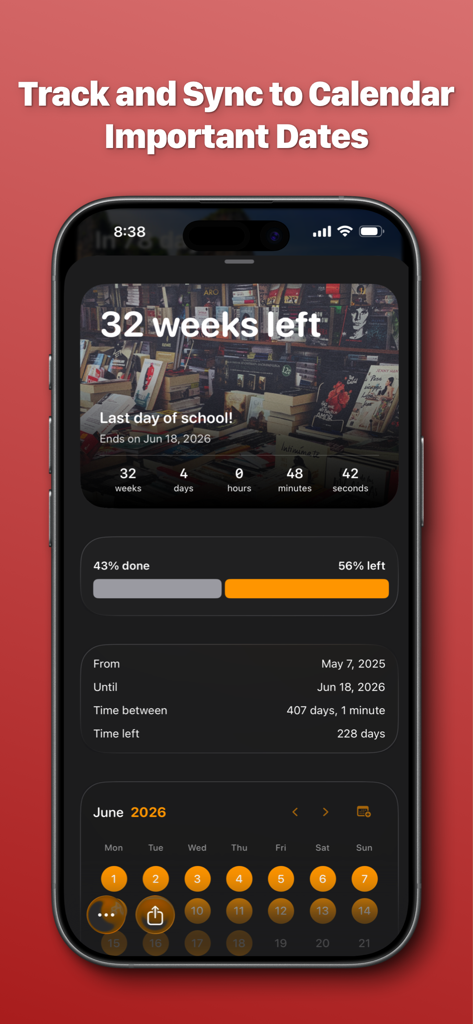
A mobile interface showing a countdown for the last day of school and a synchronized calendar view
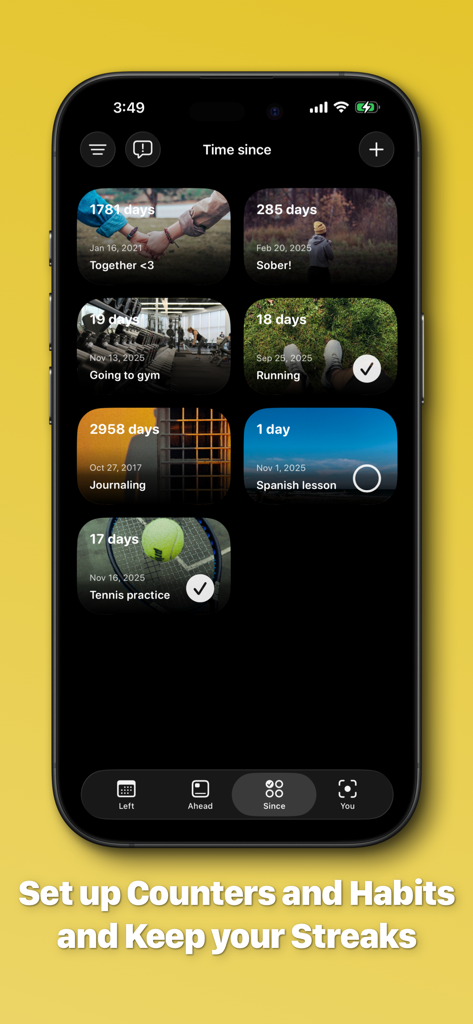
Left app interface showing time-since counters for personal goals and habits.
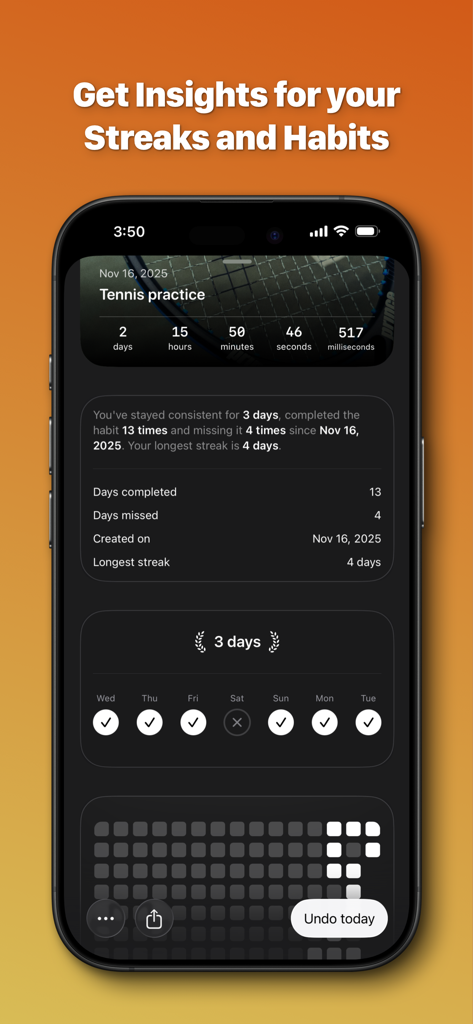
Detailed habit and streak tracking interface showing statistics for tennis practice and daily progress
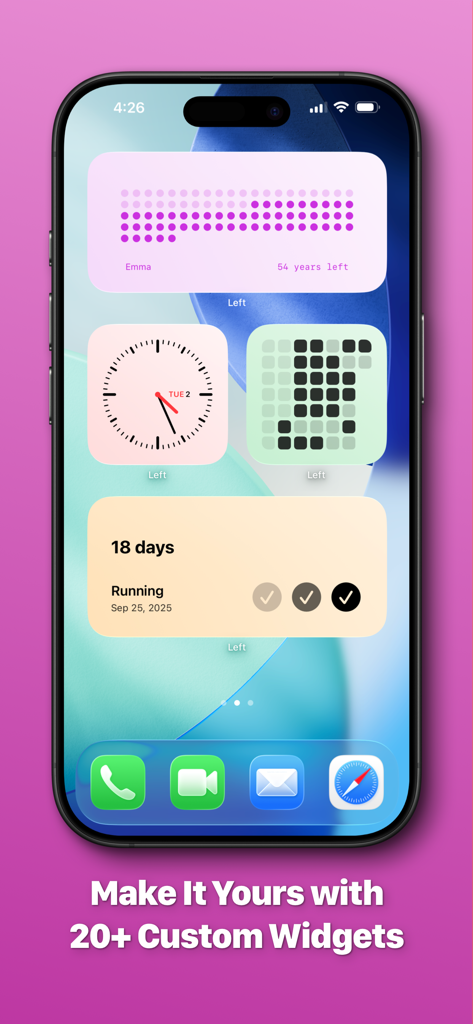
A collection of aesthetic iPhone home screen widgets for tracking life progress and daily habits
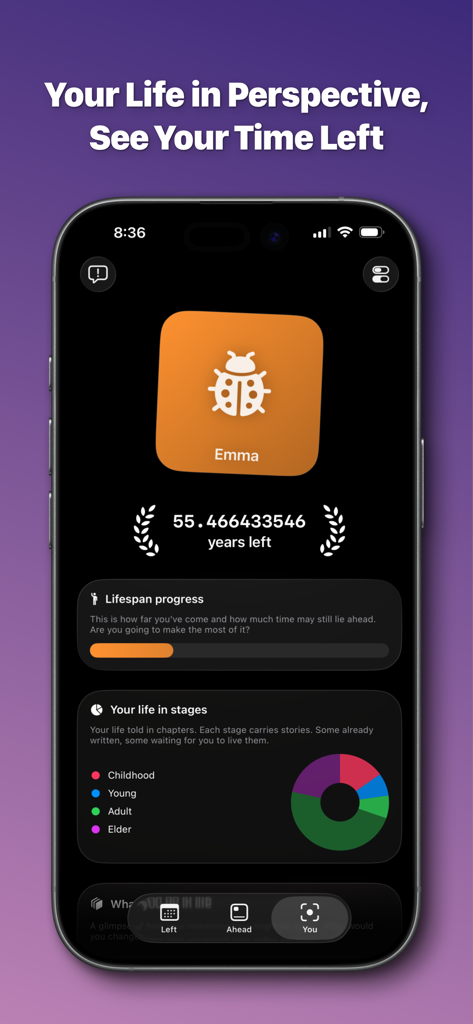
Dashboard of the Left app displaying years left and life stages visualization
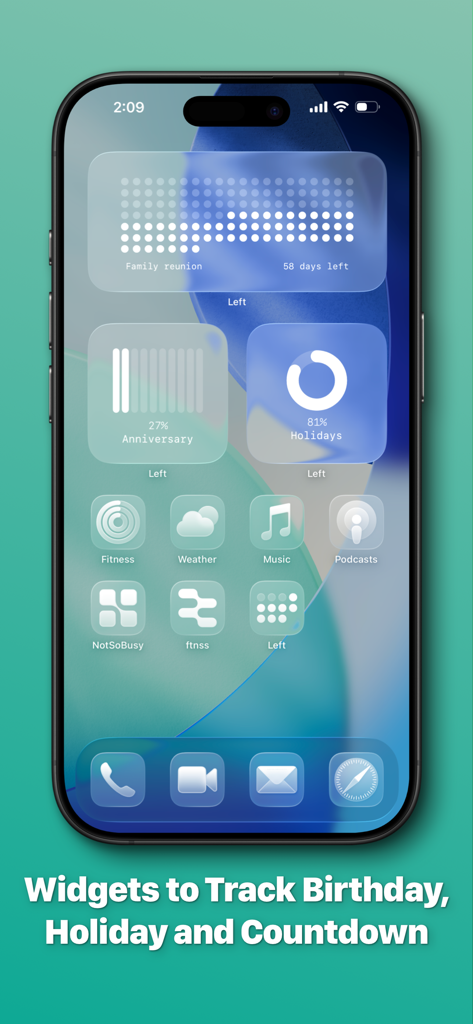
Aesthetic iPhone home screen featuring widgets for event countdowns and progress tracking
Description
Download
More Like This
Apps with similar features and user experience

This page is not an official page of the app or its developer, but an independent editorial publication created for informational and commentary purposes. Unless expressly stated otherwise, neither the app nor its developer is affiliated with, endorsed by, sponsored by, authorized by, or otherwise officially connected with MWM, Apple, Google Play, the app publisher, or the app's developer, and nothing on this page implies that the app was developed using MWM's services. Any trademarks, logos, screenshots, and other content remain the property of their respective owners.