
This page is not an official page of the app or its developer, but an independent editorial publication created for informational and commentary purposes. Unless expressly stated otherwise, neither the app nor its developer is affiliated with, endorsed by, sponsored by, authorized by, or otherwise officially connected with MWM, Apple, Google Play, the app publisher, or the app's developer, and nothing on this page implies that the app was developed using MWM's services. Any trademarks, logos, screenshots, and other content remain the property of their respective owners.


Lens - AI Photo Scanner
This app eradicates ignorance. Users gain instant clarity on everything they see.
Downloads
100k+User Rating
Total Ratings
23Publisher
Category
UtilitiesLocales
1Latest Version
1.2.4Size
62.4 MBFirst Released
Aug 27, 2025An analytical overview of the application's core functionalities and their impact on user experience.
Key Features of Lens - AI Photo Scanner
Smart Object Recognition
The app provides extensive AI-powered recognition across a vast array of categories, including products, plants, animals, foods, and landmarks, enabling users to instantly identify their surroundings.
Advanced Text & Document Scanning
It allows users to extract, translate, and copy text from images and documents, alongside converting receipts and papers into PDFs with ease.
Comprehensive Information Display
This tool features the presentation of detailed results for recognized items, including descriptions, facts, similar images, related products, and translation options.
Integrated Barcode & QR Scanner
The app includes a scanner for barcodes and QR codes, providing instant product details or quick access to web links.
Discovery Favorites
It allows users to save their most interesting and important discoveries for quick and easy access at any time.
Recognition History Tracking
The app provides a detailed history of past searches, enabling users to revisit, re-recognize, share, or manage their previous scans.
Frequently Asked Questions
Everything you need to know about Lens - AI Photo Scanner
What is Lens - AI Photo Scanner?
Lens - AI Photo Scanner is an AI visual assistant that identifies objects, plants, animals, food, and more by pointing your smartphone camera. It provides detailed recognition results.
Can Lens - AI Photo Scanner recognize text?
Yes, Lens - AI Photo Scanner offers Text and Document Scanning (OCR). It can extract, translate, copy, save text, and convert receipts and documents into PDFs.
Does Lens - AI Photo Scanner scan QR codes and barcodes?
Yes, Lens - AI Photo Scanner includes a Barcode and QR Scanner. Users can get product details or instantly open links by scanning codes.
What types of objects can Lens - AI Photo Scanner identify?
Lens - AI Photo Scanner identifies products, clothes, gadgets, plants, animals, foods, artworks, logos, places, books, pills, and colors. It offers smart recognition across various categories.
Can I save my recognition history in Lens - AI Photo Scanner?
Yes, Lens - AI Photo Scanner provides a Recognition History feature. Users can access past searches, re-recognize items, share results, or delete entries.
Does Lens - AI Photo Scanner have a privacy policy?
Yes, Lens - AI Photo Scanner has a Privacy Policy. The document is available via a provided link for users to review its terms and conditions.
Can I translate scanned text with Lens - AI Photo Scanner?
Yes, Lens - AI Photo Scanner allows users to translate scanned text. The OCR feature includes translation capabilities to convert text into other languages.
Does Lens - AI Photo Scanner offer an AI chat feature?
Yes, Lens - AI Photo Scanner features an AI Chat. Users can ask questions about recognized objects for further details, as shown in the app's interface.
How do I use the Lens - AI Photo Scanner app?
To use Lens - AI Photo Scanner, open the app, select a category or aim your camera, capture the object, text, or code, and instantly receive detailed results.
Can Lens - AI Photo Scanner convert documents to PDF?
Yes, Lens - AI Photo Scanner can convert documents to PDFs. The Text and Document Scanning (OCR) feature allows conversion of receipts and other documents.
The following screenshots and description are sourced directly from the app's official store listing and are the property of the app developer.
App Store
Screenshots
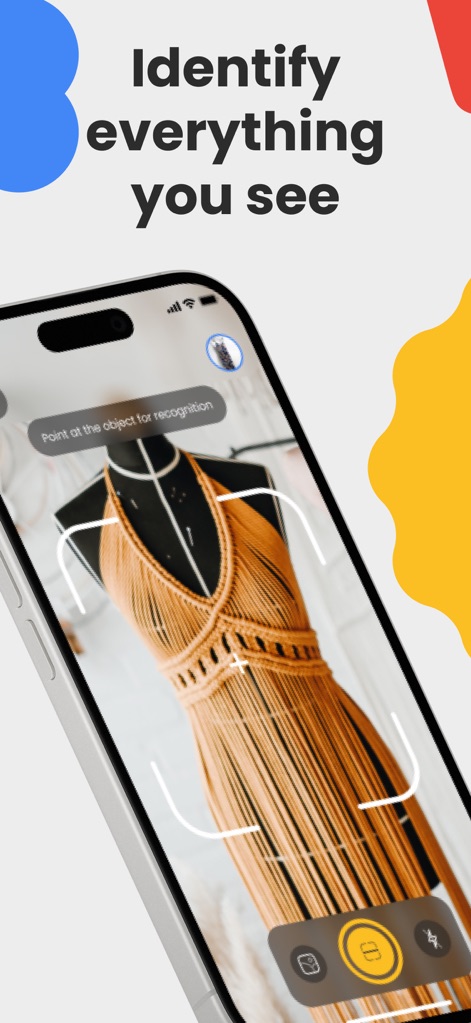
Users can leverage the real-time camera view and an intuitive focus frame to identify any item instantly.
Instant Object Scan
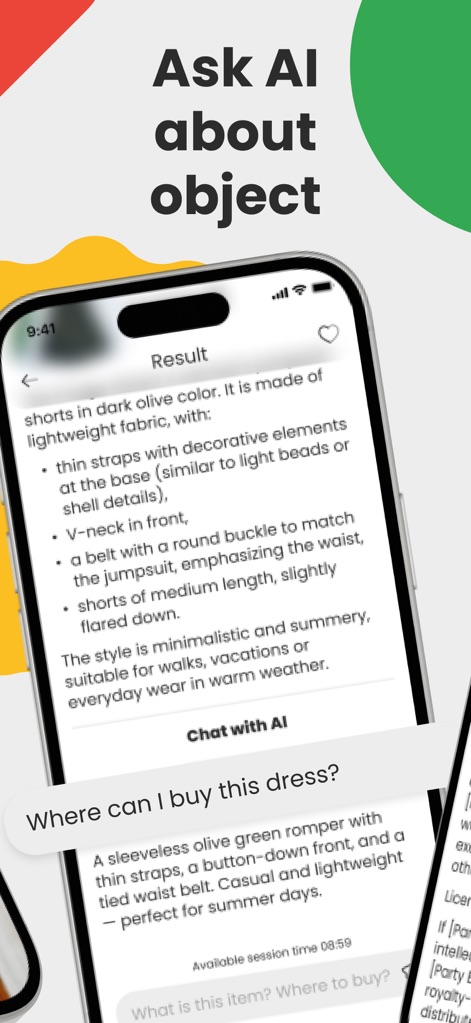
This tool provides comprehensive object descriptions and an interactive 'Chat with AI' feature for further inquiries.
Smart Object Insight
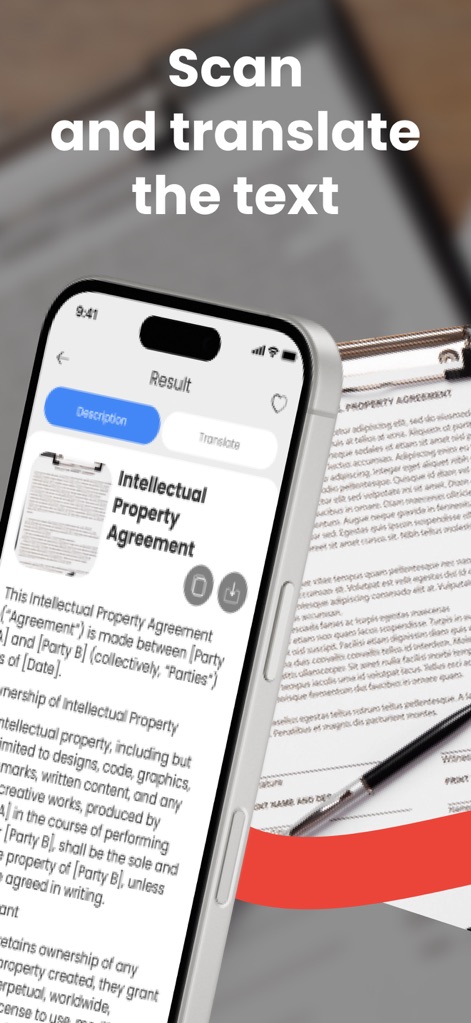
The app efficiently scans and extracts text from documents, offering both 'Description' and 'Translate' functionalities.
OCR and Translation
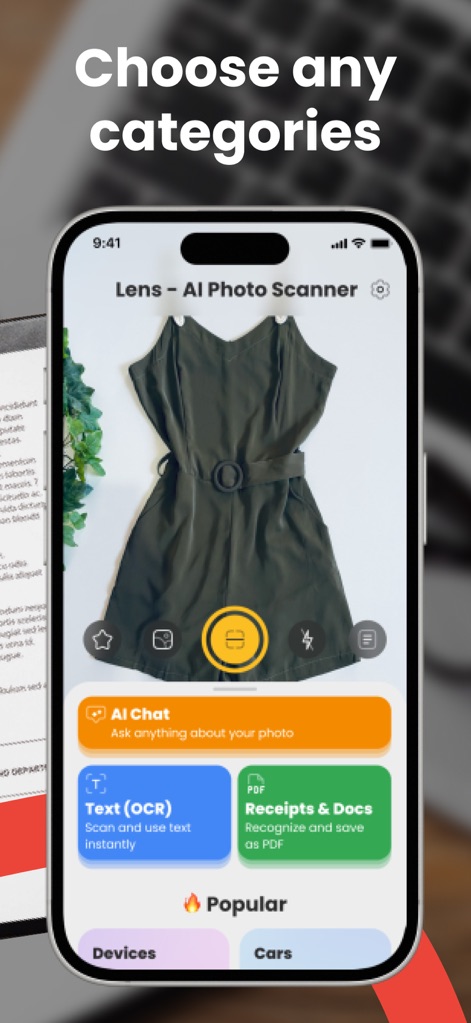
Users can easily select from diverse categories like 'Text (OCR)' and 'Receipts & Docs' to tailor their scanning experience.
Diverse Scan Options
Description
Download
More Like This
Apps with similar features and user experience

Lens Scan: Identify Anything
EVEN EDGE DIJITAL HIZMETLER ANONIM SIRKETI

Lens - Photo Scan, Identifier
Sarvar Khakimov

Lens Scan, Photo Identifier
SANDIP SINGH SUPRA

6Sense AI
Mechideas Teknoloji Anonim Sirketi

Lens: Translate & Image Search
Macro Tap Apps Limited

EveryScan・Identifier & AI Lens
Conlan Limited

Lens AI: Identify Anything
XLABS DIJITAL HIZMETLER ANONIM SIRKETI

Lens Photo Scan・Identifier All
Zipo Apps Ltd.

スマート辞書 - 国語・英語・漢字をカメラで調べる辞書アプリ
COMMAND STYLE
This page is not an official page of the app or its developer, but an independent editorial publication created for informational and commentary purposes. Unless expressly stated otherwise, neither the app nor its developer is affiliated with, endorsed by, sponsored by, authorized by, or otherwise officially connected with MWM, Apple, Google Play, the app publisher, or the app's developer, and nothing on this page implies that the app was developed using MWM's services. Any trademarks, logos, screenshots, and other content remain the property of their respective owners.