
This page is not an official page of the app or its developer, but an independent editorial publication created for informational and commentary purposes. Unless expressly stated otherwise, neither the app nor its developer is affiliated with, endorsed by, sponsored by, authorized by, or otherwise officially connected with MWM, Apple, Google Play, the app publisher, or the app's developer, and nothing on this page implies that the app was developed using MWM's services. Any trademarks, logos, screenshots, and other content remain the property of their respective owners.


Letstalk IM
Take back control of your privacy with multiple encryptions, multi-account management, and a password-protected Safe Box. No ads, no tracking—just the high-security messaging you deserve.
Downloads
1M+User Rating
Total Ratings
300Publisher
Category
Social NetworkingLocales
6Latest Version
1.4.349Size
460.1 MBFirst Released
Sep 13, 2017Communication Without Compromise
Experience a professional-grade, ad-free messenger that combines military-grade encryption with the productivity tools you need to manage your digital life.
The Ultimate Safe Box
Lock sensitive files and chats in a password-protected vault within your app for maximum data security.
Self-Destructing Privacy
Control your digital footprint with 'Burn After Read' messages that disappear automatically once they have been viewed.
Frequently Asked Questions
Everything you need to know about Letstalk IM
Is Letstalk IM a secure messaging app?
Yes, Letstalk IM provides secure communication services with multiple encryptions. It protects your profile, messages, and calls from unauthorized access.
Does Letstalk IM offer end-to-end encryption?
Yes, Letstalk IM features secured, end-to-end encrypted conversations. This ensures the privacy and security of your communications within the app.
Can I manage multiple accounts on Letstalk IM?
Yes, Letstalk IM supports multi-account management. You can log in to all your accounts on the same device and switch between them at any time.
How does Letstalk IM protect message privacy?
Letstalk IM enhances message privacy with "Burn after read" messages and by allowing users to set message preserve times, automatically deleting messages when they expire.
Does Letstalk IM allow users to share files?
Yes, Letstalk IM enables users to share files, posts, and news with friends or family within chatrooms. It also supports sharing albums and various media.
Is Letstalk IM a free communication service?
Yes, Letstalk IM provides free communication services. The app also operates without advertisements, ensuring an uninterrupted user experience.
Can I customize text size in Letstalk IM?
Yes, Letstalk IM allows users to adjust the display size of text. This feature helps express emotions and messages more vividly during conversations.
Does Letstalk IM have a project management feature?
Yes, Letstalk IM includes a "Kanban record" feature for project management. Users can utilize this to keep abreast of the latest progress on projects.
Can I schedule messages to be sent later with Letstalk IM?
Yes, Letstalk IM offers a feature to preset text and sending time. The message automatically sends at the scheduled time, which is useful for greetings or reminders.
What is the Safe Box feature in Letstalk IM?
The Safe Box feature in Letstalk IM allows users to save important messages securely. It requires a password for access, preventing the loss of crucial information.
The following screenshots and description are sourced directly from the app's official store listing and are the property of the app developer.
App Store
Screenshots
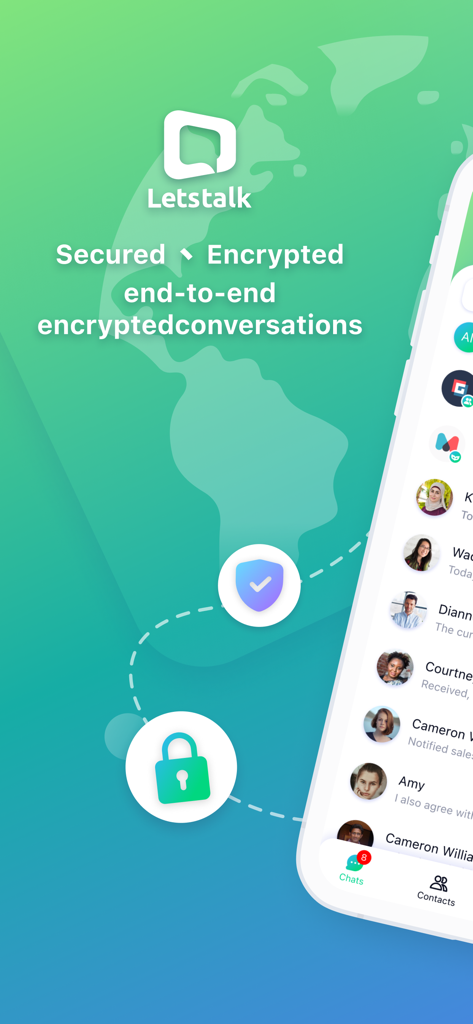
Letstalk IM app screen promoting secured and end-to-end encrypted global conversations with a chat list
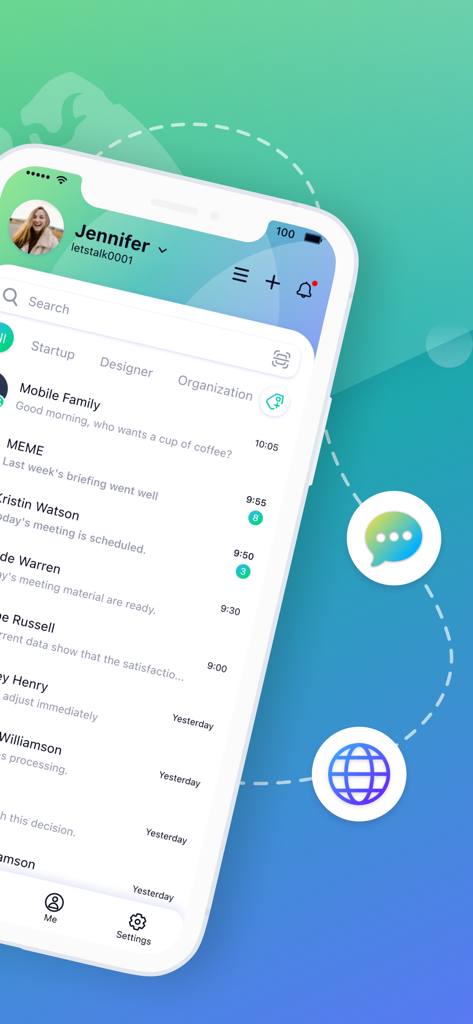
Letstalk IM mobile app chat interface showing categorized message lists for professionals
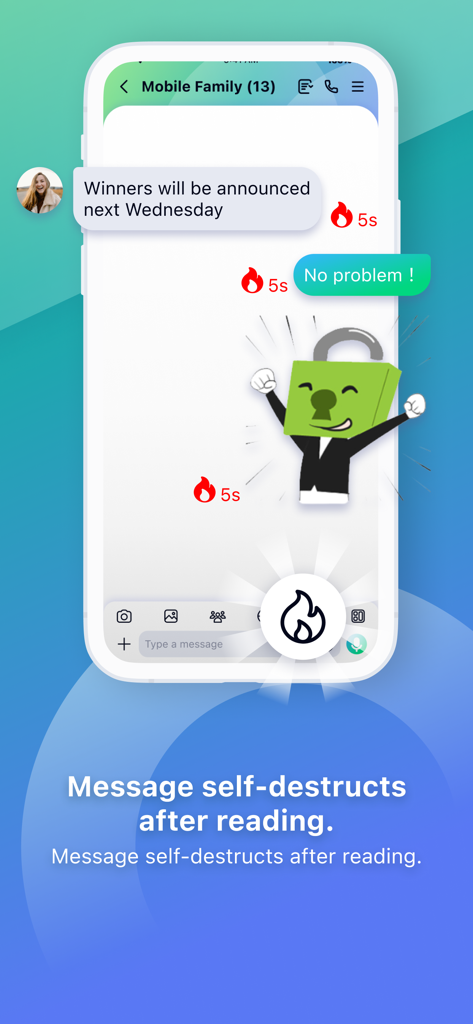
Letstalk IM mobile app interface showing chat messages with a five second self destruct timer.
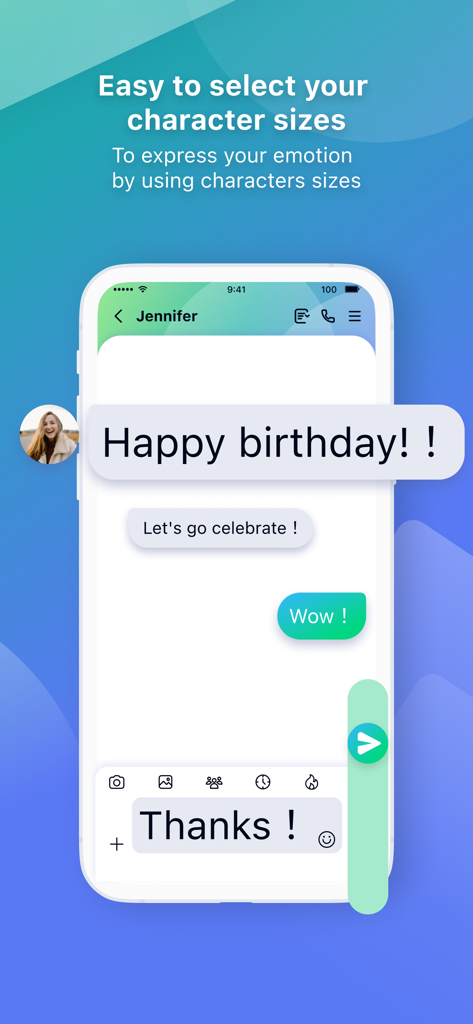
Letstalk IM chat screen showing messages with different font sizes to express emotions
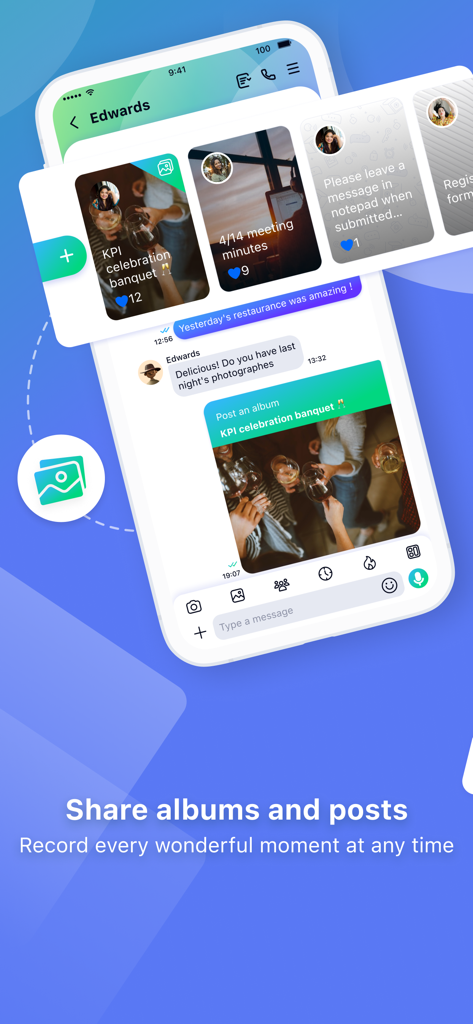
Letstalk IM chat interface displaying the share albums and posts feature
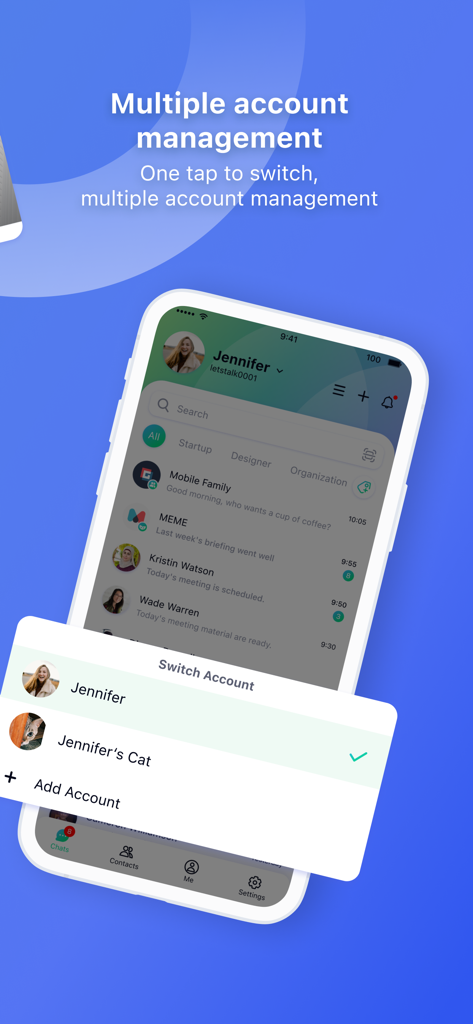
Letstalk IM mobile app interface showing the multiple account management and switch account feature
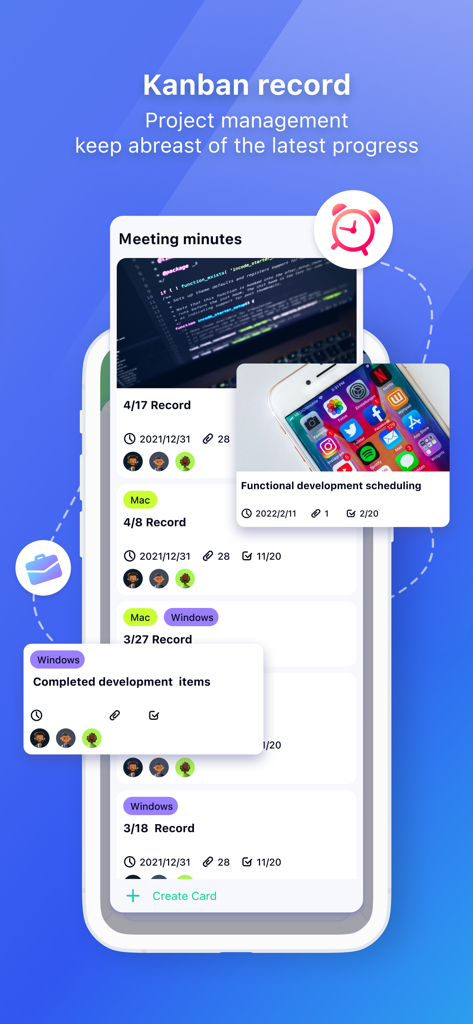
Letstalk IM Kanban record screen showing project management progress and task cards.
Description
Download
More Like This
Top-ranked apps in the same category

Threads
Instagram, Inc.
Telegram Messenger
Telegram FZ-LLC

WhatsApp Messenger
WhatsApp Inc.

Meta Platforms, Inc.

Messenger
Meta Platforms, Inc.
Google Meet
Google LLC

Discord - Talk, Play, Hang Out
Discord Inc.

rednote
Xingin Information Technology (Shanghai) Co., Ltd

Tencent Technology (Shenzhen) Company Limited
This page is not an official page of the app or its developer, but an independent editorial publication created for informational and commentary purposes. Unless expressly stated otherwise, neither the app nor its developer is affiliated with, endorsed by, sponsored by, authorized by, or otherwise officially connected with MWM, Apple, Google Play, the app publisher, or the app's developer, and nothing on this page implies that the app was developed using MWM's services. Any trademarks, logos, screenshots, and other content remain the property of their respective owners.