
This page is not an official page of the app or its developer, but an independent editorial publication created for informational and commentary purposes. Unless expressly stated otherwise, neither the app nor its developer is affiliated with, endorsed by, sponsored by, authorized by, or otherwise officially connected with MWM, Apple, Google Play, the app publisher, or the app's developer, and nothing on this page implies that the app was developed using MWM's services. Any trademarks, logos, screenshots, and other content remain the property of their respective owners.

Light Meter Ultra
Replace bulky hardware with a fast, professional tool designed for vintage gear and film stocks. Get exact exposure readings and reciprocity failure correction with a single tap.
Downloads
76K+User Rating
Total Ratings
3K+Publisher
Category
Photo & VideoLocales
8Latest Version
2.4.11Size
63.3 MBFirst Released
Mar 12, 2021Master the Art of Manual Exposure
Bridge the gap between vintage soul and modern precision. Light Meter Ultra transforms your iPhone into a professional-grade light meter designed specifically for the intentional film and manual photographer.
Professional-Grade Precision
Stop wasting expensive film rolls on bad exposures. Get exact aperture and shutter readings to capture the widest dynamic range possible, outperforming bulky legacy hardware.
Film-Specific Intelligence
Eliminate the guesswork of long exposures with built-in Reciprocity Failure Correction and customizable emulsion profiles tailored to your favorite film stocks.
The following screenshots and description are sourced directly from the app's official store listing and are the property of the app developer.
App Store
Screenshots
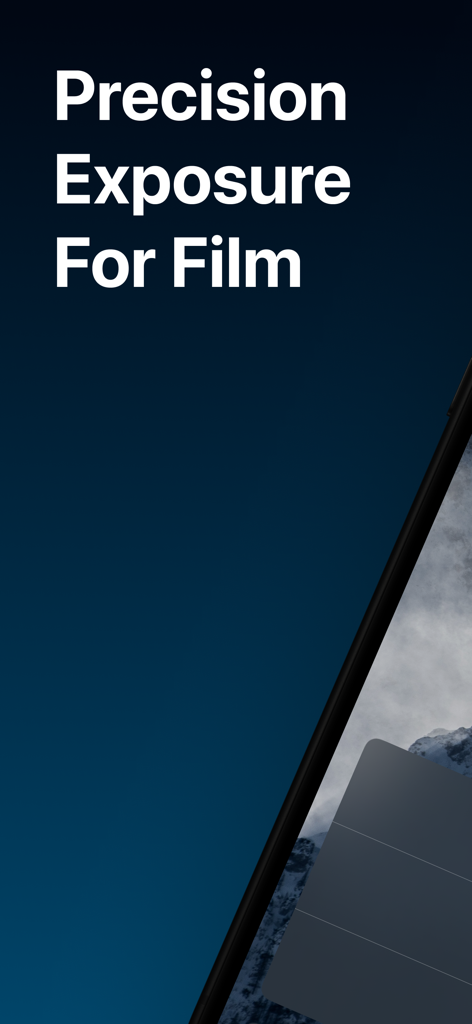
Light Meter Ultra app screen displaying precision exposure for film photography
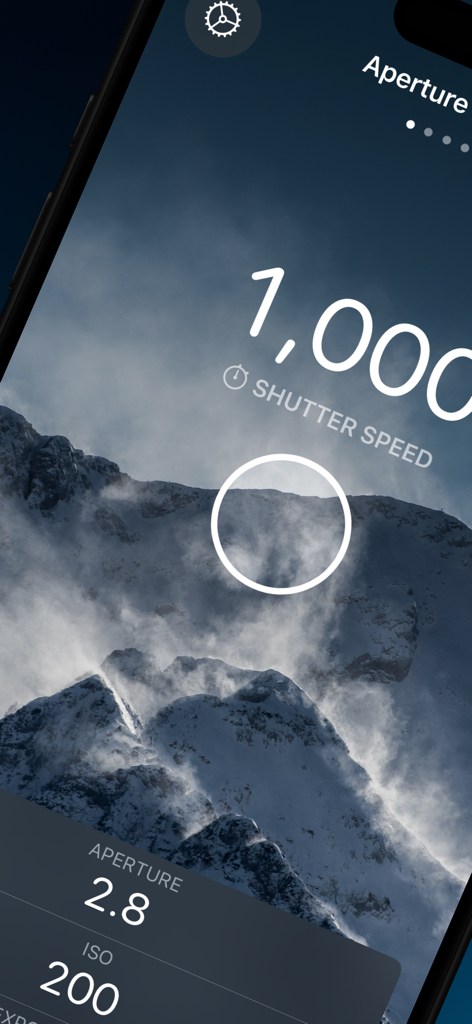
Light Meter Ultra app interface showing aperture priority mode with shutter speed and ISO readings for manual photography
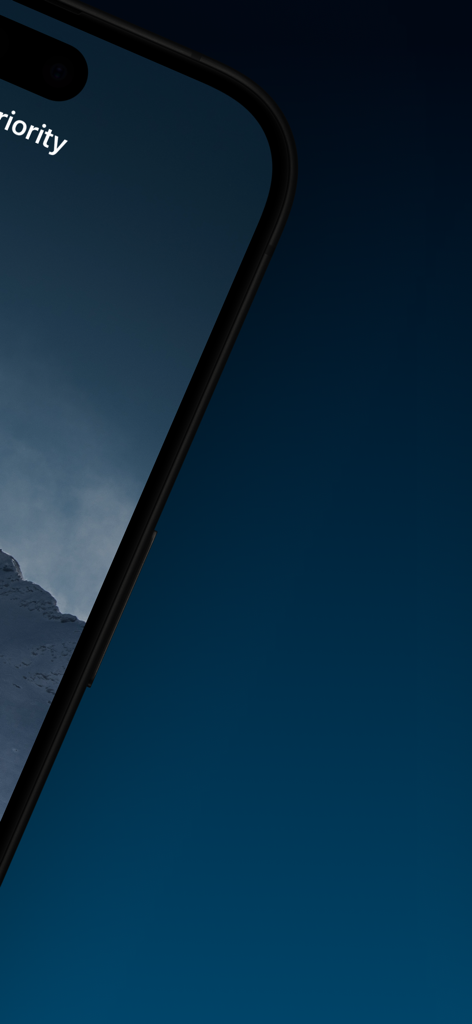
Light Meter Ultra app on iPhone displaying exposure settings for a mountain landscape.
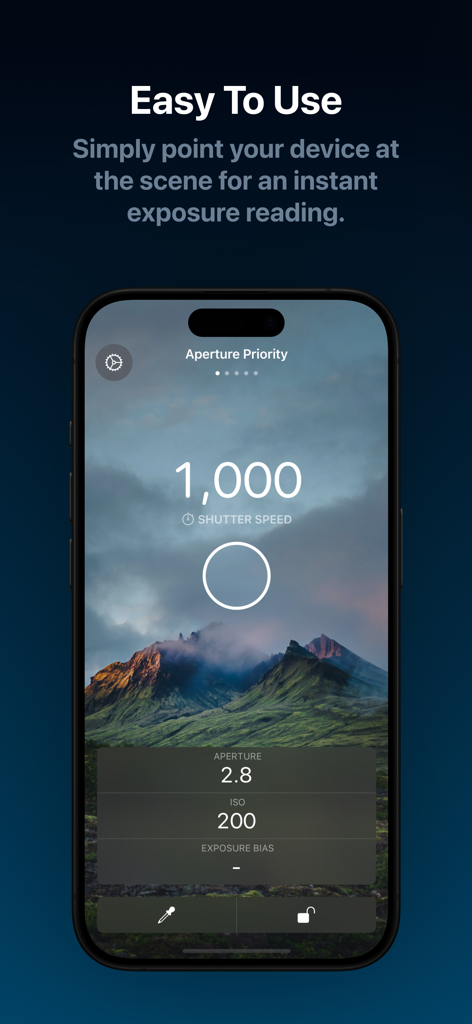
Light Meter Ultra app screen displaying an instant exposure reading in Aperture Priority mode for manual photography
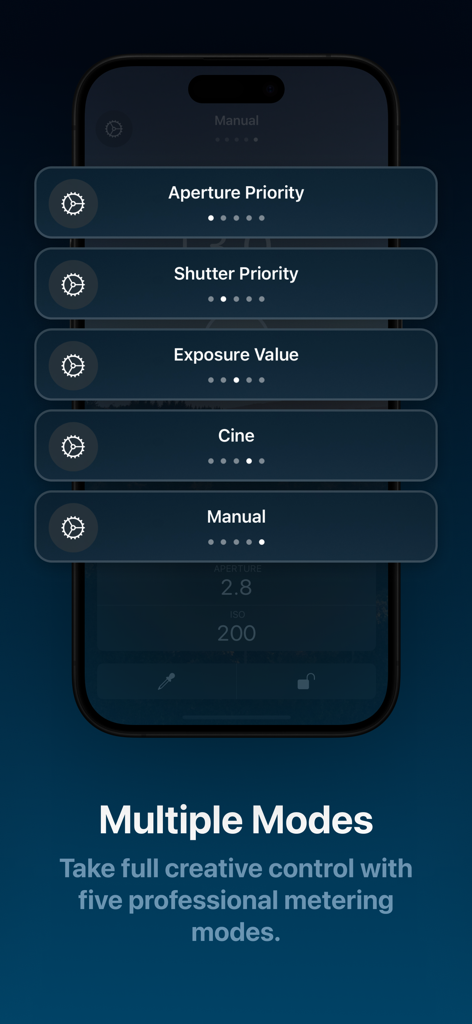
iPhone screen displaying five professional metering modes including Aperture Priority and Shutter Priority for manual photography
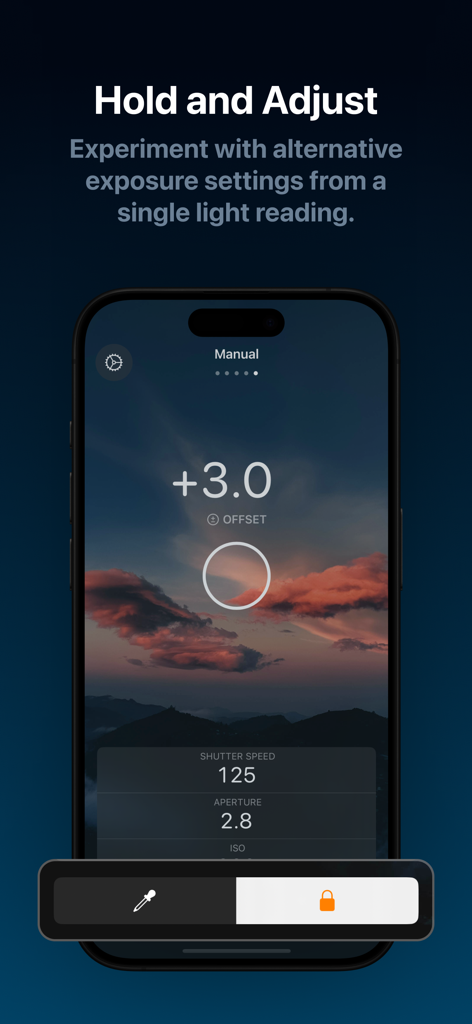
A smartphone screen showing the Light Meter Ultra app interface with manual exposure settings for shutter speed and aperture over a sunset landscape.
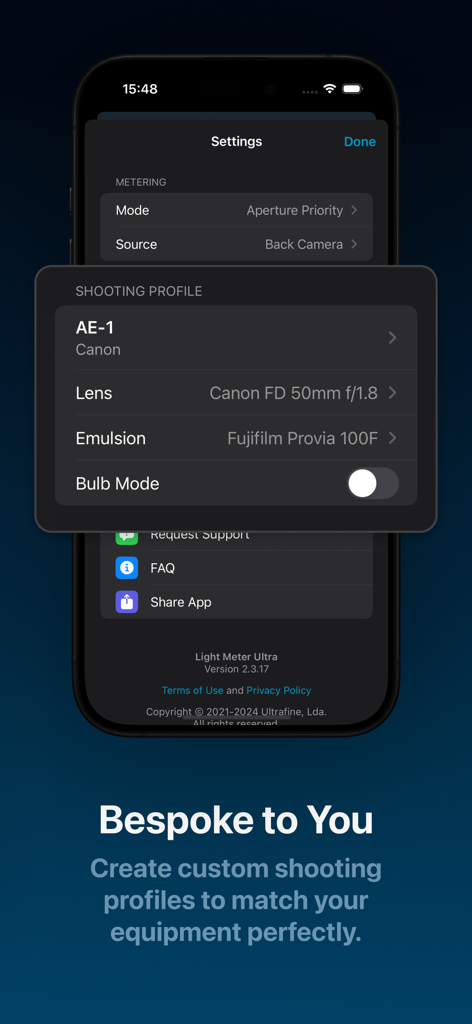
Interface of Light Meter Ultra app showing custom shooting profiles for a Canon AE-1 camera and Fujifilm Provia emulsion
Description
Download
More Like This
Apps with similar features and user experience



This page is not an official page of the app or its developer, but an independent editorial publication created for informational and commentary purposes. Unless expressly stated otherwise, neither the app nor its developer is affiliated with, endorsed by, sponsored by, authorized by, or otherwise officially connected with MWM, Apple, Google Play, the app publisher, or the app's developer, and nothing on this page implies that the app was developed using MWM's services. Any trademarks, logos, screenshots, and other content remain the property of their respective owners.