
This page is not an official page of the app or its developer, but an independent editorial publication created for informational and commentary purposes. Unless expressly stated otherwise, neither the app nor its developer is affiliated with, endorsed by, sponsored by, authorized by, or otherwise officially connected with MWM, Apple, Google Play, the app publisher, or the app's developer, and nothing on this page implies that the app was developed using MWM's services. Any trademarks, logos, screenshots, and other content remain the property of their respective owners.


ListenMe - Text to Speech
Supercharge your productivity and escape screen fatigue. Convert PDFs, articles, and notes into high-quality audio to listen while you commute, workout, or multitask.
Downloads
148K+User Rating
Total Ratings
1K+Publisher
Category
ProductivityLocales
9Latest Version
1.0.7Size
136.3 MBFirst Released
Jun 17, 2025Unlock Productivity with Hands-Free Reading
ListenMe converts PDFs, articles, and web pages into natural-sounding audio so you can conquer your reading list while you move, drive, or work out.
Instant Document Transformation
Turn any PDF, web article, or scanned document into a high-quality audiobook. Effortlessly clear your 'to-read' pile without staring at a screen.
Optimized Learning Speed
Take control of your time with adjustable playback speeds. Power through industry reports or study materials up to 3x faster to maximize your efficiency.
Frequently Asked Questions
Everything you need to know about ListenMe - Text to Speech
What is ListenMe?
ListenMe is an all-in-one text-to-speech (TTS) solution that converts any written content into natural, high-quality audio. It provides a hands-free reading experience for various types of content.
How does ListenMe convert text to speech?
ListenMe converts text to speech by allowing users to import content via typing, uploading files (PDF, DOC, TXT), scanning documents, or sharing URLs. It uses advanced TTS technology for clear, natural sound.
Does ListenMe support scanning physical documents?
Yes, ListenMe supports scanning documents. Users can use their device's camera to scan text directly from physical documents or books and instantly convert it to speech within the app.
Can I save content in ListenMe to listen to later?
Yes, ListenMe allows you to save your converted audio content. Users can manage their files within the app and listen to them later, providing flexibility for content consumption.
Is ListenMe suitable for people with reading difficulties?
ListenMe is designed to be accessibility-friendly. It supports users with visual impairments, dyslexia, ADHD, and other reading difficulties by converting text into audible formats, aiding comprehension and focus.
Can I control the audio speed in ListenMe?
Yes, ListenMe allows users to control the audio speed. You can slow down or speed up the playback to suit your personal pace and focus, enhancing the listening experience.
Does ListenMe allow background playback?
Yes, ListenMe supports background playback. You can listen to your content while using other apps or when your device screen is locked, enabling multitasking and continuous listening.
Does ListenMe convert PDFs into audiobooks?
Yes, ListenMe converts PDFs into audiobooks. The app transforms PDF files into engaging audio content, making it easy to listen to documents, articles, and books hands-free.
Can ListenMe play audio offline?
Yes, ListenMe offers offline playback. This feature allows you to enjoy a hands-free reading experience anytime, anywhere, without needing an internet connection.
The following screenshots and description are sourced directly from the app's official store listing and are the property of the app developer.
App Store
Screenshots
A man wearing headphones listening to text to improve productivity
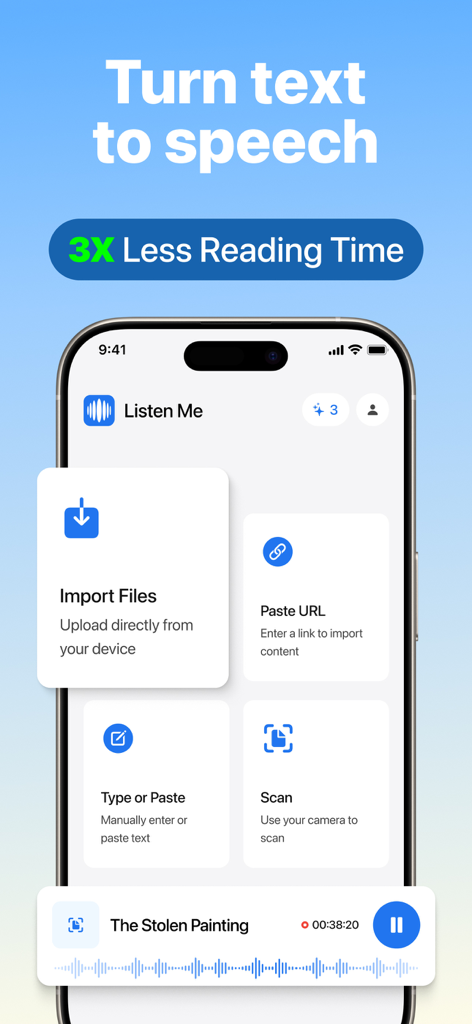
ListenMe app interface showing options to import files paste URLs and scan documents for text to speech conversion
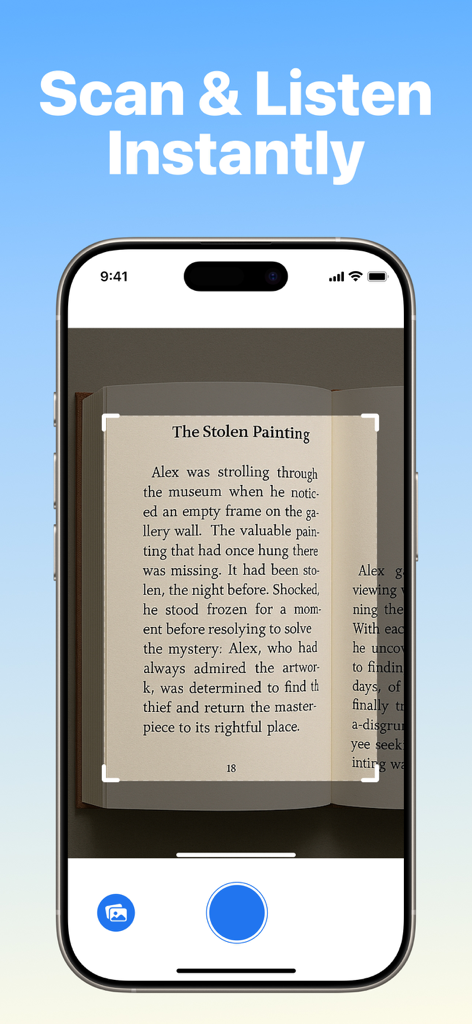
Smartphone screen showing the ListenMe app scanning a book page to convert written text into audio instantly
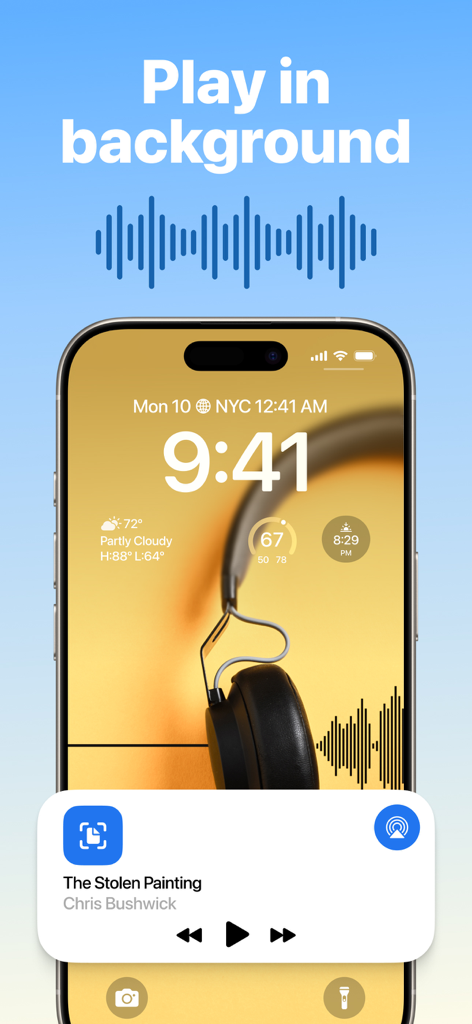
ListenMe app playing text to speech audio in the background on an iPhone lock screen
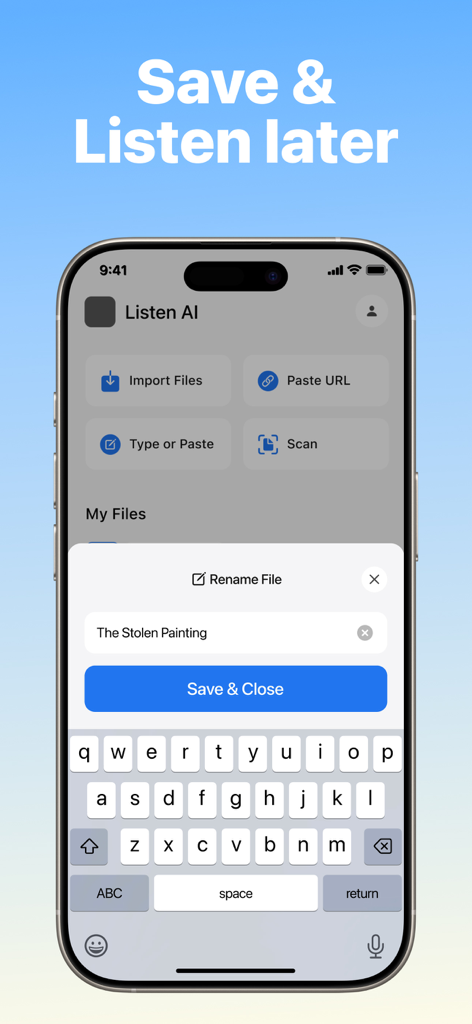
ListenMe app interface showing options to import files, paste URLs, and scan documents for text to speech conversion.
Description
Download
More Like This
Apps with similar features and user experience

Speechify – Voice AI Assistant
Speechify Inc.

NaturalReader - Text To Speech
NaturalSoft

ElevenReader - Read Text Aloud
Eleven Labs Inc.

Voice Aloud Reader
Marcin Olawski

Peech: Text to Speech Reader
Dopefin Limited

Text to Speech!
Gwyn Durbridge

Readify: AI Natural Read Aloud
New Port LLC

Labs AI : Text to Speech
James Carter

Speak4Me Text to Speech Reader
Bakery Scent S.r.l.
This page is not an official page of the app or its developer, but an independent editorial publication created for informational and commentary purposes. Unless expressly stated otherwise, neither the app nor its developer is affiliated with, endorsed by, sponsored by, authorized by, or otherwise officially connected with MWM, Apple, Google Play, the app publisher, or the app's developer, and nothing on this page implies that the app was developed using MWM's services. Any trademarks, logos, screenshots, and other content remain the property of their respective owners.