
This page is not an official page of the app or its developer, but an independent editorial publication created for informational and commentary purposes. Unless expressly stated otherwise, neither the app nor its developer is affiliated with, endorsed by, sponsored by, authorized by, or otherwise officially connected with MWM, Apple, Google Play, the app publisher, or the app's developer, and nothing on this page implies that the app was developed using MWM's services. Any trademarks, logos, screenshots, and other content remain the property of their respective owners.


Lloyds Mobile Banking
Manage your UK accounts with total confidence from anywhere in the world. Join 10 million users enjoying real-time spending insights, 24/7 biometric security, and seamless financial control at your fingertips.
Downloads
10M+User Rating
Total Ratings
2M+Publisher
Category
FinanceLocales
1Latest Version
178.07Size
670.9 MBFirst Released
May 4, 2016Master Your UK Finances From Anywhere
Join over 10 million users managing their money with confidence. Whether you're tracking spending or securing your accounts, we provide the tools to stay in control across time zones.
Smart Subscription Management
Don't get caught in the subscription trap. Easily view, block, or cancel recurring payments and free trials directly from your phone.
Real-Time Spending Insights
Monitor your money across borders with instant notifications and spending categories that show you exactly where your money goes.
Frequently Asked Questions
Everything you need to know about Lloyds Mobile Banking
Can I manage my finances with the Lloyds Mobile Banking app?
Yes, the Lloyds Mobile Banking app allows users to check their balance, pay bills, and view transactions. It provides comprehensive tools for managing personal finances with confidence.
Can I open a new bank account using the Lloyds Mobile Banking app?
Yes, customers not yet banking with Lloyds can apply for a new bank account directly through the Lloyds Mobile Banking app. It is the quickest and easiest way to apply.
How do I manage subscriptions with the Lloyds Mobile Banking app?
The Lloyds Mobile Banking app allows users to see, block, and cancel subscriptions anytime. This feature helps users take control of their everyday spending and avoid unwanted charges.
Does the Lloyds Mobile Banking app offer fast money transfers?
Yes, the Lloyds Mobile Banking app supports Faster Payments. This feature enables users to settle up or transfer money quickly to other accounts, providing efficient financial transactions.
Does the Lloyds Mobile Banking app provide real-time notifications for transactions?
Yes, the Lloyds Mobile Banking app provides real-time insights and notifications. Users receive instant alerts for money coming in and going out, along with information on upcoming payments.
How does the Lloyds Mobile Banking app help me track my spending?
The Lloyds Mobile Banking app includes 'Spending Insights'. This feature shows users where their money is spent and helps identify potential areas for saving, improving financial awareness.
What is 'Save the Change' in the Lloyds Mobile Banking app?
'Save the Change' in the Lloyds Mobile Banking app rounds up debit card spending to the nearest pound. It then automatically moves the difference into a chosen savings account.
Can I check my credit score for free using the Lloyds Mobile Banking app?
Yes, the Lloyds Mobile Banking app allows users to track their credit score for free. It also provides helpful tips and tools designed to improve the credit score over time.
What secure login options does the Lloyds Mobile Banking app offer?
The Lloyds Mobile Banking app offers secure login options. Users can log in using their fingerprint or face recognition, providing a fast and highly secure way to access their bank account.
How can I manage a lost or stolen card in the Lloyds Mobile Banking app?
The Lloyds Mobile Banking app allows immediate card management. Users can freeze, unfreeze, or order a new card in seconds if their existing card is lost, stolen, or damaged.
Are deposits protected when using the Lloyds Mobile Banking app?
Yes, eligible deposits with Lloyds are protected by the Financial Services Compensation Scheme (FSCS) up to £85,000. This ensures the security of user funds within the app.
Does the Lloyds Mobile Banking app offer 24/7 customer support?
Yes, the Lloyds Mobile Banking app provides 24/7 customer support. Users can access assistance all day and night, every day, through search and messaging features within the app.
Can I view my upcoming payments in the Lloyds Mobile Banking app?
Yes, the Lloyds Mobile Banking app allows users to view their upcoming payments. This feature provides a clear overview of scheduled debits and standing orders in the weeks ahead.
The following screenshots and description are sourced directly from the app's official store listing and are the property of the app developer.
App Store
Screenshots
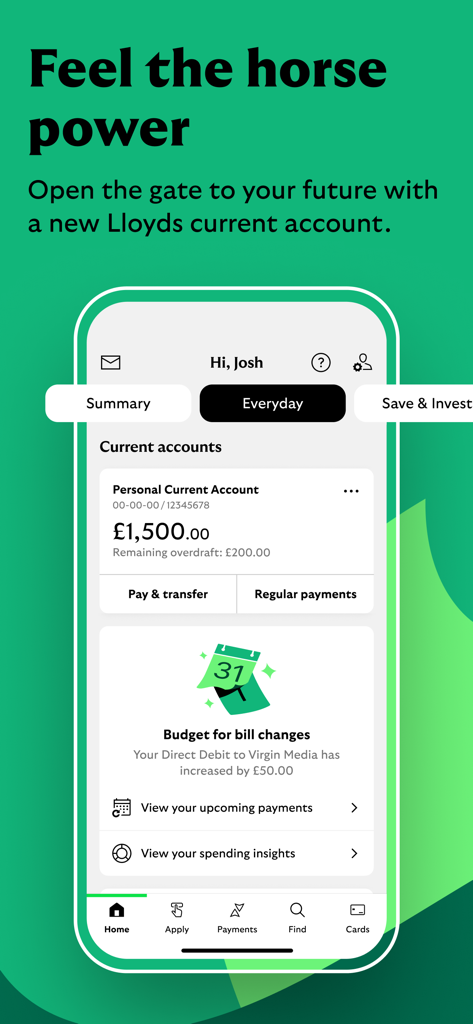
Lloyds Mobile Banking app displaying current account balance and budget alerts for bill changes
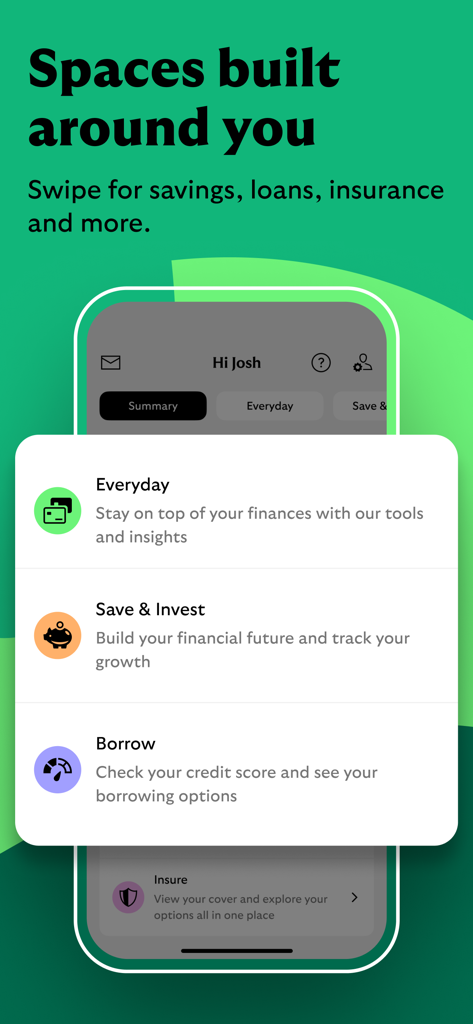
A screenshot of the Lloyds Mobile Banking app showing personalized financial spaces for everyday banking saving borrowing and insurance
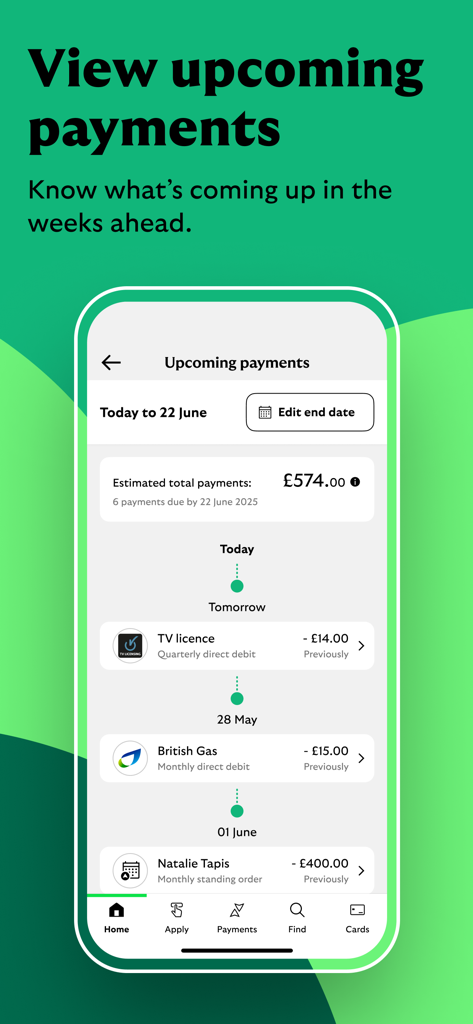
Lloyds Mobile Banking app interface showing a timeline of upcoming payments and estimated total costs
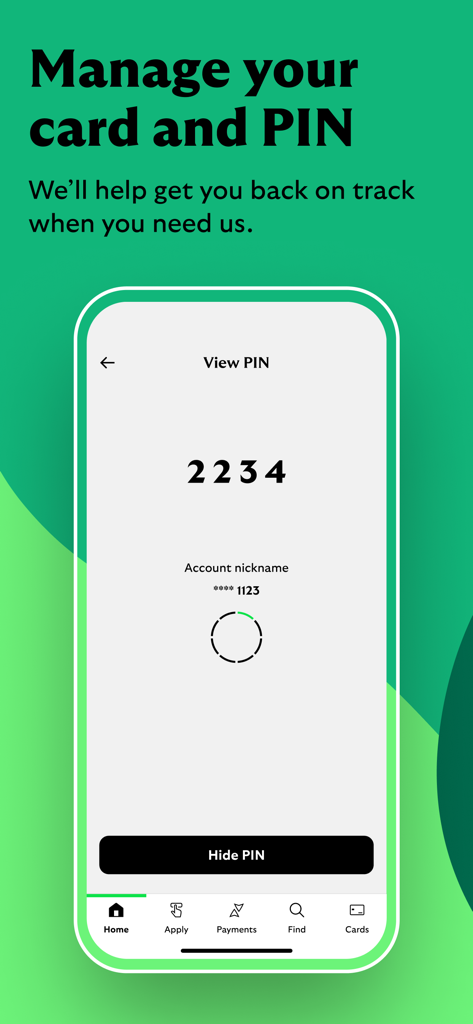
A smartphone screen from the Lloyds Mobile Banking app showing the View PIN feature with a four-digit code displayed above a Hide PIN button.
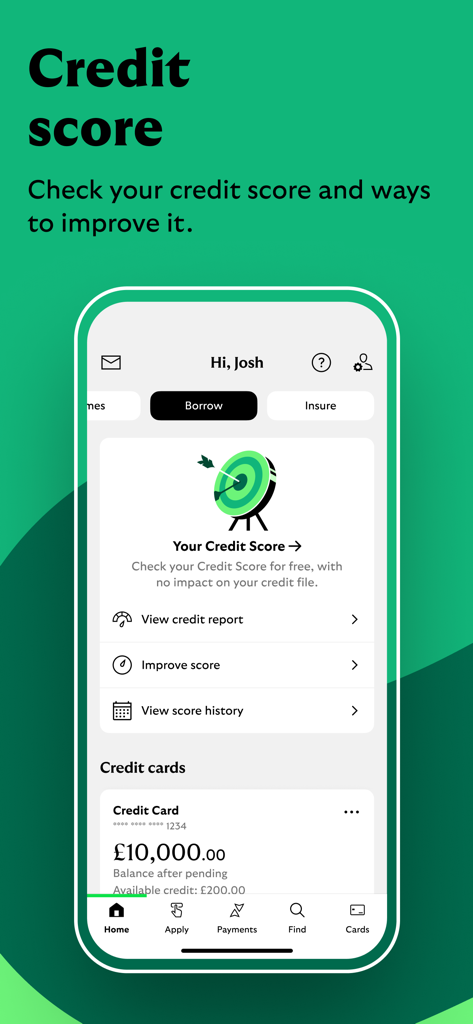
Lloyds bank app screen showing credit score tracking and credit card balance details
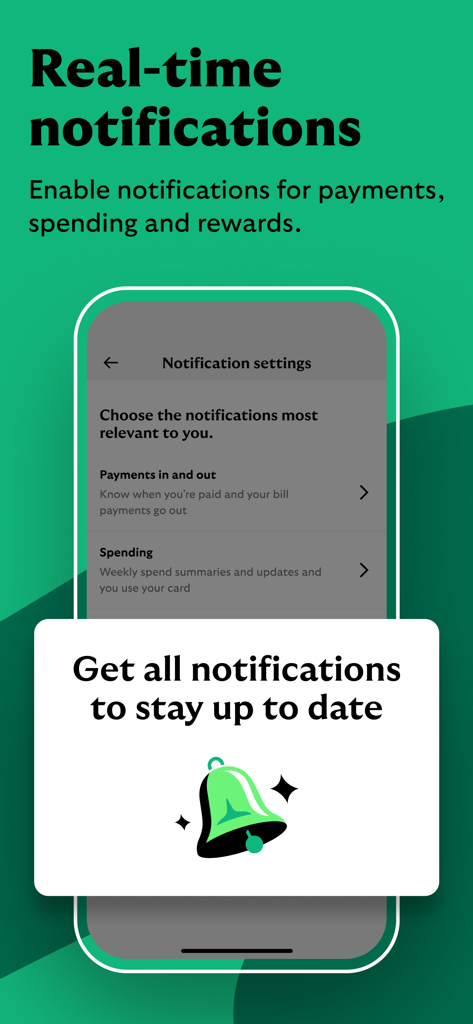
A screen from the Lloyds Mobile Banking app showing real-time notification settings for payments and spending
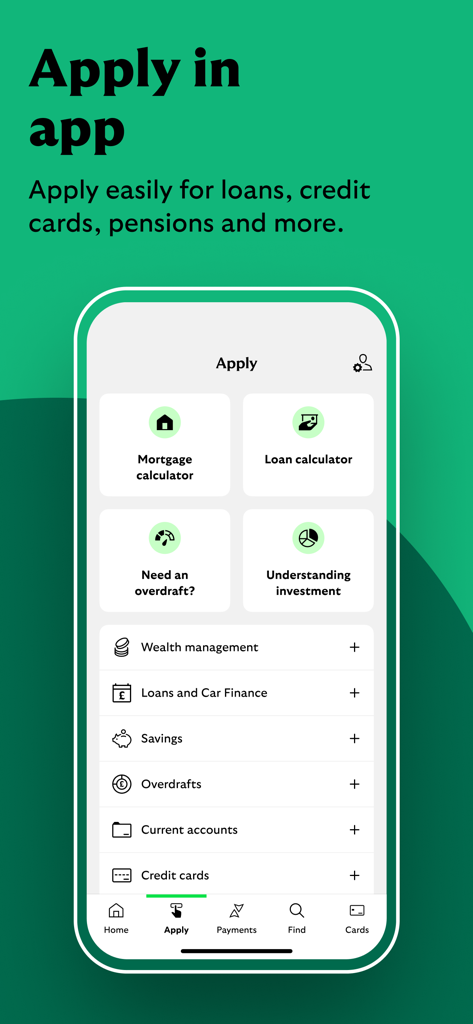
Lloyds Mobile Banking app interface showing the Apply screen with options for loans, credit cards, and savings
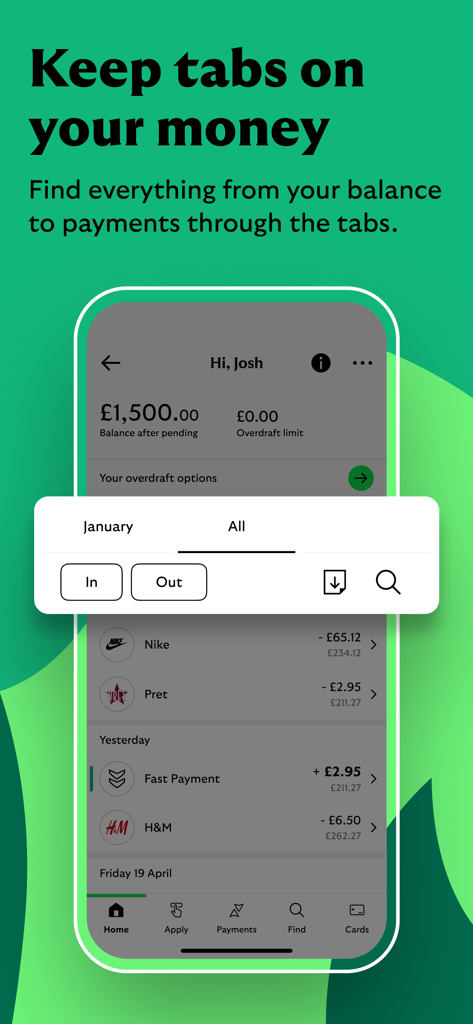
Lloyds Mobile Banking app interface showing account balance and recent transactions
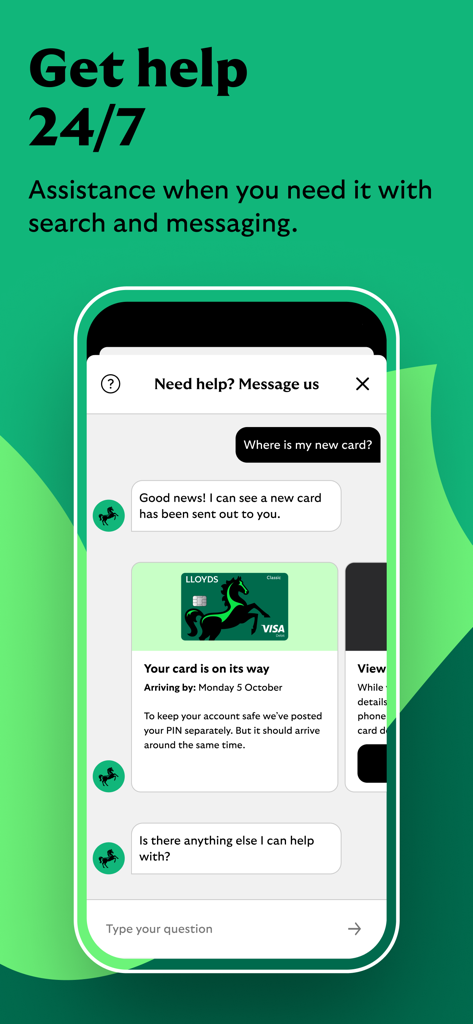
Lloyds Mobile Banking app showing the 24/7 customer support chat interface
Description
Download
More Like This
Apps with similar features and user experience

PayPal - Pay, Send, Save
PayPal, Inc.

中国农业银行
AGRICULTURAL BANK OF CHINA LIMITED

Mercado Pago: cuenta digital
MercadoLibre S.A.

中国工商银行
Industrial and Commercial Bank of China

Revolut: Send, spend and save
Revolut Ltd

HDFC Bank App (Early Access)
HDFC Bank Ltd

Zalopay - Quét Mọi QR
ZION JOINT STOCK COMPANY

Cash App
Block, Inc.

招商银行
CHINA MERCHANTS BANK CO.,LTD.
This page is not an official page of the app or its developer, but an independent editorial publication created for informational and commentary purposes. Unless expressly stated otherwise, neither the app nor its developer is affiliated with, endorsed by, sponsored by, authorized by, or otherwise officially connected with MWM, Apple, Google Play, the app publisher, or the app's developer, and nothing on this page implies that the app was developed using MWM's services. Any trademarks, logos, screenshots, and other content remain the property of their respective owners.