
This page is not an official page of the app or its developer, but an independent editorial publication created for informational and commentary purposes. Unless expressly stated otherwise, neither the app nor its developer is affiliated with, endorsed by, sponsored by, authorized by, or otherwise officially connected with MWM, Apple, Google Play, the app publisher, or the app's developer, and nothing on this page implies that the app was developed using MWM's services. Any trademarks, logos, screenshots, and other content remain the property of their respective owners.

Logo Creator: Label maker
Empowering entrepreneurs and side-hustlers to create stunning logos and icons in minutes. Choose from hundreds of professional templates and high-definition materials to make your business shine without the design agency price tag.
Downloads
1M+User Rating
Total Ratings
6K+Publisher
Category
ReferenceLocales
11Latest Version
2.0.2Size
166.0 MBFirst Released
Jun 27, 2019Professional Branding Made Simple
Empower your side-hustle or small business with high-end design tools that require zero experience. Launch your brand identity today with just a few taps.
Launch in Minutes
Skip the expensive agencies. Use 100+ designer-made templates to turn your vision into a polished brand identity instantly.
Total Creative Control
Access a massive library of premium icons, fonts, and curated color palettes to create a logo as unique as your business.
Frequently Asked Questions
Everything you need to know about Logo Creator: Label maker
What is Logolab?
Logolab is a logo design application that allows users to easily and quickly create stunning logos and icons for their business. It caters to users with no prior design experience.
Do I need design experience to use Logolab for logo creation?
No, Logolab allows users to create stunning logos and icons easily and fast, even without any prior design experience. It simplifies the logo design process.
Does Logolab offer templates for logo design?
Yes, Logolab provides over 100 customizable logo templates created by professional designers. Users can choose a favorite template and re-create it to design their logo.
Can users customize colors in Logolab logo designs?
Yes, Logolab offers Preset Color Groups for fast multi-color filling to each part of the logo. This feature makes the logo visually appealing and unique.
What design materials are available in Logolab?
Logolab provides massive design materials including fonts, icons, and colors. These professional materials contribute to creating more unique and exquisite logos.
What output formats does Logolab support for saving logos?
Logolab supports advanced output options, including saving logos in HD quality. It also offers VI output, specifically supporting PNG and JPG file formats.
Where can I find the privacy policy for Logolab?
The privacy policy for Logolab is available at http://gpmedia.ufile.ucloud.com.cn/logolab%2FLogolabPrivacyPolicy.html. This link is provided in the app description.
How can I contact Logolab support for feedback?
You can contact Logolab by sending an email to feedback@gpower.co. They also value feedback and comments via their Facebook page.
Does Logolab offer PRO features or a premium version?
Yes, Screenshot #3 indicates the presence of "PRO" features, suggesting a premium version or subscription model within Logolab. Specific pricing details are not available in the description.
The following screenshots and description are sourced directly from the app's official store listing and are the property of the app developer.
App Store
Screenshots
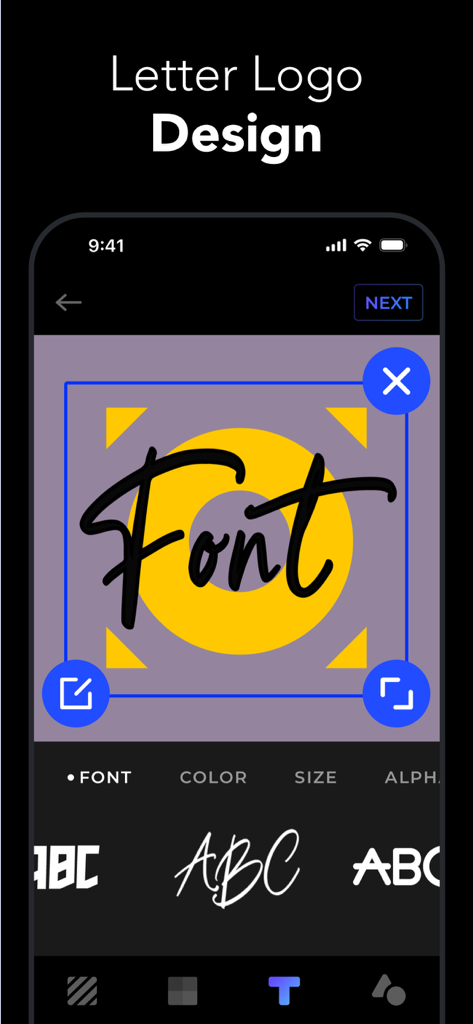
Mobile interface of Logolab app showing letter logo design and font selection menu
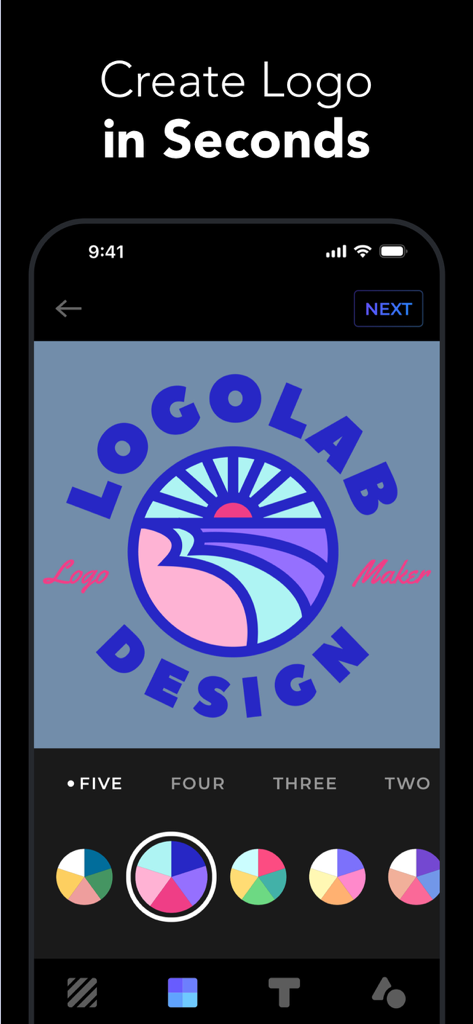
Mobile app interface of Logolab showing a logo design screen with customizable color palettes and a landscape icon.
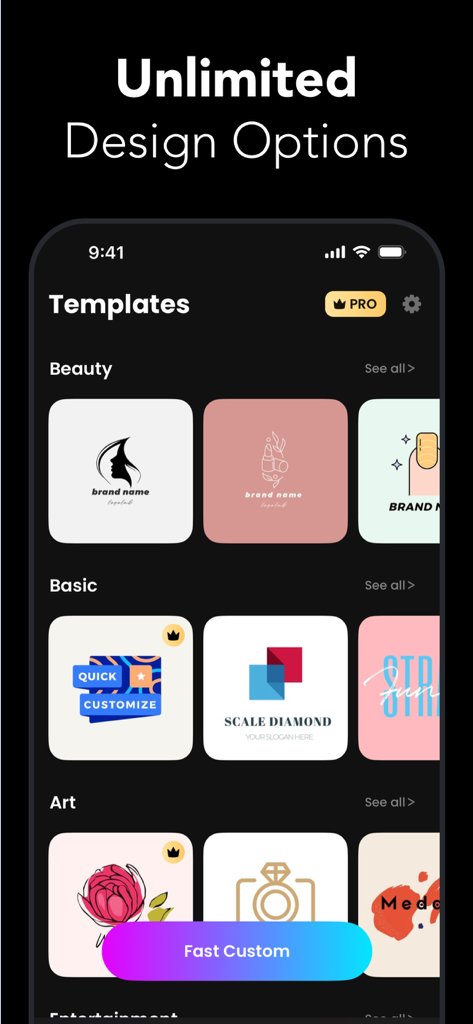
Logolab app interface displaying various customizable logo templates for beauty and business brands.
Description
Download
More Like This
Apps with similar features and user experience

Canva: AI Photo & Video Editor
Canva Pty Ltd

Adobe Express: Create Anything
Adobe Inc.

Bazaart AI Photo Editor Design
Bazaart Ltd.

稿定设计-AI图片海报壁纸,一键p图拼图修图抠图照片美化
Gaoding (Xiamen) Technology Co., Ltd.

Poster Maker - Crea
Salix Dijital Pazarlama Anonim Sirketi

Logo Maker AI Creator — Boon
PIXO Incorporation

MiriCanvas: Poster, PPT design
MIRI D.I.H

Logo Maker: Art Design Creator
LOGOFLY LLC

创客贴设计-AI海报图片设计,一键p图拼图修图抠图照片美化
Beijing yiyuanku science and Technology Co., Ltd.
This page is not an official page of the app or its developer, but an independent editorial publication created for informational and commentary purposes. Unless expressly stated otherwise, neither the app nor its developer is affiliated with, endorsed by, sponsored by, authorized by, or otherwise officially connected with MWM, Apple, Google Play, the app publisher, or the app's developer, and nothing on this page implies that the app was developed using MWM's services. Any trademarks, logos, screenshots, and other content remain the property of their respective owners.