
This page is not an official page of the app or its developer, but an independent editorial publication created for informational and commentary purposes. Unless expressly stated otherwise, neither the app nor its developer is affiliated with, endorsed by, sponsored by, authorized by, or otherwise officially connected with MWM, Apple, Google Play, the app publisher, or the app's developer, and nothing on this page implies that the app was developed using MWM's services. Any trademarks, logos, screenshots, and other content remain the property of their respective owners.

Logo Maker, Design Creator.
Turn your vision into a stunning logo or marketing asset in minutes. Join over 6 million entrepreneurs and creators who build their business identity on the go with pro-grade tools and Apple Pencil precision.
Downloads
6M+User Rating
Total Ratings
114K+Publisher
Category
Graphics & DesignLocales
31Latest Version
7.83Size
377.5 MBFirst Released
Jan 7, 2018Design Your Success in Minutes
The ultimate mobile design suite for entrepreneurs and side-hustlers. Create professional logos, flyers, and brand assets directly from your iPhone or iPad.
Instant Professional Branding
Choose from 50,000+ logo combinations and 270+ fonts. Build a high-end brand identity for your boutique or startup without the designer price tag.
Precision iPad & Pencil Support
Take total control of your creativity. Use Apple Pencil for tactile precision or your Apple Watch to pick the perfect colors across your workspace.
Frequently Asked Questions
Everything you need to know about Logo Maker, Design Creator.
What is InstaLogo Logo Maker 2?
InstaLogo Logo Maker 2 transforms your iOS device into a logo-making machine. It enables users to design logos, posters, flyers, and invitations directly on their iPhone, iPad, or iPod Touch, offering a fresh new design and Apple Watch support.
What devices support the Logo Maker, Design Creator app?
The Logo Maker, Design Creator app supports iPhone, iPad, iPod touch, iPad Pro, Apple Pencil, and Apple Watch. Multitasking is available on iPad Air 2 and newer models, operating in both landscape and portrait orientations.
Can I create custom logos with the Logo Maker, Design Creator app?
Yes, the Logo Maker, Design Creator app allows custom logo creation. Users can choose from a massive library of logos, import photos, select from over 270 handpicked fonts, and manipulate elements with pinch, drag, and spin gestures for precise design.
Does InstaLogo 2 offer design templates?
Yes, InstaLogo 2 offers over 1000 logo templates. These templates are categorized for various designs such as Logo, Business Card, Poster, Instagram Story, Badge, and Watercolor, providing a diverse starting point for users' creative projects.
How much does the InstaLogo 2 Pro Subscription cost?
The InstaLogo 2 Pro Subscription costs vary based on the selected plan, with billing options available weekly, monthly, or annually. The app is free to download, but the Pro Subscription unlocks unlimited access to premium content and features.
Can I save logos with a transparent background in InstaLogo 2?
Yes, InstaLogo 2 supports saving logos with a transparent background. This feature is perfect for integrating logos into various contexts, ensuring flexibility and professional presentation for everyday use.
How can I share or export my designs from Logo Maker, Design Creator?
Users can share or export their designs from Logo Maker, Design Creator via email. Additionally, they can upload designs to cloud services like Dropbox, Evernote, and Box, save them directly to their iOS device, or send them to be printed.
Does InstaLogo 2 support various fonts and backgrounds?
Yes, InstaLogo 2 provides a vast selection including over 1000 exclusive fonts and more than 1 million backgrounds. Users also have the option to import their own images from their Photo Library for use in their designs.
Does Logo Maker, Design Creator offer advanced editing tools?
Yes, Logo Maker, Design Creator includes advanced editing tools such as changing gradients, adding professional-grade shadows, utilizing grid lines for alignment, and precise element movement. It also features full undo and redo functionality for error correction.
Can I sync my logos across Apple devices with InstaLogo 2?
Yes, InstaLogo 2 allows users to sync their logos with iCloud. This feature ensures that all designs created within the app are consistent and accessible across all linked Apple devices for seamless workflow.
Is InstaLogo 2 a free app to use?
InstaLogo 2 is free to download, but a Pro Subscription is required for unlimited access to its premium content and features. Some specific features may also necessitate individual in-app purchases to unlock their functionality.
The following screenshots and description are sourced directly from the app's official store listing and are the property of the app developer.
App Store
Screenshots
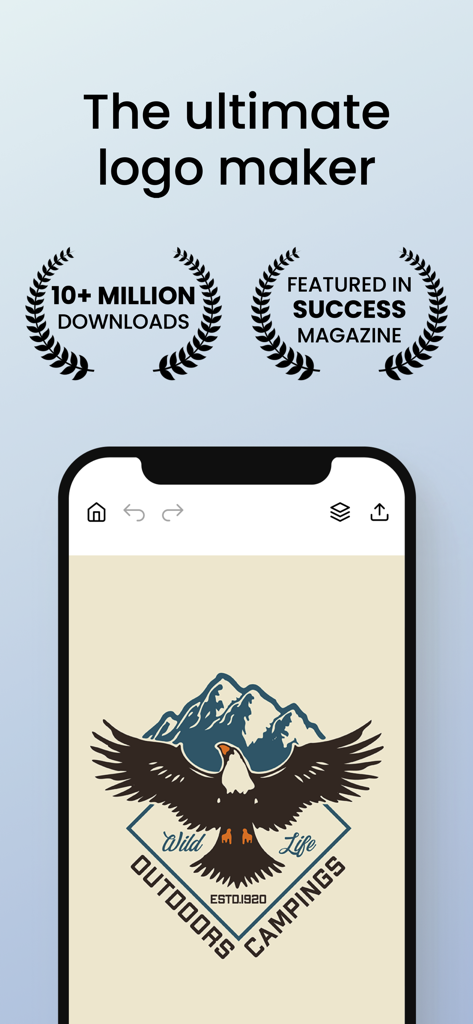
Mobile app interface showing a professional eagle and mountain logo design
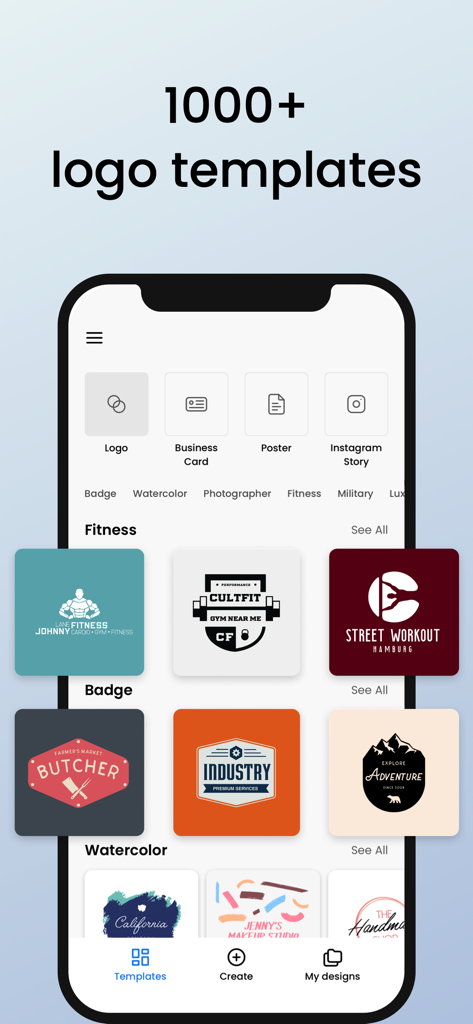
Mobile app interface displaying various professional logo templates and design categories.
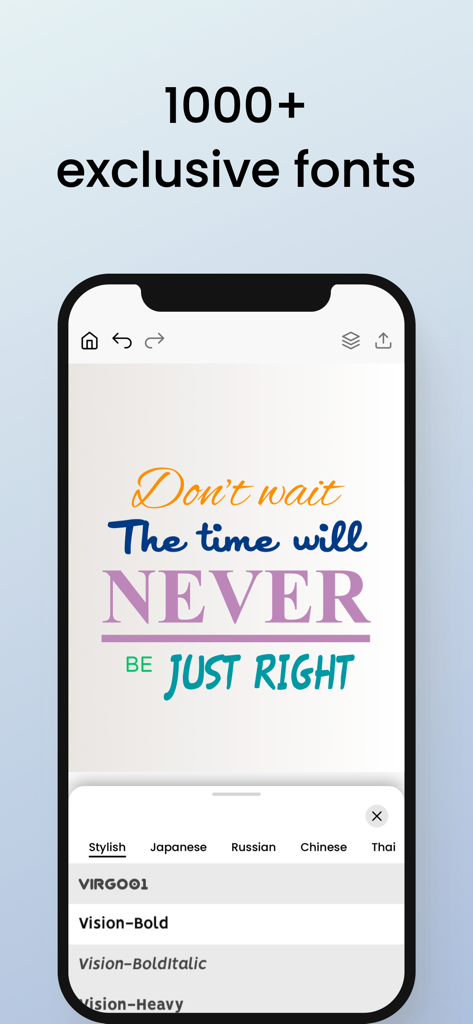
Mobile app interface showing a typography design with various font styles and a font selection menu
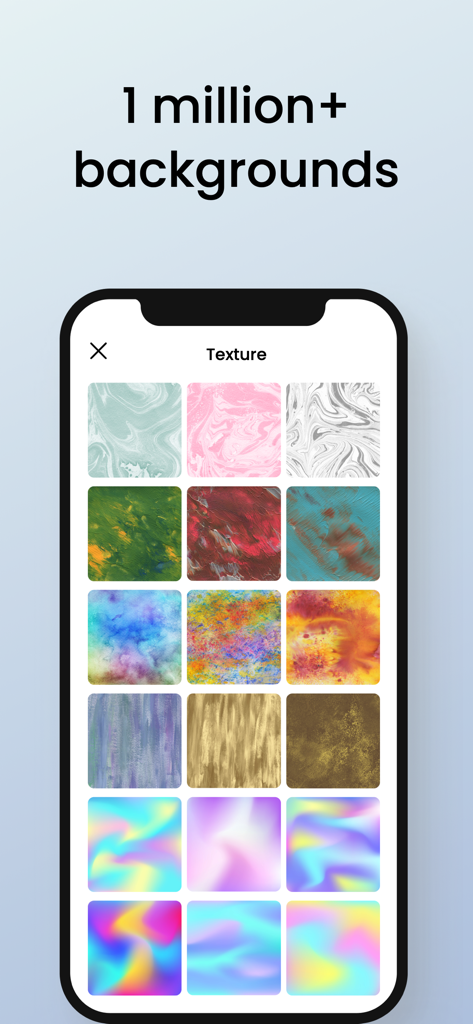
A mobile screen displaying a variety of colorful and textured background options within the Logo Maker app.
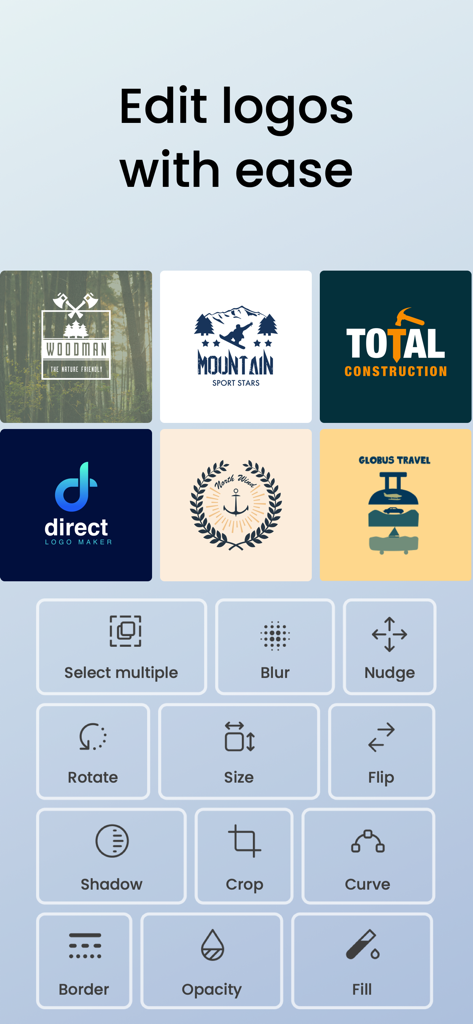
Interface of the Logo Maker app featuring a grid of professional editing tools and several logo design examples.
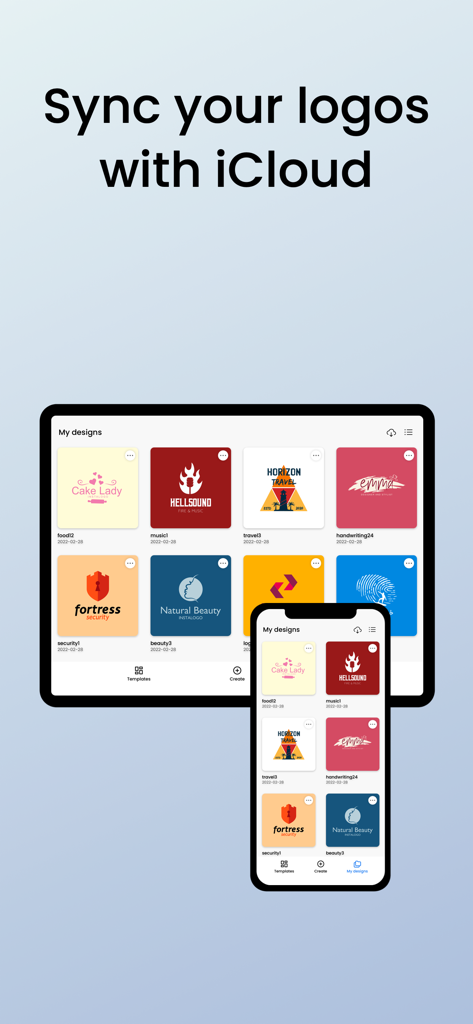
InstaLogo 2 app displaying synchronized logo designs across an iPhone and an iPad via iCloud
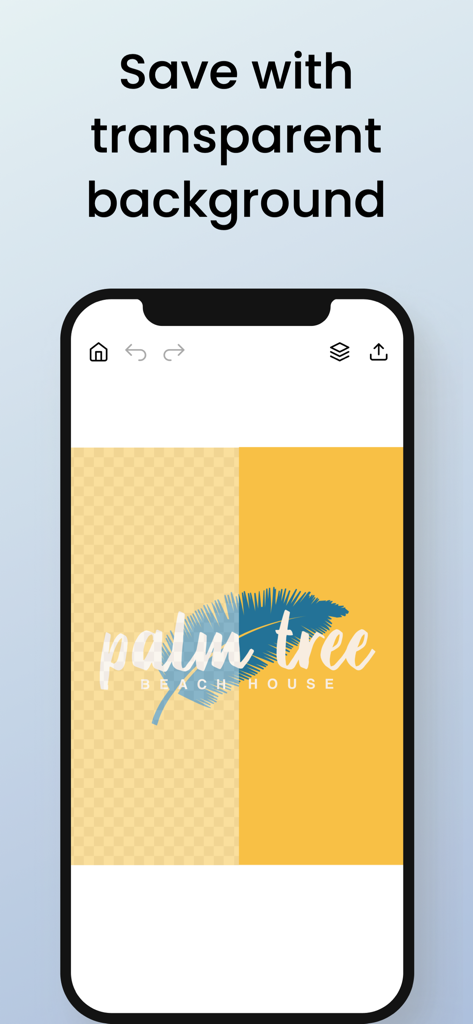
A smartphone screen displaying a logo design with a transparent background in the Logo Maker app
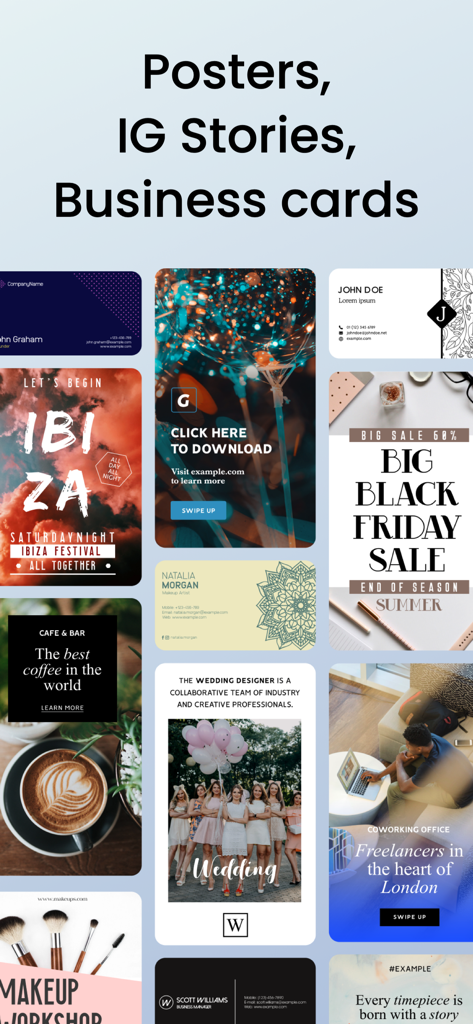
A collage showing various marketing design templates for posters, Instagram stories, and business cards.

Coffee house branding materials including cups and bags with custom logos
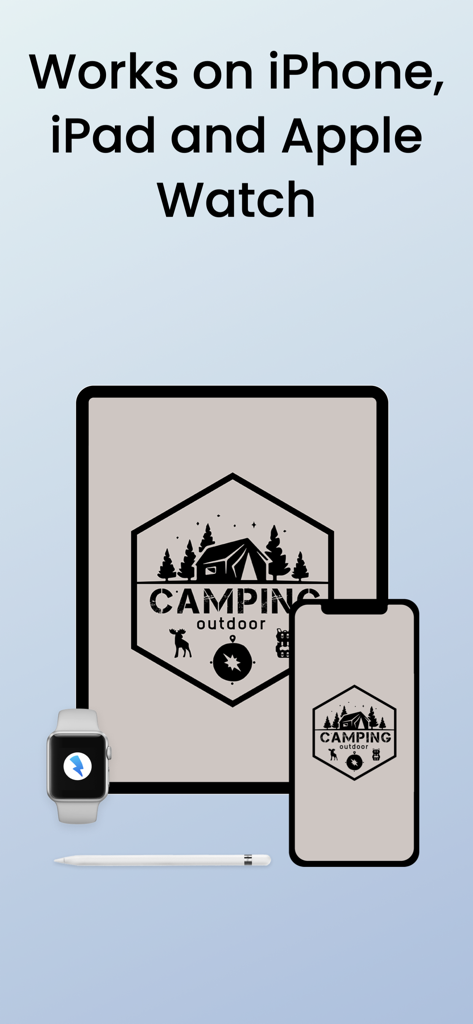
Logo Maker app interface shown across iPhone, iPad, and Apple Watch with Apple Pencil
Description
Download
More Like This
Apps with similar features and user experience

Canva: AI Photo & Video Editor
Canva Pty Ltd

Adobe Express: Create Anything
Adobe Inc.

Bazaart AI Photo Editor Design
Bazaart Ltd.

稿定设计-AI图片海报壁纸,一键p图拼图修图抠图照片美化
Gaoding (Xiamen) Technology Co., Ltd.

Poster Maker - Crea
Salix Dijital Pazarlama Anonim Sirketi

Logo Maker AI Creator — Boon
PIXO Incorporation

MiriCanvas: Poster, PPT design
MIRI D.I.H

Logo Maker: Art Design Creator
LOGOFLY LLC

创客贴设计-AI海报图片设计,一键p图拼图修图抠图照片美化
Beijing yiyuanku science and Technology Co., Ltd.
This page is not an official page of the app or its developer, but an independent editorial publication created for informational and commentary purposes. Unless expressly stated otherwise, neither the app nor its developer is affiliated with, endorsed by, sponsored by, authorized by, or otherwise officially connected with MWM, Apple, Google Play, the app publisher, or the app's developer, and nothing on this page implies that the app was developed using MWM's services. Any trademarks, logos, screenshots, and other content remain the property of their respective owners.