Loud Alarm Clock: Wake up Call
Download on App Store

This page is not an official page of the app or its developer, but an independent editorial publication created for informational and commentary purposes. Unless expressly stated otherwise, neither the app nor its developer is affiliated with, endorsed by, sponsored by, authorized by, or otherwise officially connected with MWM, Apple, Google Play, the app publisher, or the app's developer, and nothing on this page implies that the app was developed using MWM's services. Any trademarks, logos, screenshots, and other content remain the property of their respective owners.

Logo of Loud Alarm Clock: Wake up Call
Download on App Store

Loud Alarm Clock: Wake up Call

Turn your iPhone or iPad into a stunning, high-decibel nightstand clock designed for heavy sleepers who need a reliable, loud, and beautiful way to start the day.

Key Figures

Downloads

2K+

User Rating

1.0/5

Total Ratings

0

Publisher

Asadullah Yaseen

Category

Health & Fitness

Locales

1

Latest Version

1.1

Size

16.3 MB

First Released

Oct 5, 2020
Features

Wake Up on Time, Every Single Day

Experience the perfect blend of high-decibel performance and stunning bedroom aesthetics designed for heavy sleepers and nightstand minimalists.

High-Volume Alerts

Pierce through deep sleep with extra-loud tones specifically engineered to ensure you never miss a morning class or meeting again.

Aesthetic Nightstand Mode

Transform your iPhone or iPad into a beautiful decor piece with customizable analog faces and stunning wallpapers that match your room.

The following screenshots and description are sourced directly from the app's official store listing and are the property of the app developer.

App Store

Screenshots
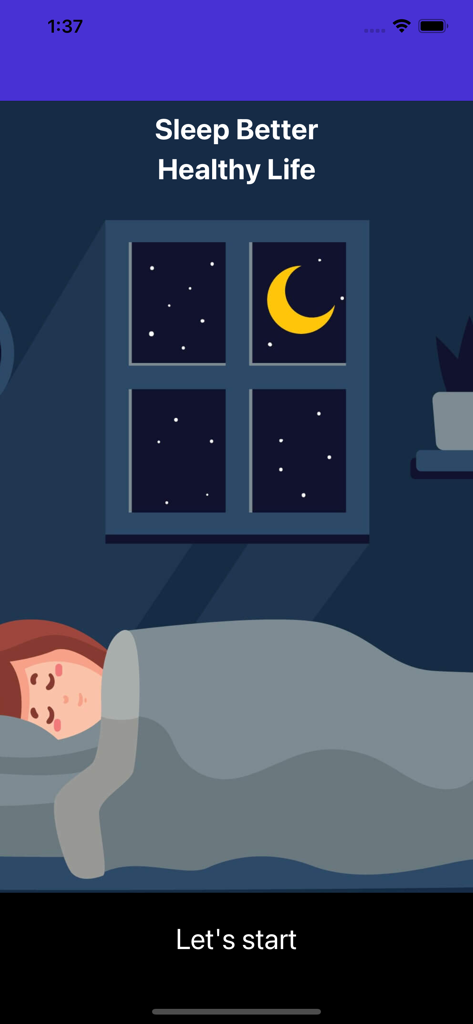
Loud Alarm Clock: Wake up Call - Onboarding screen of the Loud Alarm Clock app showing an illustration of a person sleeping at night with the text Sleep Better Healthy Life
Onboarding screen of the Loud Alarm Clock app showing an illustration of a person sleeping at night with the text Sleep Better Healthy Life

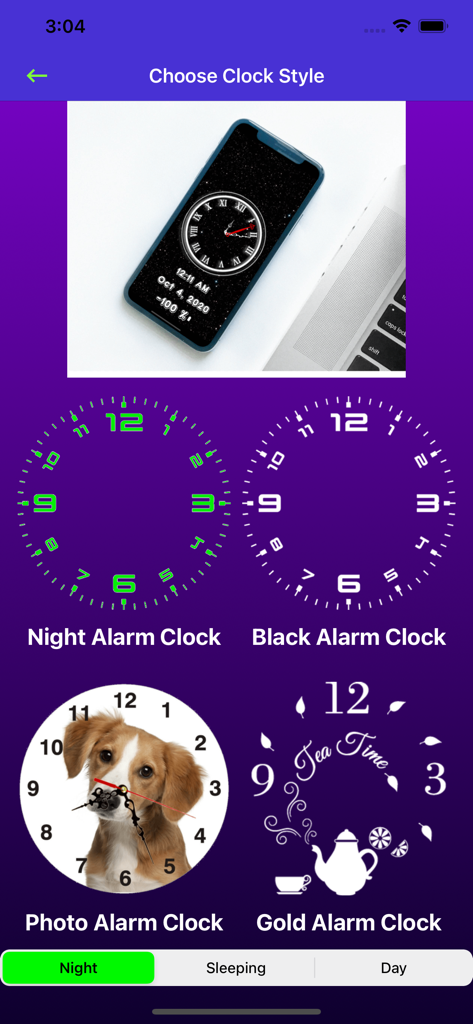
Loud Alarm Clock: Wake up Call - Interface for choosing different clock styles including analog faces with night black photo and gold themes
Interface for choosing different clock styles including analog faces with night black photo and gold themes

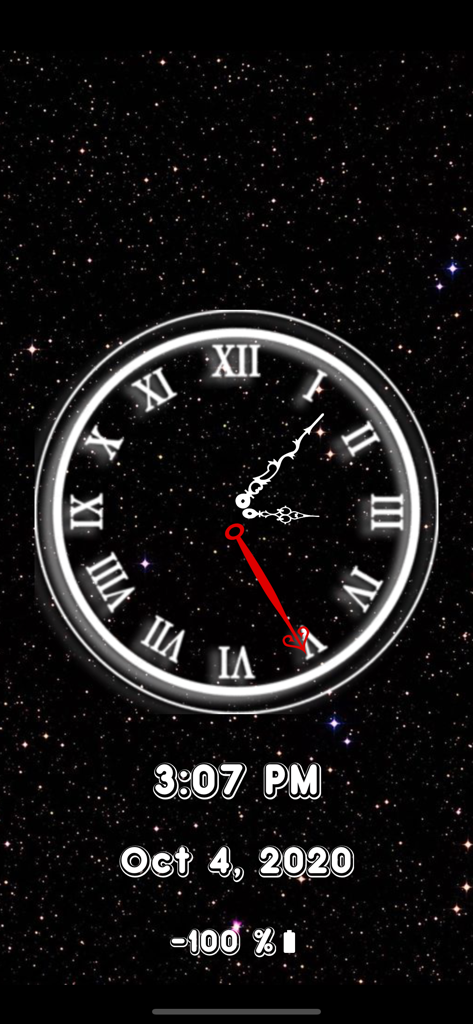
Loud Alarm Clock: Wake up Call - Analog clock face with Roman numerals on a starry night sky background showing time, date, and battery
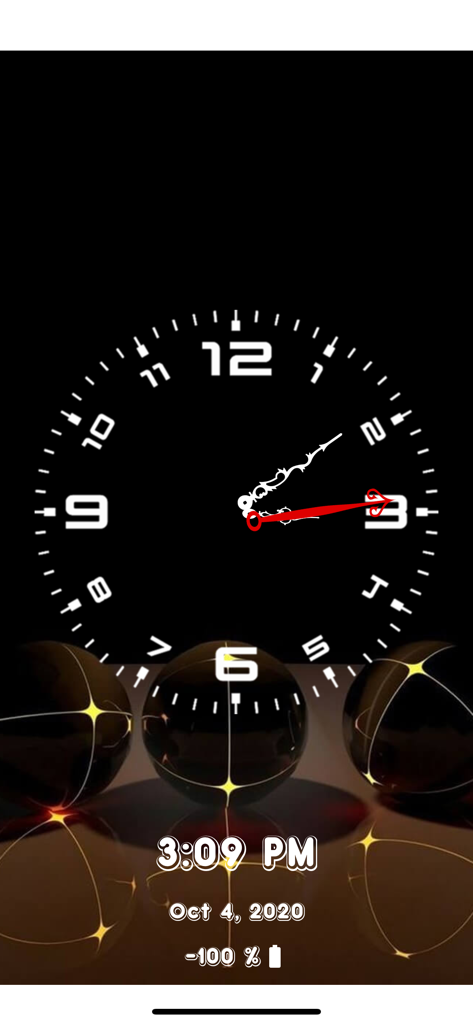
Analog clock face with Roman numerals on a starry night sky background showing time, date, and battery

Loud Alarm Clock: Wake up Call - Analog and digital clock interface for the Loud Alarm Clock app with a dark nightstand aesthetic showing time date and battery level

Analog and digital clock interface for the Loud Alarm Clock app with a dark nightstand aesthetic showing time date and battery level

Loud Alarm Clock: Wake up Call - Digital clock display overlaying a custom portrait photo on a mobile phone screen
Digital clock display overlaying a custom portrait photo on a mobile phone screen

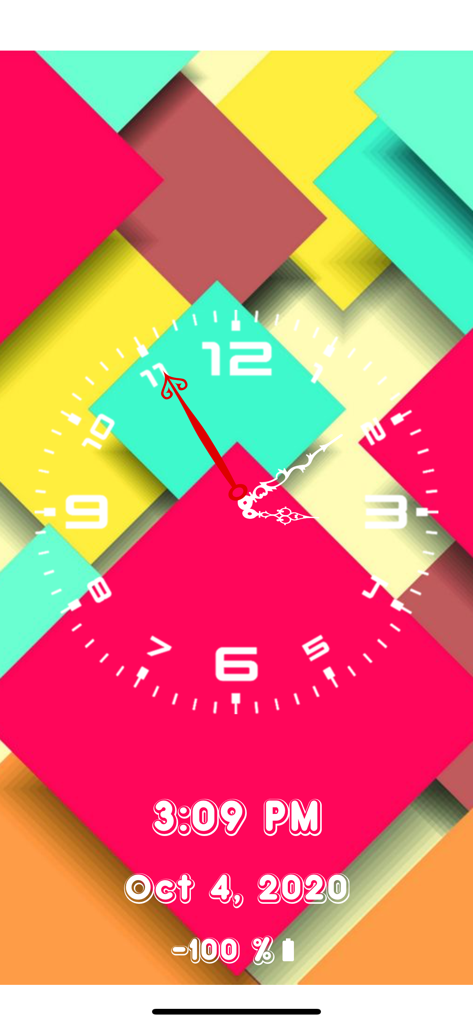
Loud Alarm Clock: Wake up Call - Analog and digital clock display with a colorful geometric wallpaper showing the date and battery life
Analog and digital clock display with a colorful geometric wallpaper showing the date and battery life

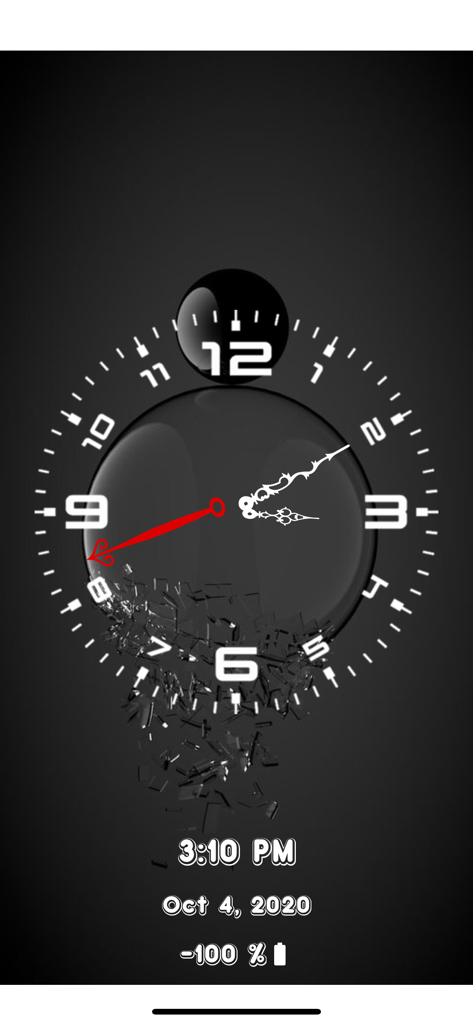
Loud Alarm Clock: Wake up Call - Analog clock face with dark aesthetic showing time date and battery status
Analog clock face with dark aesthetic showing time date and battery status

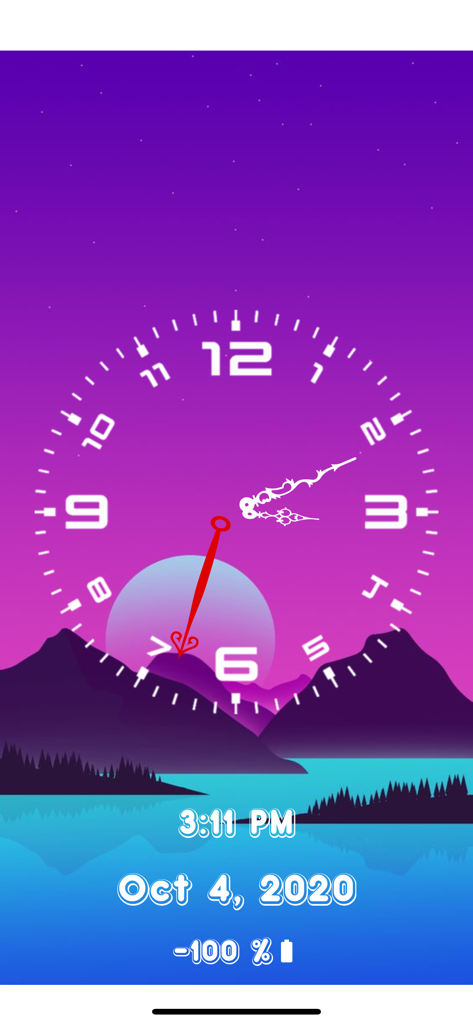
Loud Alarm Clock: Wake up Call - Analog clock face over a mountain landscape background showing date and battery status

Analog clock face over a mountain landscape background showing date and battery status
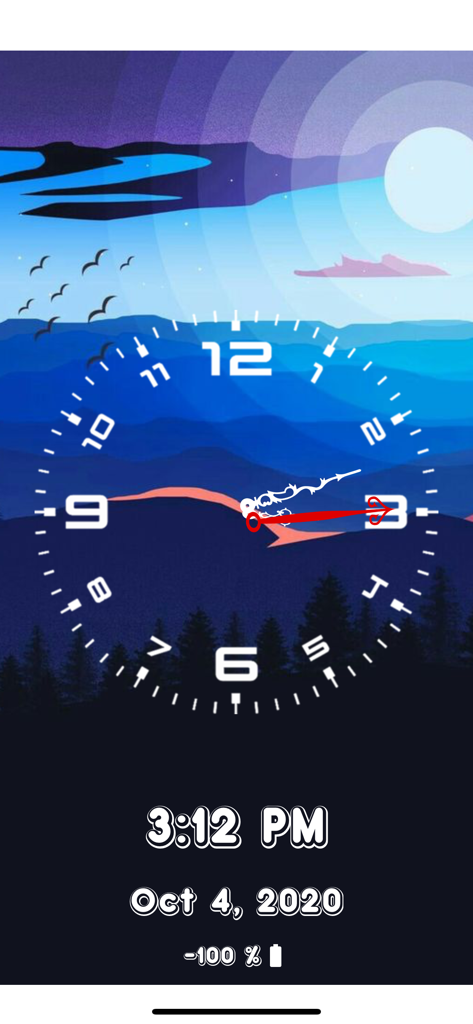
Loud Alarm Clock: Wake up Call - Loud Alarm Clock app interface showing analog and digital time over a mountain landscape wallpaper

Loud Alarm Clock app interface showing analog and digital time over a mountain landscape wallpaper
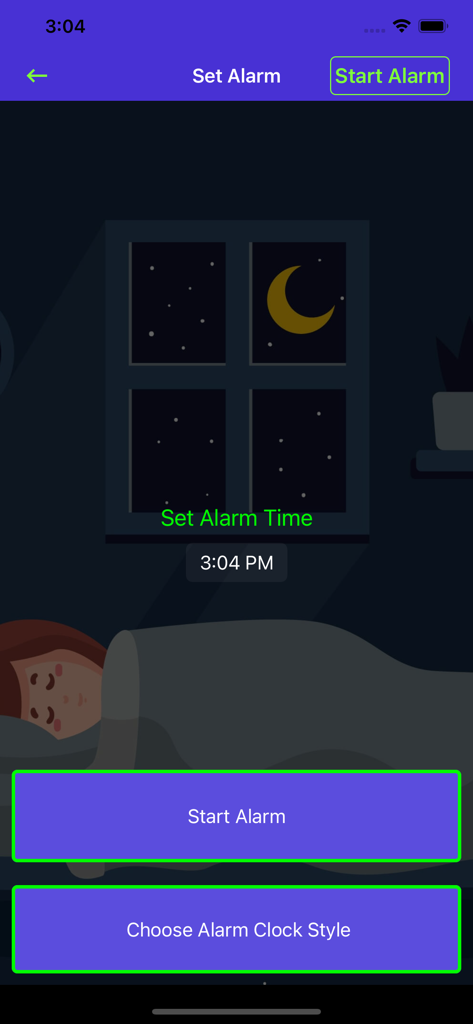
Loud Alarm Clock: Wake up Call - Setting an alarm time on the Loud Alarm Clock mobile application with a nighttime theme background

Setting an alarm time on the Loud Alarm Clock mobile application with a nighttime theme background

Description

Wake up on time everyday with Alarm Clock – Wake Up Time, the perfect solution for your morning wake up call. Set up the time, put it on your nightstand, and get a very loud wake up call the next morning. This app is very useful for everyone and it’s also great to decorate your bedroom. Turn on our alarm clock and put your iPhone or iPad on a nightstand. Our app is FREE, so if you are currently looking for a great and loud Alarm Clock to help you wake up on time everyday, just download and try it! == FEATURES OF ALARM CLOCK – WAKE UP TIME: * A very loud alarm noise to make sure you wake up on time. * Beautiful clock display in Analog or Digital Face. * Stunning wallpapers as background for your clock. * Show the Time, Date and remaining Battery Life. 
 * Put the clock on your nightstand to decorate your room.
 * Super simple to use with very user-friendly interface. 
 * Customize the Alarm Display with your own picture from the Gallery. * Change Date, Time, or Battery Information Color and photo. If you don’t need the Alarm and you just want to use your iPhone to display beautiful Night Clock Display, you can simply choose the Night Clock Mode.If you need the Alarm feature, use this simple guide below to activate it. How to Use Alarm Clock – Wake Up Time: 1. Tap on the Start Alarm Button. 
 2. Tap on the Set Alarm Time to choose the time for the alarm to go off. 
 3. Tap on Start Alarm. 
 4. Choose your preferred Clock Display and Wallpaper. 5. Wait until the Alarm sets off. 
 It’s very important to get up on time every morning so you won’t be late for work or school. We know that ordinary alarm clocks and the standard alarm from iPhone just won’t cut it. It also looks bland, not decorative and stunning as ours. That’s why you should try and download our FREE Alarm Clock and Wake up Time app. SUBSCRIPTION DETAILS All customers are welcome to use free features. If you want to access pro features then we offer 3 auto-renewing subscription options on either a 1, 3 or 12 month basis. Payment will be charged to your credit card through your iTunes account at confirmation of purchase. Subscription renews automatically unless cancelled at least 24 hours prior to the end of the subscription period. Subscriptions can be managed and auto-renewal turned off in Account Settings in iTunes after purchase.Once purchased, refunds will not be provided for any unused portion of the term.Your account will be charged for renewal within 24-hours prior to the end of the current period, for the price indicated above. Read our terms of use for more information: Terms of Use: https://www.privacypolicies.com/terms/view/68237bda8beeae140d2d63c47874716a If you have any issue with using our app or with your subscription, please feel free to email us.We will get back to you and address the issue as soon as possible. Rate and review our app, please! We are an indie app developer and we need all the support we can get from our users. If you like our app, please recommend Alarm Clock to your friends and family. They can enjoy alarm clock and you will help us grow!

Download

Download on App Store

This page is not an official page of the app or its developer, but an independent editorial publication created for informational and commentary purposes. Unless expressly stated otherwise, neither the app nor its developer is affiliated with, endorsed by, sponsored by, authorized by, or otherwise officially connected with MWM, Apple, Google Play, the app publisher, or the app's developer, and nothing on this page implies that the app was developed using MWM's services. Any trademarks, logos, screenshots, and other content remain the property of their respective owners.








