
This page is not an official page of the app or its developer, but an independent editorial publication created for informational and commentary purposes. Unless expressly stated otherwise, neither the app nor its developer is affiliated with, endorsed by, sponsored by, authorized by, or otherwise officially connected with MWM, Apple, Google Play, the app publisher, or the app's developer, and nothing on this page implies that the app was developed using MWM's services. Any trademarks, logos, screenshots, and other content remain the property of their respective owners.


LTS Connect
Take total control of your home or business security. Monitor live video feeds, manage access, and receive instant alerts from your LTS devices—anywhere, anytime.
Downloads
396K+User Rating
Total Ratings
29K+Publisher
Category
Photo & VideoLocales
39Latest Version
6.10.881Size
468.5 MBFirst Released
Sep 27, 2017Complete Control Over Your Property's Security
Turn your mobile device into a professional security hub with high-definition live streaming, instant event alerts, and integrated access management for your LTS hardware.
Real-Time Global Monitoring
View crystal-clear live feeds from your cameras and DVRs from anywhere in the world, giving you instant peace of mind whether you are at home or away.
Instant Motion Notifications
Never miss a critical moment with proactive push alerts that notify you the second motion is detected, allowing for immediate response to potential threats.
Frequently Asked Questions
Everything you need to know about LTS Connect
What security devices does the LTS Connect app control?
The LTS Connect app controls LTS series DVRs, NVRs, IP cameras, video doorbells, and access control systems. Users manage their security devices remotely from anywhere.
Does LTS Connect offer real-time monitoring?
Yes, the LTS Connect app provides real-time monitoring of connected security devices. This feature allows users to view live feeds from their cameras.
Can I view recorded video with the LTS Connect app?
Yes, the LTS Connect app allows users to search and play back recorded video from all their cameras. This is a core feature for reviewing past events.
How does the LTS Connect app notify users of security events?
The LTS Connect app notifies users instantly when a motion detection alarm is triggered. These alerts appear in the app's notification section.
Does LTS Connect support video sharing?
Yes, the LTS Connect app includes PT Cloud functions that enable video sharing capabilities. This feature enhances collaboration and security.
How do I add a new device to the LTS Connect app?
Users add new security devices by creating an account in the LTS Connect app. The home screen provides an "Add Device" option to integrate personal or site devices.
What access control features are available in the LTS Connect app?
The LTS Connect app offers access control and doorbell features. It includes options for door control and temporary passes to manage entry systems.
Can I manage multiple security sites with LTS Connect?
Yes, the LTS Connect app allows for managing devices associated with different sites. Users can select between "Personal Device" and "New Site" configurations to organize their security systems.
The following screenshots and description are sourced directly from the app's official store listing and are the property of the app developer.
App Store
Screenshots
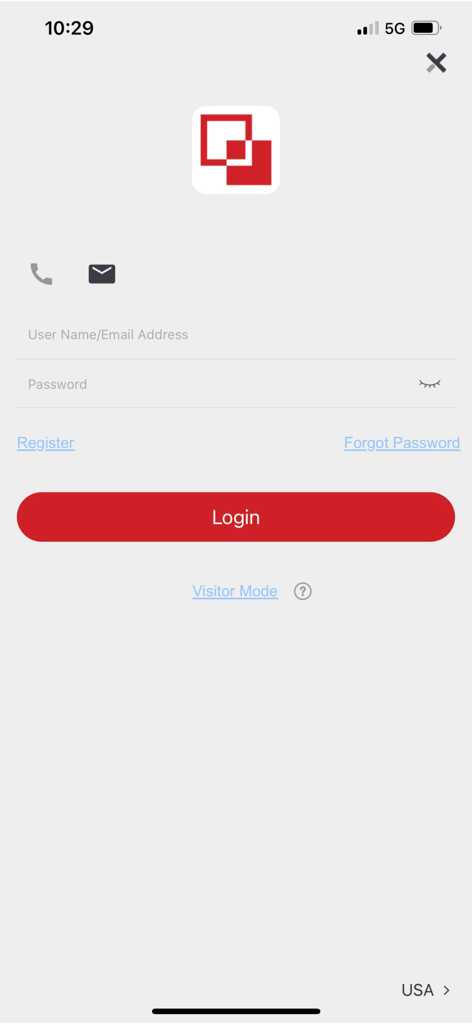
Login screen of the LTS Connect app showing username and password entry fields
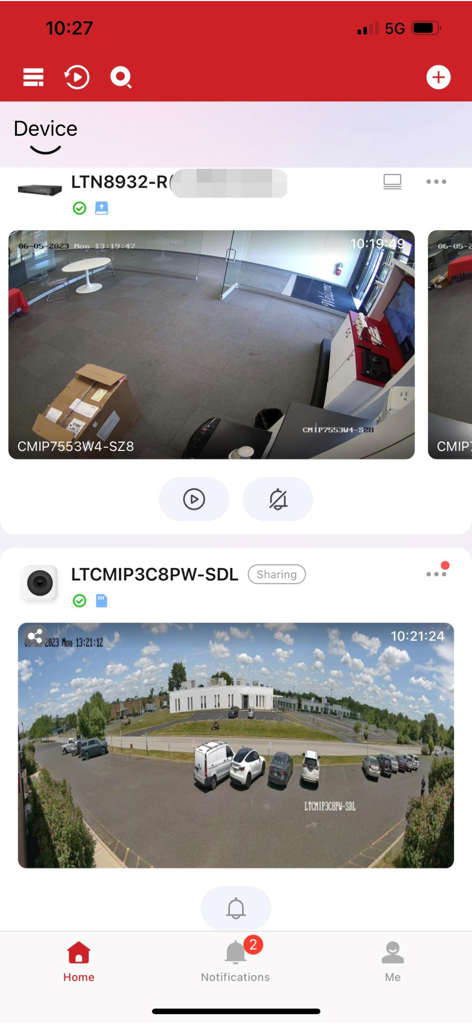
LTS Connect app interface showing real-time indoor and outdoor security camera feeds.
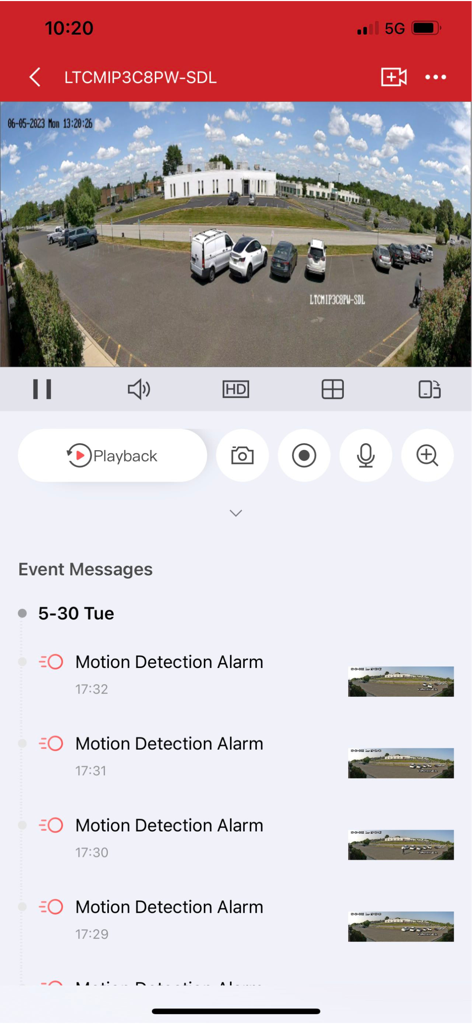
LTS Connect app showing live security footage and motion detection alert history
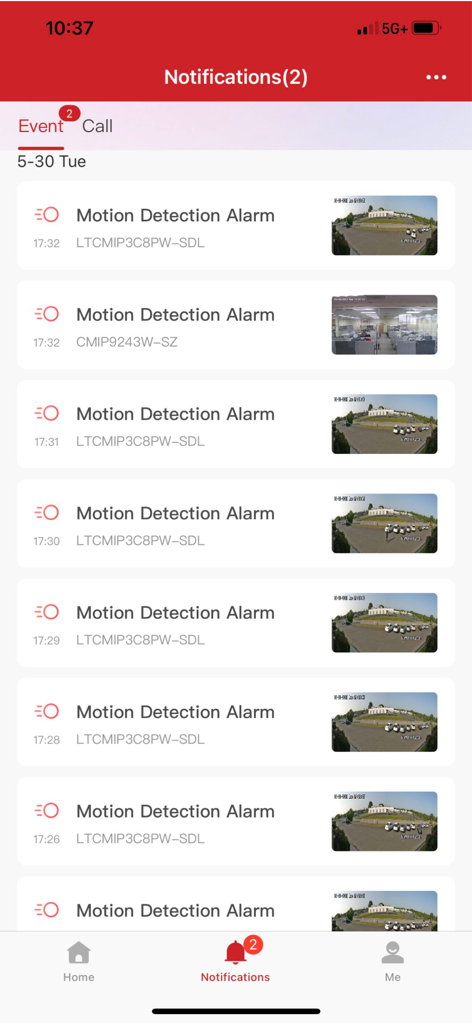
Interface of LTS Connect app showing a list of security motion detection alerts with video thumbnails
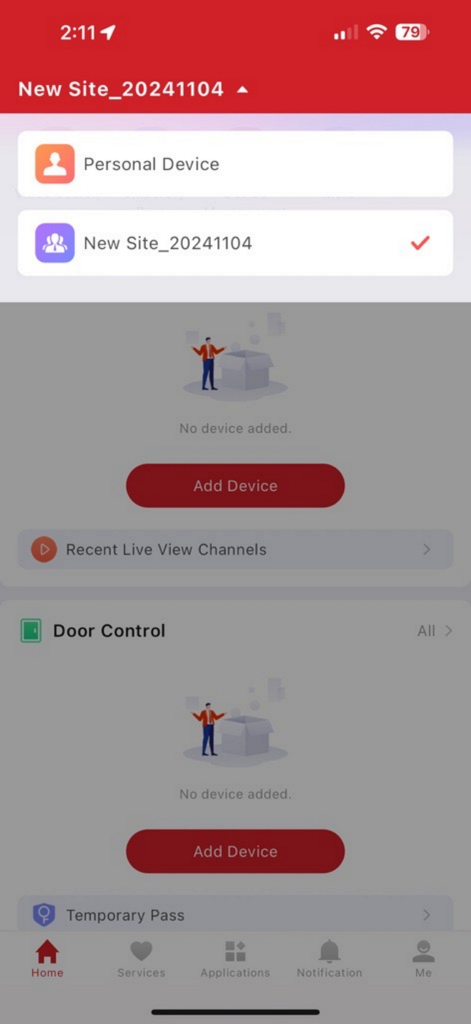
LTS Connect app dashboard with options to add security devices and manage door control
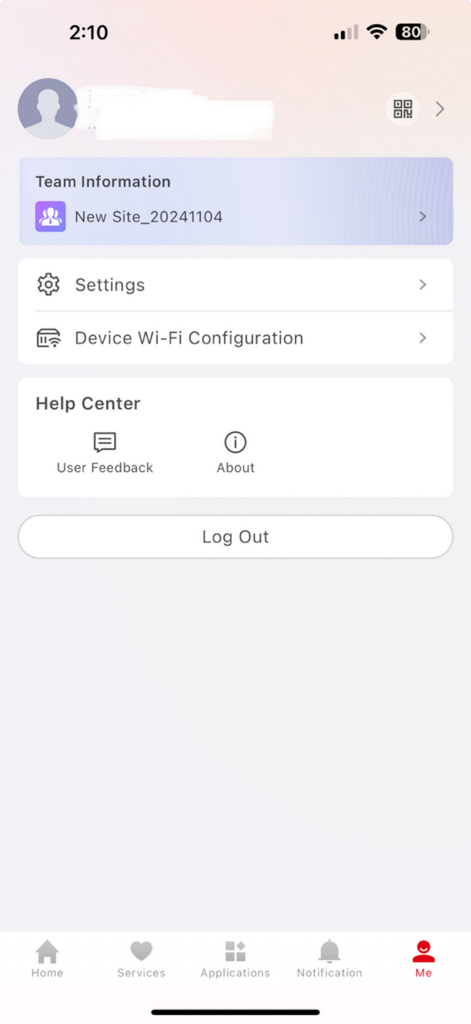
The user profile screen of the LTS Connect app showing account settings and team information.
Description
Download
More Like This
Apps with similar features and user experience

TP-Link VIGI
TP-Link Systems Inc.
Intelbras ISIC Lite
Intelbras S.A. Ind. de Telecom. Elet. Brasileira
Intelbras Guardian
Intelbras S.A. Ind. de Telecom. Elet. Brasileira

Smart Security Camera App
On Hand Apps - FZCO

Guarding Vision
明军 顾

IPEYE CCTV
KONSTANTA, OOO Apps

littlelf smart
Shenzhen Skyline Investment Cmi Holdings Co.,Ltd

BoifunCam
健 冯

Prama Online
PRAMA INDIA PRIVATE LIMITED
This page is not an official page of the app or its developer, but an independent editorial publication created for informational and commentary purposes. Unless expressly stated otherwise, neither the app nor its developer is affiliated with, endorsed by, sponsored by, authorized by, or otherwise officially connected with MWM, Apple, Google Play, the app publisher, or the app's developer, and nothing on this page implies that the app was developed using MWM's services. Any trademarks, logos, screenshots, and other content remain the property of their respective owners.