
This page is not an official page of the app or its developer, but an independent editorial publication created for informational and commentary purposes. Unless expressly stated otherwise, neither the app nor its developer is affiliated with, endorsed by, sponsored by, authorized by, or otherwise officially connected with MWM, Apple, Google Play, the app publisher, or the app's developer, and nothing on this page implies that the app was developed using MWM's services. Any trademarks, logos, screenshots, and other content remain the property of their respective owners.

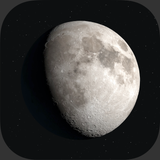
Lunar - Moon Phase & Widget
Stay in sync with the lunar cycle using stunning 3D visuals, precise astronomical data, and aesthetic widgets perfectly designed for your Apple ecosystem.
Downloads
509K+User Rating
Total Ratings
5K+Publisher
Category
WeatherLocales
1Latest Version
6.1Size
190.3 MBFirst Released
Oct 6, 2016Stay in Sync with the Cosmos
The most elegant way to track the lunar cycle, featuring stunning 3D renderings and customizable widgets designed for your aesthetic.
Hyper-Realistic 3D Moon
Witness the beauty of the moon with real-time 3D-lit renderings and an immersive Liquid Glass design that feels alive on your screen.
Customizable Lunar Widgets
Elevate your Home and Lock Screen with beautiful widgets that track phases, illumination, and zodiac signs at a single glance.
Frequently Asked Questions
Everything you need to know about Lunar - Moon Phase & Widget
What lunar events and data does Lunar: Moon Phase & Widget track?
Yes, Lunar: Moon Phase & Widget accurately tracks the current moon phase, moonrise and moonset times, and upcoming Full Moon, New Moon, and Lunar Eclipse events. It provides detailed lunar data.
Does Lunar: Moon Phase & Widget display 3D moon renderings?
Yes, Lunar: Moon Phase & Widget features real-time, 3D-lit Moon renderings. This technology provides a highly realistic visual experience of the Moon directly on your device.
Can I view historical and future moon phases in Lunar: Moon Phase & Widget?
Yes, users can explore any past or future date within Lunar: Moon Phase & Widget. The app displays precise lunar data, illumination, distance, and the Lunar Zodiac sign for the selected day.
Does Lunar: Moon Phase & Widget offer a moon phase calendar?
Yes, Lunar: Moon Phase & Widget includes a Moon Phase Calendar. This feature allows users to view an entire month’s lunar cycle at a glance and access detailed moon information by tapping a date.
Does Lunar: Moon Phase & Widget provide Home Screen and Lock Screen widgets?
Yes, Lunar: Moon Phase & Widget supports both Home Screen and Lock Screen widgets. These widgets come in compact and expanded formats, ensuring lunar information is always accessible.
Does Lunar: Moon Phase & Widget send notifications for moon events?
Yes, Lunar: Moon Phase & Widget sends notifications for significant lunar events. Users receive alerts for Full Moon, New Moon, and Eclipse events directly on their device.
Is Lunar: Moon Phase & Widget compatible with Apple Watch?
Yes, Lunar: Moon Phase & Widget is available on Apple Watch. It includes a Lunar Compass feature, enabling users to locate the Moon’s position directly from their wrist.
How does the subscription work for Lunar: Moon Phase & Widget?
Lunar: Moon Phase & Widget operates on a subscription model. Payment is charged to your Apple ID Account, and it auto-renews unless cancelled at least 24 hours before the period ends.
How can I manage my Lunar: Moon Phase & Widget subscription?
Yes, users can manage their Lunar: Moon Phase & Widget subscription through their Account Settings on the App Store after purchase. Auto-renew can be turned off at any time.
The following screenshots and description are sourced directly from the app's official store listing and are the property of the app developer.
App Store
Screenshots
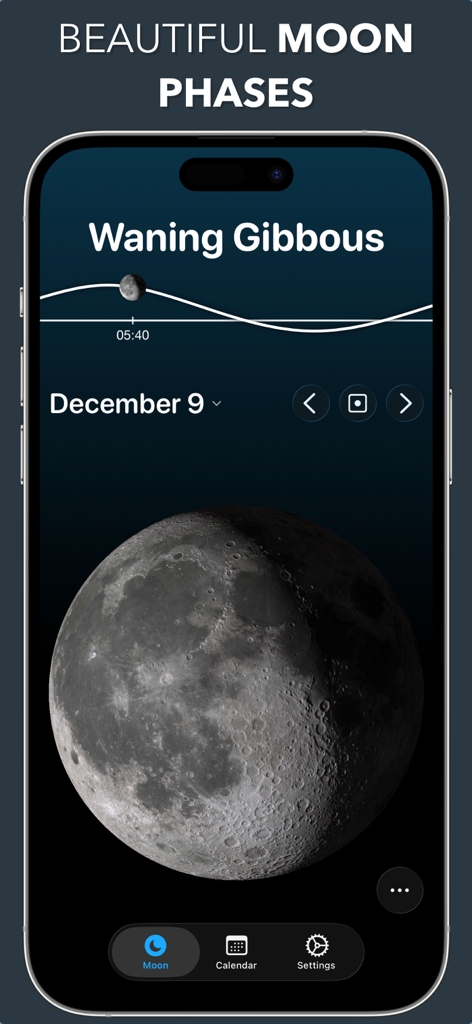
Lunar app screen showing a 3D Waning Gibbous moon phase
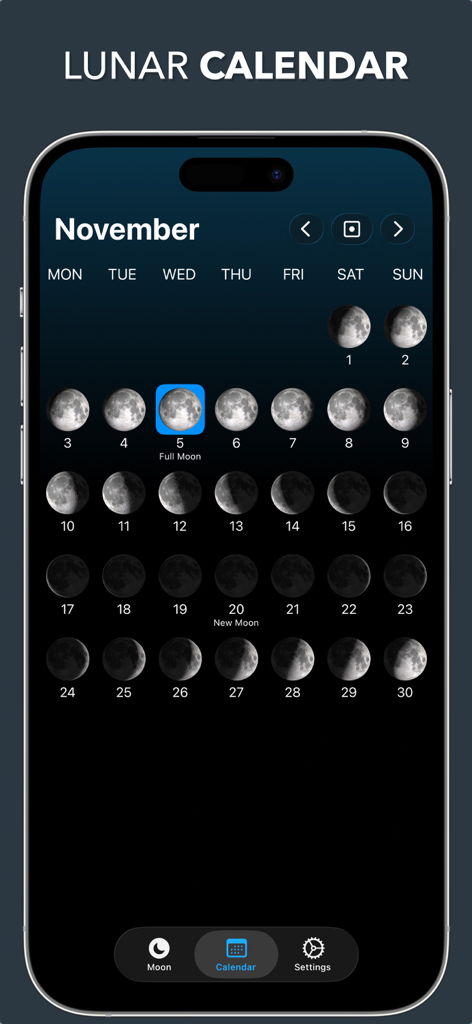
Monthly lunar calendar view showing moon phases for November with full moon highlighted
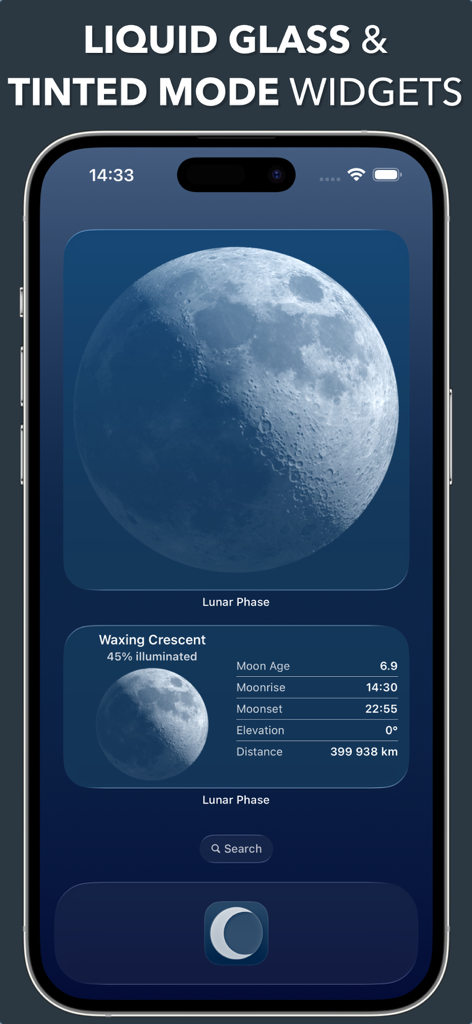
Lunar app home screen widgets showing moon phase data with liquid glass design.
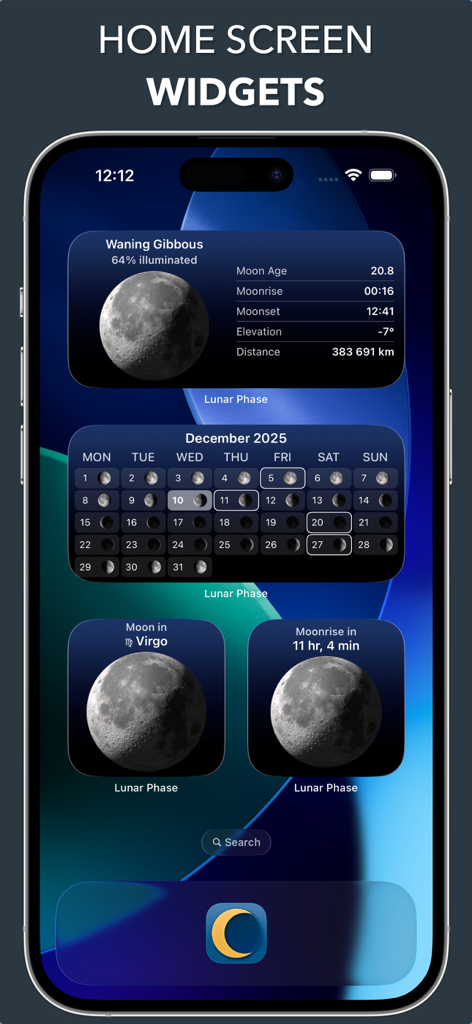
Selection of aesthetic moon phase and calendar widgets displayed on an iPhone home screen.
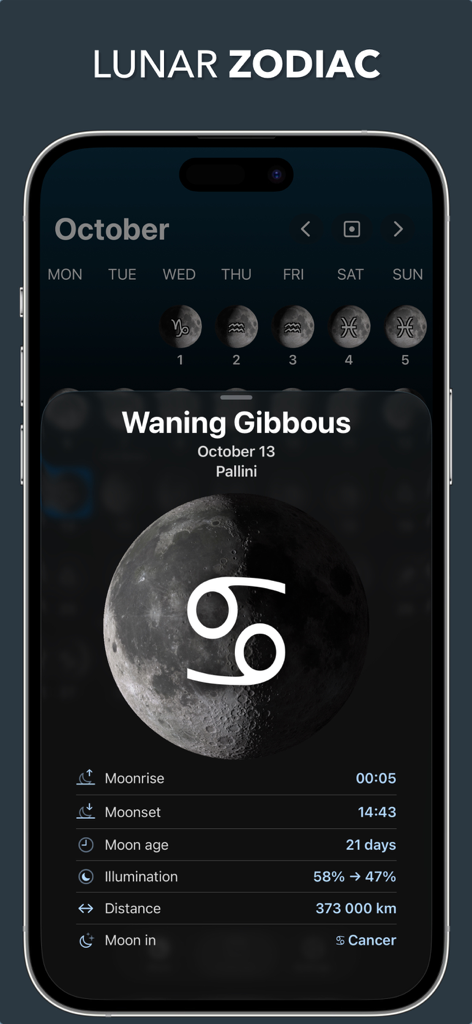
Lunar app screen showing moon phase details and zodiac sign for October
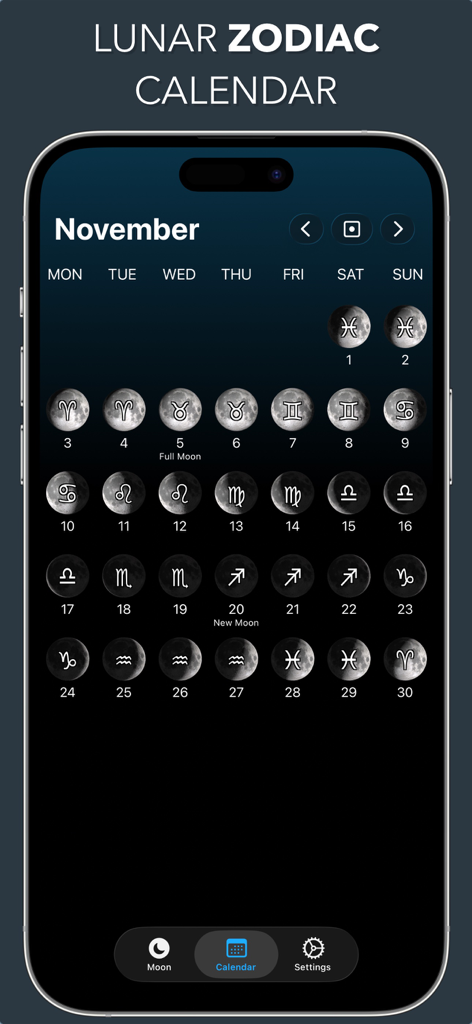
Lunar Zodiac calendar displaying moon phases and astrological signs for November
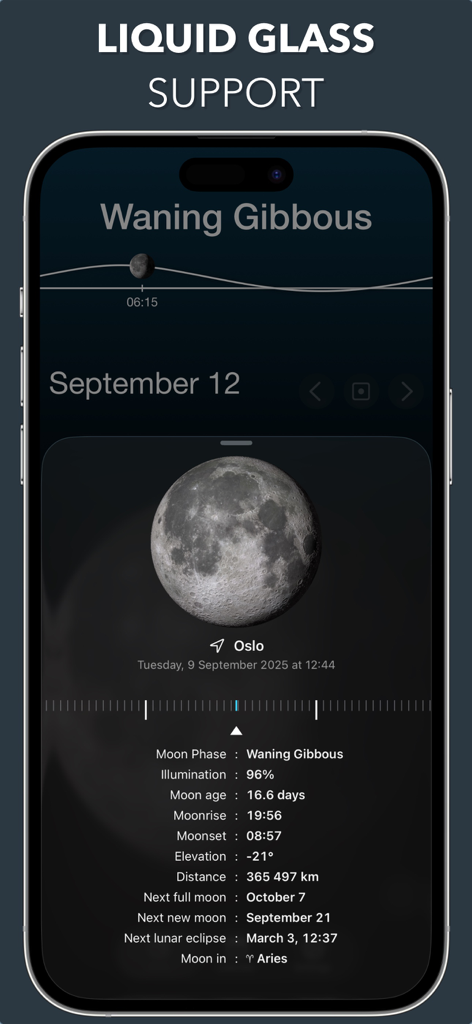
Lunar app interface showing 3D moon rendering and detailed lunar data
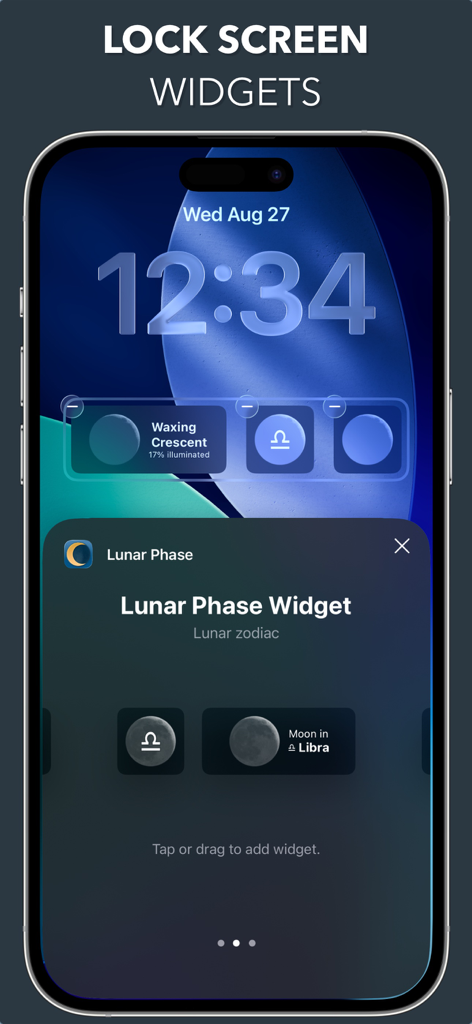
iPhone lock screen displaying lunar phase and zodiac widgets in a minimalist design
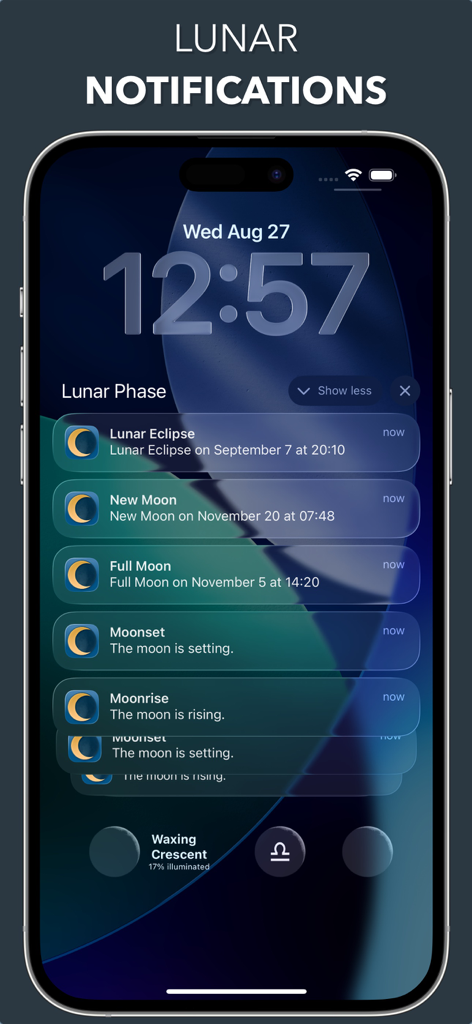
iPhone lock screen showing notifications for lunar events and moon phase widgets.
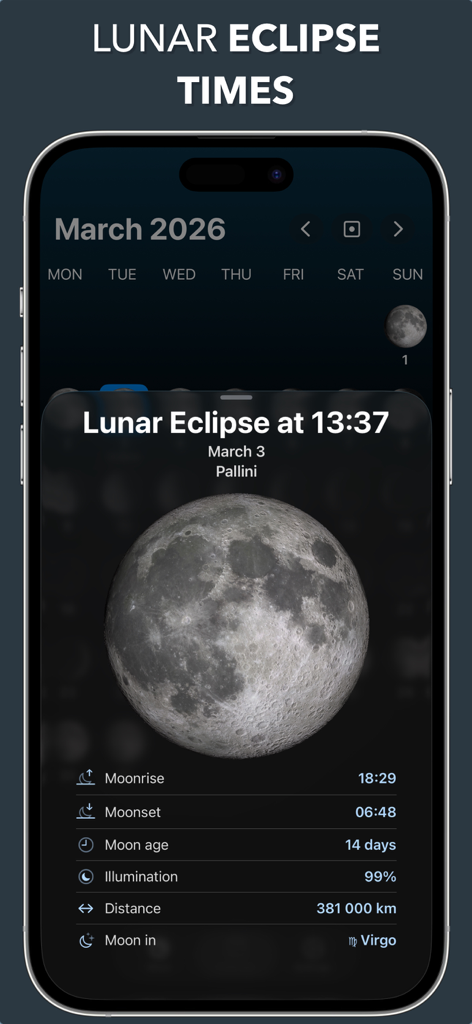
Lunar moon phase app interface showing lunar eclipse times and detailed 3D moon information for March 2026
Description
Download
More Like This
Apps with similar features and user experience

This page is not an official page of the app or its developer, but an independent editorial publication created for informational and commentary purposes. Unless expressly stated otherwise, neither the app nor its developer is affiliated with, endorsed by, sponsored by, authorized by, or otherwise officially connected with MWM, Apple, Google Play, the app publisher, or the app's developer, and nothing on this page implies that the app was developed using MWM's services. Any trademarks, logos, screenshots, and other content remain the property of their respective owners.