
This page is not an official page of the app or its developer, but an independent editorial publication created for informational and commentary purposes. Unless expressly stated otherwise, neither the app nor its developer is affiliated with, endorsed by, sponsored by, authorized by, or otherwise officially connected with MWM, Apple, Google Play, the app publisher, or the app's developer, and nothing on this page implies that the app was developed using MWM's services. Any trademarks, logos, screenshots, and other content remain the property of their respective owners.

Made in - Barcode Scanner
Instantly uncover the true origin of any product. Take control of your spending by prioritizing quality, safety, and domestic manufacturing with one simple scan.
Downloads
673K+User Rating
Total Ratings
200Publisher
Category
UtilitiesLocales
1Latest Version
2.3.9Size
49.9 MBFirst Released
Jul 20, 2015Shop with Confidence and Purpose
The ultimate tool for the conscientious shopper. Instantly verify product origins to ensure your household purchases align with your standards for quality and economic support.
Instant Transparency
No more squinting at small labels. Scan any barcode in seconds to uncover exactly where a product truly comes from.
Drive Economic Impact
Identify and prioritize locally-made goods to support domestic workers and keep your hard-earned money within the community.
Frequently Asked Questions
Everything you need to know about Made in - Barcode Scanner
What is the "Made in - Barcode Scanner" app?
The "Made in - Barcode Scanner" app identifies a product's country of origin. It supports both automatic barcode scanning and manual barcode entry to reveal the source.
How do I scan products using the "Made in - Barcode Scanner" app?
To scan products with "Made in - Barcode Scanner," open the app and position the product's barcode within the designated scanning rectangle. The app then automatically reads the barcode.
Can I manually enter a barcode in the "Made in - Barcode Scanner" app?
Yes, users can manually enter barcodes into the "Made in - Barcode Scanner" app. This feature provides an alternative method for obtaining product origin information without physical scanning.
Is the "Made in - Barcode Scanner" app free?
Yes, the "Made in - Barcode Scanner" application is free. The app's description explicitly states that it is a free utility for users.
What information does "Made in - Barcode Scanner" provide about a product?
After scanning or manual entry, the "Made in - Barcode Scanner" app displays the product's country of origin. It shows a flag and the country name for clear identification.
Does "Made in - Barcode Scanner" always show the manufacturing country?
No, "Made in - Barcode Scanner" notes that a barcode sometimes indicates the company's head office country, not necessarily the product's manufacturing location. This is an important distinction.
The following screenshots and description are sourced directly from the app's official store listing and are the property of the app developer.
App Store
Screenshots
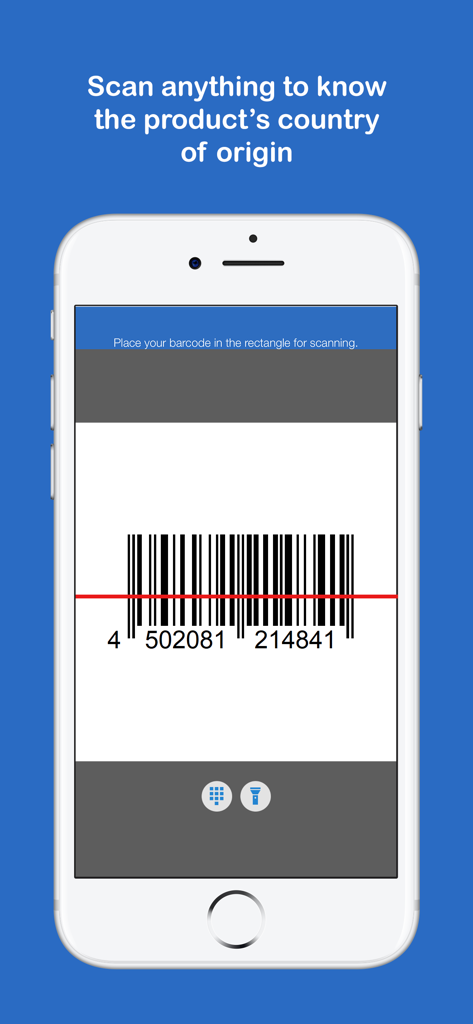
Smartphone screen showing the barcode scanning interface of the Made In app with a barcode and origin identification text
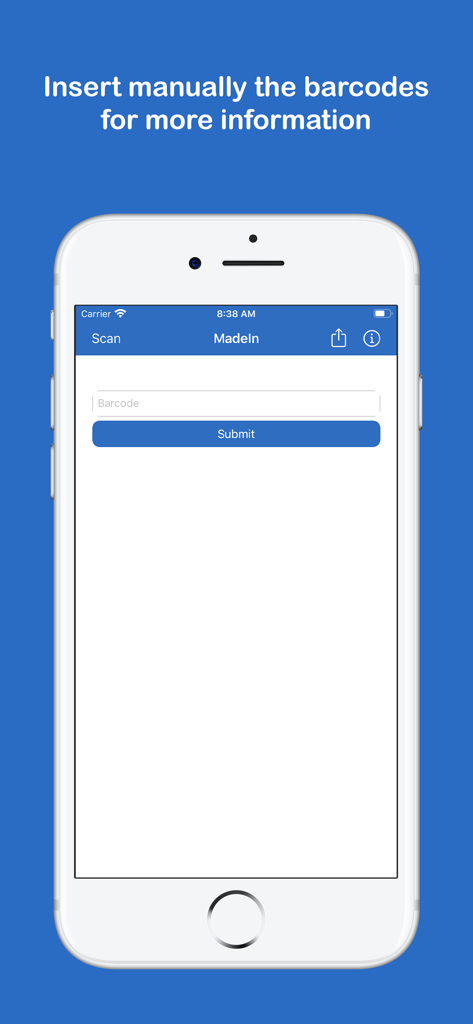
iPhone screen showing the manual barcode entry interface for the Made In product origin app
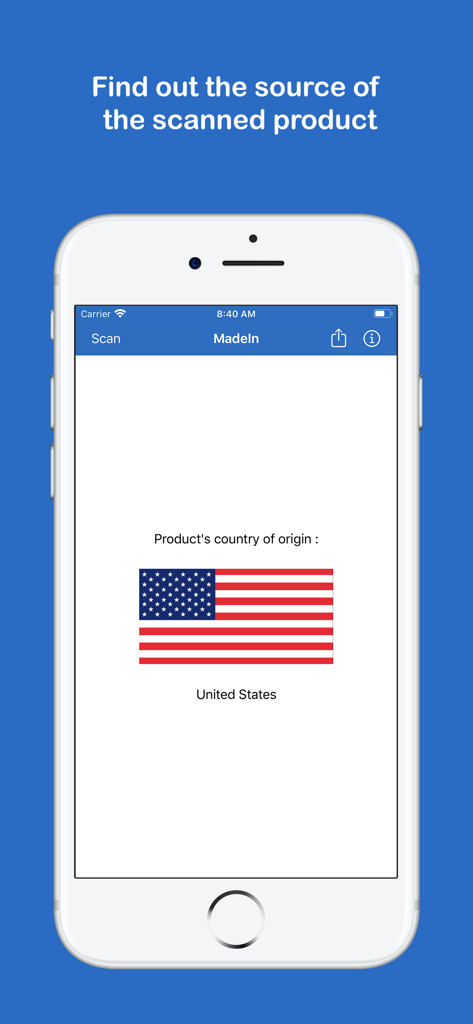
Mobile app interface displaying the United States flag as the country of origin for a scanned product
Description
Download
More Like This
Apps with similar features and user experience

No Thanks app
BashSquare Korlatolt Felelossegu Tarsasag

Goods Unite Us
Goods Unite Us, Inc.

Boycott Detective
ERDEM OZVEREN
KosherScan App
Ephraim Hammer

Boycat: Ethical Shopping
Boycat LLC

Find Halal food, Scanner Haram
Mostafa Abasslama

HalalFoodScan: halal scanner
Marwan Akhandaf

Mustakshif: Halal Food Scanner
Mustakshif Pty Ltd

Made O'Meter
i7even ApS
This page is not an official page of the app or its developer, but an independent editorial publication created for informational and commentary purposes. Unless expressly stated otherwise, neither the app nor its developer is affiliated with, endorsed by, sponsored by, authorized by, or otherwise officially connected with MWM, Apple, Google Play, the app publisher, or the app's developer, and nothing on this page implies that the app was developed using MWM's services. Any trademarks, logos, screenshots, and other content remain the property of their respective owners.