
This page is not an official page of the app or its developer, but an independent editorial publication created for informational and commentary purposes. Unless expressly stated otherwise, neither the app nor its developer is affiliated with, endorsed by, sponsored by, authorized by, or otherwise officially connected with MWM, Apple, Google Play, the app publisher, or the app's developer, and nothing on this page implies that the app was developed using MWM's services. Any trademarks, logos, screenshots, and other content remain the property of their respective owners.


Malwarebytes - Mobile Security
Stop scam calls, filter phishing texts, and browse safely with our high-speed VPN. Trust the leader in cybersecurity to monitor the dark web and shield your digital footprint from modern threats.
Downloads
2M+User Rating
Total Ratings
105K+Publisher
Category
UtilitiesLocales
9Latest Version
5.20Size
244.7 MBFirst Released
Aug 6, 2018Complete Protection for Your Digital Life
Experience peace of mind with an all-in-one security suite designed to shield your identity, privacy, and personal data from modern online threats.
Identity & Dark Web Monitoring
Stay one step ahead of hackers with continuous scans for your personal data exposure and real-time identity theft alerts.
Secure VPN & Web Guard
Bank, shop, and browse privately on any Wi-Fi with military-grade encryption and proactive blocking of malicious sites.
Frequently Asked Questions
Everything you need to know about Malwarebytes - Mobile Security
What is Malwarebytes - Mobile Security for Apple devices?
Malwarebytes - Mobile Security offers comprehensive protection for Apple devices. It includes antivirus, VPN, scam text filtering, and identity safeguards to protect users from online threats.
Does Malwarebytes - Mobile Security offer a free trial?
Yes, Malwarebytes - Mobile Security offers a 7-day free trial. This trial unlocks all premium features. After the trial, some core features remain active for free, while premium features require a subscription.
Which Malwarebytes - Mobile Security features are free after the trial?
After the free trial, Malwarebytes - Mobile Security provides Ad Blocking (Safari), Text Message Filtering, Trusted Advisor, and Digital Footprint Scanner. These features remain active for ongoing free protection.
What premium features does Malwarebytes - Mobile Security include?
Malwarebytes - Mobile Security Premium features include Identity Protection, Secure VPN, Web Protection, and Call Protection. These require a subscription after the 7-day free trial period ends.
Does Malwarebytes - Mobile Security include a VPN?
Yes, Malwarebytes - Mobile Security includes a Secure VPN as a premium feature. It ensures your connection is private, secures data on public Wi-Fi, and allows safe access to global content.
Does Malwarebytes - Mobile Security protect against identity theft?
Yes, Malwarebytes - Mobile Security offers Identity Protection as a premium feature. It provides continuous monitoring for identity theft, data breaches, dark web activity, and credit changes.
How does Malwarebytes Web Protection work on Apple devices?
Malwarebytes Web Protection blocks malicious websites, phishing sites, and online scams before they load. It provides robust antivirus-level web protection, particularly effective in Safari on Apple devices.
Can Malwarebytes - Mobile Security block scam calls?
Yes, Malwarebytes - Mobile Security includes Call Protection (Call Blocker) as a premium feature. It blocks fraudulent calls and spoofing attempts, and provides warnings for known scam numbers.
Does Malwarebytes - Mobile Security block ads on Safari?
Yes, Malwarebytes - Mobile Security includes Ad Blocking for Safari. This feature eliminates intrusive ads and trackers for a faster, safer browsing experience and is active for free.
How does Malwarebytes filter text messages?
Malwarebytes - Mobile Security automatically filters suspicious texts, scam links, and phishing attempts into your Junk folder. This text message filtering is a core component of its ongoing free security.
Can Malwarebytes - Mobile Security scan for viruses on iOS?
Due to iOS limitations, Malwarebytes - Mobile Security cannot perform direct virus cleaner scans for malware files. It focuses on proactive protection by blocking threats like phishing sites and scam communications.
What iOS versions are compatible with Malwarebytes - Mobile Security?
Malwarebytes - Mobile Security is compatible with Apple devices running iOS 17 or later. An active internet connection is also required for the application's features to function.
Is the Malwarebytes - Mobile Security app ad-free?
Yes, the Malwarebytes - Mobile Security app itself is ad-free. It does not contain any third-party advertisements within its user interface, ensuring a focused experience.
Does Malwarebytes - Mobile Security support Apple Family Sharing?
No, Malwarebytes - Mobile Security Premium subscription features are not eligible for Apple Family Sharing. Each individual user requires their own separate subscription for premium access.
Is Malwarebytes - Mobile Security an antivirus app for iPhone?
Yes, Malwarebytes - Mobile Security provides robust antivirus-level protection for Apple devices. It actively blocks online threats, phishing, and scams, ensuring comprehensive mobile security for users.
The following screenshots and description are sourced directly from the app's official store listing and are the property of the app developer.
App Store
Screenshots
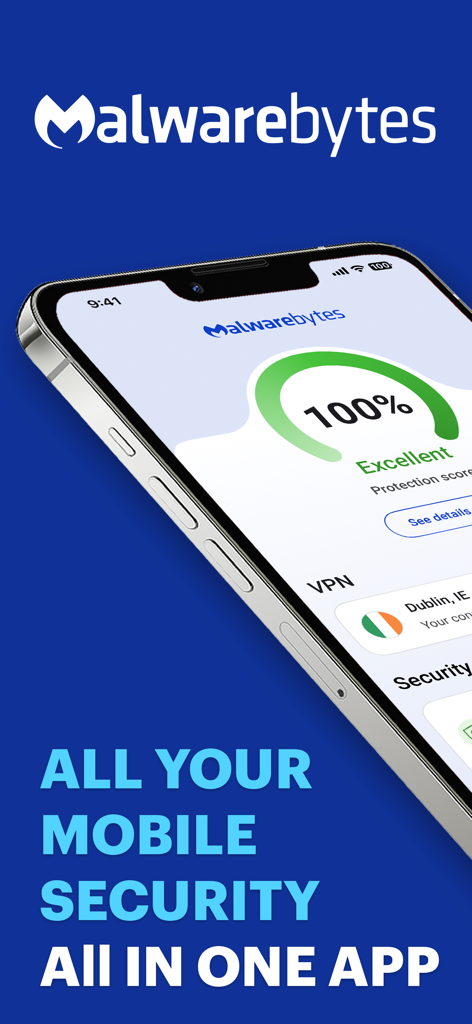
Malwarebytes mobile security app dashboard on an iPhone showing a 100 percent protection score and active VPN
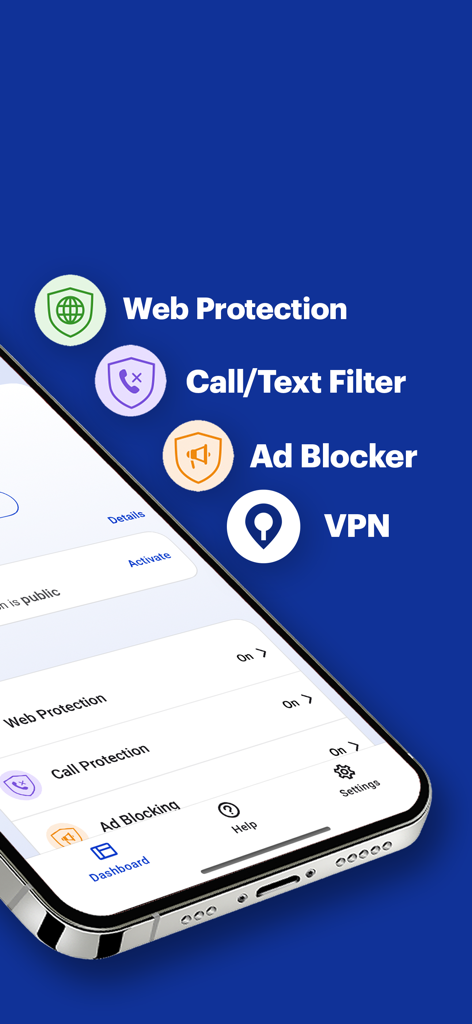
Malwarebytes app interface displaying security features like web protection call filtering ad blocking and VPN
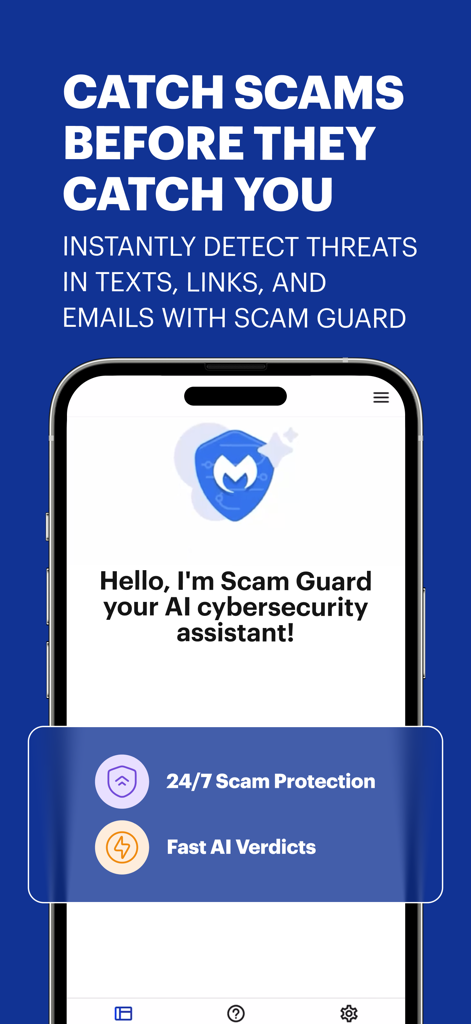
Malwarebytes Scam Guard AI assistant for 24/7 threat detection and scam protection
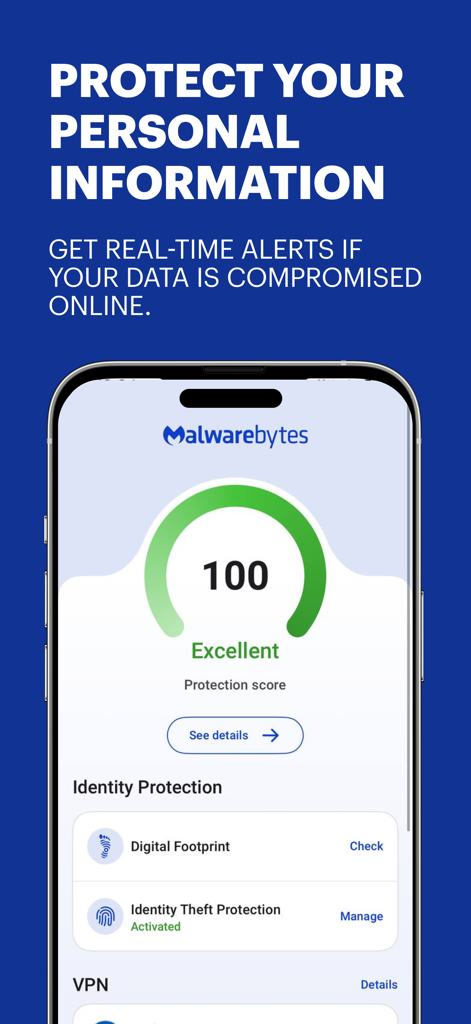
Malwarebytes mobile app dashboard showing an excellent protection score and identity theft protection settings.
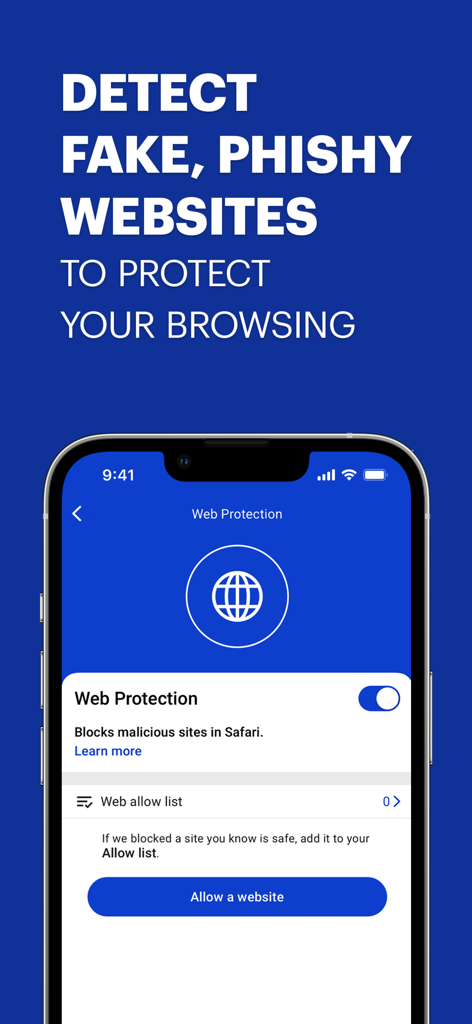
Malwarebytes mobile security app interface showing the Web Protection feature for blocking malicious websites on iPhone.
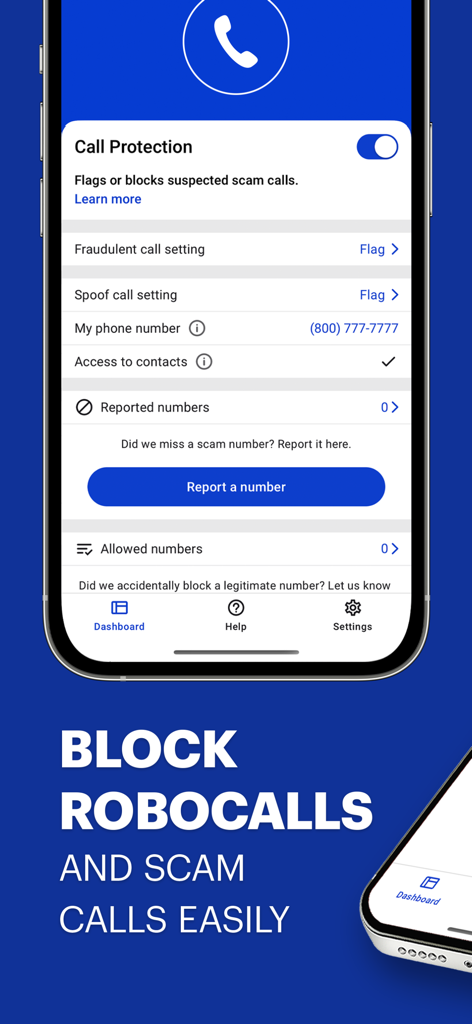
Malwarebytes call protection screen showing settings to block scam calls and robocalls
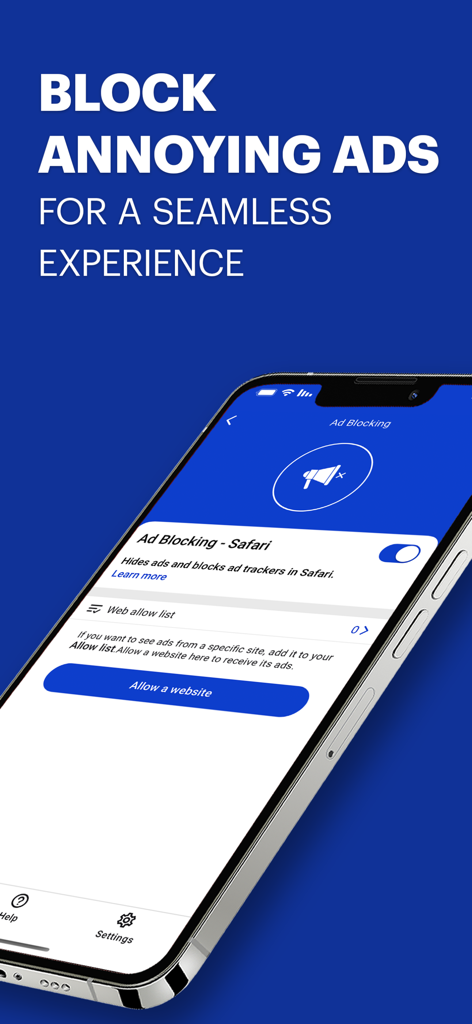
Malwarebytes app interface showing the ad blocking feature for Safari on an iPhone.
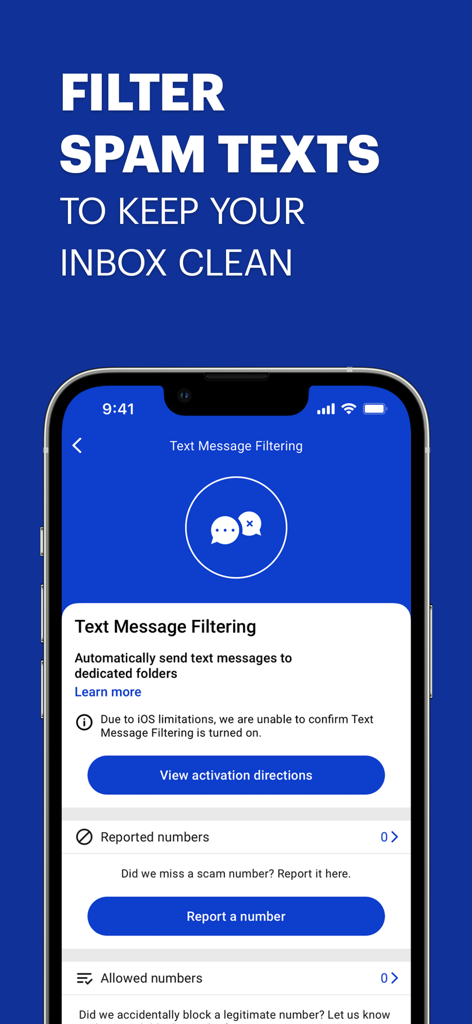
Malwarebytes mobile security interface for filtering and blocking spam text messages on iPhone.
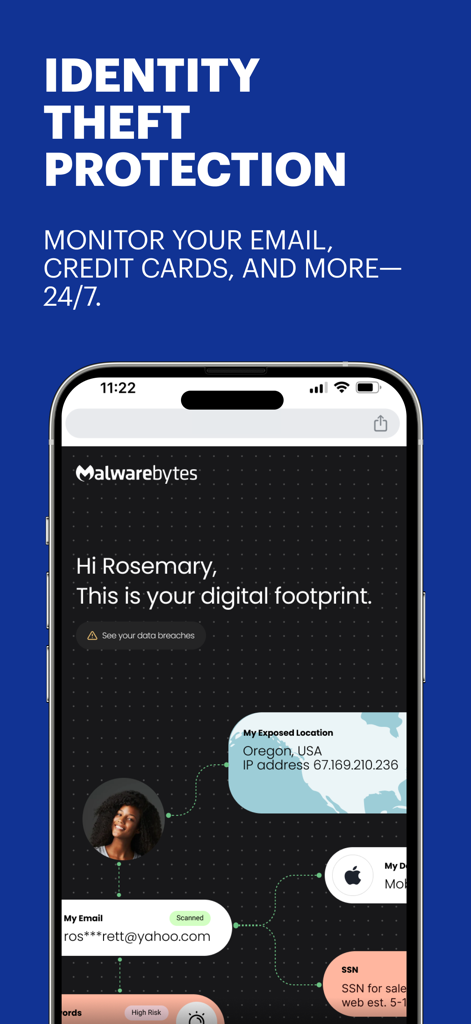
Screenshot of the Malwarebytes app showing identity theft protection and a digital footprint scanner dashboard on an iPhone.
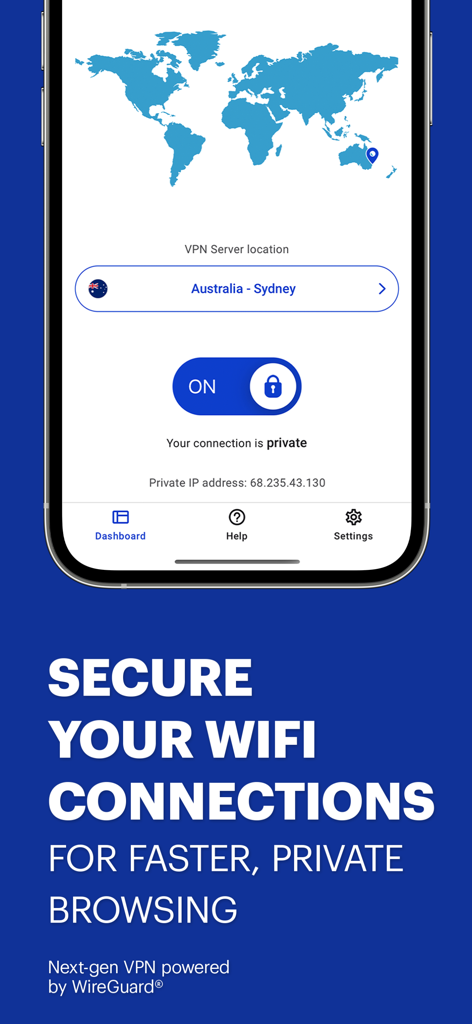
Malwarebytes mobile app screen showing an active secure VPN connection for private browsing.
Description
Download
More Like This
Apps with similar features and user experience

McAfee Security for T-Mobile
T-Mobile USA, Inc.

Norton 360 Security & VPN
Gen Digital Inc.

McAfee Security: Privacy & VPN
McAfee, LLC.

Avast Security & Privacy
AVAST Software s.r.o

Bitdefender Mobile Security
Bitdefender SRL

AVG Mobile Security
AVG eCommerce CY Limited

F-Secure Mobile Security
F-Secure Corporation

Trend Micro Mobile Security
Trend Micro, Incorporated

Phone Protection for iPhone
PENTALOBE LLC.
This page is not an official page of the app or its developer, but an independent editorial publication created for informational and commentary purposes. Unless expressly stated otherwise, neither the app nor its developer is affiliated with, endorsed by, sponsored by, authorized by, or otherwise officially connected with MWM, Apple, Google Play, the app publisher, or the app's developer, and nothing on this page implies that the app was developed using MWM's services. Any trademarks, logos, screenshots, and other content remain the property of their respective owners.