Trend Micro Mobile Security
Download on App Store

This page is not an official page of the app or its developer, but an independent editorial publication created for informational and commentary purposes. Unless expressly stated otherwise, neither the app nor its developer is affiliated with, endorsed by, sponsored by, authorized by, or otherwise officially connected with MWM, Apple, Google Play, the app publisher, or the app's developer, and nothing on this page implies that the app was developed using MWM's services. Any trademarks, logos, screenshots, and other content remain the property of their respective owners.


Logo of Trend Micro Mobile Security
Download on App Store

Trend Micro Mobile Security

Stop scams, block trackers, and secure your family's privacy with the security suite trusted by experts for decades. Designed for professionals and parents who refuse to compromise on safety.

Key Figures

Downloads

745K+

User Rating

4.7/5

Total Ratings

82K+

Publisher

Trend Micro, Incorporated

Category

Utilities

Locales

7

Latest Version

12.0.1166

Size

271.4 MB

First Released

Jan 28, 2014
Features

Advanced Security for Your Digital Life

The all-in-one protection suite designed to keep your personal data, your finances, and your family safe from evolving online threats.

Stop Scams in Their Tracks

Proactively block malicious websites, phishing texts, and fraudulent calendar invites before they can compromise your identity.

Bank and Shop with Confidence

Advanced Web Guard and Wi-Fi scanning ensure your financial transactions remain private, even when using public networks.

The following screenshots and description are sourced directly from the app's official store listing and are the property of the app developer.

App Store

Screenshots
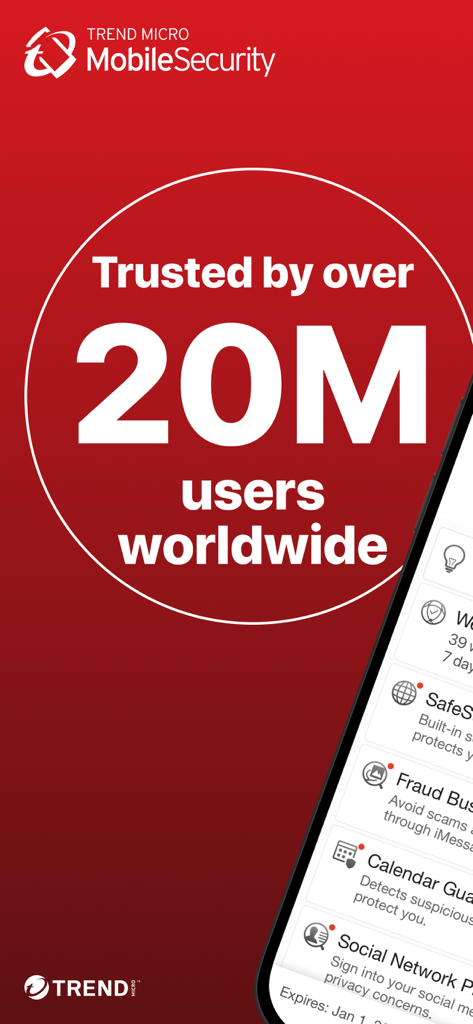
Trend Micro Mobile Security - Trend Micro Mobile Security app screenshot showing trusted by over 20 million users worldwide with security features listed
Trend Micro Mobile Security app screenshot showing trusted by over 20 million users worldwide with security features listed

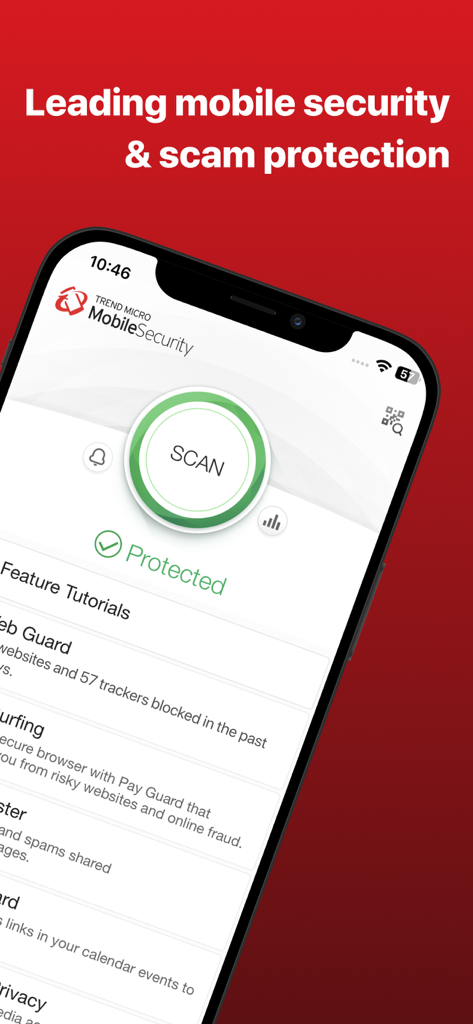
Trend Micro Mobile Security - Trend Micro Mobile Security app interface on an iPhone displaying a scan button and protected status
Trend Micro Mobile Security app interface on an iPhone displaying a scan button and protected status

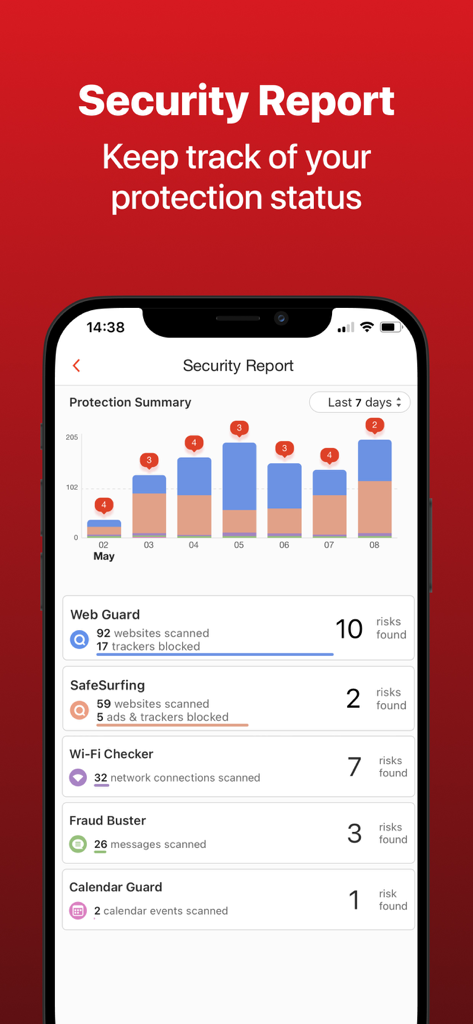
Trend Micro Mobile Security - Trend Micro Mobile Security app displaying a security report dashboard with protection summary and detected risks
Trend Micro Mobile Security app displaying a security report dashboard with protection summary and detected risks

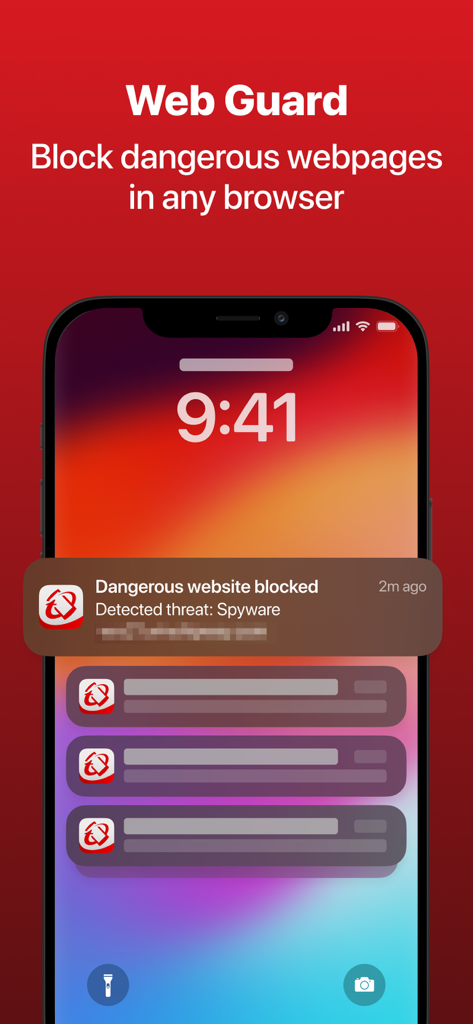
Trend Micro Mobile Security - Smartphone lock screen displaying a Trend Micro notification for a blocked dangerous website and spyware threat
Smartphone lock screen displaying a Trend Micro notification for a blocked dangerous website and spyware threat

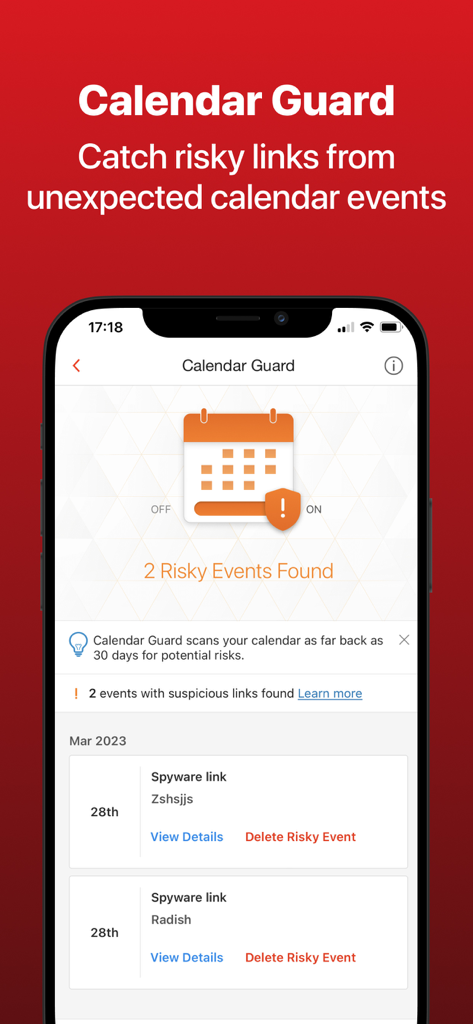
Trend Micro Mobile Security - Trend Micro Mobile Security app displaying the Calendar Guard feature which has found two risky events with spyware links on an iPhone
Trend Micro Mobile Security app displaying the Calendar Guard feature which has found two risky events with spyware links on an iPhone

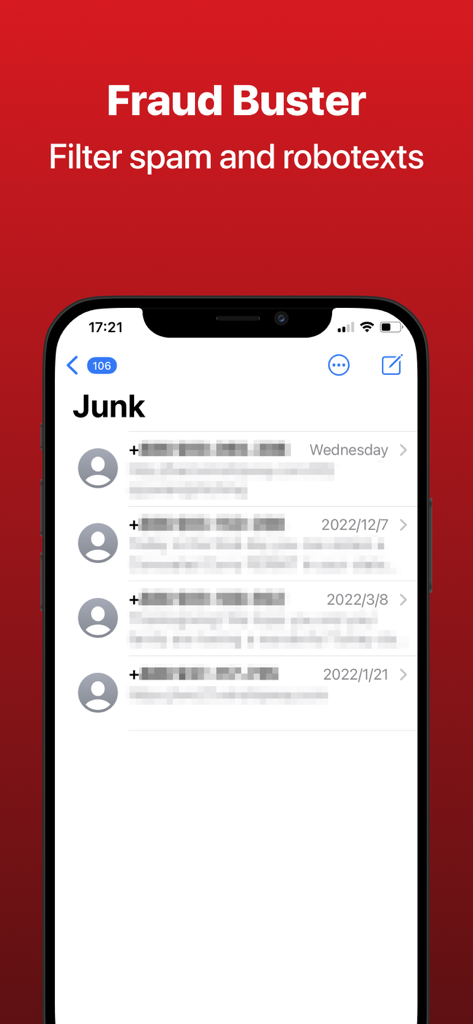
Trend Micro Mobile Security - Trend Micro Fraud Buster feature filtering spam and robotexts on an iPhone junk folder

Trend Micro Fraud Buster feature filtering spam and robotexts on an iPhone junk folder

Description

Trend Micro™ Mobile Security enhances your digital life and helps you enjoy it safely. Our security experts have been working for decades to deliver the best solutions to you. Save time, data, and reduce worry by using Trend Micro to optimize your web browsing experience. Undesired websites, annoying invasions of privacy, and dangers to your kids, are all stopped dead in their tracks. Try for yourself with our free trial, and feel the difference. Features include: • Malicious website, ad & tracker blocking powered by Content Block for Safari. Turn it on from Safari Content Block (in your device’s Settings) to reduce data usage, loading times, and keep your personal info PRIVATE. • Web Guard – Use any web browser app with your mind at ease. Automatically avoid malicious, fraudulent, and potentially dangerous websites! o Turn on “Block Trackers” to prevent websites from tracking your online activity • iMessage protection – Incoming texts with suspicious web links are safely set aside to a junk folder • Wi-Fi Checker scans your network and alerts you to security risks • Calendar Guard catches risky links that may have been snuck into an unexpected calendar event invite • SafeSurfing built-in secure browser o Blocks malicious and potentially dangerous websites from loading o Parental Control tools to block mature content from children o Allows private surfing so you can browse without your history being recorded o Convenient “reading mode” to digest what you want, free from clutter • Helps locate missing devices using GPS, cell towers, or Wi-Fi • Secure QR Code Scanner to open links with peace of mind • Monitors data usage • Device Access Status to make sure that your device is configured for optimum protection PLEASE NOTE: Limited time free trials enable all premium features. Once expired, some features are disabled unless a premium license, or subscription, is active. Free Version Features: • Secure QR Code Scanner to open links with peace of mind • Device Access Status to make sure that your device is configured for optimum protection Our app offers the following premium license options: Trend Micro Mobile Security 2 years license = $ 31.99 Trend Micro Mobile Security 1 year license = $ 18.99 Trend Micro Mobile Security yearly subscription (auto-renew, paid monthly) = $ 19.99 Trend Micro Mobile Security monthly subscription (auto-renew, paid yearly) = $ 4.99 • Any unused portion of a free trial period, if offered, will be forfeited when the user purchases a subscription to that publication, where applicable Subscriptions automatically renew unless auto-renew is turned off at least 24-hours before the end of the current period. Account will be charged for renewal within 24-hours prior to the end of the current period (at the same price). Subscriptions can be managed and auto-renewal disabled by going to the user's Account Settings after purchase. During active subscription periods, cancellation of the current subscription is not allowed. Privacy policy: http://us.trendmicro.com/us/about/company/privacystatement/ Terms of Use: https://esupport.trendmicro.com/en-us/home/pages/technical-support/mobile-security-for-ios/1116893.aspx?view=WebView

Download

Download on App Store

This page is not an official page of the app or its developer, but an independent editorial publication created for informational and commentary purposes. Unless expressly stated otherwise, neither the app nor its developer is affiliated with, endorsed by, sponsored by, authorized by, or otherwise officially connected with MWM, Apple, Google Play, the app publisher, or the app's developer, and nothing on this page implies that the app was developed using MWM's services. Any trademarks, logos, screenshots, and other content remain the property of their respective owners.