
This page is not an official page of the app or its developer, but an independent editorial publication created for informational and commentary purposes. Unless expressly stated otherwise, neither the app nor its developer is affiliated with, endorsed by, sponsored by, authorized by, or otherwise officially connected with MWM, Apple, Google Play, the app publisher, or the app's developer, and nothing on this page implies that the app was developed using MWM's services. Any trademarks, logos, screenshots, and other content remain the property of their respective owners.


MapleRead CX
Take total control of your library. Turn any EPUB into an immersive audiobook, customize every pixel of your reading environment, and organize thousands of books with ease. No subscriptions, no ads—just one-time ownership for the power-user.
Downloads
34K+User Rating
Total Ratings
100Publisher
Category
BooksLocales
1Latest Version
6.2.2Size
27.2 MBFirst Released
Jul 8, 2016The Ultimate Power-Tool for Book Lovers
MapleRead CX gives you total sovereignty over your digital library with advanced immersion reading, expert-level organization, and complete aesthetic control—all without subscriptions.
Listen While You Read
Transform any EPUB into an immersive audiobook with high-quality voices in 40+ languages. Sync your text and audio for better retention or listen on the go via CarPlay.
Pro-Grade Library Management
Take command of even the largest collections. Effortlessly repair metadata, organize with tags, and sync with Calibre to maintain a perfectly curated personal archive.
The following screenshots and description are sourced directly from the app's official store listing and are the property of the app developer.
App Store
Screenshots
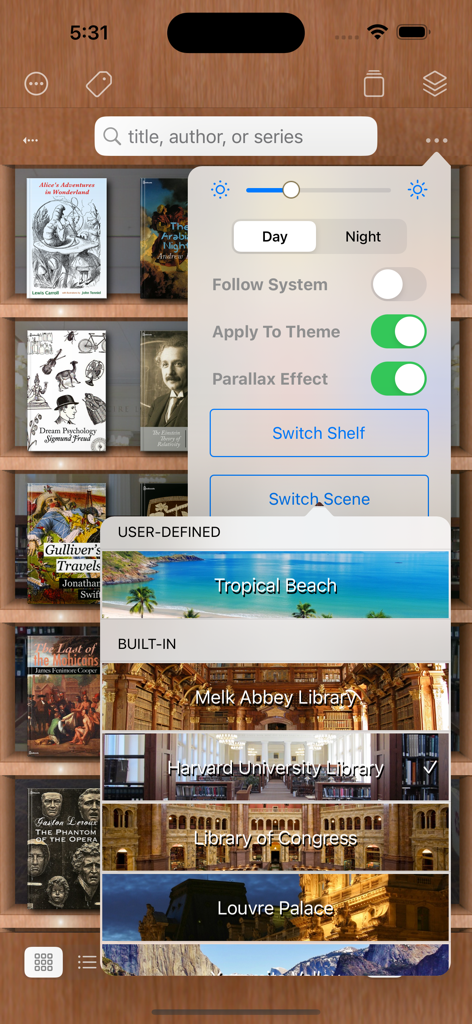
MapleRead CX app interface showing a menu to customize the library background with different scene options
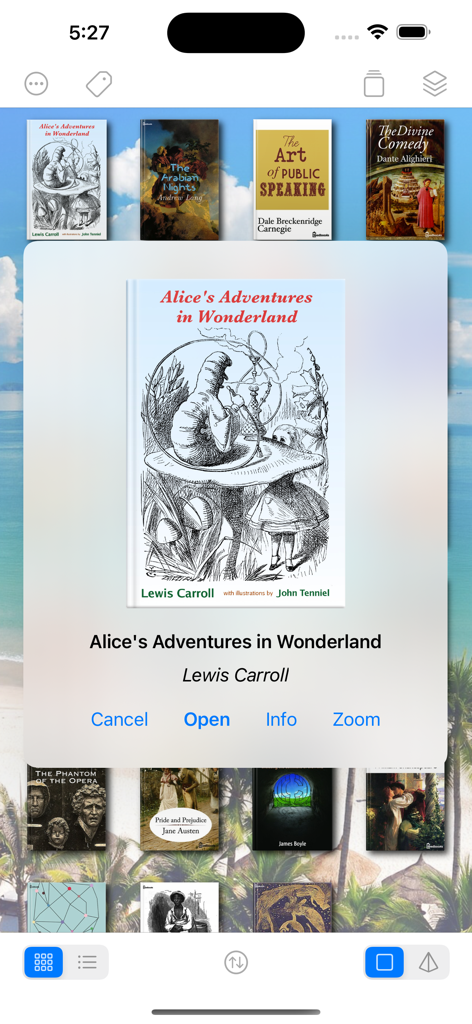
MapleRead CX library interface showing a collection of classic books and a pop-up menu for Alice in Wonderland
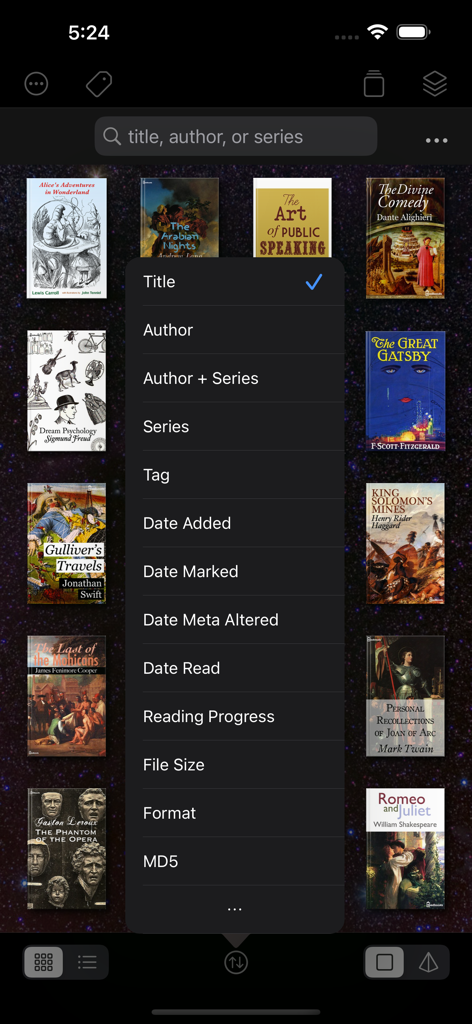
MapleRead CX library screen with a sorting menu for digital books
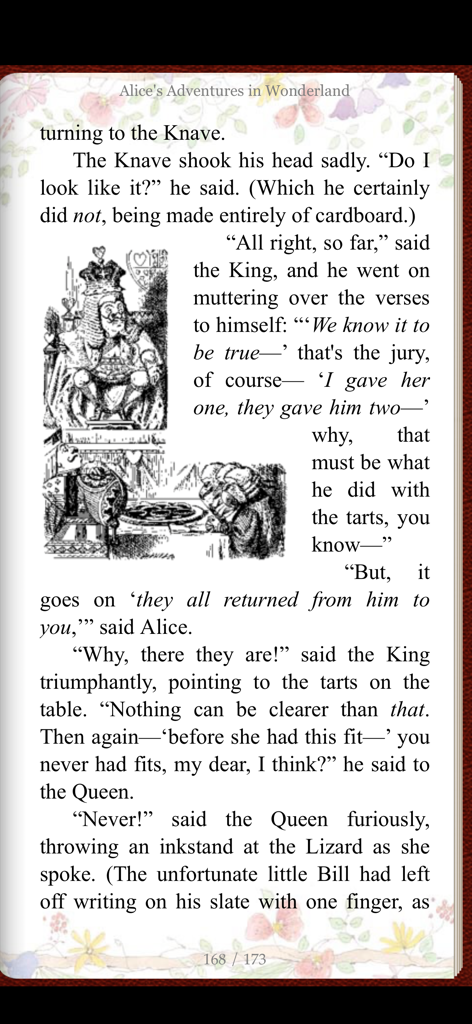
MapleRead CX app showing a page of Alice in Wonderland with a floral custom theme and a classic illustration
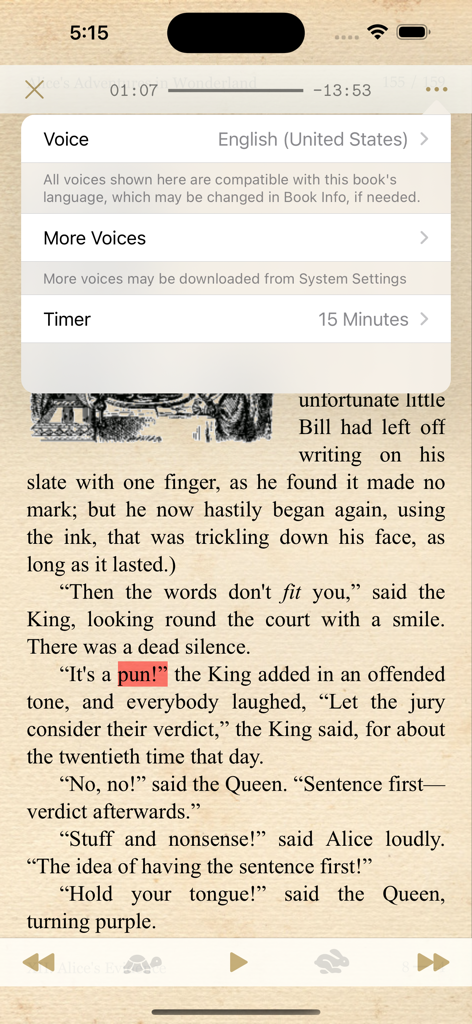
MapleRead CX interface showing text to speech voice selection and sleep timer menu over an ebook page.
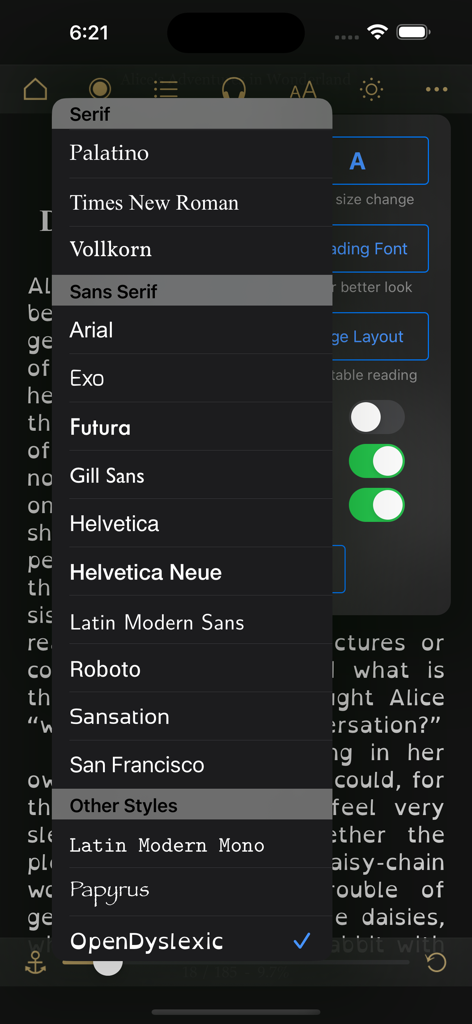
Font selection menu in MapleRead CX showing various serif and sans serif options
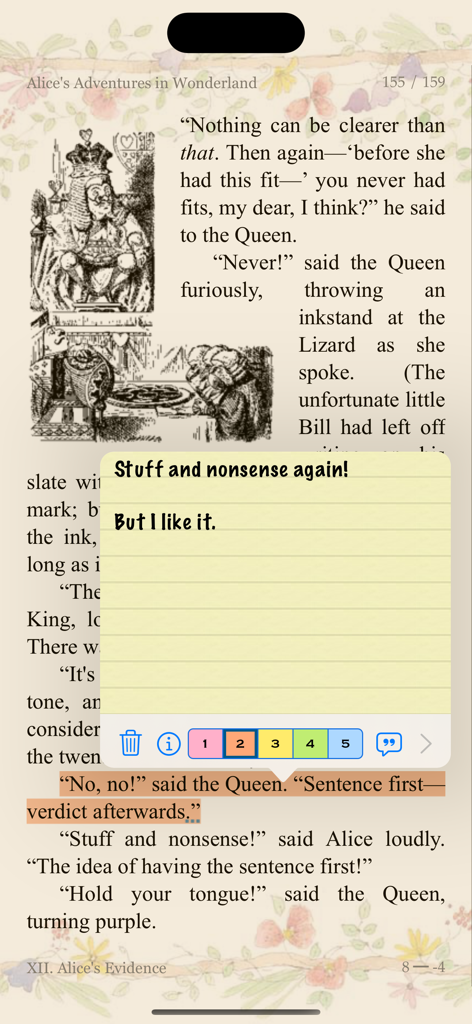
MapleRead CX app interface showing a yellow sticky note and highlighted text on a page from Alice in Wonderland
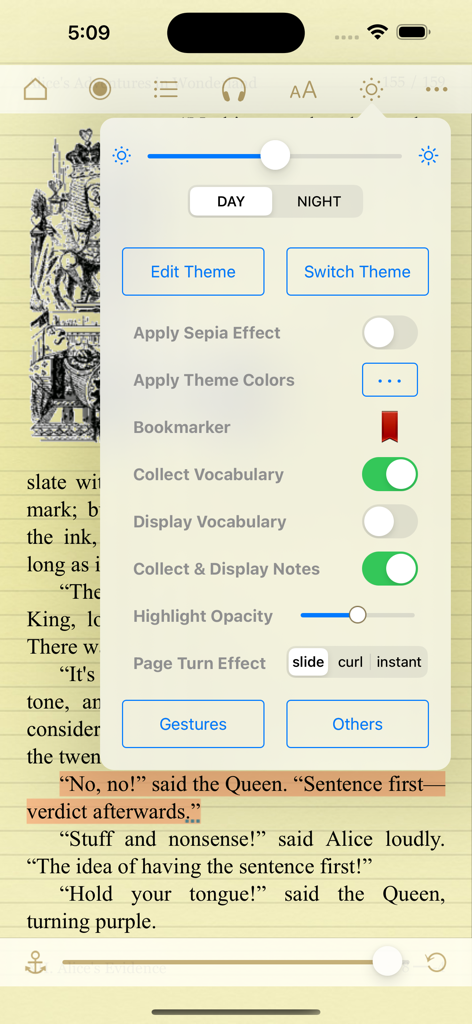
MapleRead CX e-book reader showing extensive theme and reading settings over a page of Alice in Wonderland
Description
Download
More Like This
Top-ranked apps in the same category

Amazon Kindle
AMZN Mobile LLC

Audible: Audiobooks & Podcasts
Audible, Inc.

七猫小说-看小说电子书的阅读神器
Shanghai Seven-Cat Culture Media Co.,Ltd.

QQ阅读
Shenzhen Tencent Computer Systems Company Limited

Wattpad - Read & Write Stories
Wattpad Corp

Libby, the library app
OverDrive, Inc.

微信读书
Tencent Technology (Shenzhen) Company Limited

起点读书-看小说听书的阅读神器
Shanghai Xuan Ting Entertainment Information & technology CO.,LTD

Goodreads: Book Reviews
Goodreads, Inc
This page is not an official page of the app or its developer, but an independent editorial publication created for informational and commentary purposes. Unless expressly stated otherwise, neither the app nor its developer is affiliated with, endorsed by, sponsored by, authorized by, or otherwise officially connected with MWM, Apple, Google Play, the app publisher, or the app's developer, and nothing on this page implies that the app was developed using MWM's services. Any trademarks, logos, screenshots, and other content remain the property of their respective owners.