
This page is not an official page of the app or its developer, but an independent editorial publication created for informational and commentary purposes. Unless expressly stated otherwise, neither the app nor its developer is affiliated with, endorsed by, sponsored by, authorized by, or otherwise officially connected with MWM, Apple, Google Play, the app publisher, or the app's developer, and nothing on this page implies that the app was developed using MWM's services. Any trademarks, logos, screenshots, and other content remain the property of their respective owners.


Marshall Gateway
Unleash the full potential of your amplifier with real-time Bluetooth adjustments, seamless cloud preset syncing, and instant access to the global Marshall community of legendary guitar tones.
Downloads
172K+User Rating
Total Ratings
400Publisher
Category
MusicLocales
1Latest Version
2.1.9Size
22.2 MBFirst Released
Jan 21, 2016Master Your Tone Wirelessy
Marshall Gateway connects seamlessly to your CODE Series amplifier, giving you total creative control and access to a world of legendary guitar sounds right from your device.
Real-Time Precision Control
Adjust Gain, EQ, and Effects instantly via Bluetooth LE. Fine-tune your signature sound from your playing position without ever touching a knob on the amp.
Your Tones, Anywhere
Sync your custom presets to the Marshall Cloud. Access your library from any device and ensure your favorite setups are always ready for your next practice or session.
The following screenshots and description are sourced directly from the app's official store listing and are the property of the app developer.
App Store
Screenshots
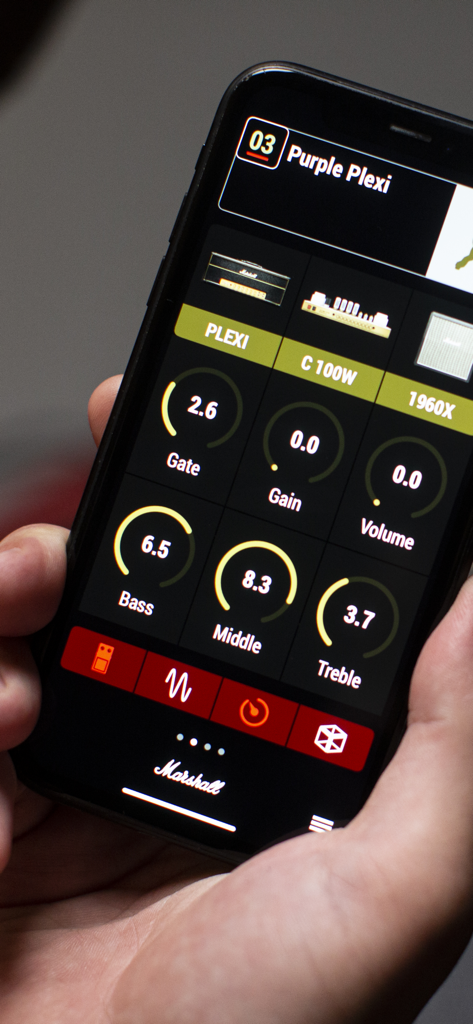
A smartphone displaying the Marshall Gateway app interface with digital knobs for adjusting guitar amplifier settings like gain and EQ.

Marshall Gateway app on a smartphone being used to control a Marshall CODE series amplifier.
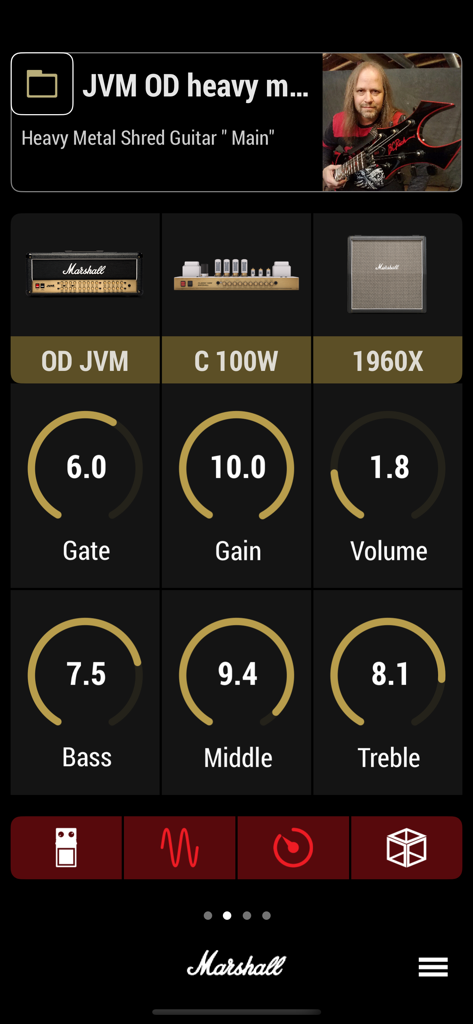
Marshall Gateway app interface showing detailed amplifier settings including Gain, EQ, and cabinet selection for a heavy metal guitar preset
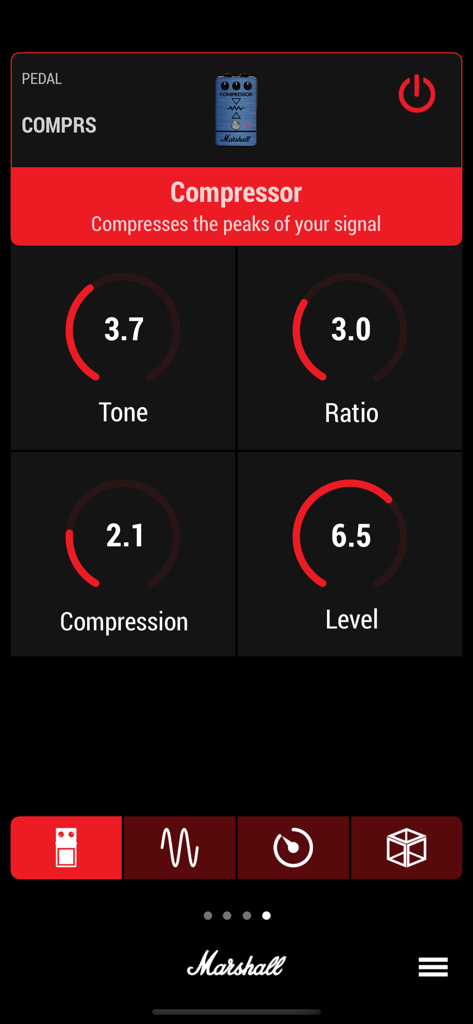
Marshall Gateway app interface showing adjustable settings for a guitar compressor pedal including tone and ratio
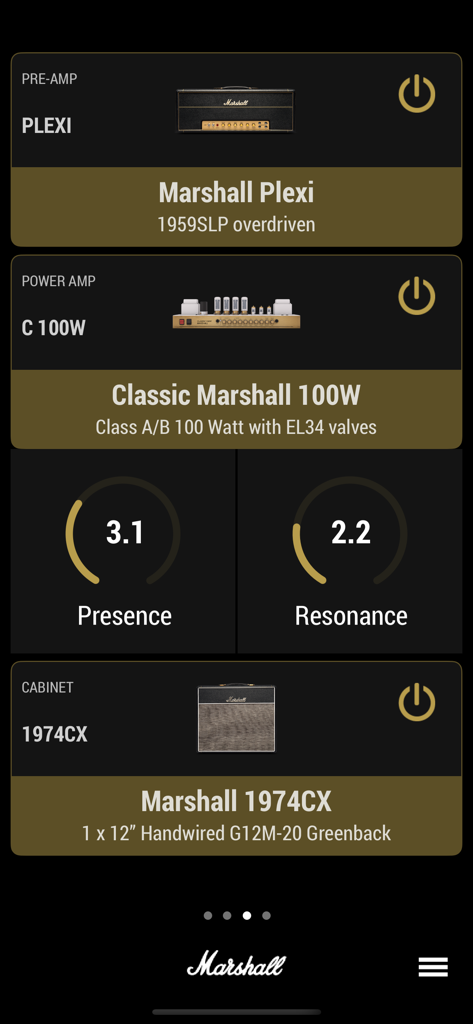
Interface of the Marshall Gateway app showing settings for Plexi pre-amp, 100W power amp, and cabinet configuration
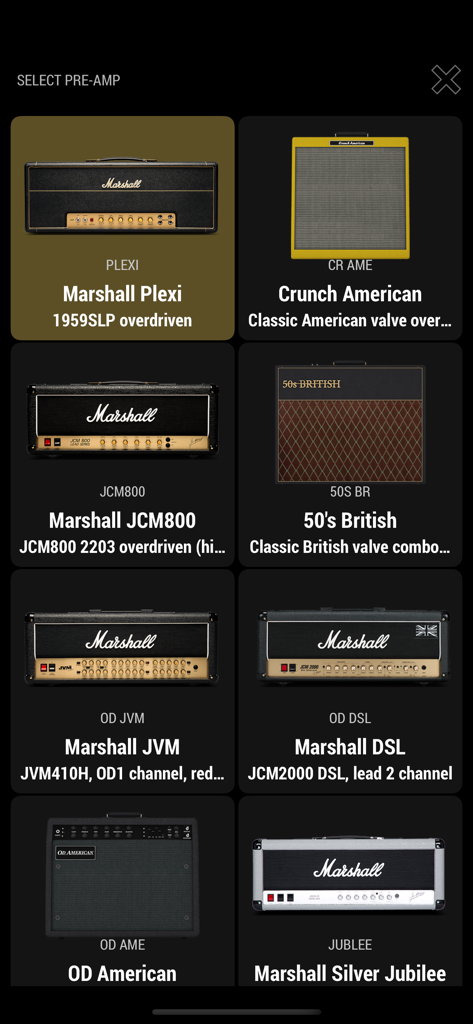
Marshall Gateway app screen displaying a variety of iconic guitar amplifier preamps for selection
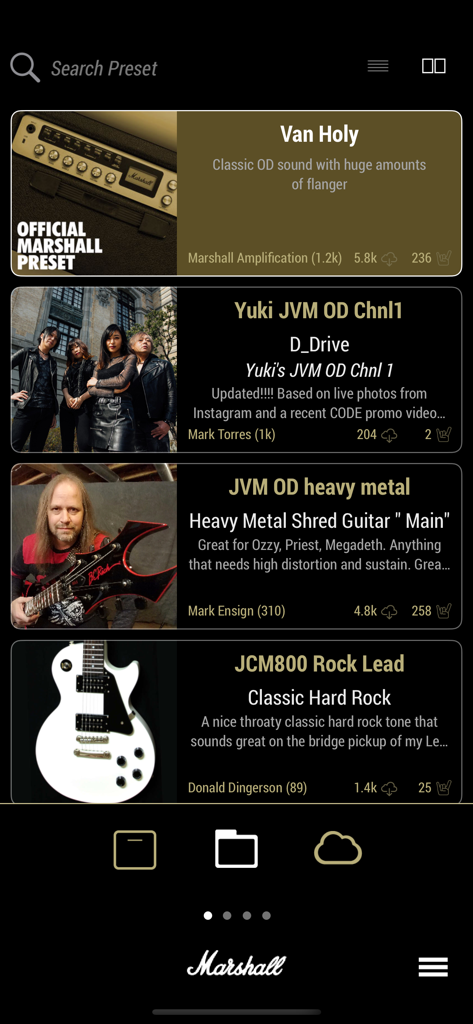
A list of guitar amplifier presets in the Marshall Gateway mobile app
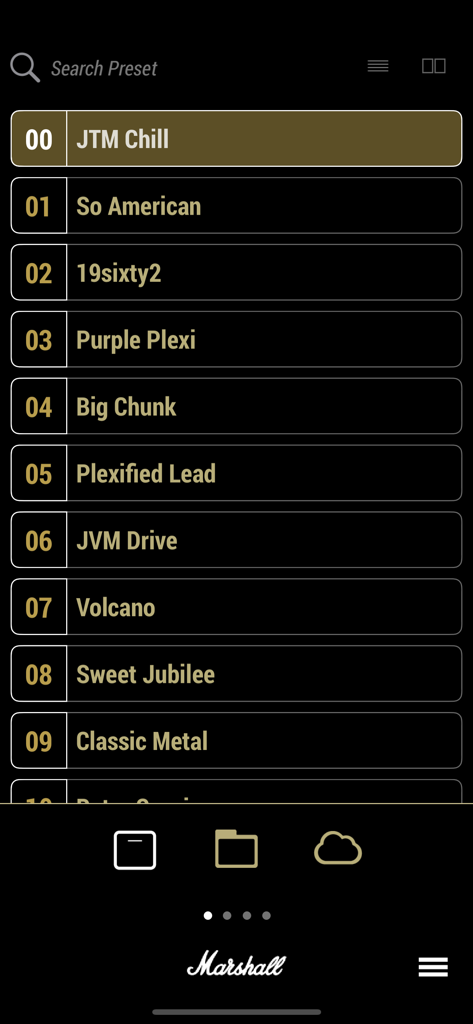
A list of guitar amplifier presets within the Marshall Gateway app showing options like JTM Chill and Purple Plexi.
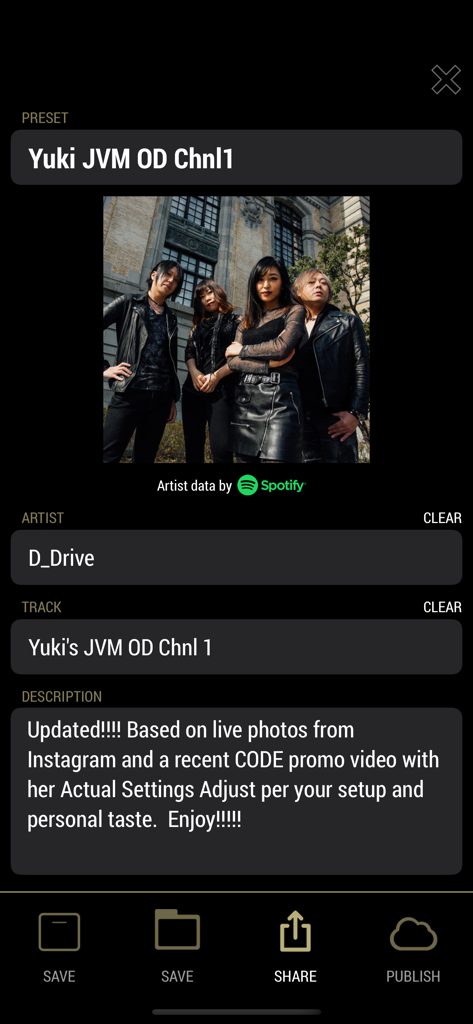
Marshall Gateway app screen displaying details and artist information for a guitar amp preset
Description
Download
More Like This
Top-ranked apps in the same category

Spotify: Music and Podcasts
Spotify

YouTube Music
Google LLC

Shazam: Find Music & Concerts
Apple Inc.

SoundCloud: The Music You Love
SoundCloud Global Limited & Co KG

Suno - AI Songs & Music
Suno Inc.

QQ音乐 - 听我想听
Tencent Technology (Shenzhen) Company Limited

Audiomack - Play Music Offline
Audiomack, Inc.

GuitarTuna: Tune & Play Guitar
Yousician Ltd

BandLab – Music Maker & Beats
BandLab Singapore Pte Ltd
This page is not an official page of the app or its developer, but an independent editorial publication created for informational and commentary purposes. Unless expressly stated otherwise, neither the app nor its developer is affiliated with, endorsed by, sponsored by, authorized by, or otherwise officially connected with MWM, Apple, Google Play, the app publisher, or the app's developer, and nothing on this page implies that the app was developed using MWM's services. Any trademarks, logos, screenshots, and other content remain the property of their respective owners.