
This page is not an official page of the app or its developer, but an independent editorial publication created for informational and commentary purposes. Unless expressly stated otherwise, neither the app nor its developer is affiliated with, endorsed by, sponsored by, authorized by, or otherwise officially connected with MWM, Apple, Google Play, the app publisher, or the app's developer, and nothing on this page implies that the app was developed using MWM's services. Any trademarks, logos, screenshots, and other content remain the property of their respective owners.


Maximus: IPTV Player M3U Cast
Stream your favorite content with rock-solid stability and total privacy. No ads, no tracking, and no interruptions—just buttery-smooth playback with M3U support, Chromecast casting, and seamless iCloud sync.
Downloads
0User Rating
Total Ratings
0Publisher
Category
EntertainmentLocales
1Latest Version
3.7.1Size
59.3 MBFirst Released
Apr 22, 2025Stream Smarter, Not Harder
Maximus provides a high-performance, ad-free environment for power users who demand a premium IPTV experience on their Apple devices.
Zero Ads, Total Privacy
Unlike other players, we show no banners and collect zero user data. Your streaming habits remain your business alone.
Seamless iCloud Sync
Your favorites and watch progress follow you. Start watching on your iPhone and finish on your iPad without missing a beat.
The following screenshots and description are sourced directly from the app's official store listing and are the property of the app developer.
App Store
Screenshots
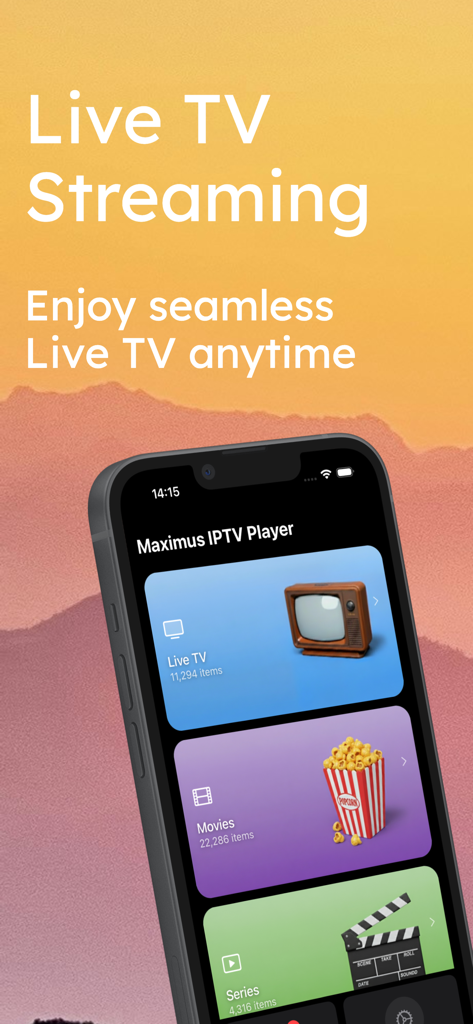
Maximus IPTV Player interface displaying Live TV, Movies, and Series categories.
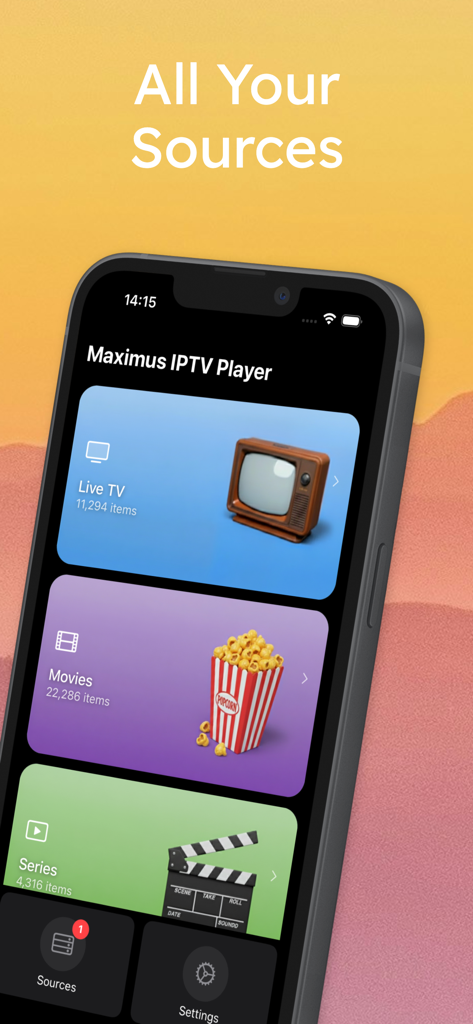
Maximus IPTV Player app screen showing Live TV Movies and Series categories
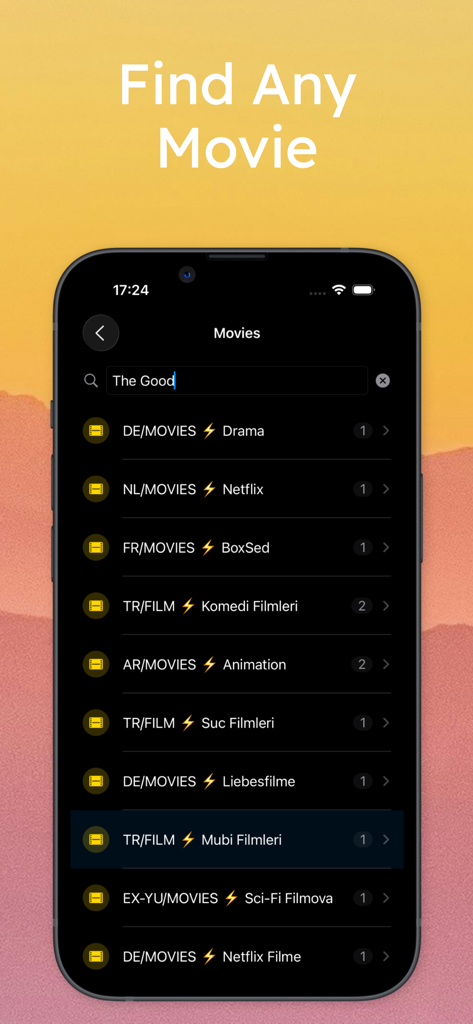
A screenshot of the Maximus IPTV Player search interface showing international movie categories and a search bar for finding films
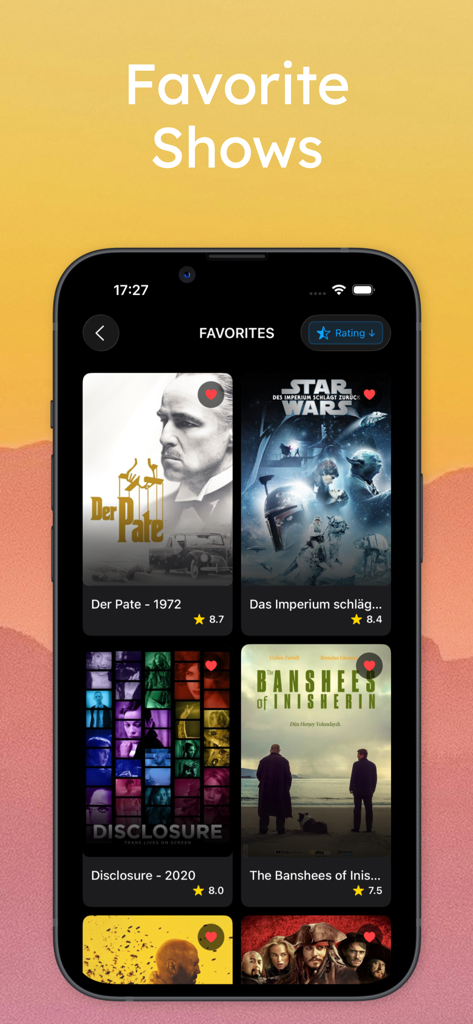
Maximus IPTV Player interface showing a curated list of favorite movies and shows with user ratings.
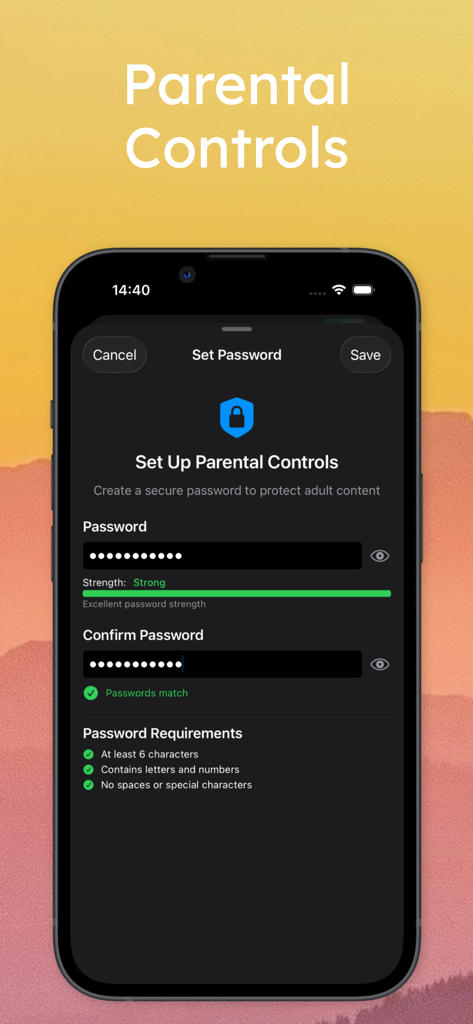
Setup screen for Parental Controls in the Maximus IPTV Player app showing password creation for content protection.
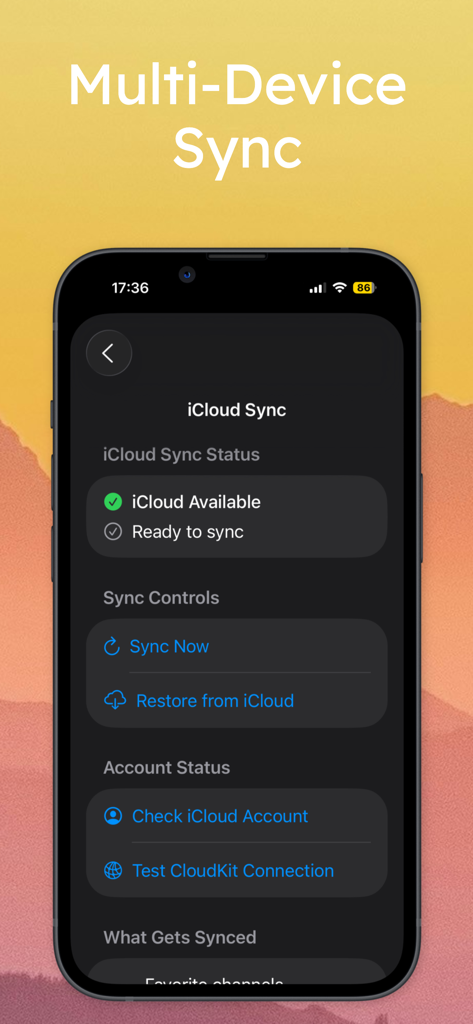
Maximus IPTV player iCloud sync interface showing multi-device synchronization settings on an iPhone.
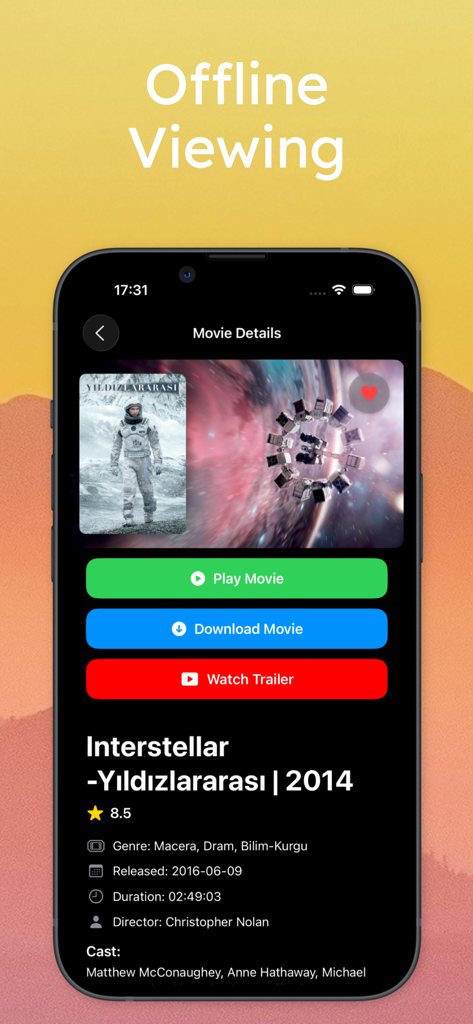
Maximus IPTV Player movie details screen highlighting offline viewing and download features
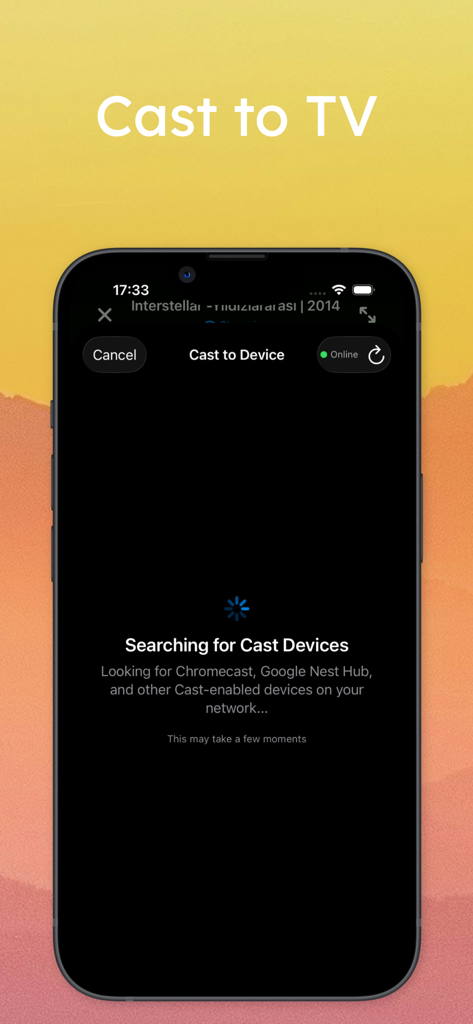
Maximus IPTV Player interface displaying the Cast to TV device search feature.
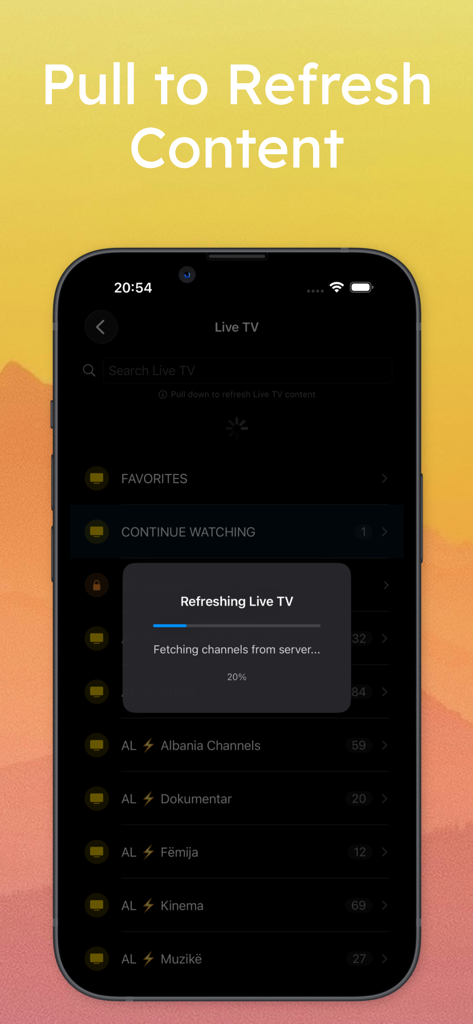
Interface of Maximus IPTV Player showing live TV content refreshing with a progress bar
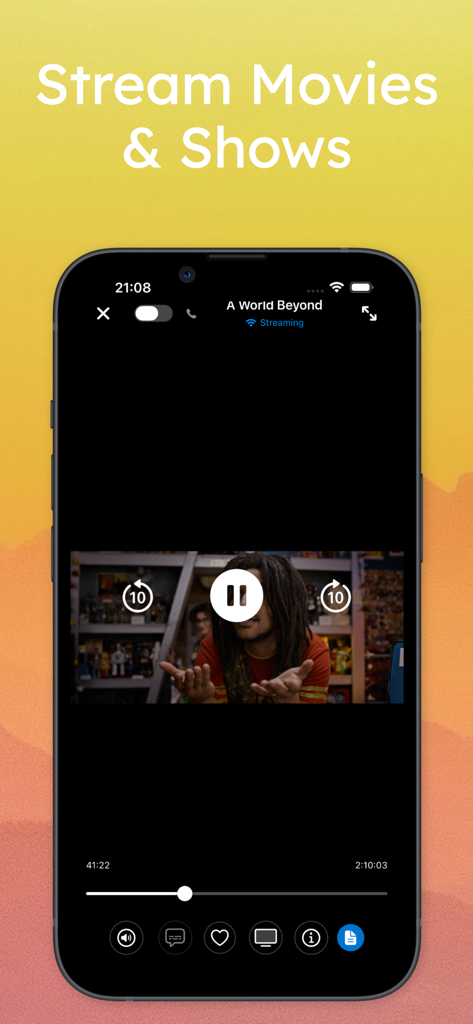
Maximus IPTV Player interface showing movie playback with playback controls on an iPhone
Description
Download
More Like This
Top-ranked apps in the same category

Netflix
Netflix, Inc.

TikTok - Videos, Shop & LIVE
TIKTOK PTE. LTD.

Freecash - Get Paid Real Money
256 REWARDS LTD

Disney+
Disney Electronic Content, Inc.

Amazon Prime Video
AMZN Mobile LLC

DramaBox - Stream Drama Shorts
STORYMATRIX PTE. LTD

ReelShort - Stream Drama & TV
New Leaf Publishing, Inc.

HBO Max: Stream Movies & TV
WarnerMedia Global Digital Services, LLC

NetShort - Popular Dramas & TV
NETSTORY PTE. LTD.
This page is not an official page of the app or its developer, but an independent editorial publication created for informational and commentary purposes. Unless expressly stated otherwise, neither the app nor its developer is affiliated with, endorsed by, sponsored by, authorized by, or otherwise officially connected with MWM, Apple, Google Play, the app publisher, or the app's developer, and nothing on this page implies that the app was developed using MWM's services. Any trademarks, logos, screenshots, and other content remain the property of their respective owners.