
This page is not an official page of the app or its developer, but an independent editorial publication created for informational and commentary purposes. Unless expressly stated otherwise, neither the app nor its developer is affiliated with, endorsed by, sponsored by, authorized by, or otherwise officially connected with MWM, Apple, Google Play, the app publisher, or the app's developer, and nothing on this page implies that the app was developed using MWM's services. Any trademarks, logos, screenshots, and other content remain the property of their respective owners.

MC Pad - Bluetooth MIDI
Ditch the cable clutter and take full control of your DAWs, hardware synths, and pedals. Build custom presets with PC and CC commands on a stage-ready, customizable interface designed for professional performance.
Downloads
0User Rating
Total Ratings
0Publisher
Category
MusicLocales
3Latest Version
1.8Size
5.6 MBFirst Released
Mar 8, 2022Master Your Rig, Wirelessly
Transform your iPhone or iPad into a professional-grade Bluetooth MIDI controller designed for seamless studio production and high-stakes live performances.
Ditch the Cable Spaghetti
Connect up to 5 Bluetooth MIDI devices simultaneously to create a clean, portable setup that travels light from the bedroom to the main stage.
Advanced Command Mapping
Full support for PC, CC, and Note commands with a dedicated toggle mode that mimics physical stompboxes for precise control of pedals and DAWs.
The following screenshots and description are sourced directly from the app's official store listing and are the property of the app developer.
App Store
Screenshots
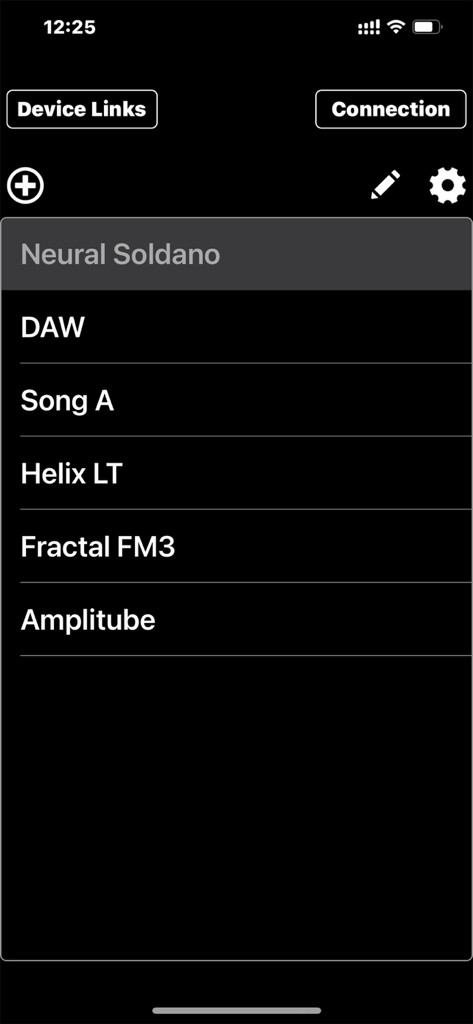
A list of MIDI device presets in the MC Pad app including DAW, Helix LT, and Fractal FM3
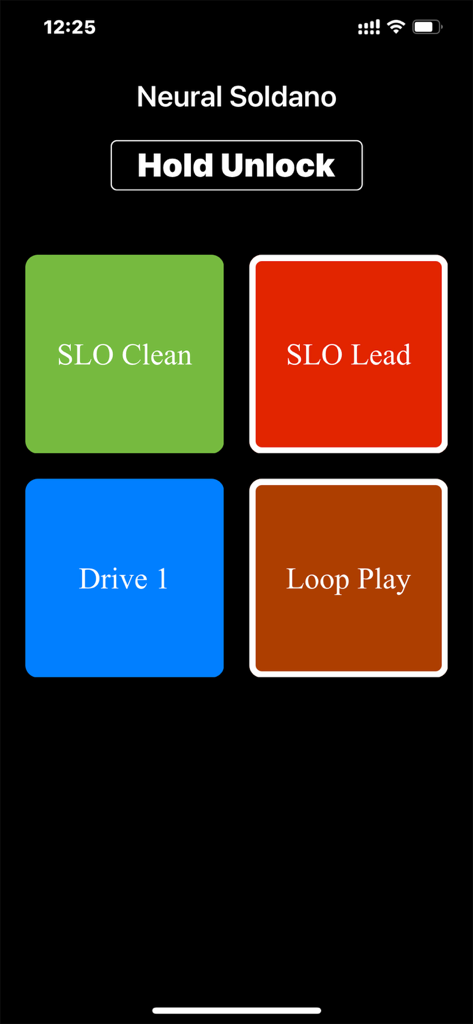
MC Pad app interface featuring color-coded MIDI command buttons for Neural Soldano presets and a screen lock button
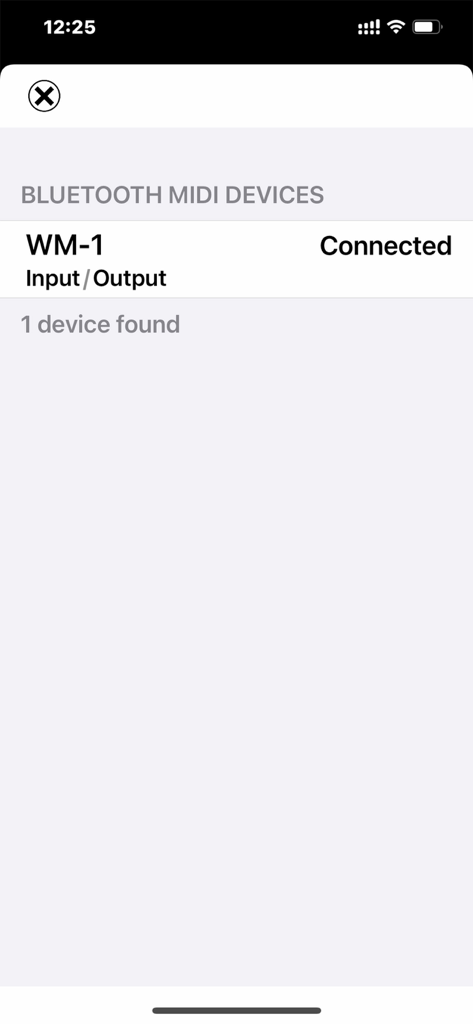
Interface of the MC Pad app displaying a connected WM-1 Bluetooth MIDI device.
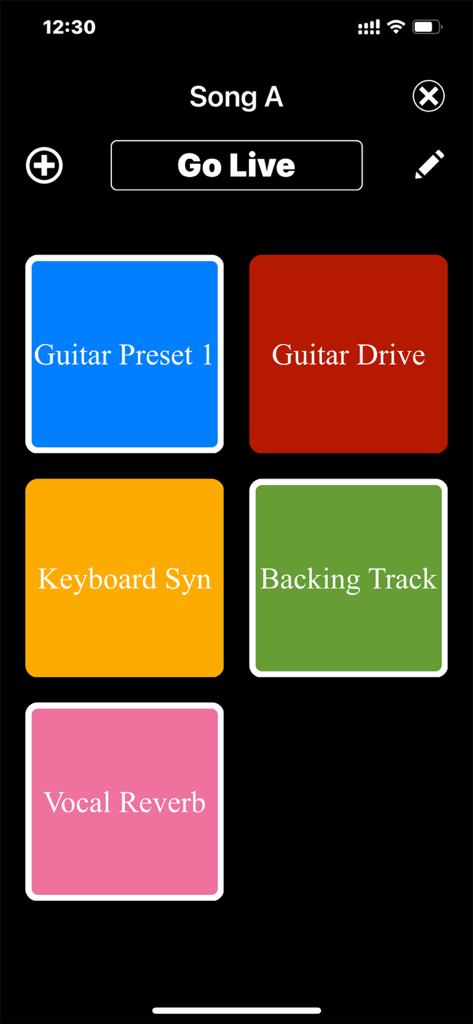
MC Pad app interface showing color coded MIDI command buttons for guitar presets and vocal effects
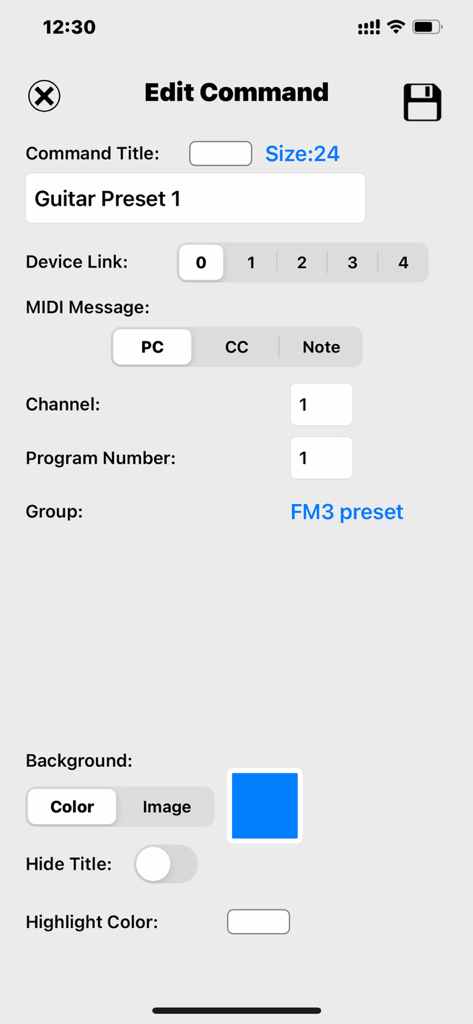
Interface of the MC Pad app showing the Edit Command screen for configuring MIDI PC messages and button appearance.
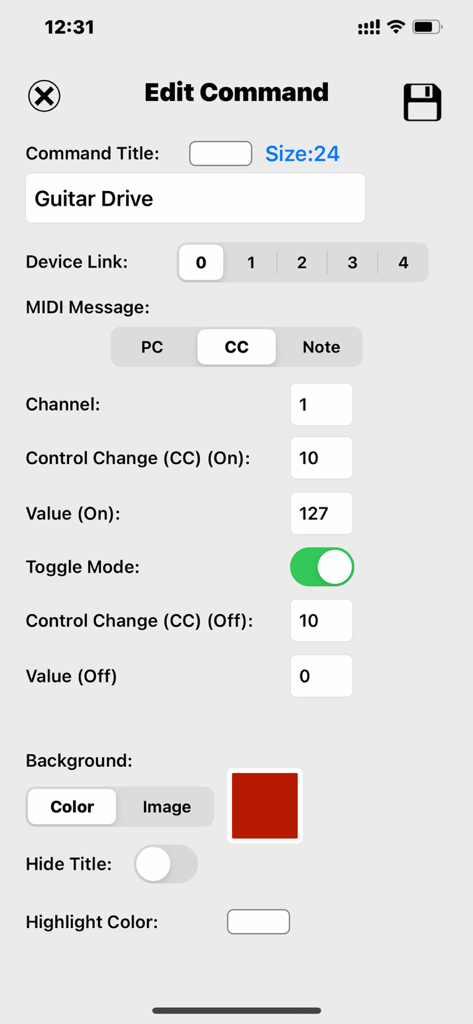
Editing a MIDI CC command in MC Pad with toggle mode enabled for a Guitar Drive preset.
Description
Download
More Like This
Top-ranked apps in the same category

Spotify: Music and Podcasts
Spotify

YouTube Music
Google LLC

Shazam: Find Music & Concerts
Apple Inc.

SoundCloud: The Music You Love
SoundCloud Global Limited & Co KG

Suno - AI Songs & Music
Suno Inc.

QQ音乐 - 听我想听
Tencent Technology (Shenzhen) Company Limited

Audiomack - Play Music Offline
Audiomack, Inc.

BandLab – Music Maker & Beats
BandLab Singapore Pte Ltd

GuitarTuna: Tune & Play Guitar
Yousician Ltd
This page is not an official page of the app or its developer, but an independent editorial publication created for informational and commentary purposes. Unless expressly stated otherwise, neither the app nor its developer is affiliated with, endorsed by, sponsored by, authorized by, or otherwise officially connected with MWM, Apple, Google Play, the app publisher, or the app's developer, and nothing on this page implies that the app was developed using MWM's services. Any trademarks, logos, screenshots, and other content remain the property of their respective owners.