
This page is not an official page of the app or its developer, but an independent editorial publication created for informational and commentary purposes. Unless expressly stated otherwise, neither the app nor its developer is affiliated with, endorsed by, sponsored by, authorized by, or otherwise officially connected with MWM, Apple, Google Play, the app publisher, or the app's developer, and nothing on this page implies that the app was developed using MWM's services. Any trademarks, logos, screenshots, and other content remain the property of their respective owners.

MediBang Paint for iPhone
Join 100 million artists creating anywhere. Access 180+ brushes, pro screentones, and seamless cloud sync to turn your iPhone into a powerful art studio for free.
Downloads
9M+User Rating
Total Ratings
52K+Publisher
Category
Graphics & DesignLocales
18Latest Version
28.17Size
146.0 MBFirst Released
Aug 28, 2015Unleash Your Inner Manga Artist
Join 100 million creators and turn your iPhone into a professional-grade art studio. Everything you need to create, collaborate, and go viral is right in your pocket.
Professional Comic & Webtoon Toolkit
Access over 1,000 screentones, 60+ professional fonts, and easy-to-use comic panel tools to create high-quality manga without the expensive hardware.
Seamless Cloud Synergy
Inspiration doesn't wait. Sketch on the bus, ink on your iPhone in bed, and finish the final details on your desktop with instant, unlimited cloud syncing.
Frequently Asked Questions
Everything you need to know about MediBang Paint for iPhone
What is MediBang Paint for iPhone?
MediBang Paint is an art app for iPhone with over 100 million downloads. It offers comprehensive tools for drawing and painting, including numerous brushes, comic creation features, cloud storage, and collaborative project capabilities.
How many brushes are included in MediBang Paint for iPhone?
MediBang Paint for iPhone includes 180 default brushes. An additional 700 brushes are available in all MediBang Premium plans. Users can also create and customize their own brushes within the app.
Can I use MediBang Paint for iPhone on multiple devices?
Yes, MediBang Paint for iPhone supports unlimited device usage across multiple platforms. Its integrated cloud feature allows users to easily switch and continue drawing between desktop and mobile devices.
Does MediBang Paint for iPhone support group projects?
Yes, MediBang Paint for iPhone supports group projects, enabling users to draw on the same canvas with friends. Free users can form up to 3 teams, while Premium users have unlimited team options.
Does MediBang Paint for iPhone offer tools for making comics?
Yes, MediBang Paint for iPhone provides extensive tools for making comics. It includes 1000 screentones and 60 fonts, allowing users to create professional-looking comic panels easily.
Where can I find tutorials for MediBang Paint for iPhone?
Users can find tutorials and useful information on the official website, https://medibangpaint.com/use. MediBang Paint also has an official YouTube channel and provides free templates and practice materials.
What are the operating system requirements for MediBang Paint for iPhone?
MediBang Paint for iPhone requires iOS 13 or later. For optimal performance and experience, an iPhone X or a newer device is recommended for users.
Is a MediBang account required to use cloud features in MediBang Paint for iPhone?
Yes, a free MediBang account is required to utilize the cloud features within MediBang Paint for iPhone. Users can create an account via the official MediBang website.
Is MediBang Paint for iPhone lightweight?
Yes, MediBang Paint for iPhone is lightweight software. It requires minimal storage space and ensures smooth performance, avoiding brush lag or slow loading times for users.
How many downloads does MediBang Paint have worldwide?
MediBang Paint has achieved over 100 million downloads worldwide across more than 150 countries. This highlights its significant global user base and popularity as an art application.
The following screenshots and description are sourced directly from the app's official store listing and are the property of the app developer.
App Store
Screenshots
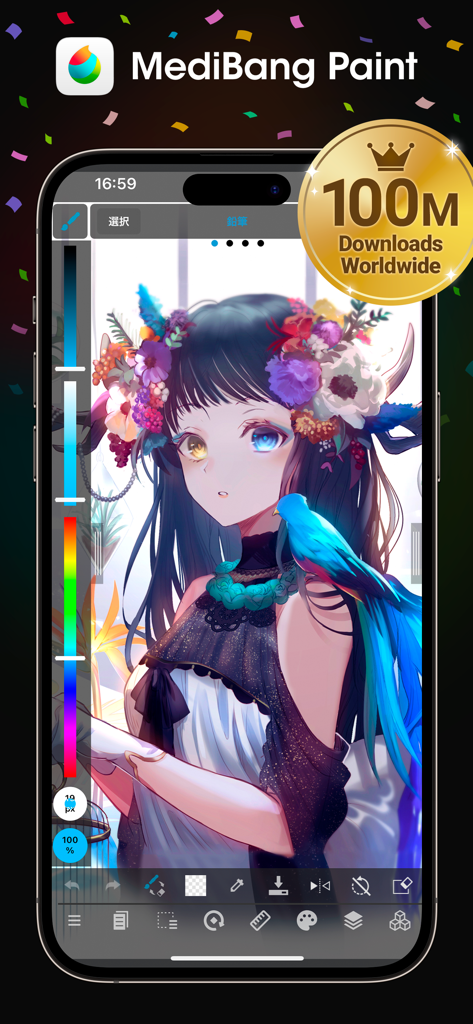
MediBang Paint app on iPhone displaying a detailed anime illustration and a 100 million downloads milestone badge
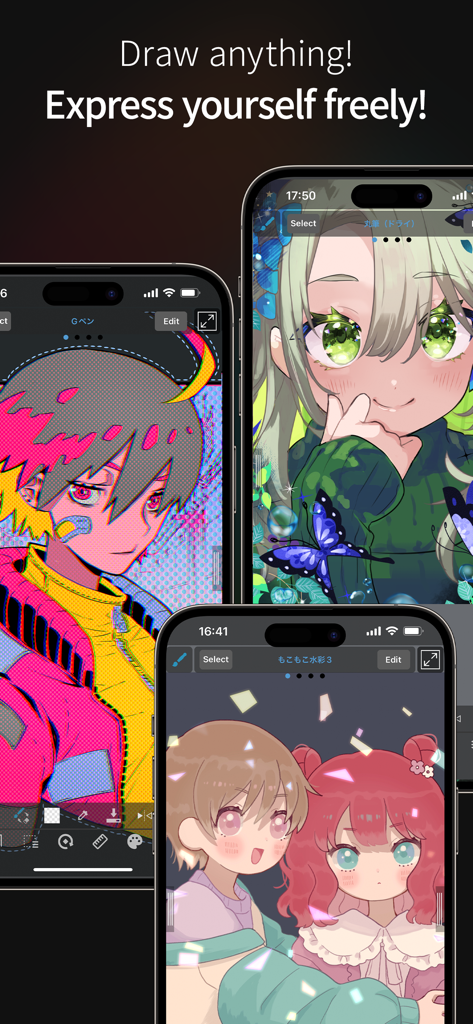
Three iPhones displaying colorful manga and anime-style illustrations created with MediBang Paint
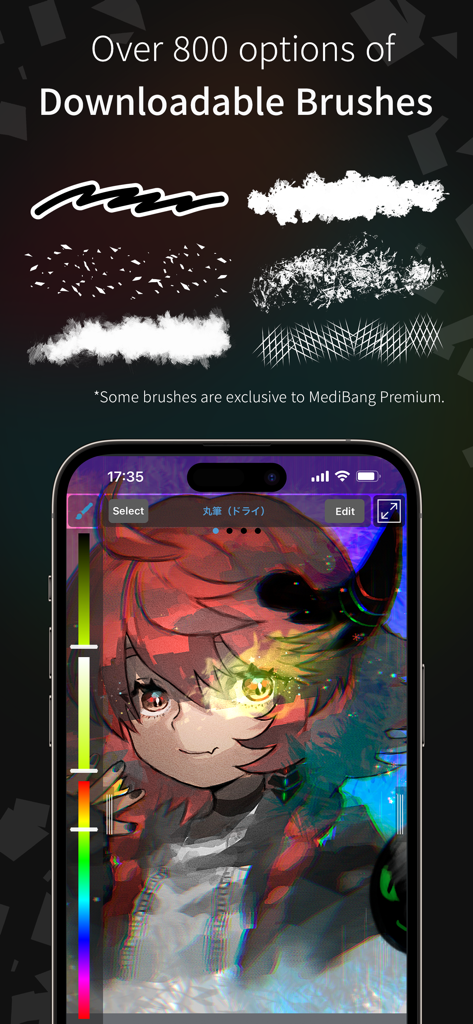
MediBang Paint for iPhone screen showing various digital brush styles and a colorful manga character illustration
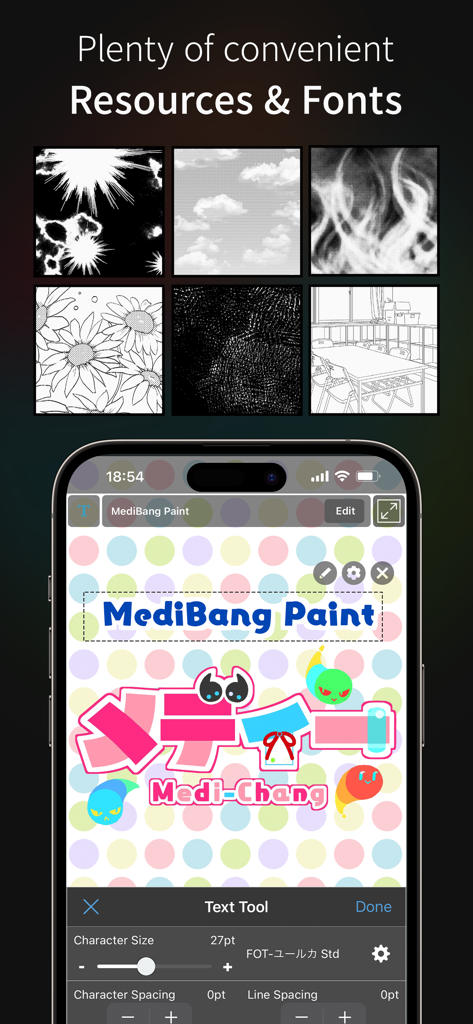
MediBang Paint for iPhone resources and fonts interface
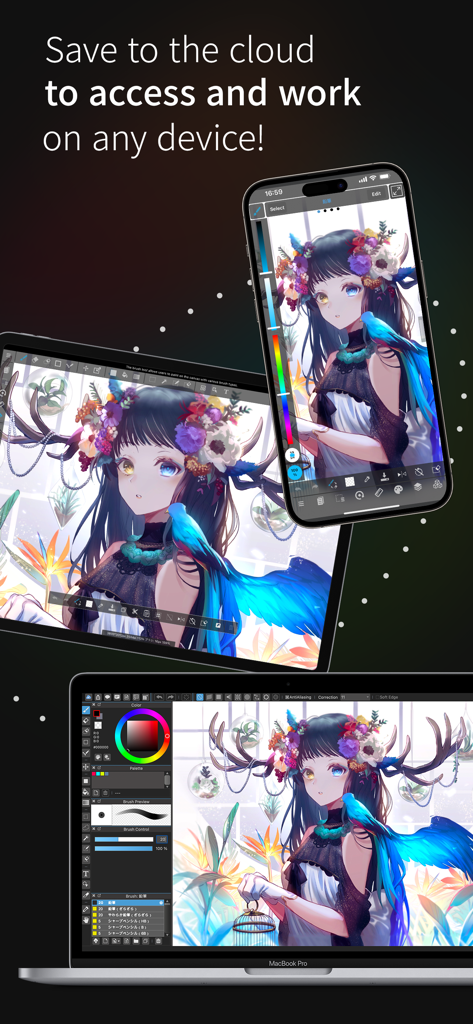
MediBang Paint digital illustration synced across iPhone iPad and MacBook Pro
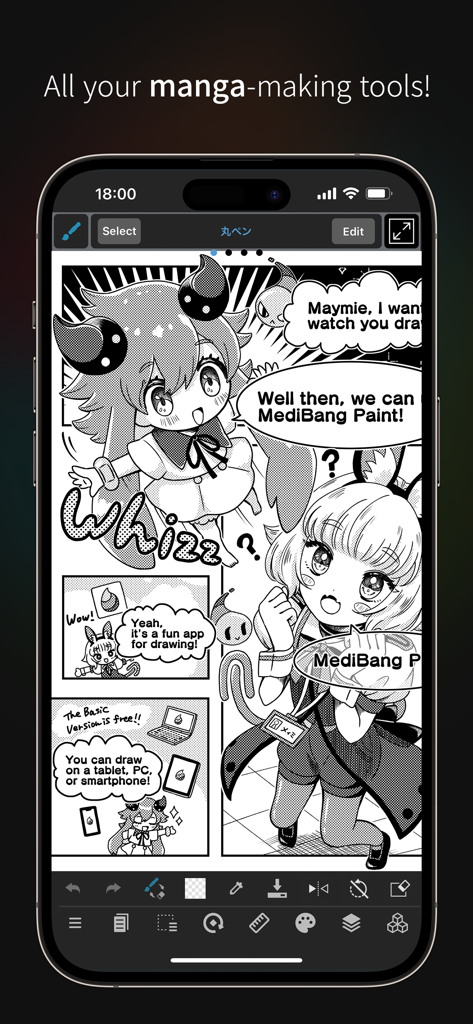
Manga creation interface on MediBang Paint for iPhone with comic panels and drawing tools.
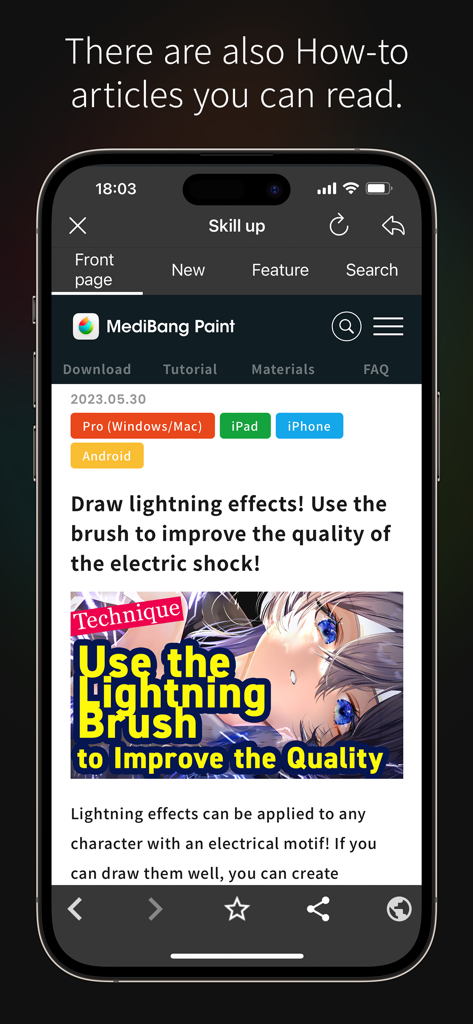
Screenshot of MediBang Paint app showing a digital art tutorial for drawing lightning effects
Description
Download
More Like This
Apps with similar features and user experience

Sketchbook®
Sketchbook, Inc.

Mental Canvas Draw
Mental Canvas, Inc.

ibis Paint
ibis inc.

ibis Paint X
ibis inc.

Paper: Sketch, Draw & Create
Evernote Corporation

Adobe Fresco: Draw & Paint App
Adobe Inc.

Art Set 4
Lofopi Ltd

MediBang Paint – Drawing & Art
MediBang inc.

Tayasui Sketches
SKETCHES SRL
This page is not an official page of the app or its developer, but an independent editorial publication created for informational and commentary purposes. Unless expressly stated otherwise, neither the app nor its developer is affiliated with, endorsed by, sponsored by, authorized by, or otherwise officially connected with MWM, Apple, Google Play, the app publisher, or the app's developer, and nothing on this page implies that the app was developed using MWM's services. Any trademarks, logos, screenshots, and other content remain the property of their respective owners.