
This page is not an official page of the app or its developer, but an independent editorial publication created for informational and commentary purposes. Unless expressly stated otherwise, neither the app nor its developer is affiliated with, endorsed by, sponsored by, authorized by, or otherwise officially connected with MWM, Apple, Google Play, the app publisher, or the app's developer, and nothing on this page implies that the app was developed using MWM's services. Any trademarks, logos, screenshots, and other content remain the property of their respective owners.


Metro Bank Mobile Banking
Take total control of your money with real-time spending insights, instant card management, and seamless personal and business banking designed for your mobile-first life.
Downloads
1M+User Rating
Total Ratings
224K+Publisher
Category
FinanceLocales
1Latest Version
12.3.0Size
153.0 MBFirst Released
Feb 9, 2017Modern Banking, Built Around Your Life
Experience the perfect blend of digital speed and total transparency. Manage your personal and business accounts with tools designed for the way you live and work today.
Total Security & Control
Misplaced your card? Temporarily block or permanently cancel it instantly in-app. No phone calls, no stress, just complete peace of mind.
Real-Time Spending Insights
Visualize your cash flow with handy spending summaries and track pending transactions to stay ahead of your budget effortlessly.
Frequently Asked Questions
Everything you need to know about Metro Bank Mobile Banking
What can I do with the Metro Bank Mobile Banking app?
The Metro Bank Mobile Banking app allows users to manage Personal and Business accounts, view insights, send international payments, check spending summaries, block cards, make payments, and view/cancel Direct Debits and Standing Orders.
Does the Metro Bank app support Business accounts?
Yes, the Metro Bank app supports Business accounts if users are also using Business Internet Banking. It is available for both Personal and Business customers, ensuring comprehensive banking management.
How do I register for the Metro Bank Mobile Banking app?
To register for the Metro Bank app, existing online banking users need their customer number, security number, and password. New users need their customer number and card details or Magic Word for quick access.
Can I send international payments using the Metro Bank app?
Yes, the Metro Bank Mobile Banking app allows users to send International Payments directly from their mobile device. This feature enables convenient global transfers and is listed as a core functionality.
Does the Metro Bank app show my spending summary?
Yes, the Metro Bank app includes a handy spending summary feature. It shows users where they are spending their cash, providing clear insights into their financial transactions and habits.
Can I block or cancel my cards through the Metro Bank app?
Yes, users can temporarily block and permanently cancel their debit and credit cards directly within the Metro Bank Mobile Banking app. This provides immediate security control over their accounts.
How can I contact support for the Metro Bank app?
For support with the Metro Bank app, users can visit a store, call 0345 08 08 500, or email ios-feedback@metrobank.plc.uk. A 24/7 chat service is also available for quick assistance.
Does the Metro Bank app offer a chat service?
Yes, the Metro Bank app provides a 24-hour, 7-days-a-week chat service. Users get help with cards, statements, payments, transactions, updating details, and store opening hours, ensuring constant support.
Can I view my Direct Debits and Standing Orders in the Metro Bank app?
Yes, the Metro Bank app enables users to view and cancel their existing Direct Debits and standing orders. Users can also create and edit new Standing Orders, offering full control.
Can I open Instant Access Savings Accounts with the Metro Bank app?
Yes, users can open Instant Access Savings Accounts directly through the Metro Bank Mobile Banking app. This is listed as one of its key features, allowing convenient savings management within the app.
Does the Metro Bank app support Apple TouchID login?
Yes, the Metro Bank Mobile Banking app supports login with Apple TouchID. This provides a secure and convenient biometric authentication method for users to access their banking accounts swiftly.
How do I activate a new card using the Metro Bank app?
To activate a new card using the Metro Bank app, users find an "Activate" button on the home screen. There is also an option to "Call to activate card" for immediate action.
What types of products are available through the Metro Bank app?
The Metro Bank app offers products such as Cash ISAs, Savings accounts, Overdrafts, Pet insurance, and Safety deposit boxes. Users can conveniently explore and manage these financial products.
The following screenshots and description are sourced directly from the app's official store listing and are the property of the app developer.
App Store
Screenshots
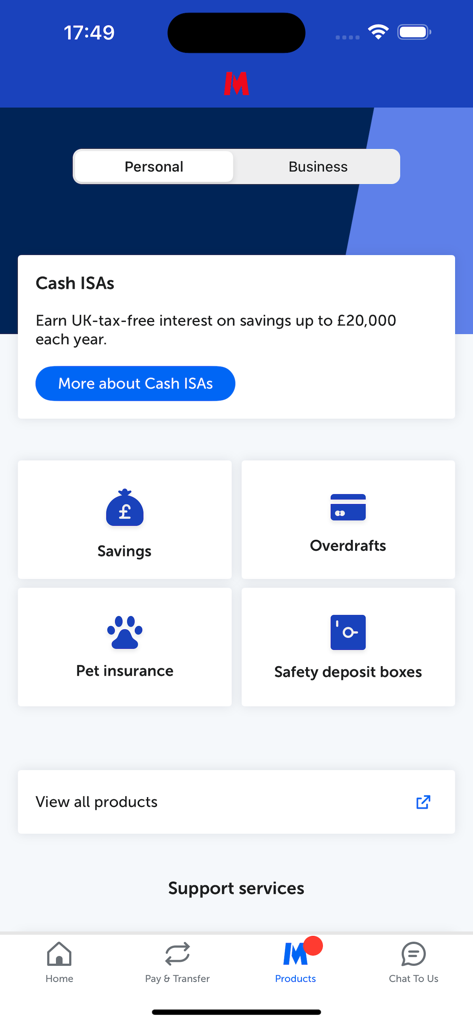
Metro Bank mobile app products screen featuring personal banking services and categories
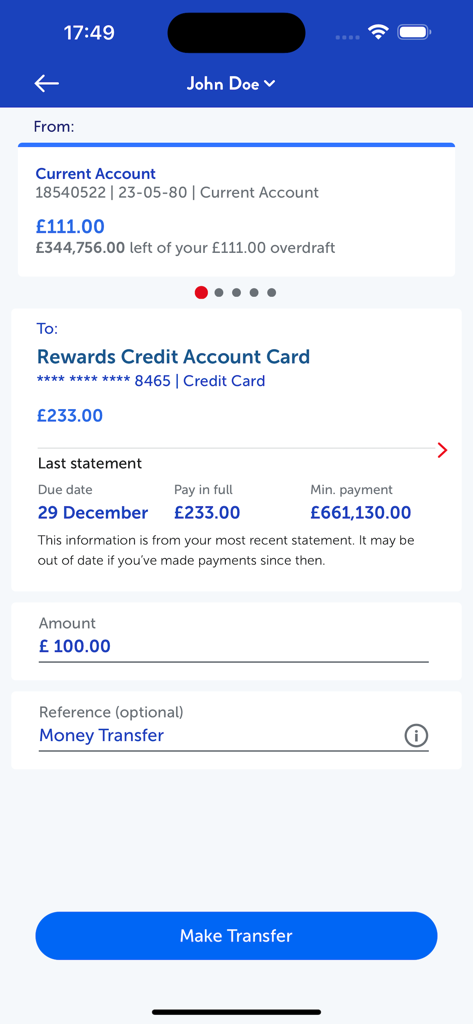
Metro Bank mobile app interface for transferring money between a current account and a rewards credit card account
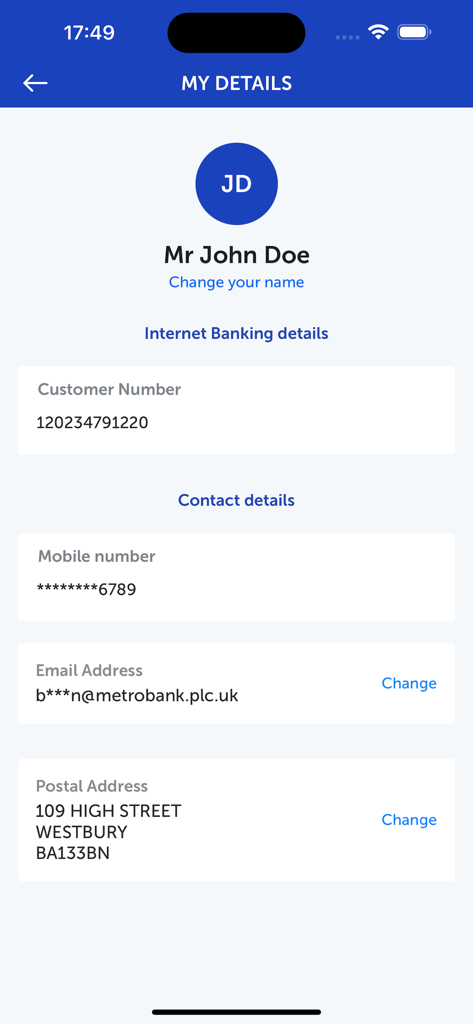
Metro Bank mobile banking app screen showing personal account details and contact information.
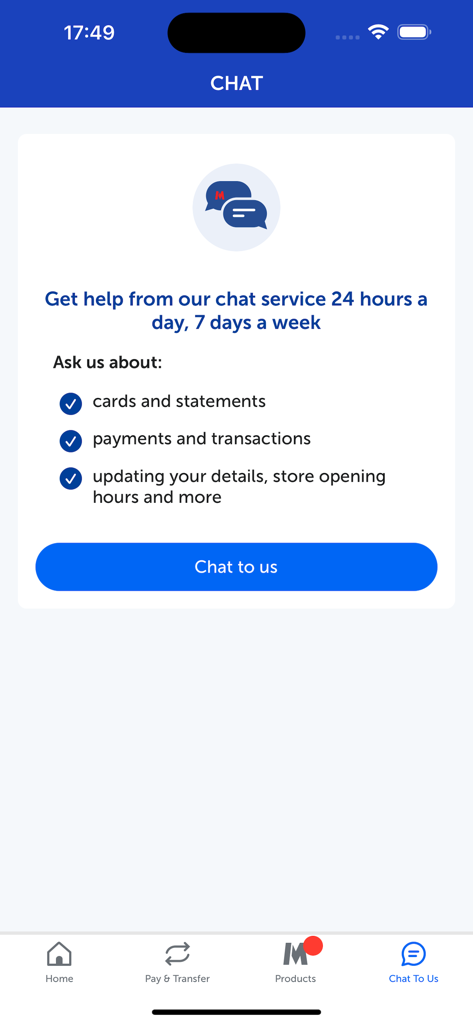
Metro Bank mobile banking app screen showing 24/7 chat support for account and card inquiries.
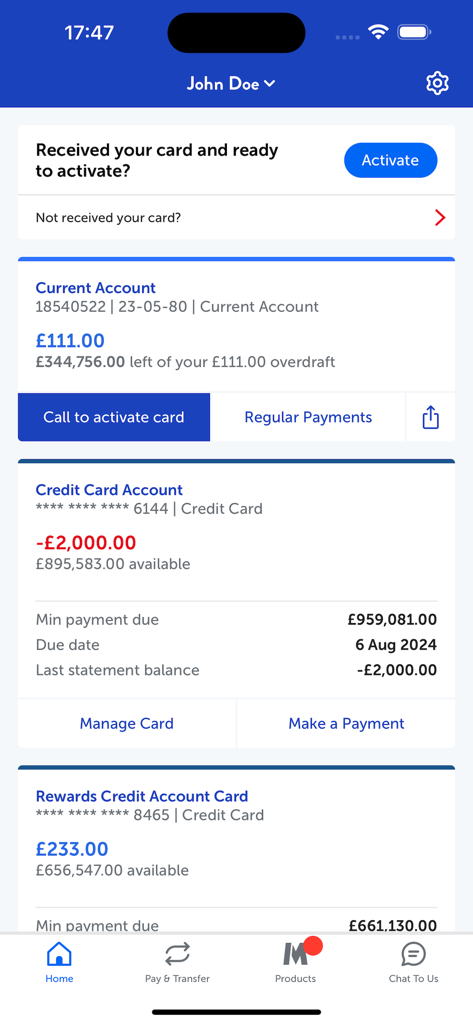
Metro Bank mobile banking home screen showing account balances and card activation prompt
Description
Download
More Like This
Apps with similar features and user experience

ZA Bank
ZA Bank Limited

ING Mobil
ING BANK A S

Davivienda
BANCO DAVIVIENDA SA

Starling - Mobile Banking
STARLING BANK LIMITED

M&T Mobile Banking
M&T Bank

àbank24 — Цінуємо стосунки
Accent-Bank, AT

上海农商银行
SHANGHAI RURAL COMMERCIAL BANK CO., LTD.

Up — Easy Money
Up Money Pty Ltd

Desjardins mobile services
Federation des caisses Desjardins du Quebec
This page is not an official page of the app or its developer, but an independent editorial publication created for informational and commentary purposes. Unless expressly stated otherwise, neither the app nor its developer is affiliated with, endorsed by, sponsored by, authorized by, or otherwise officially connected with MWM, Apple, Google Play, the app publisher, or the app's developer, and nothing on this page implies that the app was developed using MWM's services. Any trademarks, logos, screenshots, and other content remain the property of their respective owners.