
This page is not an official page of the app or its developer, but an independent editorial publication created for informational and commentary purposes. Unless expressly stated otherwise, neither the app nor its developer is affiliated with, endorsed by, sponsored by, authorized by, or otherwise officially connected with MWM, Apple, Google Play, the app publisher, or the app's developer, and nothing on this page implies that the app was developed using MWM's services. Any trademarks, logos, screenshots, and other content remain the property of their respective owners.
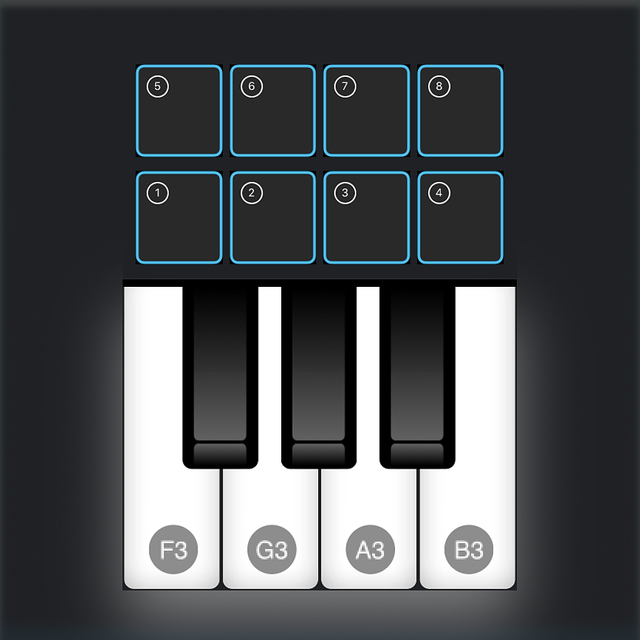

MIDI-Controller
Transform your iPhone into a versatile MIDI keyboard, drum pad, and CC controller. Connect seamlessly to Ableton, Logic, or FL Studio via Bluetooth or USB—no drivers, no bulk, just pure creativity anywhere.
Downloads
23K+User Rating
Total Ratings
100Publisher
Category
MusicLocales
1Latest Version
1.4.1Size
11.0 MBFirst Released
Jan 26, 2020Elevate Your Production Workflow
The ultimate pocket MIDI controller for modern producers. Bridge the gap between your mobile device and your favorite DAW with pro-level precision and zero setup.
Pocket-Sized Performance
Capture melodies and lay down beats on the go with ultra-responsive piano keys and drum pads designed for any screen size.
Seamless DAW Connectivity
No drivers needed. Connect wirelessly via Bluetooth or use USB IDAM for instant, low-latency integration with Ableton, Logic, and FL Studio.
Frequently Asked Questions
Everything you need to know about MIDI-Controller
What are the connectivity options for the MIDI Controller App?
The MIDI Controller App connects to Digital Audio Workstations (DAWs) via Bluetooth (BLE MIDI), USB (IDAM mode), Inter App MIDI, and Network MIDI. It is compatible with DAWs like Logic Pro, Cubase, and Ableton Live.
What control features does the MIDI Controller App offer?
The MIDI Controller App provides piano keys for MIDI notes, drum pads for samples, pitch bend and modulation (CC1) sliders, and eight rotary knobs for controlling MIDI CC parameters (CC1 to CC8). Users can also change octave and keyboard size.
Is additional software required to use the MIDI Controller App with DAWs?
No, the MIDI Controller App does not require any additional software or drivers. It connects directly to Digital Audio Workstations (DAWs) via its supported MIDI connectivity methods.
Is the MIDI Controller App compatible with macOS?
Yes, the MIDI Controller App works best with both iOS and macOS devices. It supports BLE MIDI (Bluetooth) and IDAM (USB) connectivity specifically with Mac systems.
Does the MIDI Controller App support MIDI Learn functionality?
Yes, the MIDI Controller App fully supports the MIDI Learn feature available in most Digital Audio Workstations and Synthesizers. This functionality allows users to easily link the app's control knobs.
The following screenshots and description are sourced directly from the app's official store listing and are the property of the app developer.
App Store
Screenshots
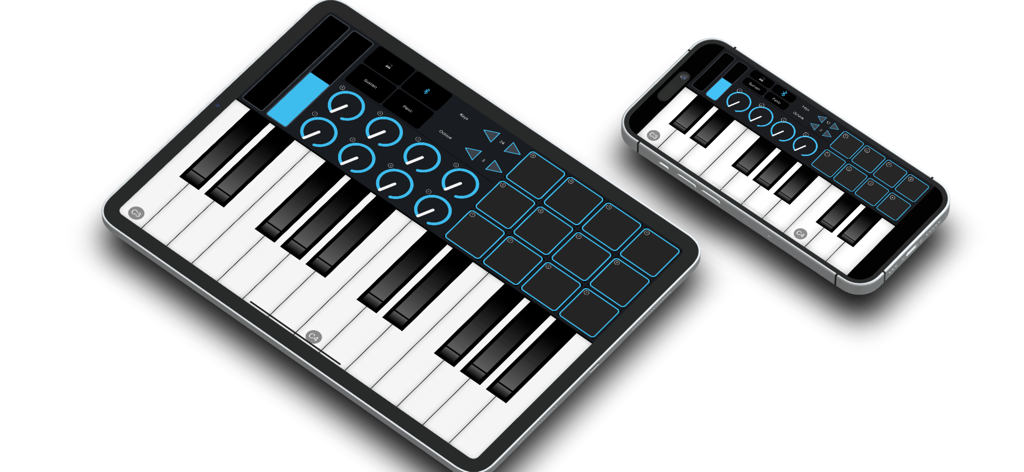
MIDI Controller app interface showing piano keys and drum pads on iPad and iPhone
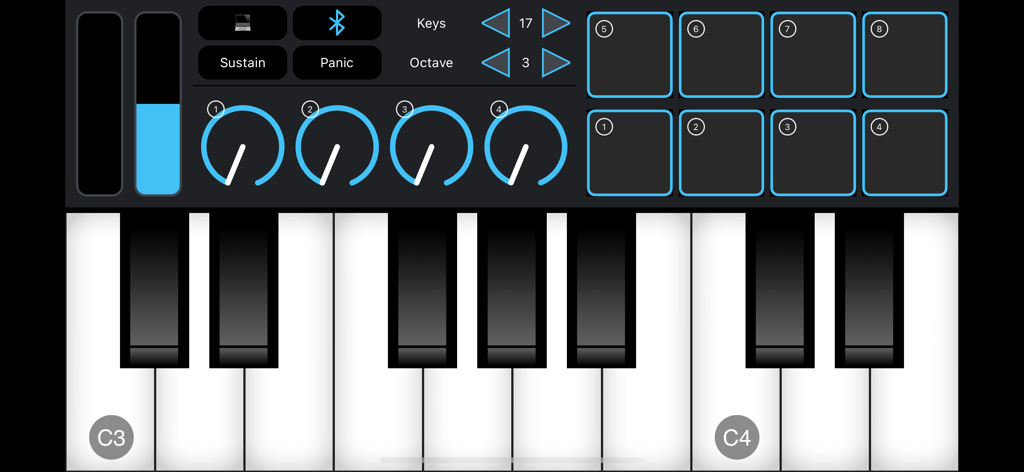
Mobile MIDI controller interface with piano keyboard and drum pads
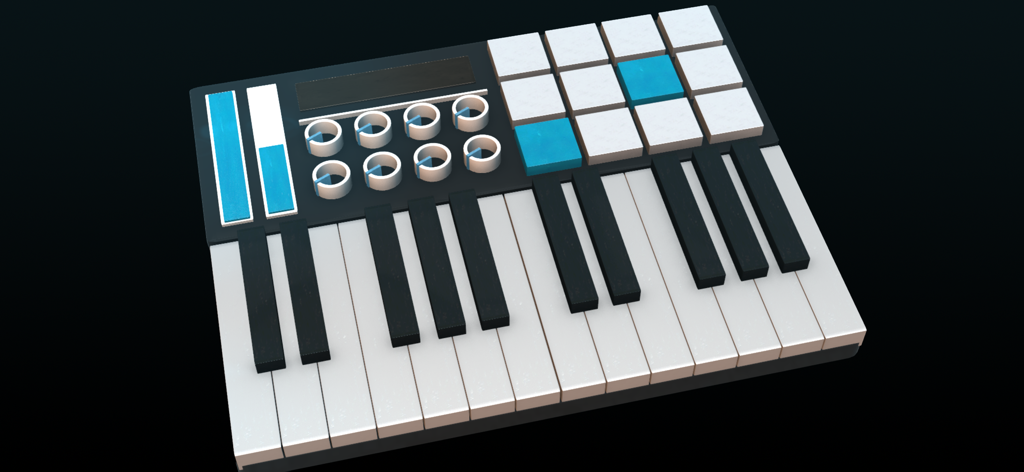
Digital MIDI controller interface featuring a piano keyboard, drum pads, rotary knobs, and sliders.
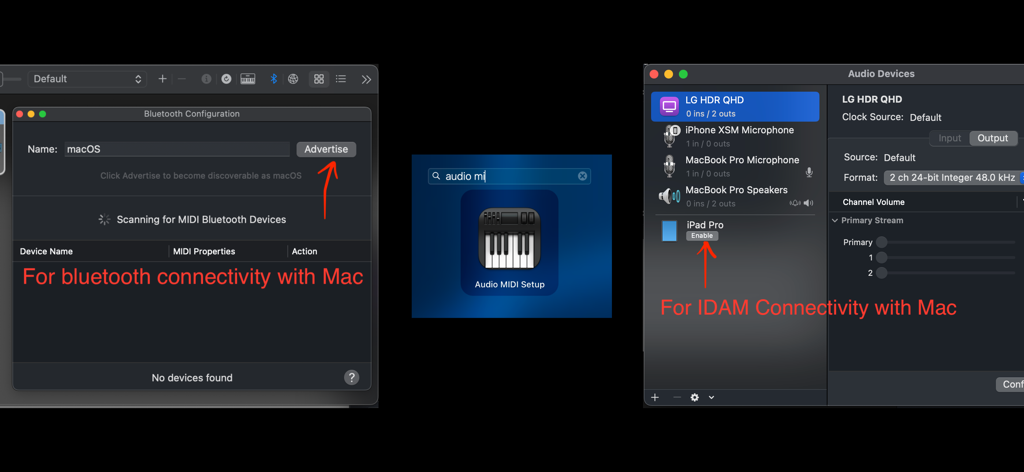
MacOS configuration screens for setting up Bluetooth and IDAM connectivity for a MIDI controller.
Description
Download
More Like This
Top-ranked apps in the same category

Spotify: Music and Podcasts
Spotify

YouTube Music
Google LLC

Shazam: Find Music & Concerts
Apple Inc.

SoundCloud: The Music You Love
SoundCloud Global Limited & Co KG

Suno - AI Songs & Music
Suno Inc.

QQ音乐 - 听我想听
Tencent Technology (Shenzhen) Company Limited

Audiomack - Play Music Offline
Audiomack, Inc.

GuitarTuna: Tune & Play Guitar
Yousician Ltd

BandLab – Music Maker & Beats
BandLab Singapore Pte Ltd
This page is not an official page of the app or its developer, but an independent editorial publication created for informational and commentary purposes. Unless expressly stated otherwise, neither the app nor its developer is affiliated with, endorsed by, sponsored by, authorized by, or otherwise officially connected with MWM, Apple, Google Play, the app publisher, or the app's developer, and nothing on this page implies that the app was developed using MWM's services. Any trademarks, logos, screenshots, and other content remain the property of their respective owners.