
This page is not an official page of the app or its developer, but an independent editorial publication created for informational and commentary purposes. Unless expressly stated otherwise, neither the app nor its developer is affiliated with, endorsed by, sponsored by, authorized by, or otherwise officially connected with MWM, Apple, Google Play, the app publisher, or the app's developer, and nothing on this page implies that the app was developed using MWM's services. Any trademarks, logos, screenshots, and other content remain the property of their respective owners.

MidiMixer for AUM Auv3 Plugin
Elevate your iOS production workflow with 12-channel control, graphical automation editing, and seamless snapshot transitions designed specifically for the AUM ecosystem.
Downloads
12K+User Rating
Total Ratings
0Publisher
Category
MusicLocales
1Latest Version
1.09Size
7.7 MBFirst Released
Dec 9, 2020Master Your AUM Workflow
Transform AUM into a powerful automation powerhouse with professional-grade snapshots, precise graphical editing, and seamless multi-channel control designed for the serious iPad producer.
Fluid Snapshot Fading
Create up to 8 mixer snapshots and trigger smooth, timed fades between them. Perfect for moving from verse to chorus or performing complex live transitions with a single tap.
Precision Automation Editor
Record real-time fader movements or use the graphical drawing tools to add professional movement to your tracks. No more 'glass screen fatigue'—just desktop-class automation control.
The following screenshots and description are sourced directly from the app's official store listing and are the property of the app developer.
App Store
Screenshots
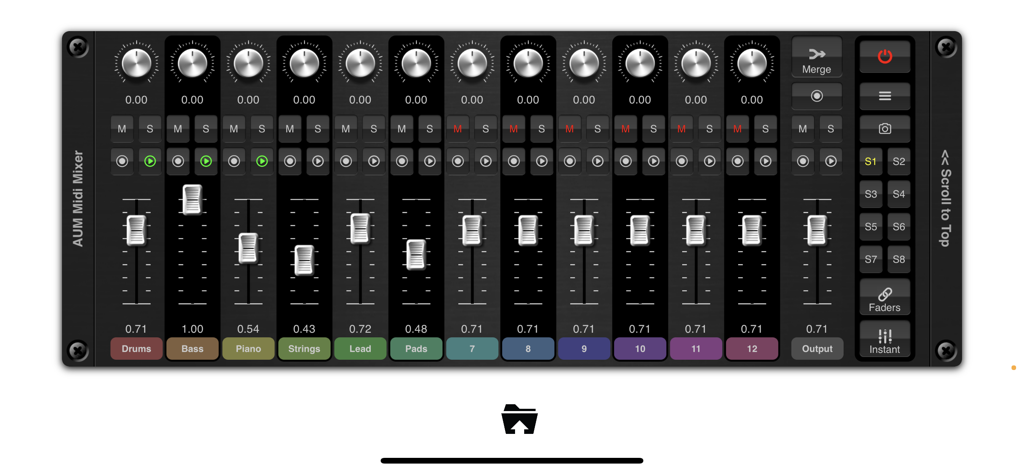
MidiMixer interface for AUM showing 12 channel faders and mixer snapshots
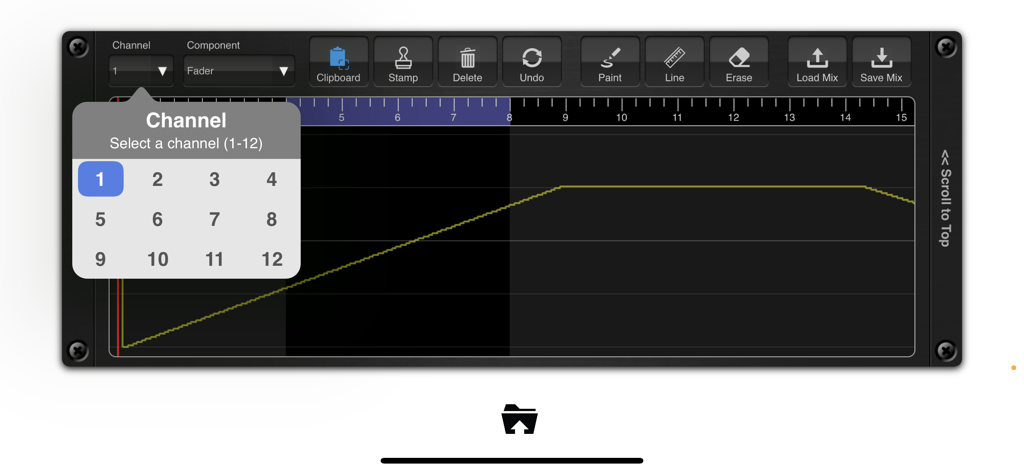
Graphical automation editor and channel selection in MidiMixer for AUM
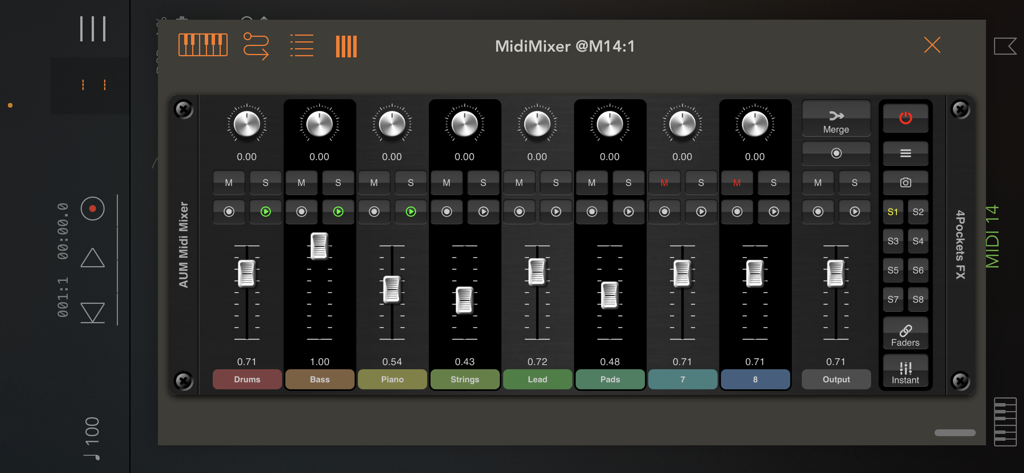
MidiMixer AUv3 plugin console with faders for drums bass and strings in AUM
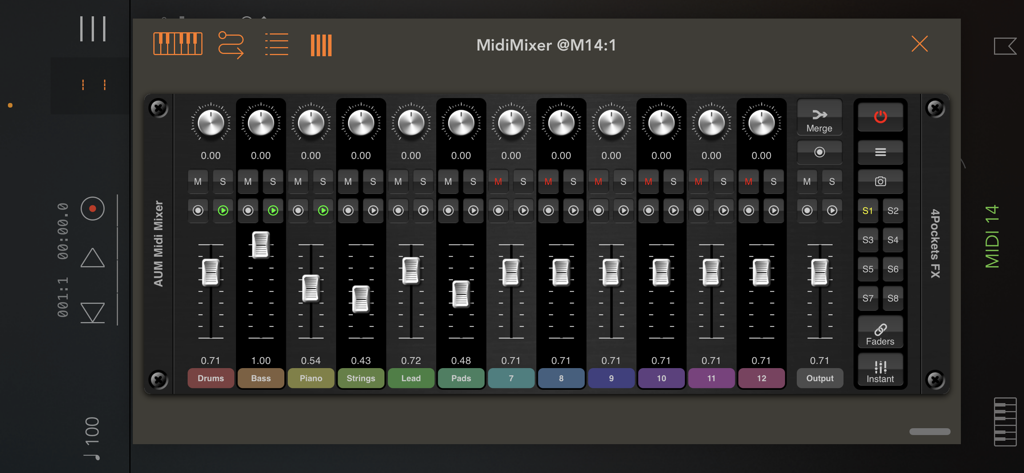
Interface of MidiMixer for AUM showing a 12-channel digital mixer with faders and snapshots for iOS music production.
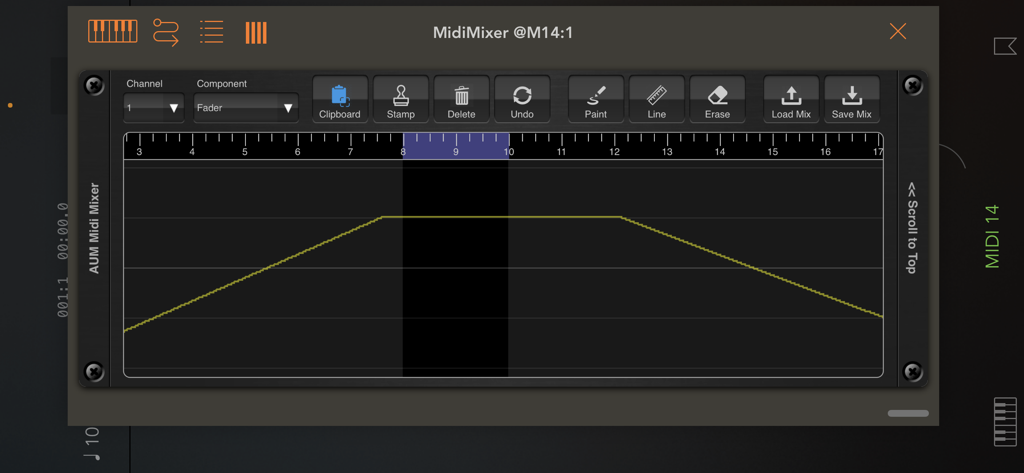
Graphical automation editor in MidiMixer showing a fader volume curve and editing tools on a timeline.
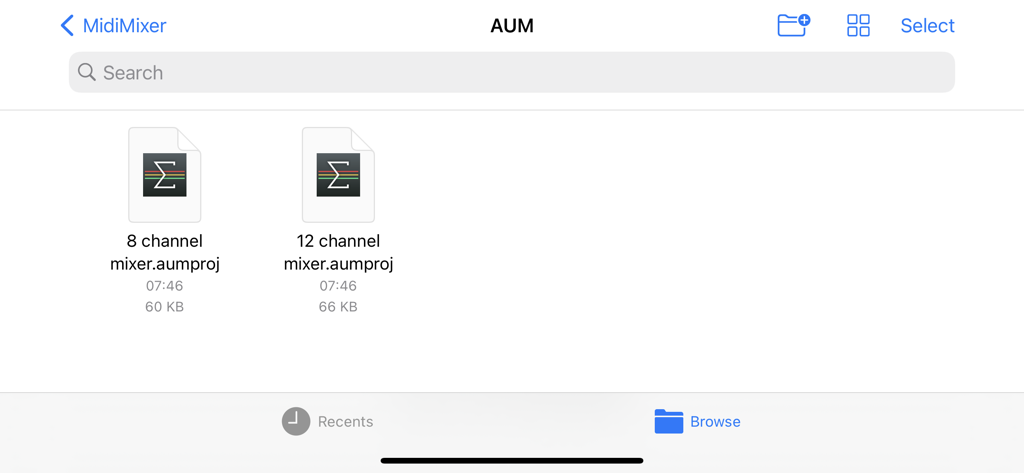
File browser in MidiMixer showing session templates for 8 and 12 channel AUM mixers.
Description
Download
More Like This
Top-ranked apps in the same category

Spotify: Music and Podcasts
Spotify

YouTube Music
Google LLC

Shazam: Find Music & Concerts
Apple Inc.

SoundCloud: The Music You Love
SoundCloud Global Limited & Co KG

Suno - AI Songs & Music
Suno Inc.

QQ音乐 - 听我想听
Tencent Technology (Shenzhen) Company Limited

Audiomack - Play Music Offline
Audiomack, Inc.

GuitarTuna: Tune & Play Guitar
Yousician Ltd

BandLab – Music Maker & Beats
BandLab Singapore Pte Ltd
This page is not an official page of the app or its developer, but an independent editorial publication created for informational and commentary purposes. Unless expressly stated otherwise, neither the app nor its developer is affiliated with, endorsed by, sponsored by, authorized by, or otherwise officially connected with MWM, Apple, Google Play, the app publisher, or the app's developer, and nothing on this page implies that the app was developed using MWM's services. Any trademarks, logos, screenshots, and other content remain the property of their respective owners.