
This page is not an official page of the app or its developer, but an independent editorial publication created for informational and commentary purposes. Unless expressly stated otherwise, neither the app nor its developer is affiliated with, endorsed by, sponsored by, authorized by, or otherwise officially connected with MWM, Apple, Google Play, the app publisher, or the app's developer, and nothing on this page implies that the app was developed using MWM's services. Any trademarks, logos, screenshots, and other content remain the property of their respective owners.


Minesweeper Classic: Retro
Relive the gold standard of strategy puzzles with the nostalgic 90s aesthetic you love. Master the board with our exclusive Guess Free Mode, daily challenges, and over 50 customizable themes designed for the analytical mind.
Downloads
3M+User Rating
Total Ratings
48K+Publisher
Category
GamesLocales
33Latest Version
1.4.8Size
68.3 MBFirst Released
Sep 27, 2017Master the Grid with Pure Logic
The ultimate retro Minesweeper experience designed for the analytical mind. No more lucky guesses—just pure strategy and nostalgia.
100% Solvable Boards
End the frustration of 50/50 traps. Our Guess Free Mode ensures every mine can be found through pure deduction and logic.
Nostalgia Reimagined
Relive the classic Windows era with over 50+ customizable retro themes and the iconic pixel-perfect interface you love.
Frequently Asked Questions
Everything you need to know about Minesweeper Classic: Retro
How do I play Minesweeper Classic: Retro?
Minesweeper Classic: Retro involves tapping cells to reveal numbers or clear areas. Players long-press to flag mines. Tapping open numbered cells that match surrounding flags clears more cells. The app includes a 'How To Play' section for detailed instructions.
Does Minesweeper Classic: Retro have a guess-free mode?
Yes, Minesweeper Classic: Retro features a Guess Free Mode (Beta). This mode is designed to eliminate 50/50 situations during gameplay. Players can activate the Guess Free Mode directly from the Settings menu within the application.
Can I customize the game experience in Minesweeper Classic: Retro?
Yes, Minesweeper Classic: Retro offers extensive customization options. Users can adjust zoom sensitivity, modify the New Game button, customize the top bar, disable 'hold to flag', and select from over 50 themes, tailoring the game experience.
How do I earn coins in Minesweeper Classic: Retro?
Players earn coins in Minesweeper Classic: Retro by correctly flagging mines and successfully completing game rounds. These earned coins are then used to unlock various gorgeous retro themes available within the game's theme selection.
What game modes are available in Minesweeper Classic: Retro?
Minesweeper Classic: Retro offers five distinct game modes: Easy, Medium, Hard, Extreme, and Custom. These modes provide varying grid sizes and mine densities, catering to different challenge preferences and skill levels.
Does Minesweeper Classic: Retro save game progress?
Yes, Minesweeper Classic: Retro automatically saves game progress, allowing users to continue where they left off upon relaunch. Additionally, themes and stats can be saved to iCloud for backup and restoration across different devices.
What happens if I detonate a mine in Minesweeper Classic: Retro?
If a player hits a mine in Minesweeper Classic: Retro, they can continue the game from that point. This option is available either by spending 50 in-game coins or by watching a short video advertisement.
Does Minesweeper Classic: Retro support Game Center?
Yes, Minesweeper Classic: Retro integrates with Apple's Game Center to provide leaderboards for tracking player scores worldwide. Users must ensure they are logged into their Game Center account for full functionality.
How do hints work in Minesweeper Classic: Retro?
Minesweeper Classic: Retro allows players to use hints. Pressing the hint button highlights an area where guaranteed progress is possible, without revealing unknown outcomes. This assists players when they are stuck.
How many themes are available in Minesweeper Classic: Retro?
Minesweeper Classic: Retro offers over 50 gorgeous retro themes to personalize the game's appearance. Players unlock these themes by earning and spending in-game coins, providing a variety of visual styles.
The following screenshots and description are sourced directly from the app's official store listing and are the property of the app developer.
App Store
Screenshots
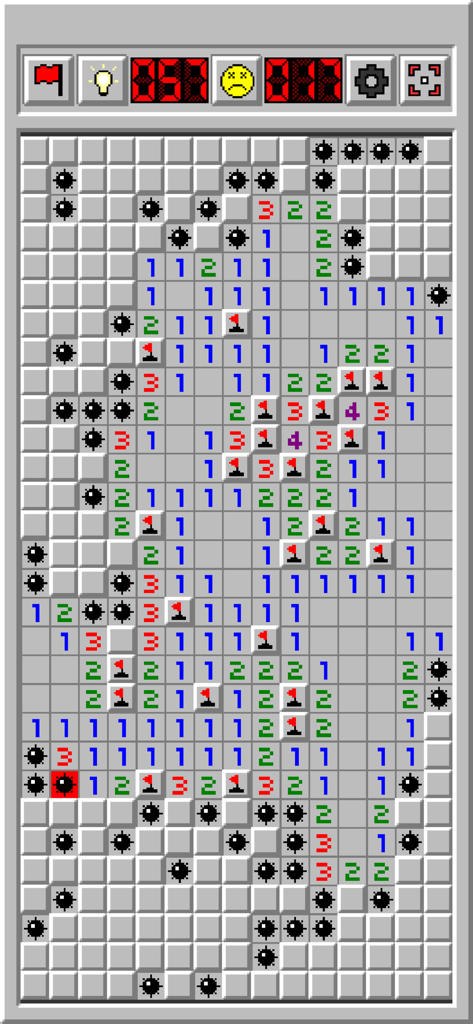
Retro Minesweeper game screen with flags and a triggered mine
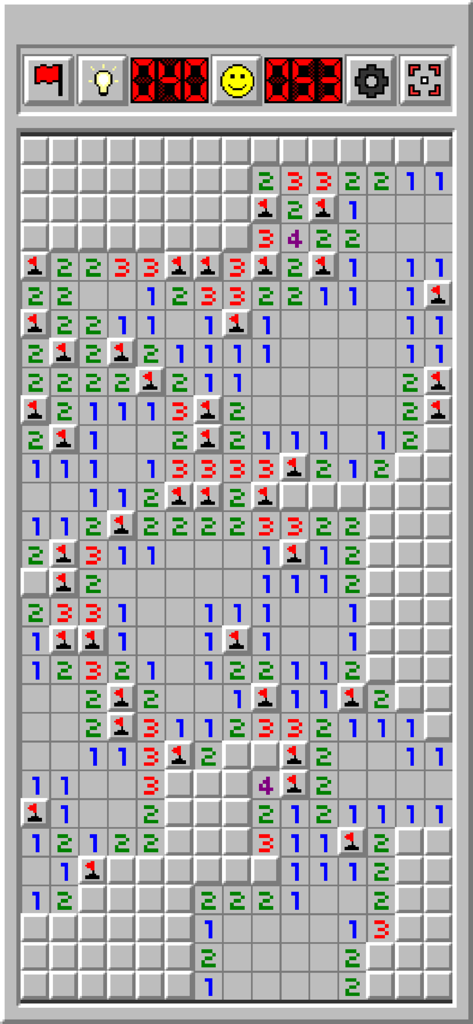
A screenshot of Minesweeper Classic Retro showing a game in progress with a classic grey windows style interface
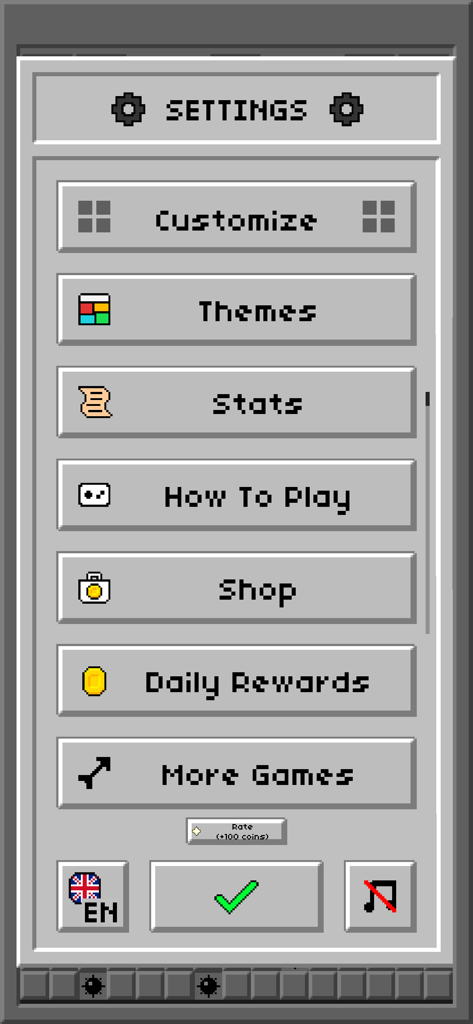
Settings menu of the Minesweeper Classic Retro game with pixelated buttons and a classic grey interface.
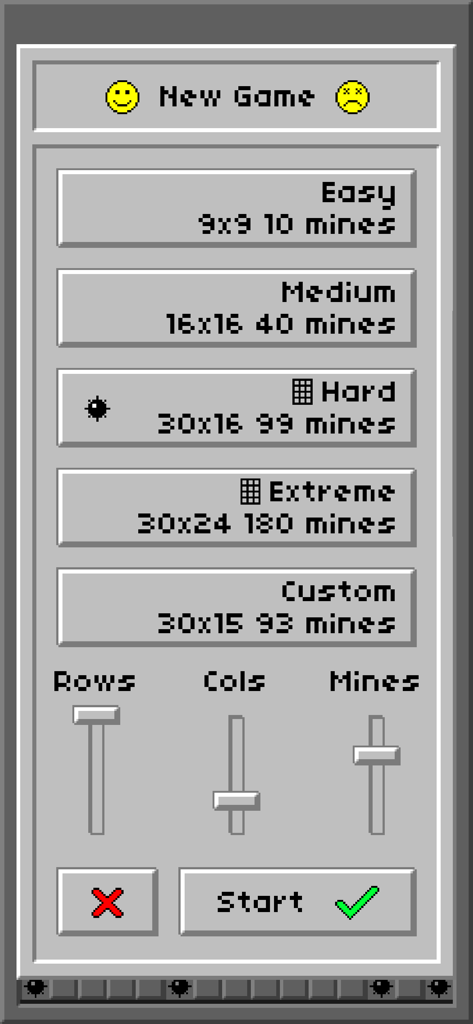
New game menu for Minesweeper Classic Retro showing difficulty selection and custom settings in a nostalgic windows interface
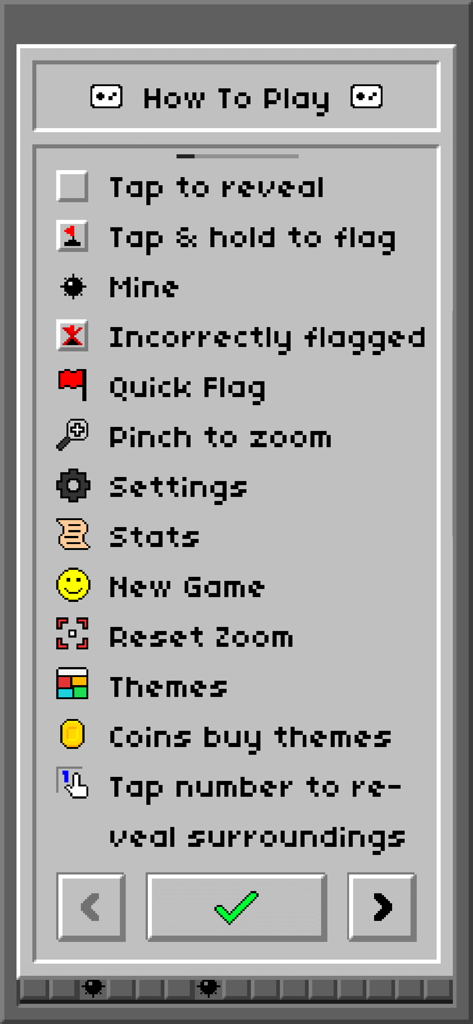
Minesweeper Classic Retro how to play instructions menu with pixel art icons
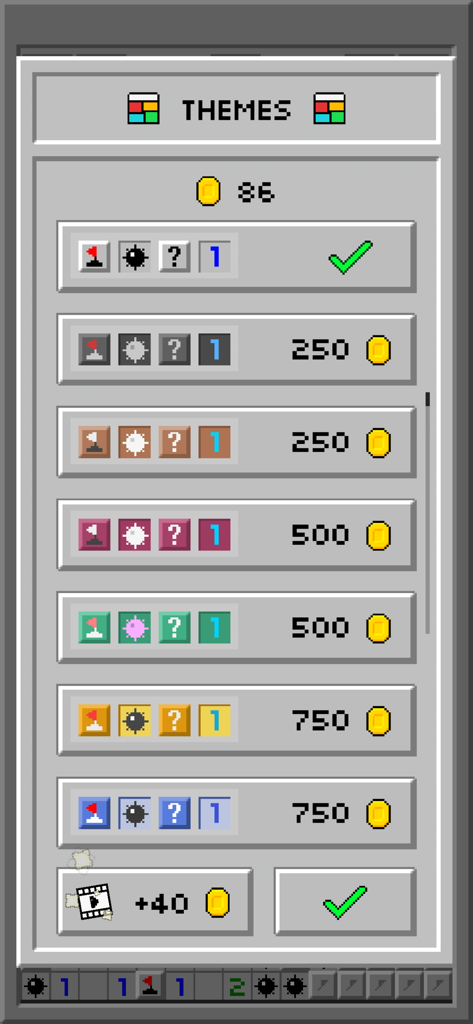
Themes selection screen in Minesweeper Classic Retro with various color options and coin prices
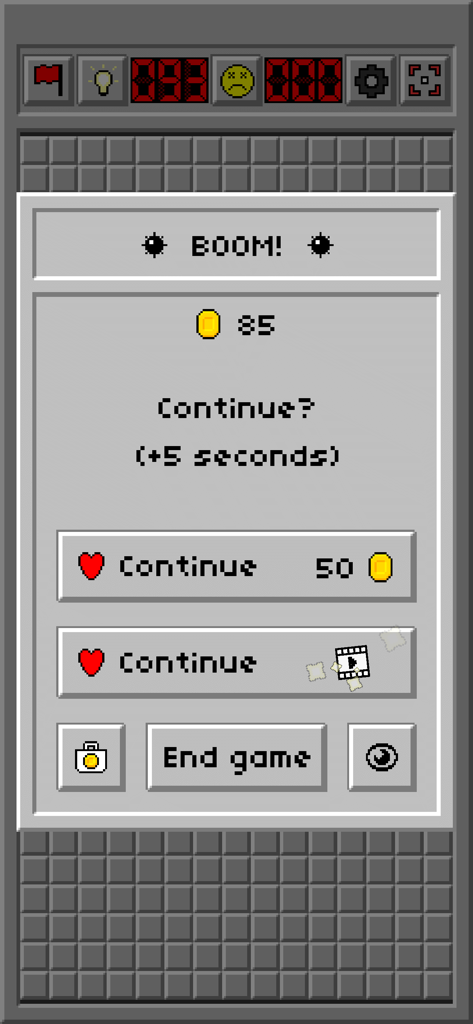
Game over screen in Minesweeper Classic Retro showing options to continue with coins or ads
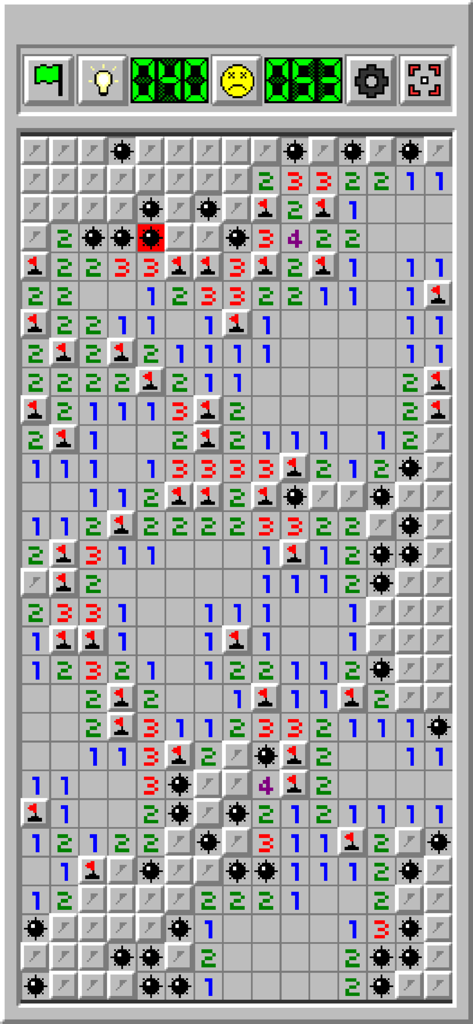
A gameplay screenshot of Minesweeper Classic Retro showing the classic grid with numbers flags and revealed mines
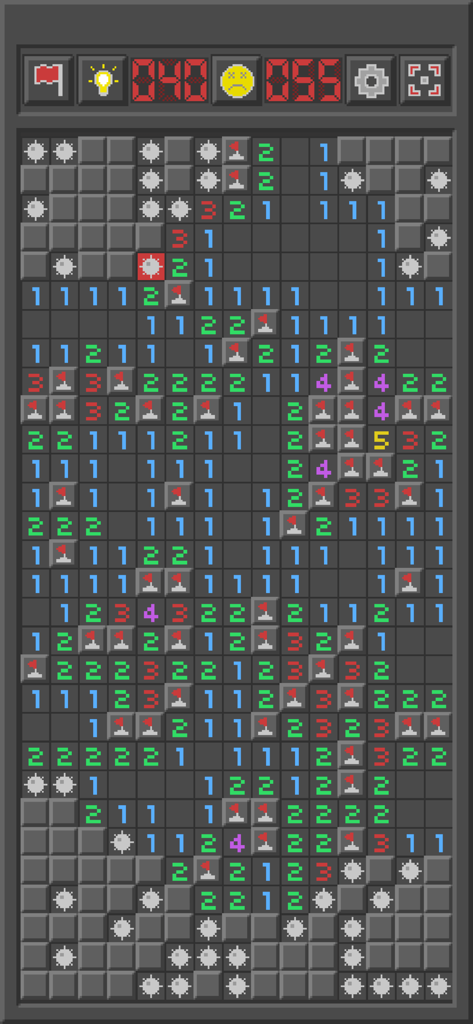
Minesweeper Classic Retro gameplay board with flags and mines
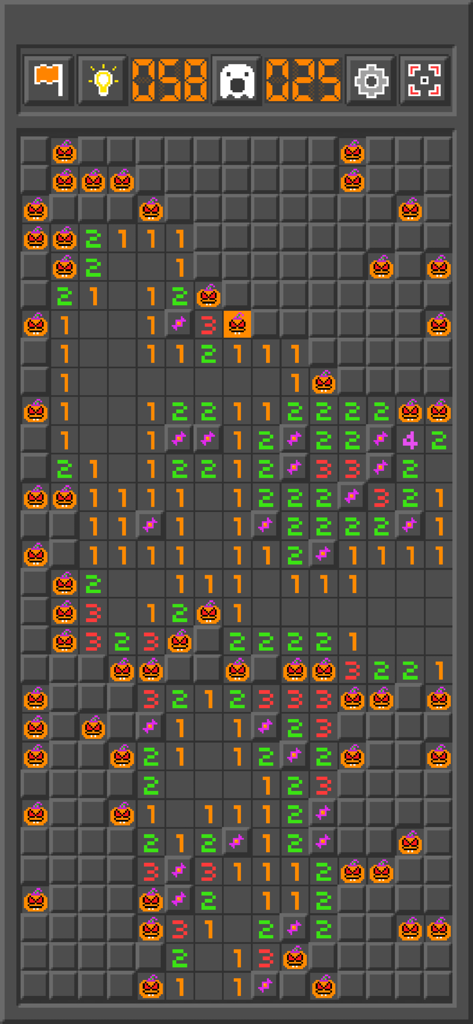
Minesweeper Classic Retro gameplay screen featuring a Halloween theme with pumpkin icons
Description
Download
More Like This
Top-ranked apps in the same category

Block Blast!
ARETIS LIMITED

Heartopia
XD Entertainment Co., Ltd.

Solitaire Associations Journey
Hitapps Games LTD

Roblox
Roblox Corporation

Gossip Harbor®: Merge & Story
Microfun Limited

Arrows – Puzzle Escape
Lessmore UG haftungsbeschraenkt

Township
PLR Worldwide Sales Limited

Last War:Survival
FUNFLY PTE. LTD.

Vita Mahjong
VITA STUDIO PTE. LTD.
This page is not an official page of the app or its developer, but an independent editorial publication created for informational and commentary purposes. Unless expressly stated otherwise, neither the app nor its developer is affiliated with, endorsed by, sponsored by, authorized by, or otherwise officially connected with MWM, Apple, Google Play, the app publisher, or the app's developer, and nothing on this page implies that the app was developed using MWM's services. Any trademarks, logos, screenshots, and other content remain the property of their respective owners.