
This page is not an official page of the app or its developer, but an independent editorial publication created for informational and commentary purposes. Unless expressly stated otherwise, neither the app nor its developer is affiliated with, endorsed by, sponsored by, authorized by, or otherwise officially connected with MWM, Apple, Google Play, the app publisher, or the app's developer, and nothing on this page implies that the app was developed using MWM's services. Any trademarks, logos, screenshots, and other content remain the property of their respective owners.


MiniMoon Music
The modern, subscription-free player built for intentional listeners. Manage your local library with powerful tools, seamless Mac sync, and an album-centric interface that puts your music—not algorithms—first.
Downloads
1K+User Rating
Total Ratings
0Publisher
Category
MusicLocales
1Latest Version
3.2Size
15.8 MBFirst Released
Mar 7, 2024Reclaim Your Music Collection
Escape the cycle of monthly subscriptions. MiniMoon is a premium, local-first music player designed for the intentional listener who values ownership, quality, and focus.
Own Your Library Forever
Break free from 'Music-as-a-Service.' Enjoy a powerful, ad-free experience with no recurring fees—your music stays on your device, exactly where it belongs.
Audiophile-Grade Fidelity
Experience every detail with support for FLAC, ALAC, and high-res audio. Fine-tune your sound with a pro-level equalizer built for high-end headphones.
The following screenshots and description are sourced directly from the app's official store listing and are the property of the app developer.
App Store
Screenshots
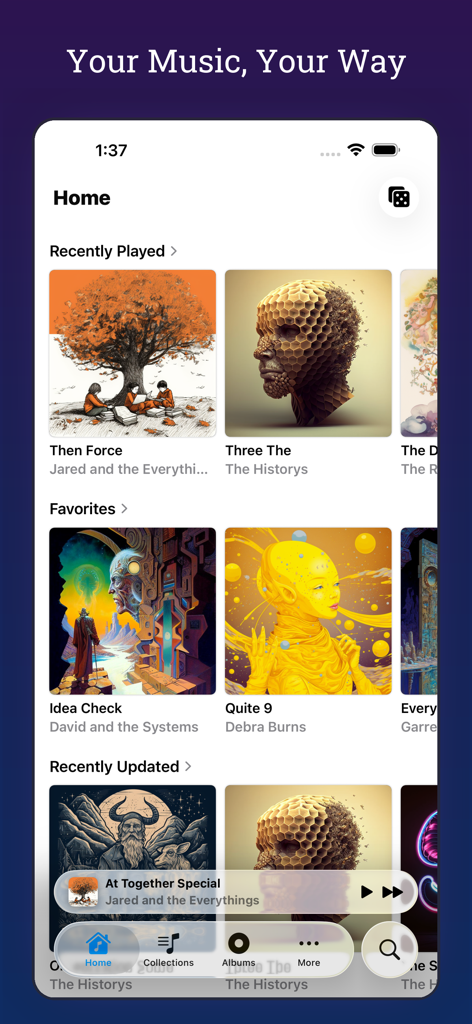
The home screen of MiniMoon Music app displaying recently played and favorite albums in a clean minimalist layout.
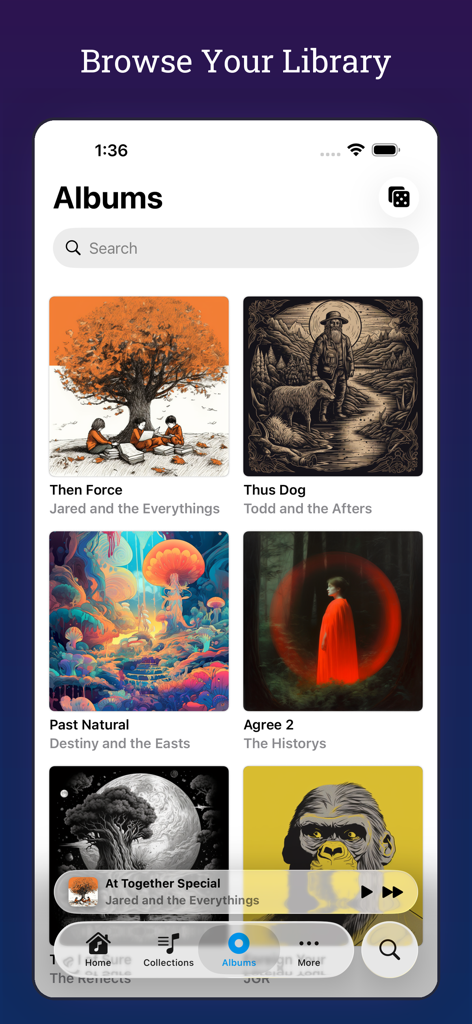
A screenshot of the MiniMoon Music app interface showing the album library view with a clean grid layout
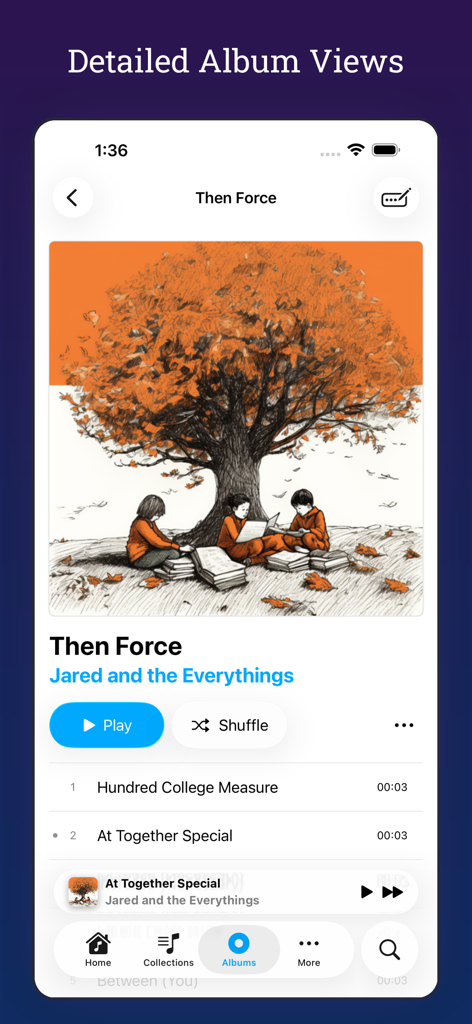
Detailed album view in the MiniMoon Music app showing album art and tracklist
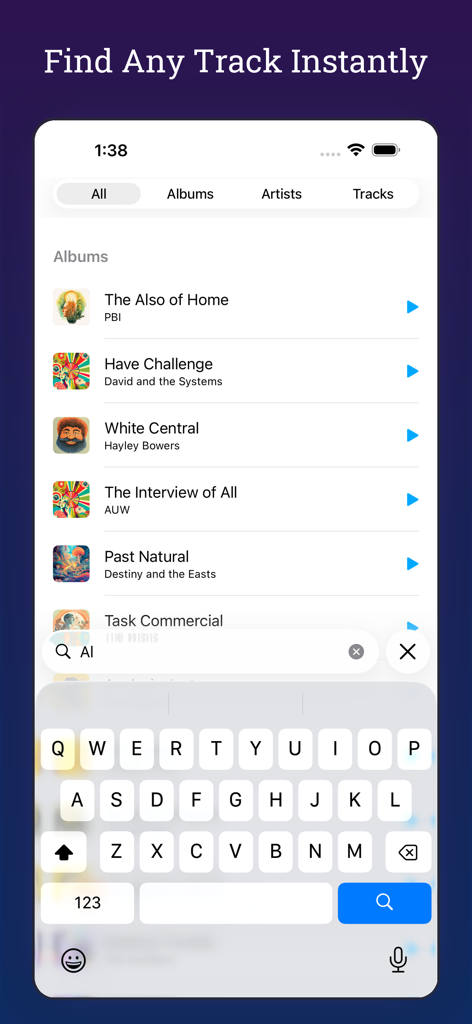
The search screen of the MiniMoon Music app showing a list of albums and an active search bar with an open keyboard.
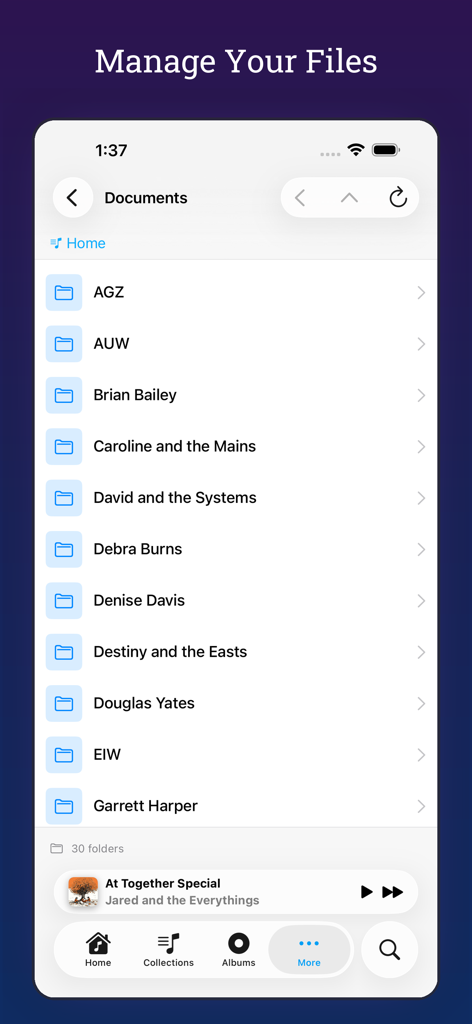
Local music file management screen in the MiniMoon Music app interface
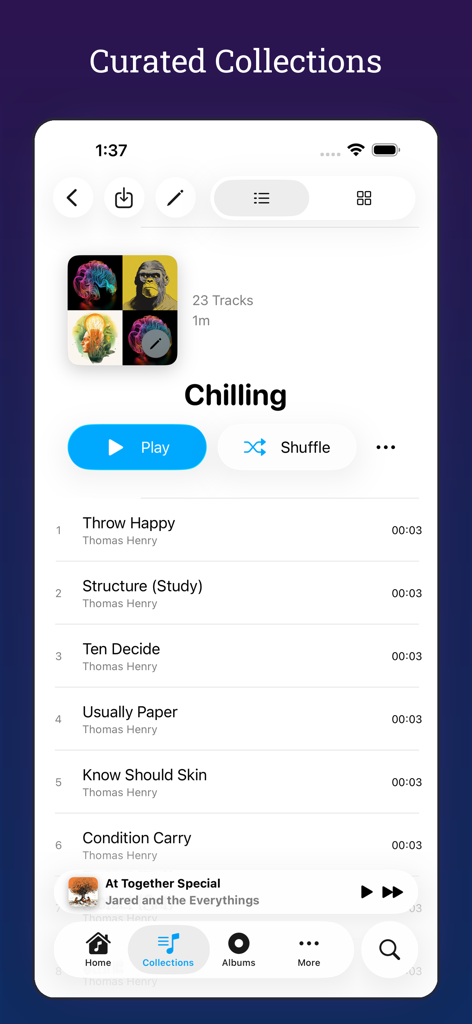
MiniMoon Music app interface displaying a curated music collection named Chilling with a list of songs.
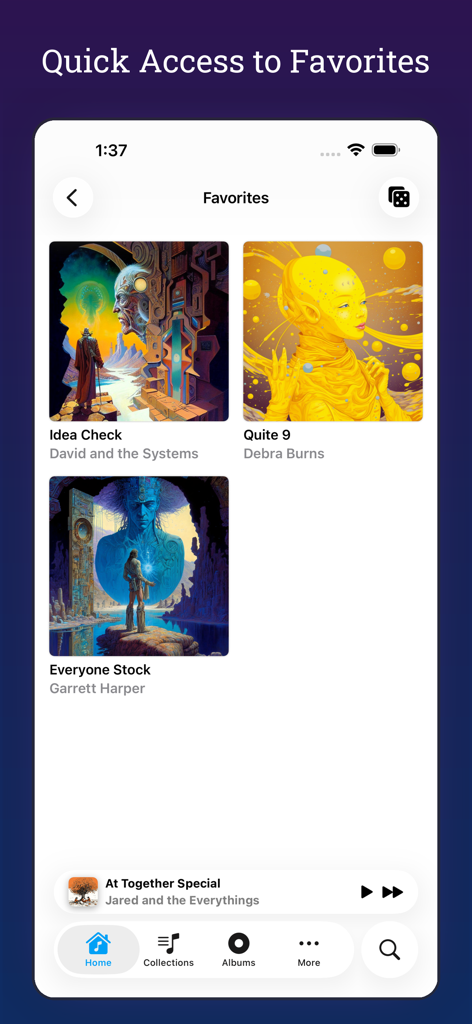
Interface of the MiniMoon Music app showing a grid of favorite albums with clean artwork
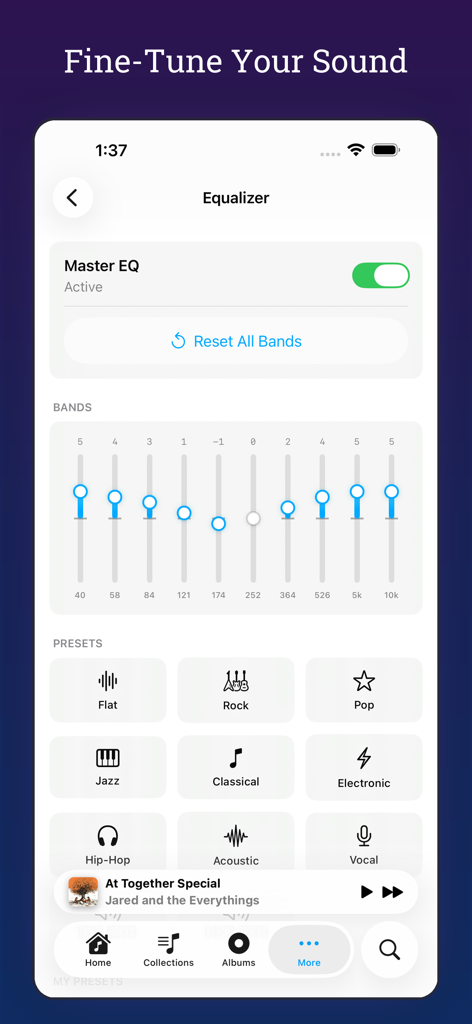
MiniMoon Music app graphic equalizer screen with frequency bands and audio presets
Description
Download
More Like This
Top-ranked apps in the same category

Spotify: Music and Podcasts
Spotify

YouTube Music
Google LLC

Shazam: Find Music & Concerts
Apple Inc.

SoundCloud: The Music You Love
SoundCloud Global Limited & Co KG

Suno - AI Songs & Music
Suno Inc.

QQ音乐 - 听我想听
Tencent Technology (Shenzhen) Company Limited

Audiomack - Play Music Offline
Audiomack, Inc.

BandLab – Music Maker & Beats
BandLab Singapore Pte Ltd

GuitarTuna: Tune & Play Guitar
Yousician Ltd
This page is not an official page of the app or its developer, but an independent editorial publication created for informational and commentary purposes. Unless expressly stated otherwise, neither the app nor its developer is affiliated with, endorsed by, sponsored by, authorized by, or otherwise officially connected with MWM, Apple, Google Play, the app publisher, or the app's developer, and nothing on this page implies that the app was developed using MWM's services. Any trademarks, logos, screenshots, and other content remain the property of their respective owners.