
This page is not an official page of the app or its developer, but an independent editorial publication created for informational and commentary purposes. Unless expressly stated otherwise, neither the app nor its developer is affiliated with, endorsed by, sponsored by, authorized by, or otherwise officially connected with MWM, Apple, Google Play, the app publisher, or the app's developer, and nothing on this page implies that the app was developed using MWM's services. Any trademarks, logos, screenshots, and other content remain the property of their respective owners.
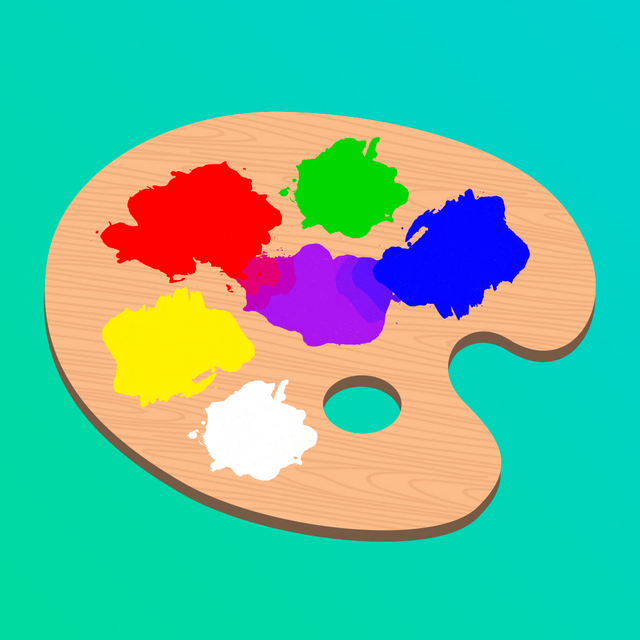

Mix & Paint
Master the art of color mixing right on your screen. Blend, paint, and match your way to a perfect 3-star score in this relaxing, mess-free creative escape.
Downloads
6M+User Rating
Total Ratings
138K+Publisher
Category
GamesLocales
8Latest Version
4.0.7Size
272.9 MBFirst Released
Dec 18, 2019Master the Art of the Perfect Mix
Experience the most satisfying art game on mobile. Mix, paint, and perfect your way through hundreds of levels designed to de-stress and delight.
Ultra-Satisfying Color Blending
Use your fingertips to blend vibrant pigments until you hit the perfect shade. It is the ultimate sensory experience.
Aim for 3-Star Perfection
Challenge your eye for detail. Match shapes and colors with precision to earn top marks and satisfy your inner perfectionist.
Frequently Asked Questions
Everything you need to know about Mix & Paint
How do you play Mix & Paint?
In Mix & Paint, players use their fingers and a palette to mix colors. They then paint a picture, matching the provided sample's colors and shape to earn points.
Can players mix colors in Mix & Paint?
Yes, players can mix colors in Mix & Paint. The game's palette allows users to combine primary colors using their fingers to create new hues required for painting.
What is the objective of the Mix & Paint game?
The objective in Mix & Paint is to accurately paint a picture based on a sample. Players aim to match colors and shapes to earn points and achieve a three-star rating on each stage.
How does Mix & Paint determine player scores?
Mix & Paint determines player scores based on how well they match the colors and shape of their painting to the provided sample picture. Higher accuracy results in more points.
Does Mix & Paint include a reset or undo function?
Yes, Mix & Paint includes a reset function. A circular arrow icon is visible on the color palette, suggesting players can undo or reset their color mixing or painting actions during gameplay.
The following screenshots and description are sourced directly from the app's official store listing and are the property of the app developer.
App Store
Screenshots
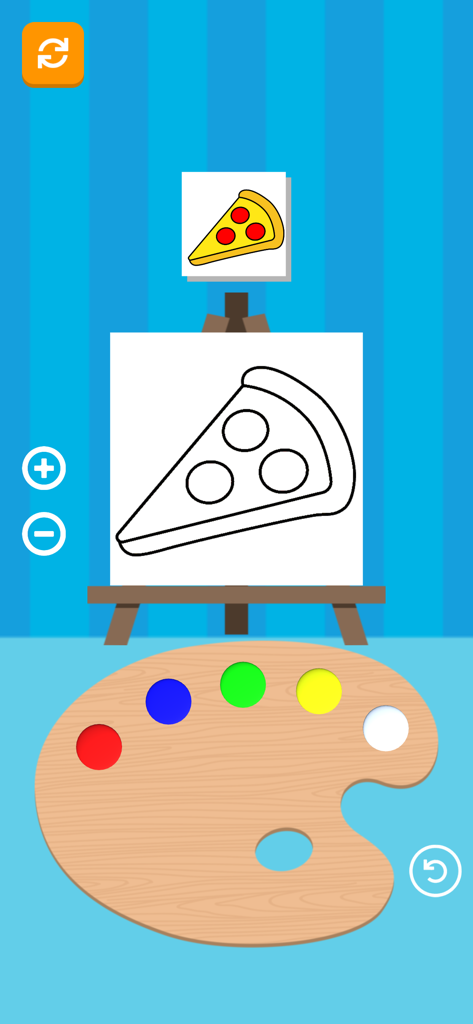
Mix and Paint game screen showing a pizza drawing and color palette
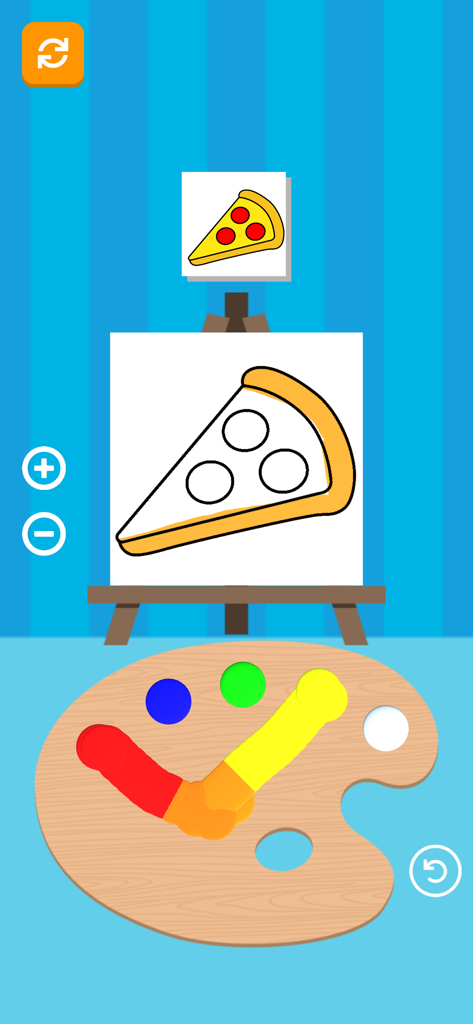
Mix and Paint game interface showing a pizza slice drawing and a color palette with mixed paints
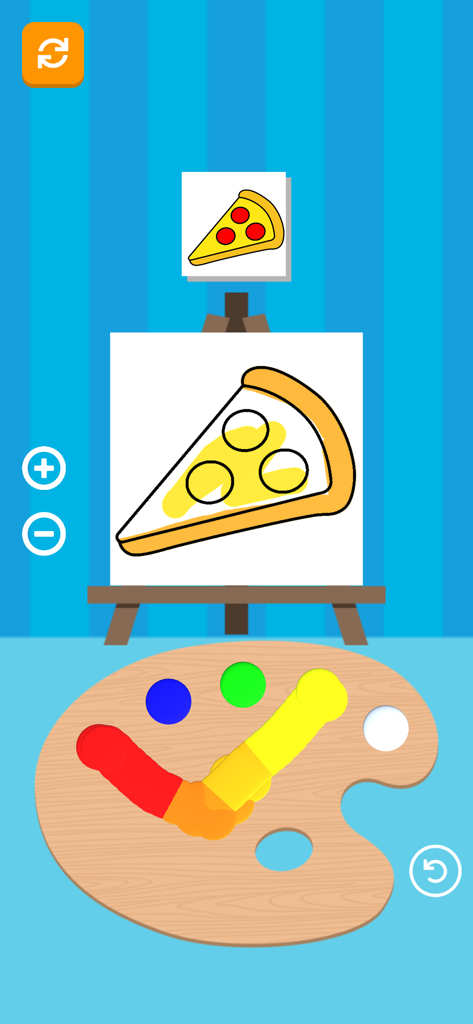
Gameplay screenshot of Mix and Paint showing a pizza slice drawing on a canvas and a color palette for mixing paints.
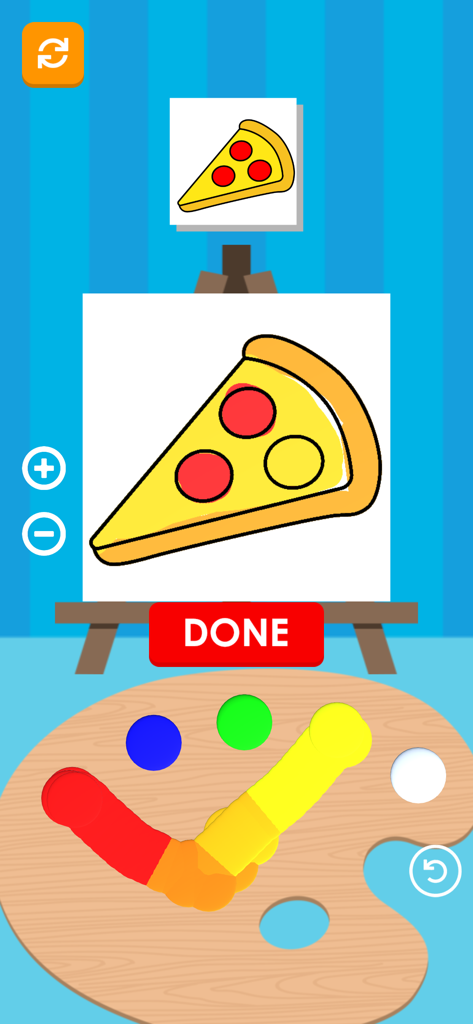
A screenshot of the Mix and Paint game showing a pizza slice being painted while red and yellow colors are mixed on a palette.
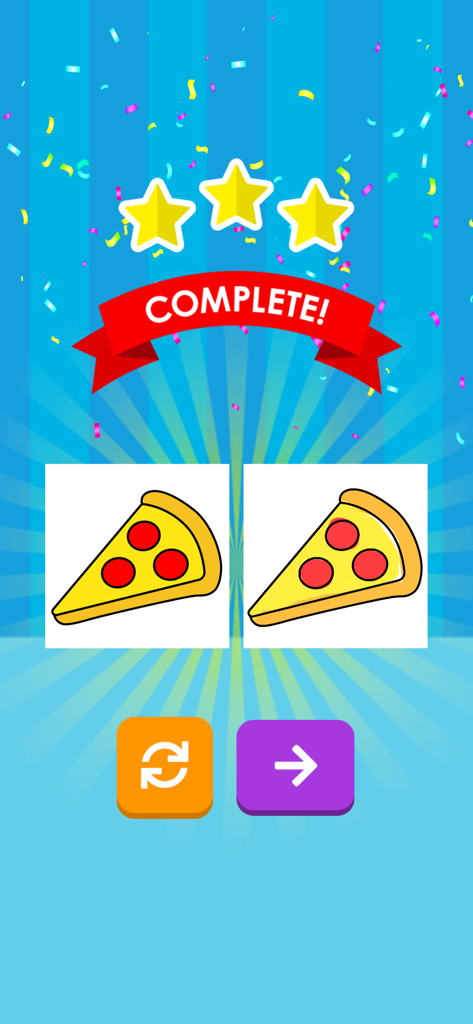
Level complete screen in Mix and Paint showing three stars for a painted pizza slice
Description
Download
More Like This
Top-ranked apps in the same category

Block Blast!
ARETIS LIMITED

Heartopia
XD Entertainment Co., Ltd.

Solitaire Associations Journey
Hitapps Games LTD

Roblox
Roblox Corporation

Gossip Harbor®: Merge & Story
Microfun Limited

Arrows – Puzzle Escape
Lessmore UG haftungsbeschraenkt

Township
PLR Worldwide Sales Limited

Last War:Survival
FUNFLY PTE. LTD.

Vita Mahjong
VITA STUDIO PTE. LTD.
This page is not an official page of the app or its developer, but an independent editorial publication created for informational and commentary purposes. Unless expressly stated otherwise, neither the app nor its developer is affiliated with, endorsed by, sponsored by, authorized by, or otherwise officially connected with MWM, Apple, Google Play, the app publisher, or the app's developer, and nothing on this page implies that the app was developed using MWM's services. Any trademarks, logos, screenshots, and other content remain the property of their respective owners.