
This page is not an official page of the app or its developer, but an independent editorial publication created for informational and commentary purposes. Unless expressly stated otherwise, neither the app nor its developer is affiliated with, endorsed by, sponsored by, authorized by, or otherwise officially connected with MWM, Apple, Google Play, the app publisher, or the app's developer, and nothing on this page implies that the app was developed using MWM's services. Any trademarks, logos, screenshots, and other content remain the property of their respective owners.


Moonpig: Birthday Cards
Transform your favorite photos into heartfelt cards with custom messages and your own handwriting. No stamps, no mailboxes, and no missed milestones—just pure thoughtfulness delivered straight to their door.
Downloads
5M+User Rating
Total Ratings
772K+Publisher
Category
ShoppingLocales
2Latest Version
9.28.0Size
141.5 MBFirst Released
Apr 28, 2017Celebrate Every Moment with a Personal Touch
Join over 5 million users who turn their favorite memories into heartfelt messages with the world’s most convenient greeting card app.
Make It Personal in Seconds
Transform your phone’s camera roll into a physical card. Upload photos, zoom, and crop to create a unique keepsake they’ll cherish forever.
No Stamp? No Problem
Skip the post office entirely. We handle the printing, stamping, and mailing directly to their door, whether they are across town or across the globe.
Frequently Asked Questions
Everything you need to know about Moonpig: Birthday Cards
What is Moonpig: Birthday Cards?
Moonpig: Birthday Cards is an app for sending personalized greeting cards and gifts. It allows users to upload photos, customize text, and send cards worldwide for various occasions.
Can I personalize cards with my own photos on the Moonpig app?
Yes, the Moonpig: Birthday Cards app allows you to upload your own photos from your iPhone or iPad to customize cards. You can zoom, rotate, and crop images.
Does Moonpig: Birthday Cards deliver internationally?
Yes, the Moonpig: Birthday Cards app delivers personalized cards anywhere in the world. Users can choose delivery options for arrival ASAP or on a specific date.
How do Moonpig reminders work?
The Moonpig: Birthday Cards app lets you set up reminders for important dates. You can import occasions from your phone's calendar and receive notifications to never miss a special day.
Can I add a handwritten message to my cards using the Moonpig app?
Yes, the Moonpig: Birthday Cards app allows you to add a handwritten message. You can do this by taking a picture from your phone or using an Apple Pencil on an iPad.
What payment methods does the Moonpig: Birthday Cards app accept?
The Moonpig: Birthday Cards app accepts secure payments via Apple Pay, PayPal, or debit/credit cards. This ensures a fast and safe checkout process.
Can I send gifts along with cards using the Moonpig app?
Yes, the Moonpig: Birthday Cards app allows users to pair their card with a perfect gift. The app features options like personalized mugs.
Does the Moonpig app offer pre-written messages for cards?
Yes, the Moonpig: Birthday Cards app provides plenty of pre-written greeting card messages. This feature helps users get started when they are unsure what to write.
What card sizes are available in the Moonpig app?
The Moonpig: Birthday Cards app offers various card sizes including standard, large, and giant cards. It also provides options for postcards.
Can I add a video message to cards with Moonpig?
Yes, the Moonpig: Birthday Cards app allows users to add a free video message. You upload a video, and Moonpig prints a QR code inside the card for recipients to scan.
The following screenshots and description are sourced directly from the app's official store listing and are the property of the app developer.
App Store
Screenshots
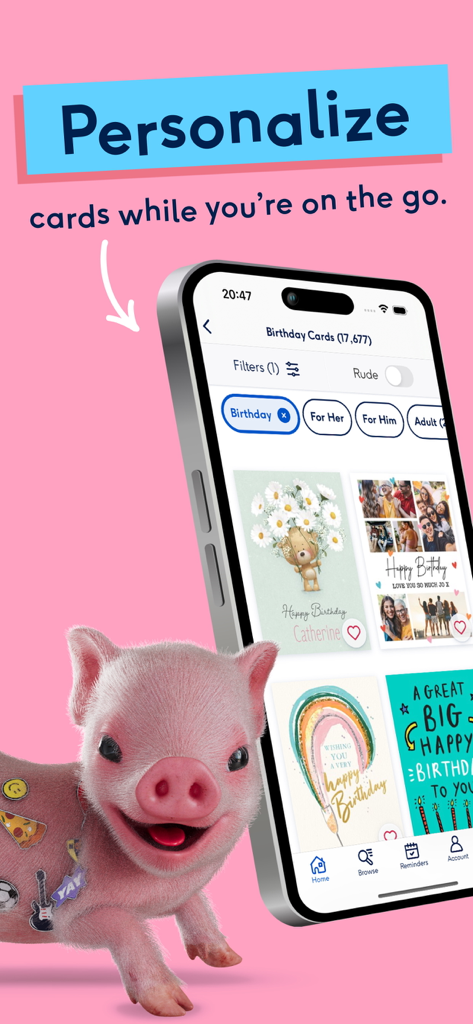
Moonpig app screen showing personalized birthday card options with a cute pig mascot
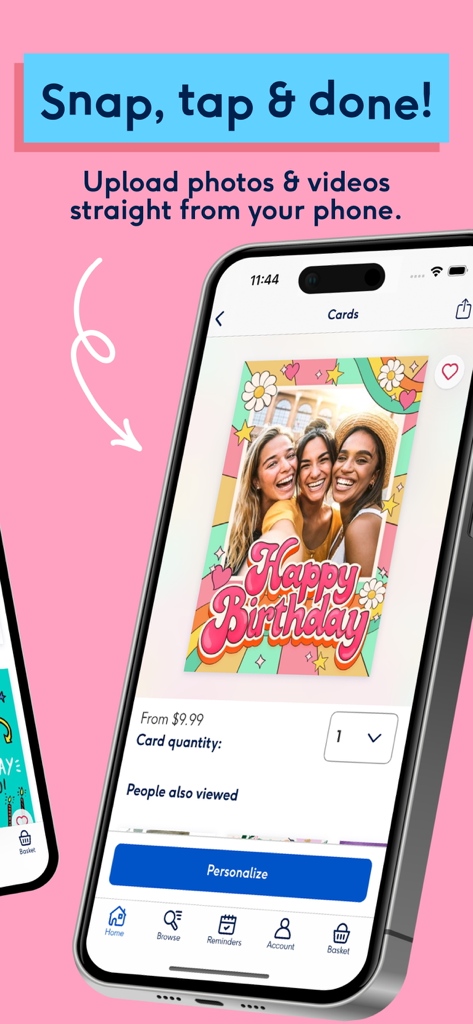
A smartphone displaying the Moonpig app interface for customizing a birthday card with personal photos.
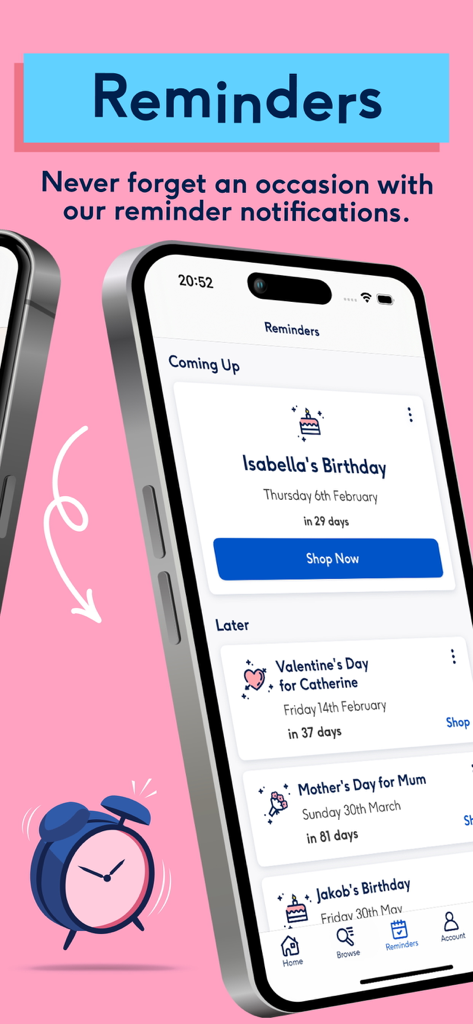
Mobile app interface showing upcoming occasion reminders for birthdays and holidays
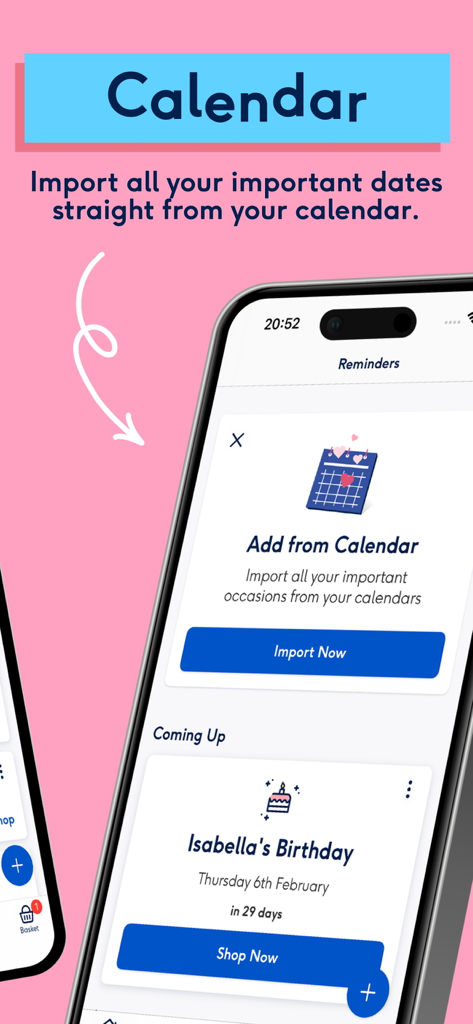
Moonpig app interface showing the calendar import feature and upcoming birthday reminders.
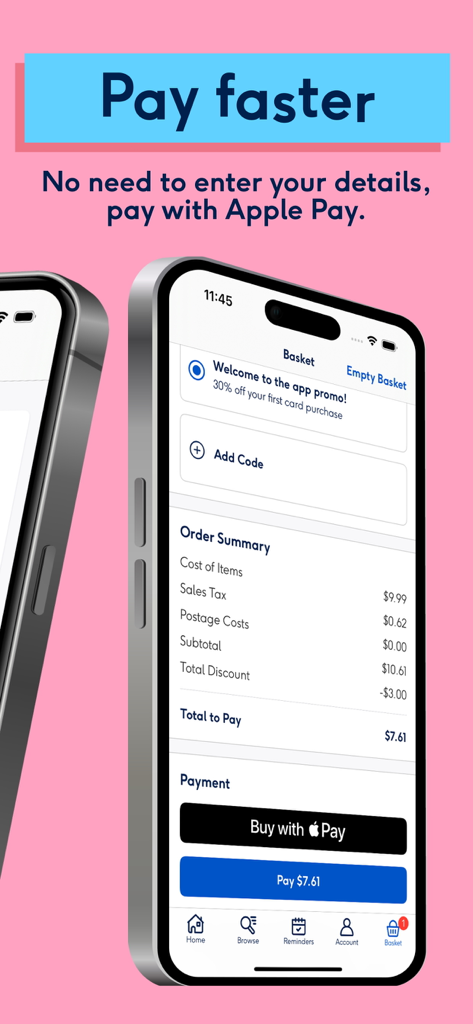
The Moonpig app checkout screen highlighting the fast payment option using Apple Pay.
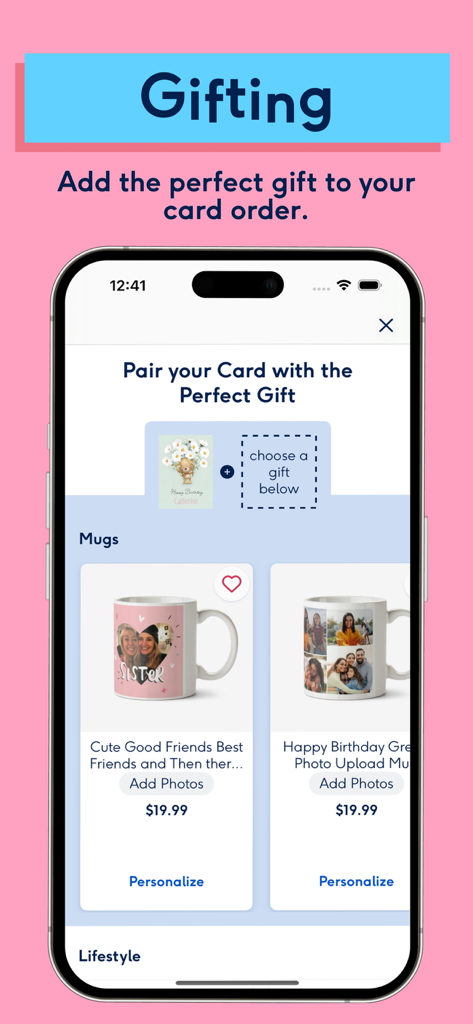
Moonpig app interface showing personalized photo mugs to add to a card order
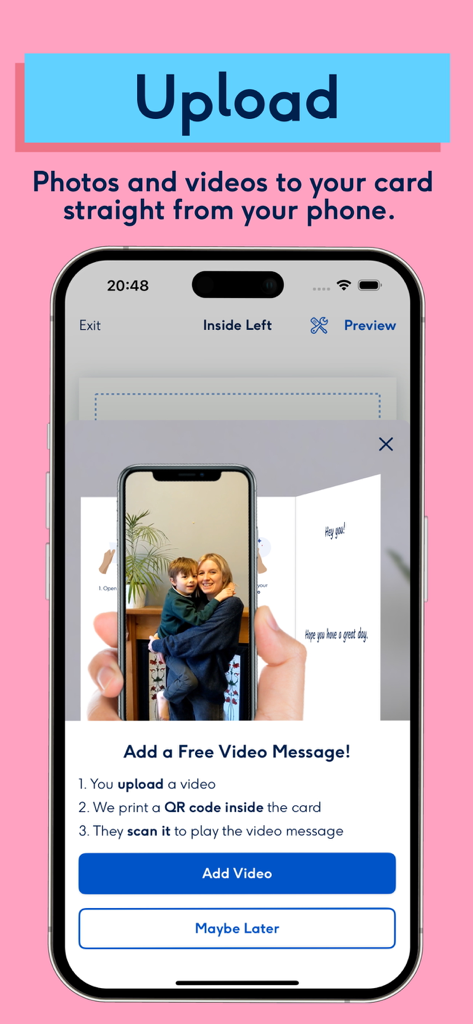
Moonpig app screen showing how to add a personalized video message to a greeting card using a QR code
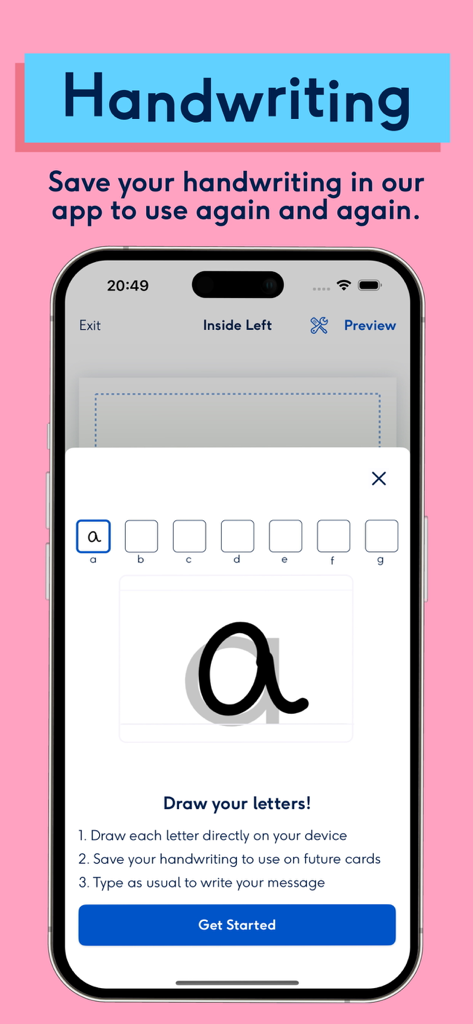
A mobile screen from Moonpig app demonstrating how to draw and save personal handwriting for greeting cards
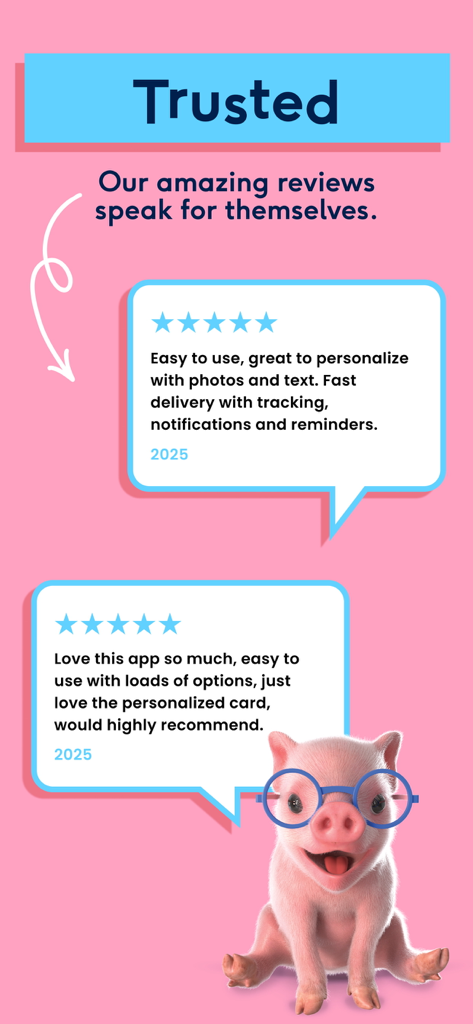
Positive user reviews and five star ratings for the Moonpig birthday cards app with a cute pig mascot

Moonpig app screen showing personalized greeting cards with photos and a cute pig mascot
Description
Download
More Like This
Apps with similar features and user experience

FreePrints – Print Photos
PlanetArt, LLC

Once Upon | Photo book Creator
Once Upon Publishing AB

FreePrints Photobooks
PlanetArt, LLC

Chatbooks Family Photo Albums
Chatbooks, Inc.

FreePrints Gifts – Fast & Easy
PlanetArt, LLC

Photo Prints Now: CVS Photo
MEA Mobile Limited

Print Photo - Easy Prints App
PlusMinusOne, Inc.

Callie: Make Gifting Unique
Manzoni Trading Limited

Picta x CVS Photo
Pictarine Inc.
This page is not an official page of the app or its developer, but an independent editorial publication created for informational and commentary purposes. Unless expressly stated otherwise, neither the app nor its developer is affiliated with, endorsed by, sponsored by, authorized by, or otherwise officially connected with MWM, Apple, Google Play, the app publisher, or the app's developer, and nothing on this page implies that the app was developed using MWM's services. Any trademarks, logos, screenshots, and other content remain the property of their respective owners.