
This page is not an official page of the app or its developer, but an independent editorial publication created for informational and commentary purposes. Unless expressly stated otherwise, neither the app nor its developer is affiliated with, endorsed by, sponsored by, authorized by, or otherwise officially connected with MWM, Apple, Google Play, the app publisher, or the app's developer, and nothing on this page implies that the app was developed using MWM's services. Any trademarks, logos, screenshots, and other content remain the property of their respective owners.


Morse Mania: Learn Morse Code
The ultimate gamified training for Ham Radio enthusiasts and hobbyists. Learn to send and receive with 270 levels of science-based lessons. 100% offline, absolutely no ads, and built for serious mastery.
Downloads
100K+User Rating
Total Ratings
9K+Publisher
Category
EducationLocales
1Latest Version
9.5.0Size
28.8 MBFirst Released
May 7, 2020Master the Art of Morse
Join over 100,000 users with the most comprehensive, ad-free platform designed for serious amateur radio enthusiasts and emergency preparedness.
Professional Farnsworth Training
Learn the right way using the Farnsworth method. Adjust character speed and spacing separately to build high-speed copy skills without hitting a plateau.
Smart Adaptive Curriculum
Master 270+ levels that prioritize your recent mistakes. From basic letters to complex Q-codes and callsigns, the app evolves with your skill level.
Frequently Asked Questions
Everything you need to know about Morse Mania: Learn Morse Code
How does Morse Mania teach Morse code?
Morse Mania teaches Morse code by starting with the easiest letters (E and T) and progressing to more complex ones, numbers, symbols, Prosigns, Q-codes, abbreviations, words, Callsigns, phrases, and sentences.
Does Morse Mania offer both receiving and sending practice?
Yes, Morse Mania offers practice for both receiving and sending Morse code. It features 135 levels for recognizing characters and another 135 levels for sending Morse code.
What output modes are available in the Morse Mania app?
The Morse Mania app supports five output modes: audio (default), blinking light, flashlight, vibration, and light + sound. These modes enhance the learning experience for users.
Can users customize their practice levels in Morse Mania?
Yes, users can create custom levels in Morse Mania. This feature allows practicing specific symbols of choice and saving personalized symbol lists for future use.
Does Morse Mania include a practice area for sending Morse code?
Yes, Morse Mania features a "Playground" mode specifically designed to test and train users' Morse code sending skills in an interactive environment.
Are there ads in the Morse Mania application?
No, the Morse Mania application contains absolutely no ads, ensuring an uninterrupted learning experience for users focused on mastering Morse code.
Can Morse Mania be used without an internet connection?
Yes, Morse Mania functions completely offline. An internet connection is not required to use the app and learn Morse code from any location.
How many Morse code sending keys does Morse Mania offer?
Morse Mania offers 7 different keys for sending Morse code, including the iambic key. This variety allows users to choose their preferred sending method for practice.
Can I adjust the Morse code speed in Morse Mania?
Yes, Morse Mania allows users to adjust the speed from 5 to 45 Words Per Minute (WPM). The app recommends speeds less than 20 WPM are not ideal for actual language learning.
Does Morse Mania support external keyboards?
Yes, Morse Mania provides support for external keyboards. This feature allows users to practice sending Morse code using their preferred external input device.
What types of content does Morse Mania teach besides letters?
Beyond letters, Morse Mania teaches numbers, 18 punctuation marks, 20 non-Latin extensions, prosigns, Q-codes, popular abbreviations, words, callsigns, phrases, and sentences.
Does Morse Mania offer hints for learners?
Yes, Morse Mania offers free hints when users require assistance during their learning process. This feature helps learners overcome difficulties and progress.
How many keyboard layouts does Morse Mania support?
Morse Mania supports 9 different keyboard layouts including QWERTY, AZERTY, QWERTZ, ABCDEF, Dvorak, Colemak, Maltron, Workman, and Halmak, offering diverse input options.
The following screenshots and description are sourced directly from the app's official store listing and are the property of the app developer.
App Store
Screenshots
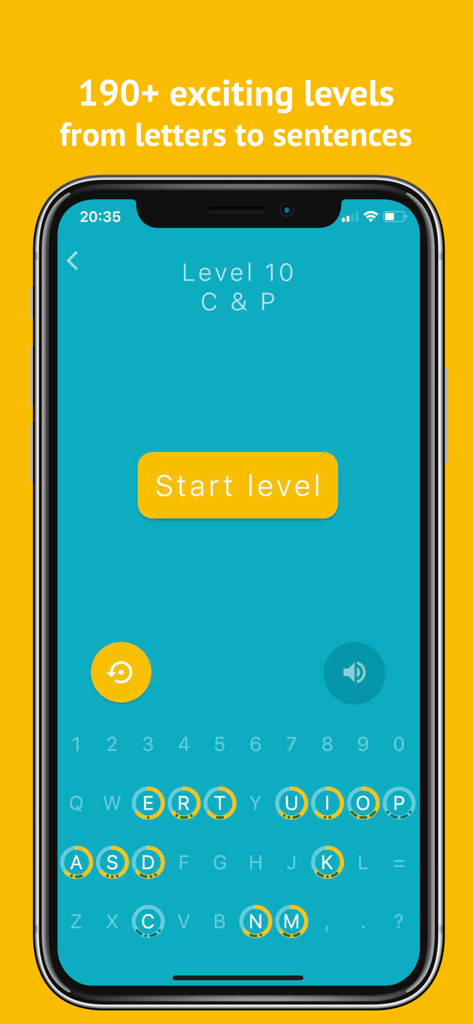
Morse Mania app interface showing level 10 with a keyboard and progress indicators for letters
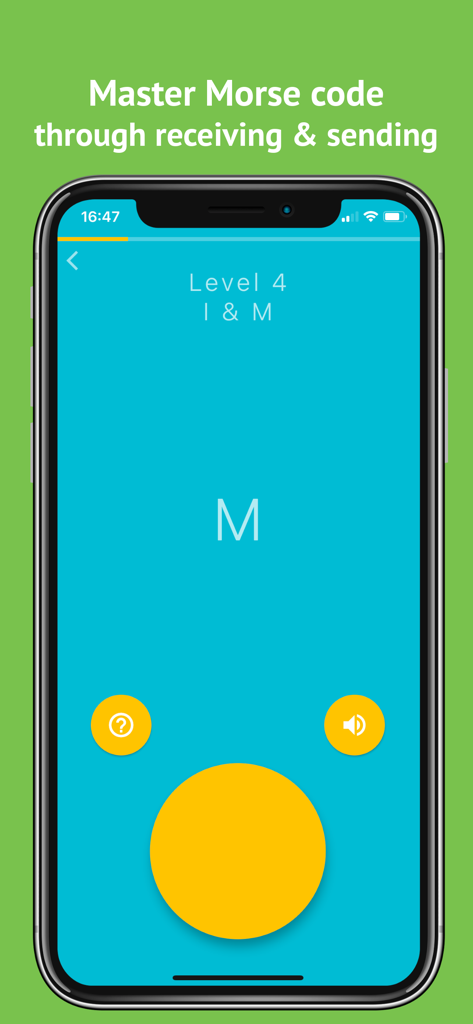
Morse Mania app interface showing level 4 learning for letters I and M.
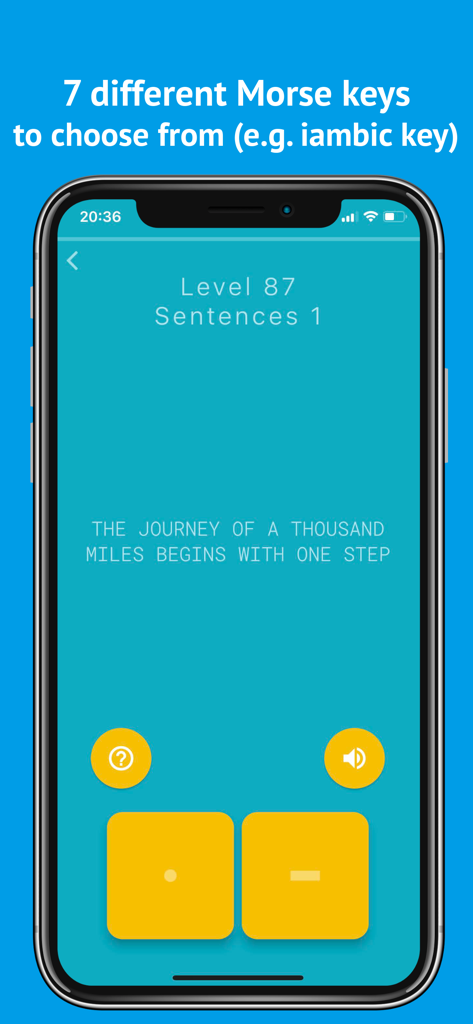
Morse Mania app interface showing level 87 where a user practices sending a sentence using dot and dash buttons
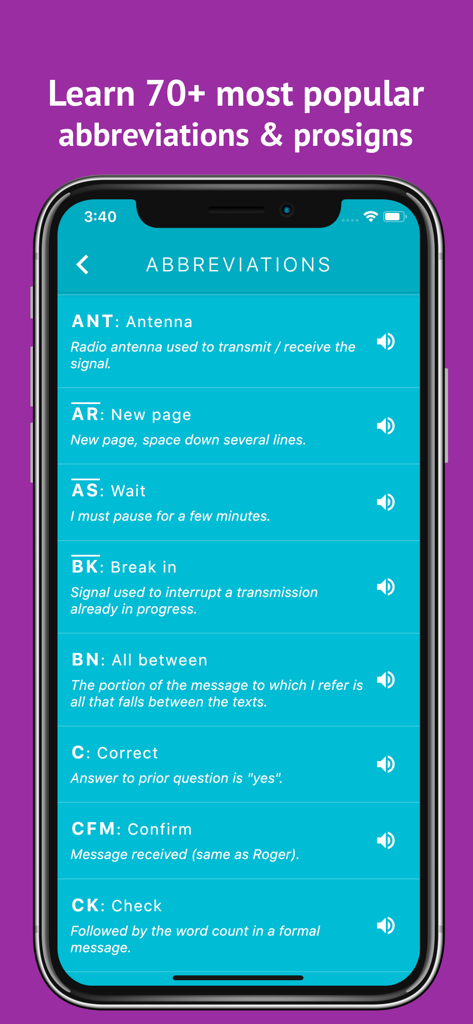
A list of common Morse code abbreviations and prosigns with their definitions in the app
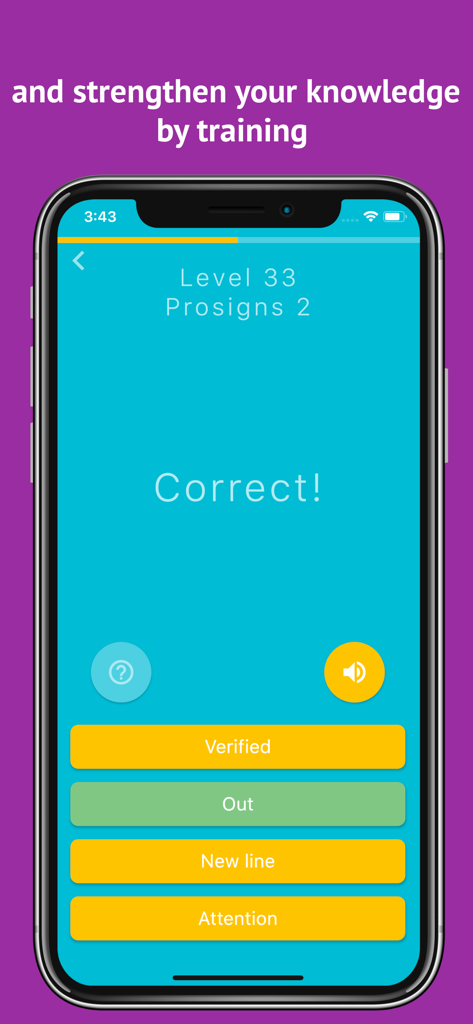
A mobile screen from Morse Mania app showing a correct answer for a prosigns training level
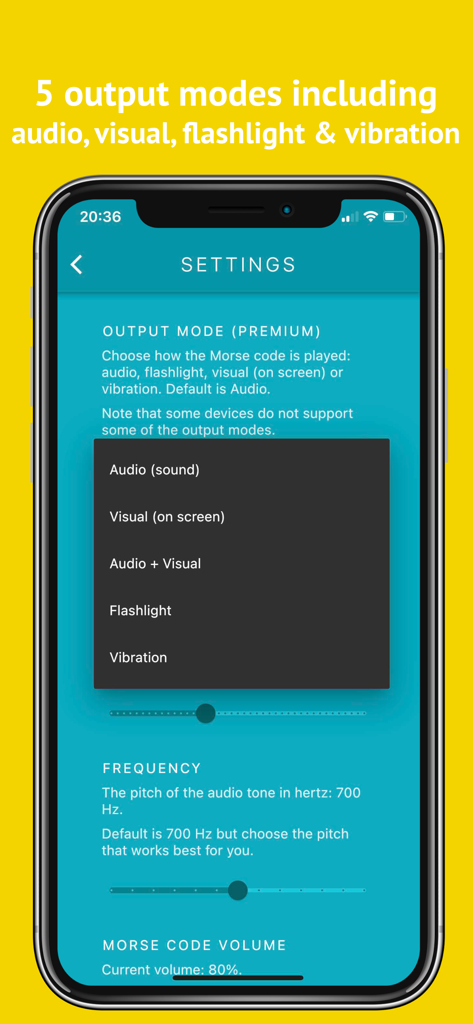
Morse Mania app settings screen showing options for audio visual flashlight and vibration output modes
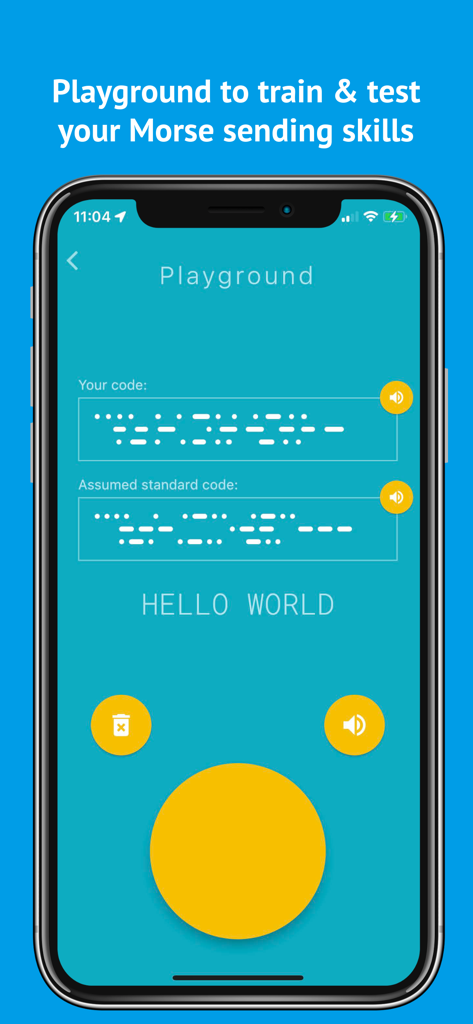
Morse Mania app Playground screen for training and testing Morse code sending skills with a Hello World example.
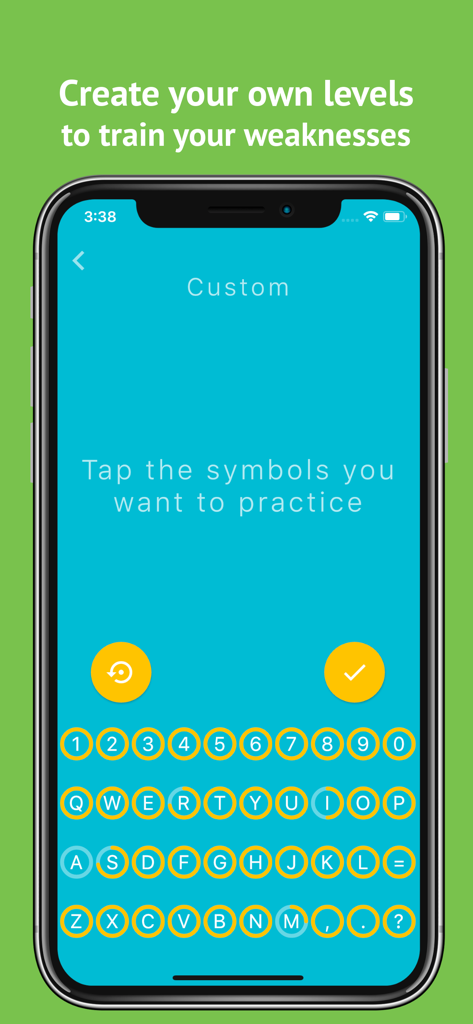
Interface of Morse Mania app showing the custom level selection screen to practice specific letters and numbers.
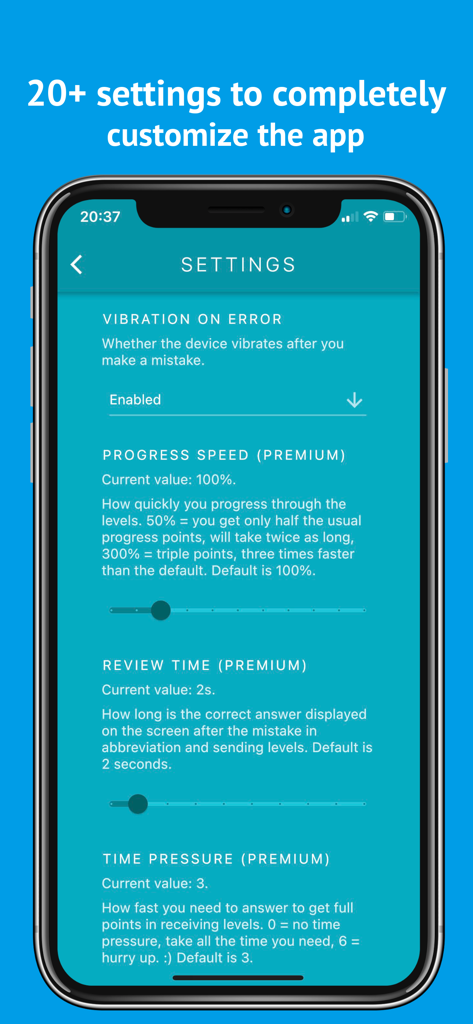
Morse Mania app settings screen showing advanced customization options for learning morse code.
Description
Download
More Like This
Top-ranked apps in the same category

Duolingo - Language Lessons
Duolingo, Inc

Speak & Learn English: Learna
DEEP FLOW SOFTWARE SERVICES - FZCO

驾考宝典-科一科四驾驶证考试驾考通
Wuhan Jiakaobaodian Information Service Co., Ltd.

Toca Boca World
Toca Boca AB

Google Classroom
Google LLC

作业帮-中小学家长作业检查和辅导工具
Guangzhou Polar Future Culture Technology Co., Ltd

学信网
Student Information Consultation Service Co., Ltd.

Gauth: AI Study Companion
GAUTHTECH PTE. LTD.

ArtWorkout: Learn How to Draw
Aleksandr Ulitin
This page is not an official page of the app or its developer, but an independent editorial publication created for informational and commentary purposes. Unless expressly stated otherwise, neither the app nor its developer is affiliated with, endorsed by, sponsored by, authorized by, or otherwise officially connected with MWM, Apple, Google Play, the app publisher, or the app's developer, and nothing on this page implies that the app was developed using MWM's services. Any trademarks, logos, screenshots, and other content remain the property of their respective owners.