
This page is not an official page of the app or its developer, but an independent editorial publication created for informational and commentary purposes. Unless expressly stated otherwise, neither the app nor its developer is affiliated with, endorsed by, sponsored by, authorized by, or otherwise officially connected with MWM, Apple, Google Play, the app publisher, or the app's developer, and nothing on this page implies that the app was developed using MWM's services. Any trademarks, logos, screenshots, and other content remain the property of their respective owners.


MSK MyChart
Empowering Memorial Sloan Kettering patients and caregivers with instant access to test results, appointment management, and direct messaging with your care team, all in one secure place.
Downloads
0User Rating
Total Ratings
0Publisher
Category
MedicalLocales
12Latest Version
11.5.3Size
174.4 MBFirst Released
Feb 16, 2015Take Command of Your Healing Journey
Designed specifically for MSK patients and their caregivers, our secure portal centralizes every aspect of your cancer care into one intuitive, stress-reducing experience.
Instant Access to Lab Results
Eliminate 'scanziety' with real-time updates. View lab tests and medical reports the moment they are released, keeping you informed and prepared for your next consultation.
Direct Care Team Messaging
Skip the phone lines and securely message your oncologists or nurses. Get the answers you need about treatment, side effects, or recovery on your own schedule.
The following screenshots and description are sourced directly from the app's official store listing and are the property of the app developer.
App Store
Screenshots
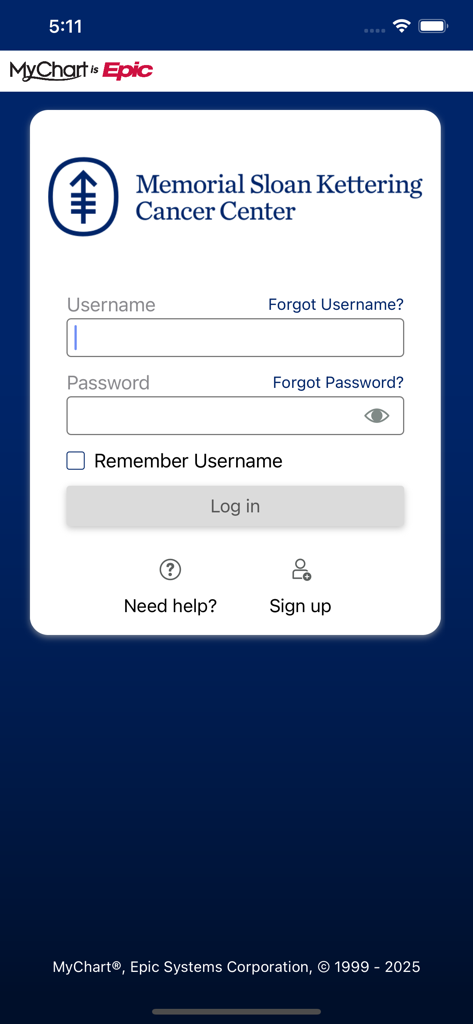
Login screen for the MSK MyChart app by Memorial Sloan Kettering Cancer Center.
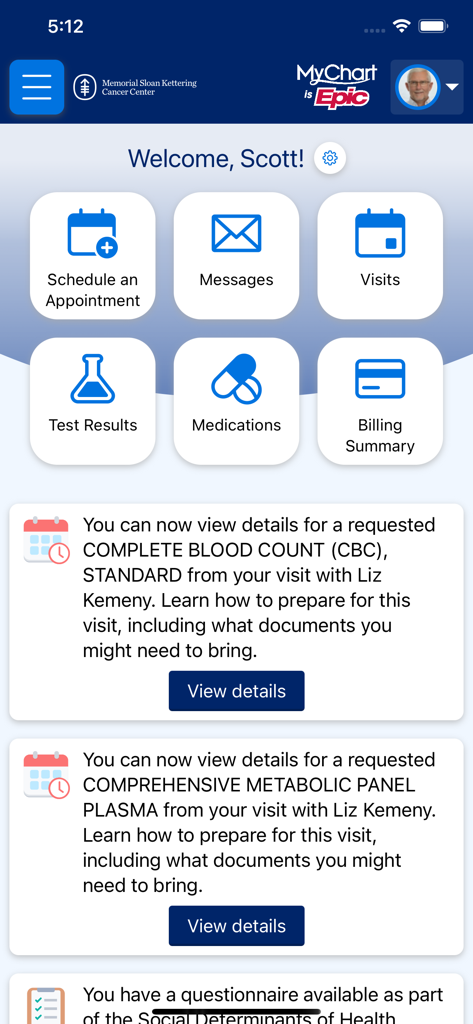
The home screen of the MSK MyChart app showing patient health management features and notifications
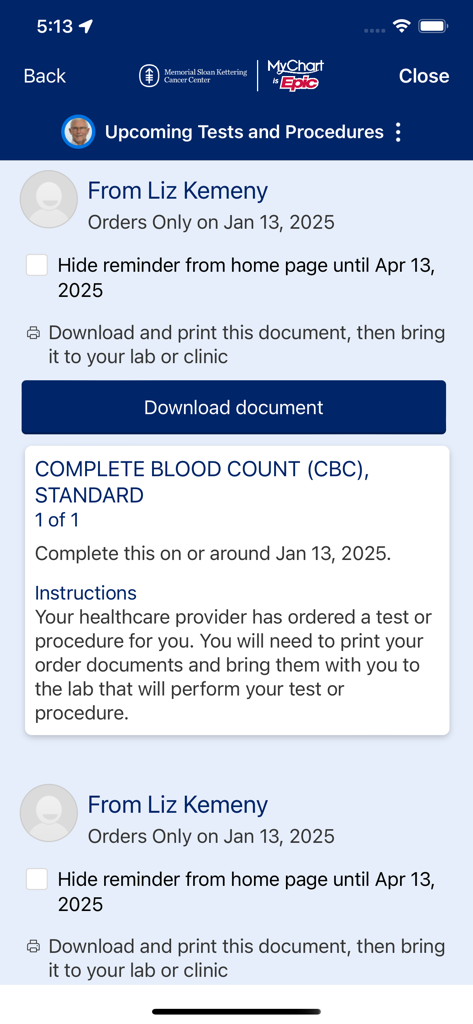
MSK MyChart app interface showing upcoming tests and procedures for a patient including a blood count lab order
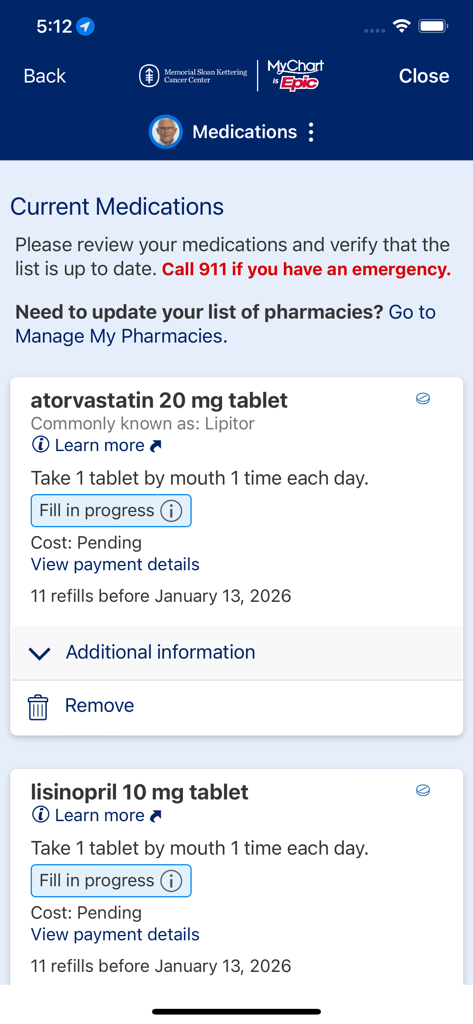
Current medications screen in the MSK MyChart app showing prescription names, dosages, and refill status.
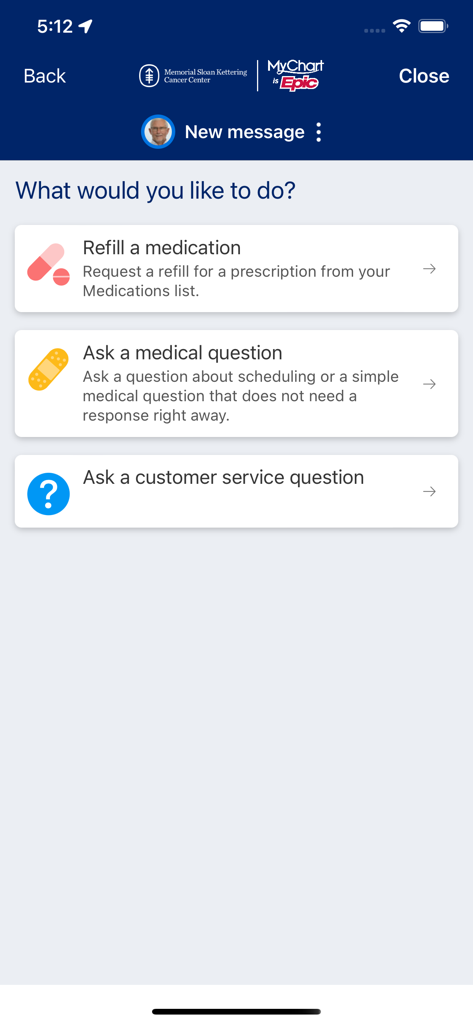
MSK MyChart app interface showing options to refill medication, ask a medical question, or ask a customer service question.
Description
Download
More Like This
Top-ranked apps in the same category

国家医保服务平台
National Healthcare Security Administration
MyChart
Epic Systems Corporation

Doctolib - Your health partner
Doctolib

Pregnancy + | Tracker App
Philips Digital UK Limited

CVS Health
CVS Pharmacy

江苏医保云
Jiangsu Healthcare Security Bureau

Meu SUS Digital
Servicos e Informacoes do Brasil
Mobile JKN
BPJS Kesehatan

UnitedHealthcare
UNITED HEALTHCARE SERVICES, INC.
This page is not an official page of the app or its developer, but an independent editorial publication created for informational and commentary purposes. Unless expressly stated otherwise, neither the app nor its developer is affiliated with, endorsed by, sponsored by, authorized by, or otherwise officially connected with MWM, Apple, Google Play, the app publisher, or the app's developer, and nothing on this page implies that the app was developed using MWM's services. Any trademarks, logos, screenshots, and other content remain the property of their respective owners.