
This page is not an official page of the app or its developer, but an independent editorial publication created for informational and commentary purposes. Unless expressly stated otherwise, neither the app nor its developer is affiliated with, endorsed by, sponsored by, authorized by, or otherwise officially connected with MWM, Apple, Google Play, the app publisher, or the app's developer, and nothing on this page implies that the app was developed using MWM's services. Any trademarks, logos, screenshots, and other content remain the property of their respective owners.

Multiplayer for Minecraft PE
Host your own mobile servers for up to 30 players, talk with free in-game voice chat, and join a global community of builders—no PC required.
Downloads
520K+User Rating
Total Ratings
67K+Publisher
Category
GamesLocales
1Latest Version
3.41Size
35.0 MBFirst Released
Mar 27, 2013Build Together, Anywhere
The ultimate companion for Minecraft PE that lets you host your own servers, find new teammates, and chat in real-time—no PC required.
Be the Server Boss
Host up to 30 players and take full control. Use admin tools to kick griefers and keep your builds safe for your invited friends only.
True Mobile Freedom
Break free from local WiFi limits. Join public servers or host your own over 3G, 4G, and LTE so the game never has to stop.
Frequently Asked Questions
Everything you need to know about Multiplayer for Minecraft PE
Can I host my own Minecraft PE server using Multiplayer for Minecraft PE?
Yes, Multiplayer for Minecraft PE allows you to host your own Minecraft PE servers directly from your device. You can host up to 30 players without needing a desktop computer.
Does Multiplayer for Minecraft PE require any subscriptions or in-app purchases?
No, Multiplayer for Minecraft PE does not require any recurring charges, subscriptions, or in-app purchases. It offers all its features without additional costs.
What devices can I use to host or play Minecraft PE with Multiplayer for Minecraft PE?
You can use an iPod, iPhone, or iPad to host or play Minecraft PE with Multiplayer for Minecraft PE. No desktop computer is required for hosting.
What types of internet connections does Multiplayer for Minecraft PE support for online play?
Multiplayer for Minecraft PE supports online play over WiFi, 3G, 4G, and LTE connections. You do not need to be on the same WiFi network as friends.
Does Multiplayer for Minecraft PE include a voice chat feature?
Yes, Multiplayer for Minecraft PE includes free in-game voice chat. All participants can use it to communicate while playing on a server.
Can server hosts manage players in Multiplayer for Minecraft PE?
Yes, server hosts in Multiplayer for Minecraft PE can manage users. They have the ability to kick and ban griefers from their hosted servers.
Does Multiplayer for Minecraft PE use a VPN connection?
Yes, Multiplayer for Minecraft PE requires installing a VPN profile to connect to its network. Only game-related traffic passes over the VPN; other traffic uses your normal connection.
Do I need the original Minecraft PE game to use Multiplayer for Minecraft PE?
Yes, Multiplayer for Minecraft PE requires you to have either the free or paid version of Minecraft PE installed on your device to function.
How can users find servers to join in Multiplayer for Minecraft PE?
Users can join hundreds of public servers, special Pocketmine servers, or use search and filter functions to find specific servers, including friends' or private ones.
How do I add friends in Multiplayer for Minecraft PE?
You can add friends through Facebook or using the app's own friends system within Multiplayer for Minecraft PE. You can also invite friends to join your server.
The following screenshots and description are sourced directly from the app's official store listing and are the property of the app developer.
App Store
Screenshots
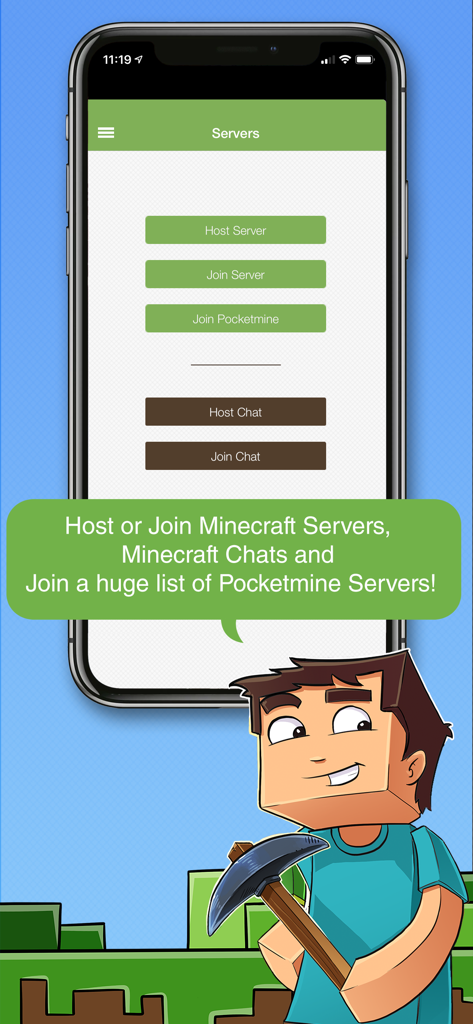
Multiplayer for Minecraft PE app interface showing buttons to host or join servers and chats with a Minecraft style character
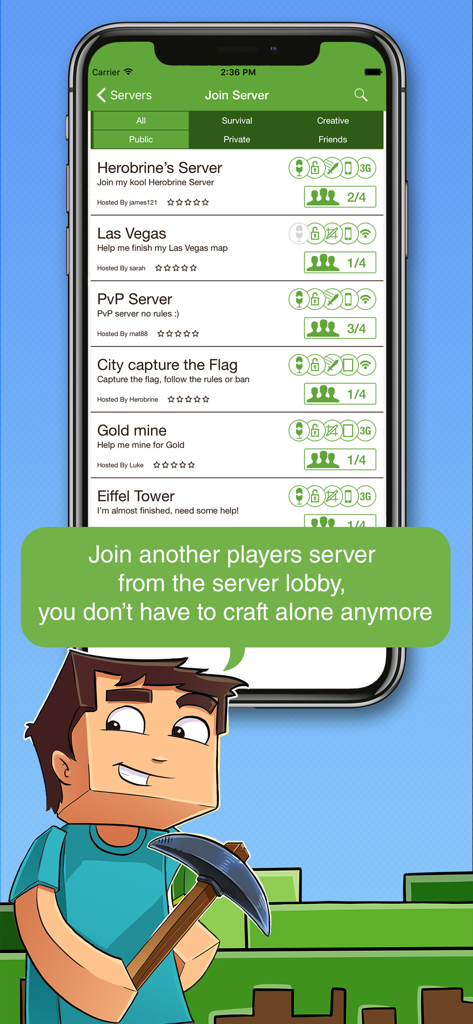
A list of available multiplayer servers to join in the Minecraft PE lobby screen.
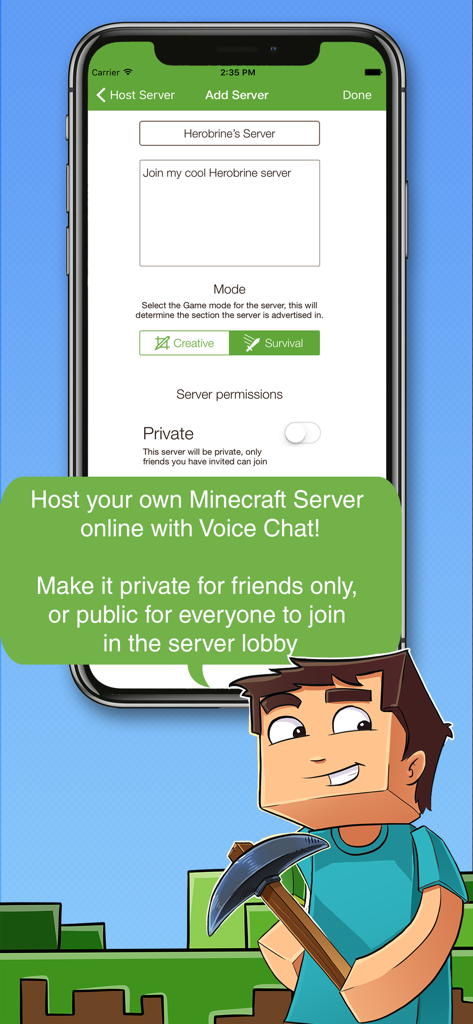
Interface for creating and hosting a personalized Minecraft Pocket Edition server
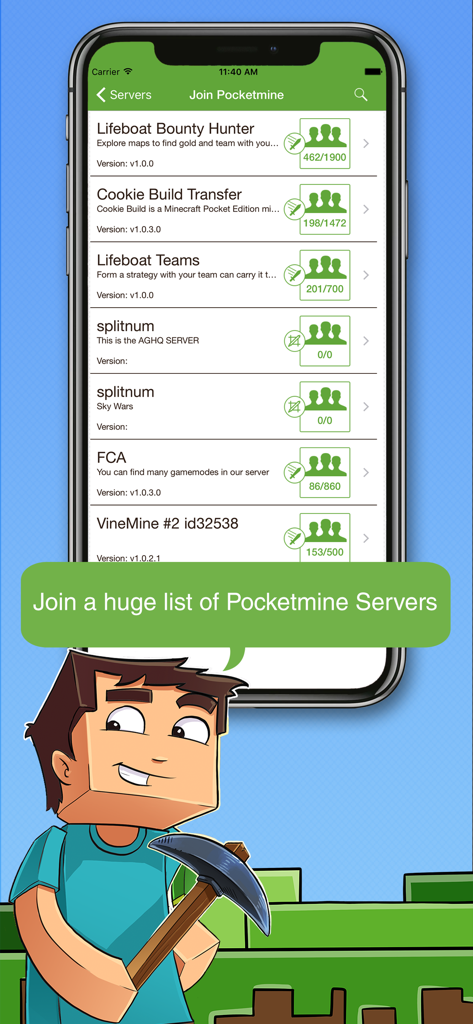
A mobile screen displaying a list of available Pocketmine servers to join in Minecraft PE with a cartoon character holding a pickaxe.
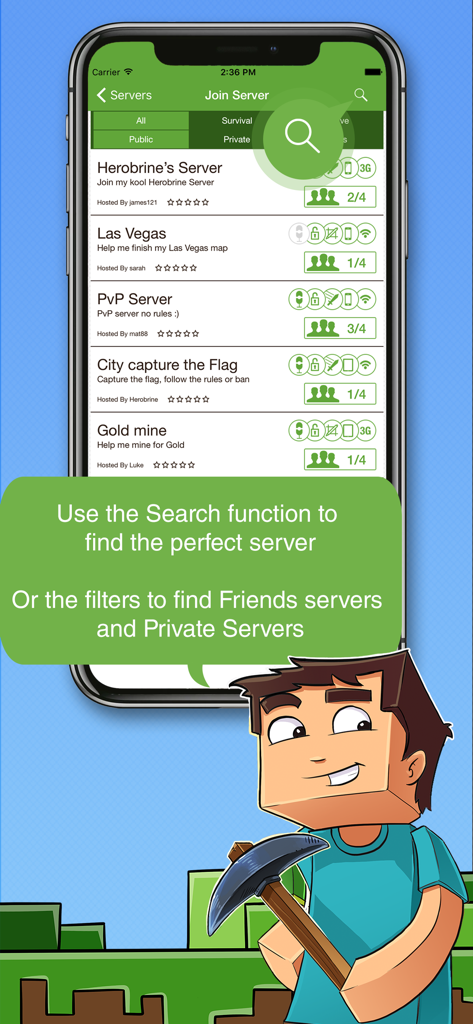
Screen showing a list of available Minecraft PE servers to join with search and filter options
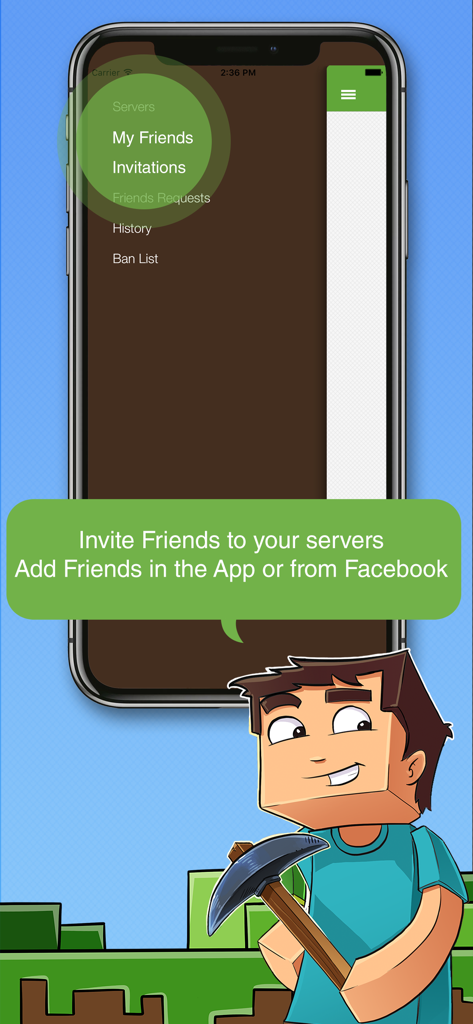
Multiplayer for Minecraft PE app showing the friends list and invitation menu
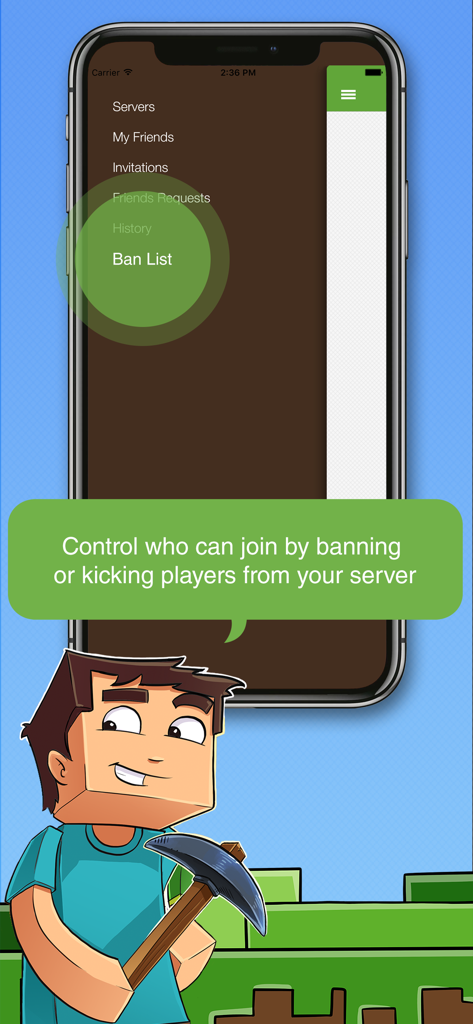
Interface of the Multiplayer for Minecraft PE app showing server management options and the ban list feature for hosts
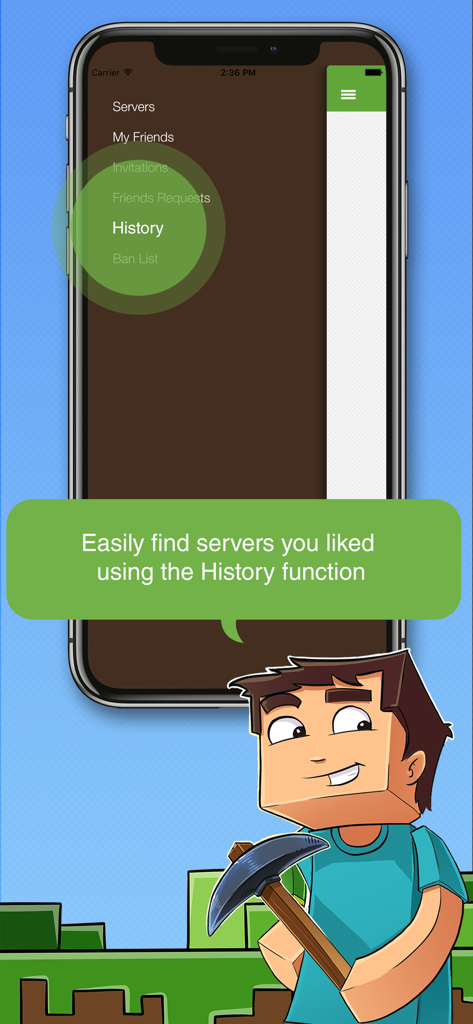
A smartphone showing the multiplayer for minecraft PE menu with the history option highlighted and a cartoon character holding a pickaxe.
Description
Download
More Like This
Top-ranked apps in the same category

Block Blast!
ARETIS LIMITED

Heartopia
XD Entertainment Co., Ltd.

Solitaire Associations Journey
Hitapps Games LTD

Roblox
Roblox Corporation

Gossip Harbor®: Merge & Story
Microfun Limited

Arrows – Puzzle Escape
Lessmore UG haftungsbeschraenkt

Township
PLR Worldwide Sales Limited

Last War:Survival
FUNFLY PTE. LTD.

Vita Mahjong
VITA STUDIO PTE. LTD.
This page is not an official page of the app or its developer, but an independent editorial publication created for informational and commentary purposes. Unless expressly stated otherwise, neither the app nor its developer is affiliated with, endorsed by, sponsored by, authorized by, or otherwise officially connected with MWM, Apple, Google Play, the app publisher, or the app's developer, and nothing on this page implies that the app was developed using MWM's services. Any trademarks, logos, screenshots, and other content remain the property of their respective owners.