
This page is not an official page of the app or its developer, but an independent editorial publication created for informational and commentary purposes. Unless expressly stated otherwise, neither the app nor its developer is affiliated with, endorsed by, sponsored by, authorized by, or otherwise officially connected with MWM, Apple, Google Play, the app publisher, or the app's developer, and nothing on this page implies that the app was developed using MWM's services. Any trademarks, logos, screenshots, and other content remain the property of their respective owners.


München Navigator
Skip the confusing kiosks and travel like a local. Buy tickets with Apple Pay, track live departures, and navigate the entire MVV network with one easy-to-use app.
Downloads
388K+User Rating
Total Ratings
1K+Publisher
Category
TravelLocales
2Latest Version
7.9.0Size
184.5 MBFirst Released
Aug 11, 2011Master Munich Transit Like a Local
From airport transfers to city-wide exploring, navigate Munich's entire transport network with a single, English-language app designed for seamless travel.
Tap, Pay, and Go
Skip the ticket machines. Secure your passes instantly using Apple Pay or PayPal, and travel across all MVV zones without the stress of local currency or complex machines.
Real-Time Peace of Mind
Stay ahead of schedule with live tracking and instant delay alerts. Whether it’s the U-Bahn or regional trains, you’ll always know exactly where you are and when to move.
The following screenshots and description are sourced directly from the app's official store listing and are the property of the app developer.
App Store
Screenshots
Introductory screen of the München Navigator app showing icons for S-Bahn U-Bahn tram and bus services in Munich
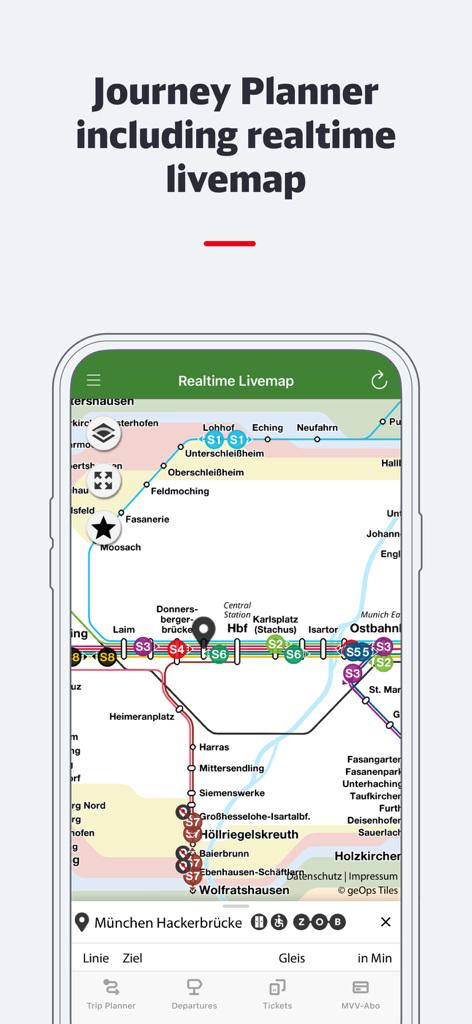
Real-time transit map in the Munchen Navigator app showing S-Bahn lines in Munich
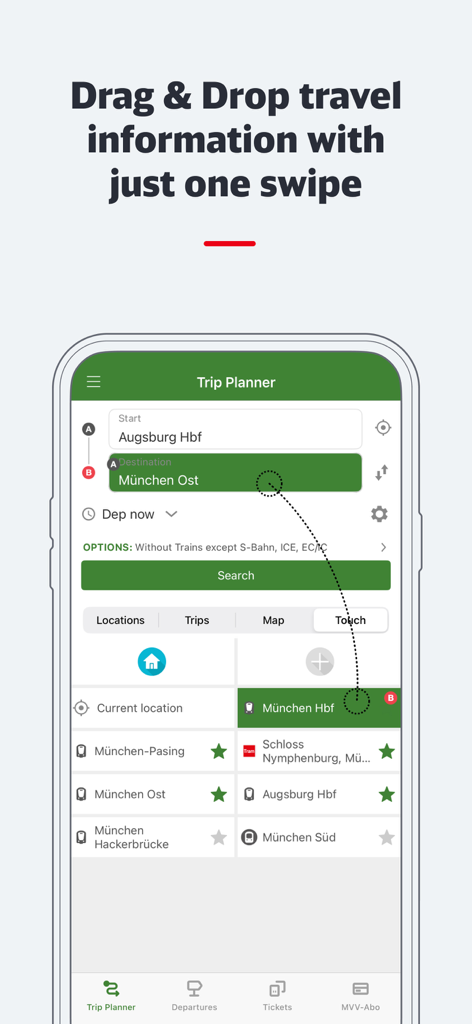
Munchen Navigator app trip planner showing drag and drop travel information feature
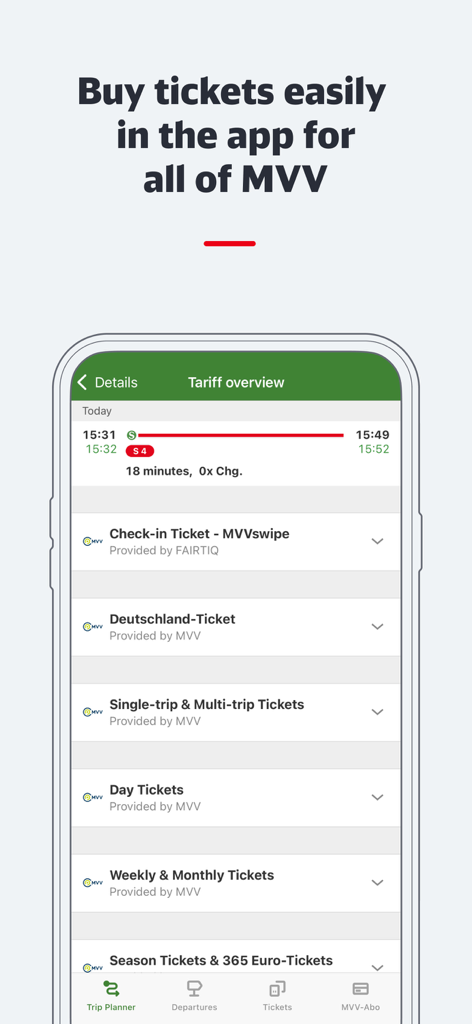
Munchen Navigator app displaying ticket options like MVVswipe and Deutschland-Ticket for Munich public transport
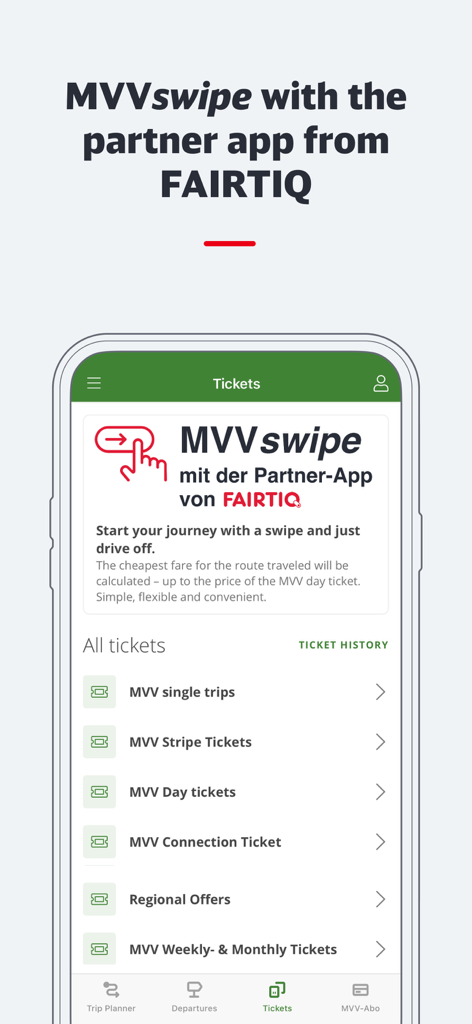
München Navigator app ticket selection screen showing the MVVswipe feature
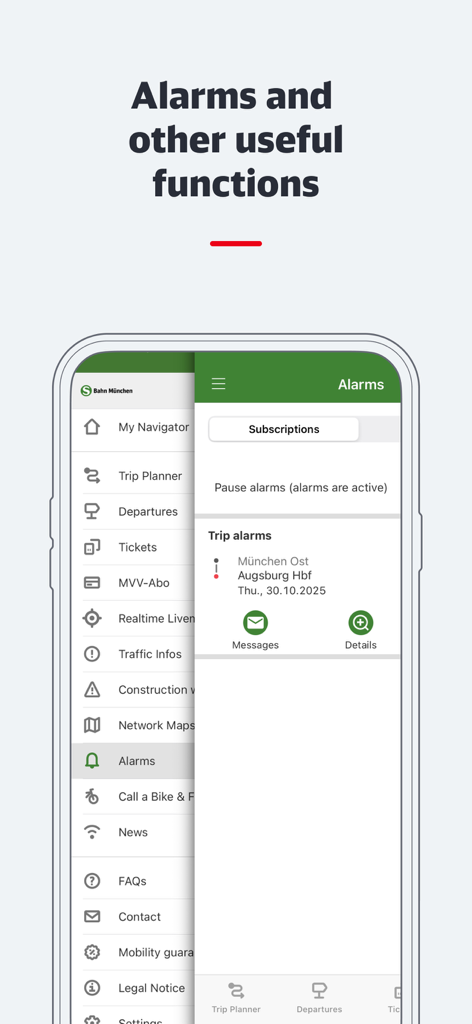
Interface of the München Navigator app showing the navigation menu and trip alarm settings.
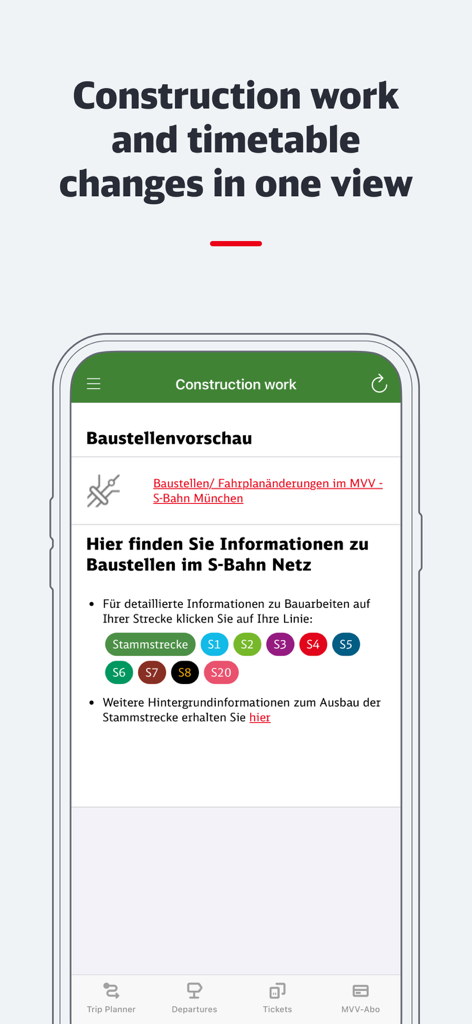
Munchen Navigator app screen showing construction work and timetable changes for Munich S-Bahn train lines
Description
Download
More Like This
Top-ranked apps in the same category

Uber - Request a ride
Uber Technologies, Inc.

Airbnb
Airbnb, Inc.

铁路12306
ACADEMY OF RAILWAY SCIENCES CO., ltd.

Booking.com: Hotels & Travel
Booking.com B.V.

Grab: Taxi Ride, Food Delivery
GRABTAXI HOLDINGS PTE. LTD.

Trip.com: Book Flights, Hotels
Trip.com Travel Singapore Pte. Ltd.

DiDi China: Ride Hailing
Didi Chuxing (Beijing) Network Platform Technology Co., Ltd

去哪儿旅行-订酒店机票火车票
Beijing Qunar Information Technology Company Limit

Bolt: Request a Ride
BOLT TECHNOLOGY OU
This page is not an official page of the app or its developer, but an independent editorial publication created for informational and commentary purposes. Unless expressly stated otherwise, neither the app nor its developer is affiliated with, endorsed by, sponsored by, authorized by, or otherwise officially connected with MWM, Apple, Google Play, the app publisher, or the app's developer, and nothing on this page implies that the app was developed using MWM's services. Any trademarks, logos, screenshots, and other content remain the property of their respective owners.