
This page is not an official page of the app or its developer, but an independent editorial publication created for informational and commentary purposes. Unless expressly stated otherwise, neither the app nor its developer is affiliated with, endorsed by, sponsored by, authorized by, or otherwise officially connected with MWM, Apple, Google Play, the app publisher, or the app's developer, and nothing on this page implies that the app was developed using MWM's services. Any trademarks, logos, screenshots, and other content remain the property of their respective owners.
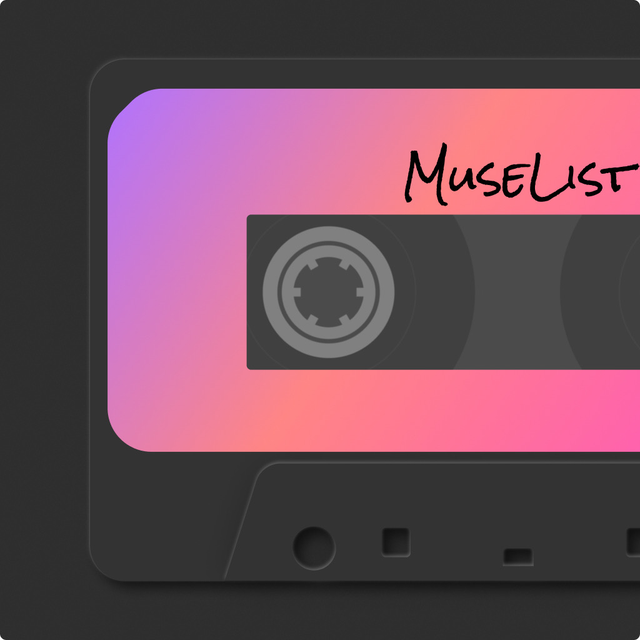

MuseList:Play your loved songs
Step into the nostalgia of a classic Walkman on your iPhone. Sync your Apple Music or Spotify library to play your favorite tracks through a stunning retro interface, featuring curated vibes and your own cinematic 'Awesome Mix.'
Downloads
0User Rating
Total Ratings
0Publisher
Category
MusicLocales
3Latest Version
1.3.10Size
40.2 MBFirst Released
Jul 6, 2023Analog Soul for Your Digital Library
Escape the standard music player. MuseList turns your Apple Music library into a nostalgic journey with vintage cassette aesthetics and cinematic, curated vibes.
Retro Walkman Aesthetic
Ditch clinical menus for a tactile, vintage interface that brings back the sensory joy of spinning tapes and analog controls.
Cinematic 'Awesome Mix'
Step into Peter Quill’s shoes with a UI inspired by the Guardians of the Galaxy, making every track on your iPhone feel movie-ready.
The following screenshots and description are sourced directly from the app's official store listing and are the property of the app developer.
App Store
Screenshots
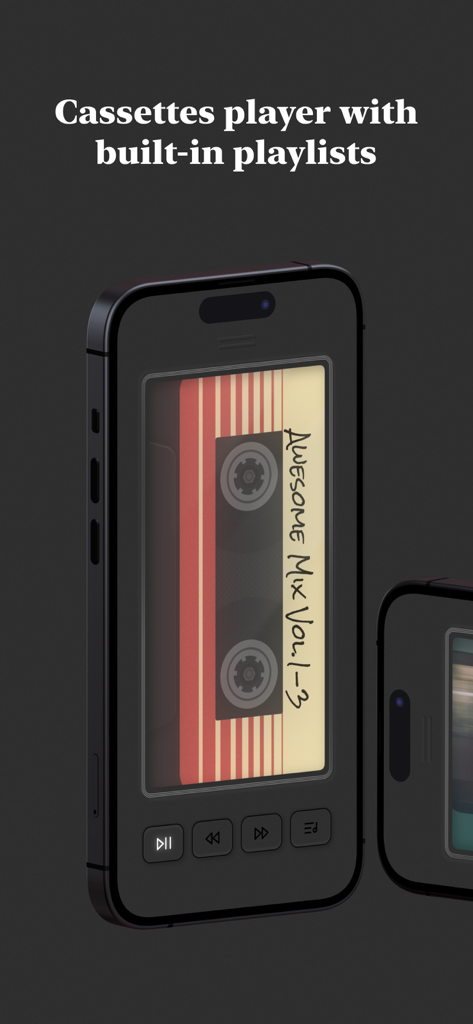
MuseList mobile app interface featuring a retro cassette player design and the Awesome Mix playlist
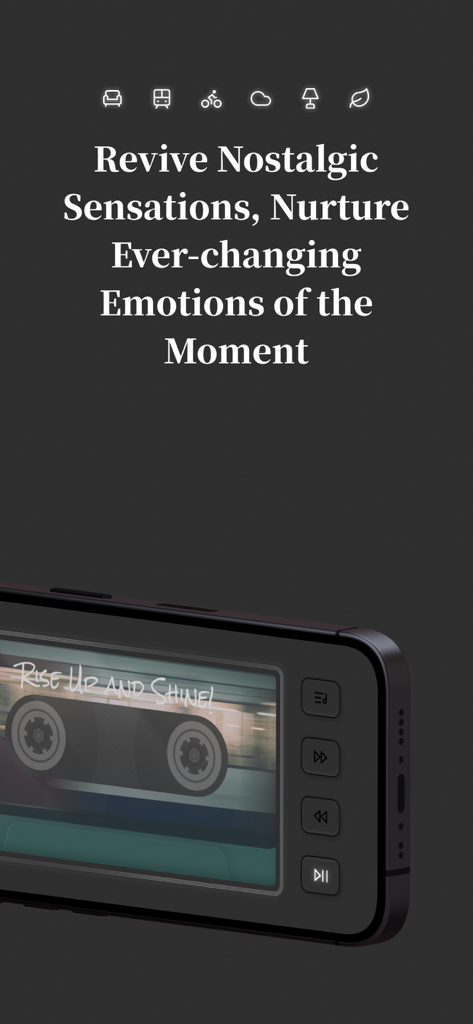
A mobile screen showing the MuseList app with a nostalgic cassette player interface and the text Revive Nostalgic Sensations
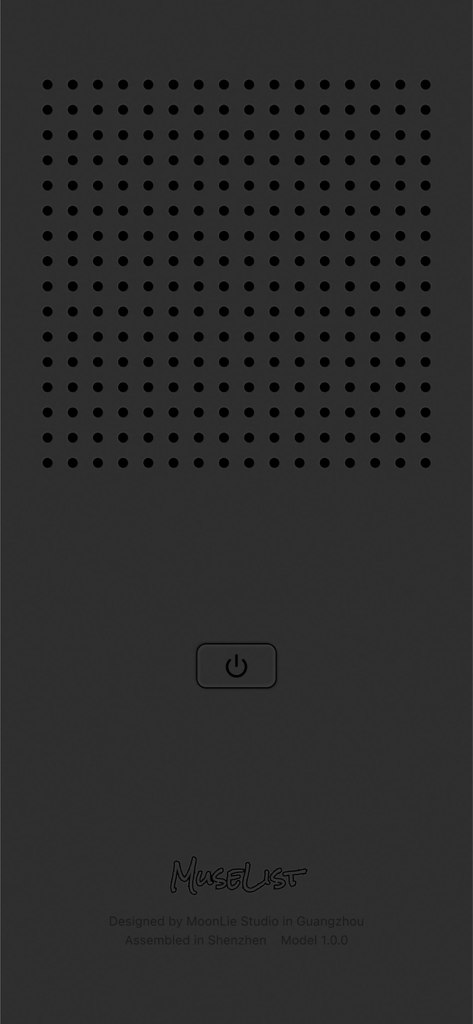
MuseList app screen with a vintage minimalist electronic device design featuring a speaker grille and a power button
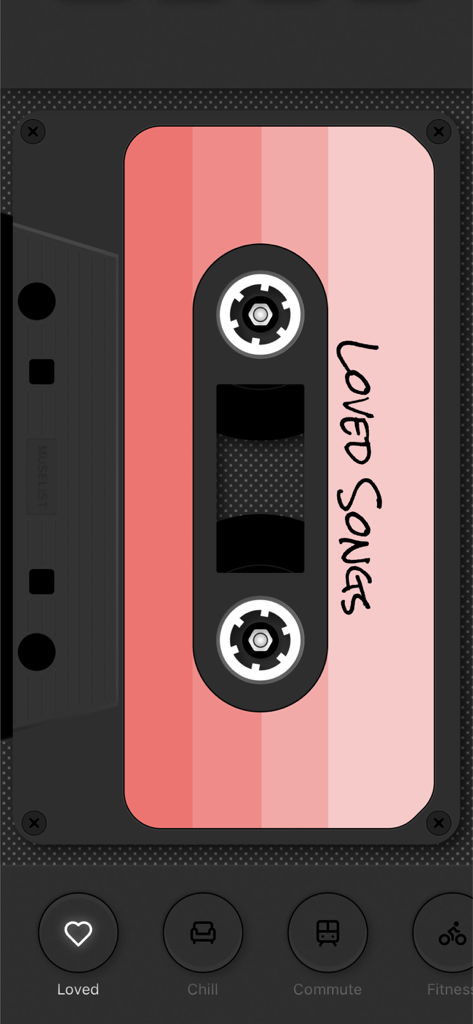
MuseList app interface showing a pink vintage cassette tape for the Loved Songs playlist
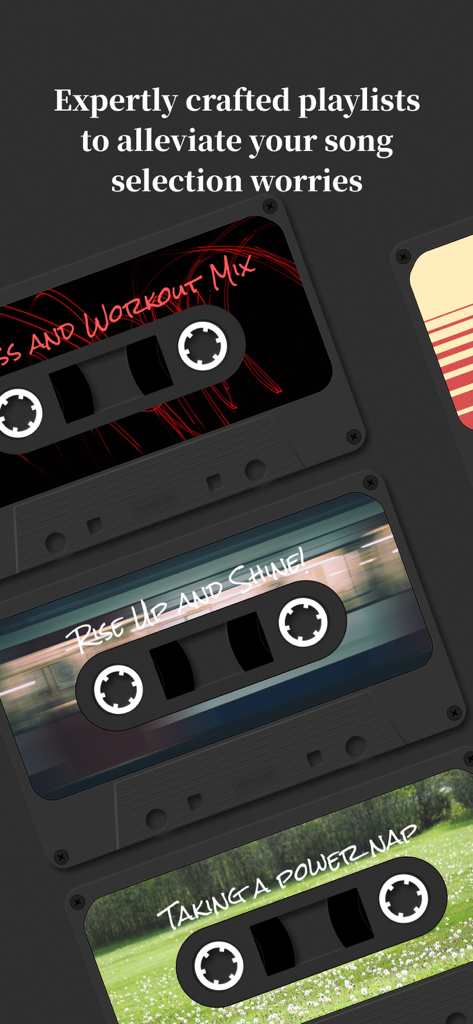
MuseList app interface displaying vintage cassette tapes for curated music playlists like workout and nap
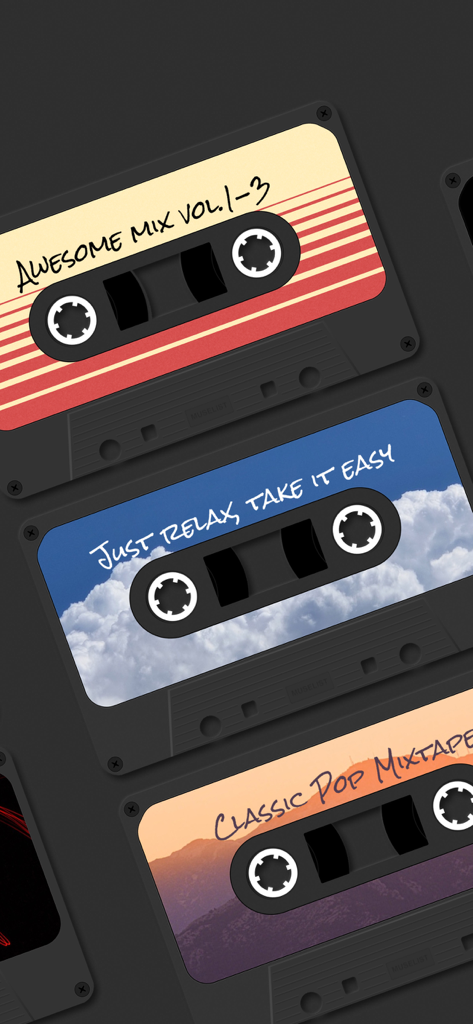
A selection of vintage-style digital cassette tapes in the MuseList app with labels like Awesome Mix and Classic Pop Mixtape.
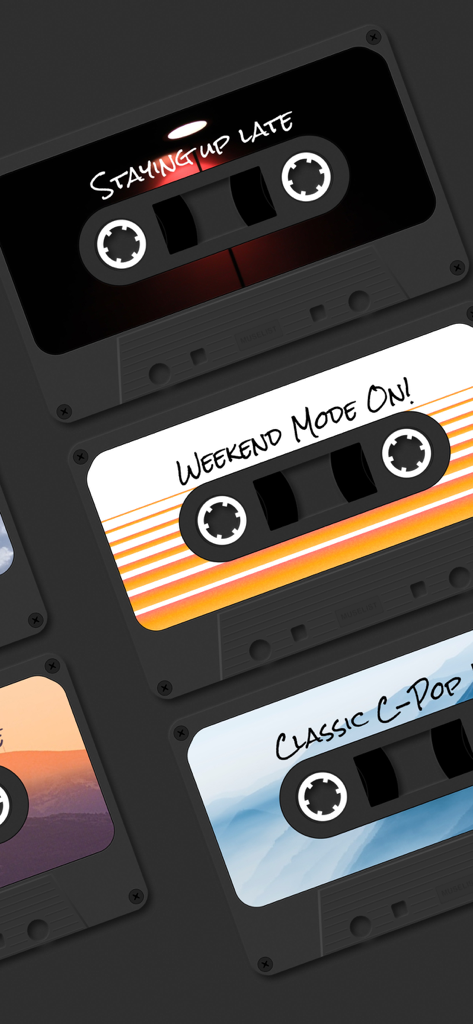
A collection of vintage cassette tape skins in the MuseList app featuring themes like Staying Up Late and Weekend Mode On
Description
Download
More Like This
Top-ranked apps in the same category

Spotify: Music and Podcasts
Spotify

YouTube Music
Google LLC

Shazam: Find Music & Concerts
Apple Inc.

SoundCloud: The Music You Love
SoundCloud Global Limited & Co KG

Suno - AI Songs & Music
Suno Inc.

QQ音乐 - 听我想听
Tencent Technology (Shenzhen) Company Limited

Audiomack - Play Music Offline
Audiomack, Inc.

BandLab – Music Maker & Beats
BandLab Singapore Pte Ltd

GuitarTuna: Tune & Play Guitar
Yousician Ltd
This page is not an official page of the app or its developer, but an independent editorial publication created for informational and commentary purposes. Unless expressly stated otherwise, neither the app nor its developer is affiliated with, endorsed by, sponsored by, authorized by, or otherwise officially connected with MWM, Apple, Google Play, the app publisher, or the app's developer, and nothing on this page implies that the app was developed using MWM's services. Any trademarks, logos, screenshots, and other content remain the property of their respective owners.