Music Buddy Lite – Learn notes
Download on App Store

This page is not an official page of the app or its developer, but an independent editorial publication created for informational and commentary purposes. Unless expressly stated otherwise, neither the app nor its developer is affiliated with, endorsed by, sponsored by, authorized by, or otherwise officially connected with MWM, Apple, Google Play, the app publisher, or the app's developer, and nothing on this page implies that the app was developed using MWM's services. Any trademarks, logos, screenshots, and other content remain the property of their respective owners.

Logo of Music Buddy Lite – Learn notes
Download on App Store

Music Buddy Lite – Learn notes

Master notes, intervals, and the circle of fifths in just five minutes a day with our ingenious flashcard method designed for serious musicians.

Key Figures

Downloads

149K+

User Rating

4.1/5

Total Ratings

100

Publisher

Vladimir Vasek

Category

Music

Locales

14

Latest Version

3.0

Size

21.3 MB

First Released

Feb 16, 2014
Features

Master Music Literacy in Minutes

Stop struggling with sheet music. Use our ingenious micro-learning modules to build professional-grade sight-reading skills in just five minutes a day.

Instant Note Recognition

Transform sight-reading from a chore into a reflex with smart flashcards that focus on your hardest-to-remember notes.

The Circle of Fifths, Simplified

Master every key signature by recognizing sharps and flats at a glance, building a solid foundation for music theory.

The following screenshots and description are sourced directly from the app's official store listing and are the property of the app developer.

App Store

Screenshots
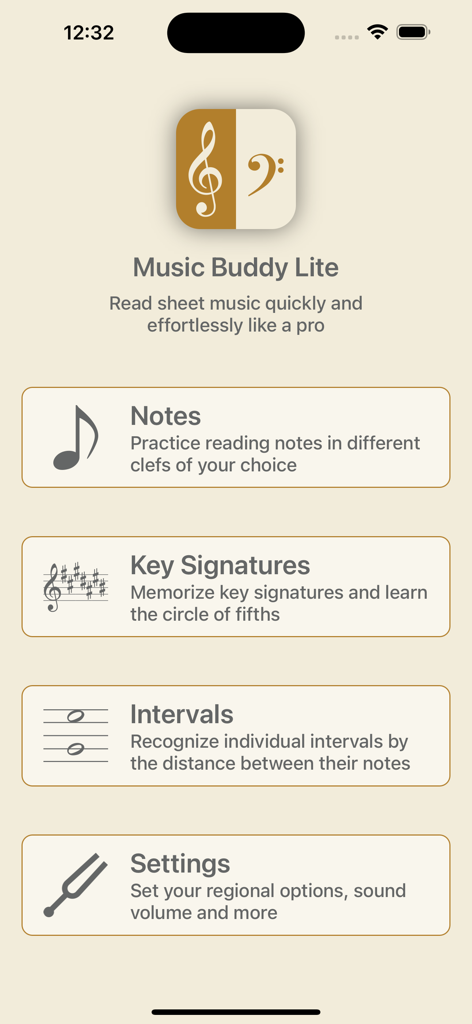
Music Buddy Lite – Learn notes - Home screen of Music Buddy Lite app displaying learning modules for notes key signatures and intervals
Home screen of Music Buddy Lite app displaying learning modules for notes key signatures and intervals

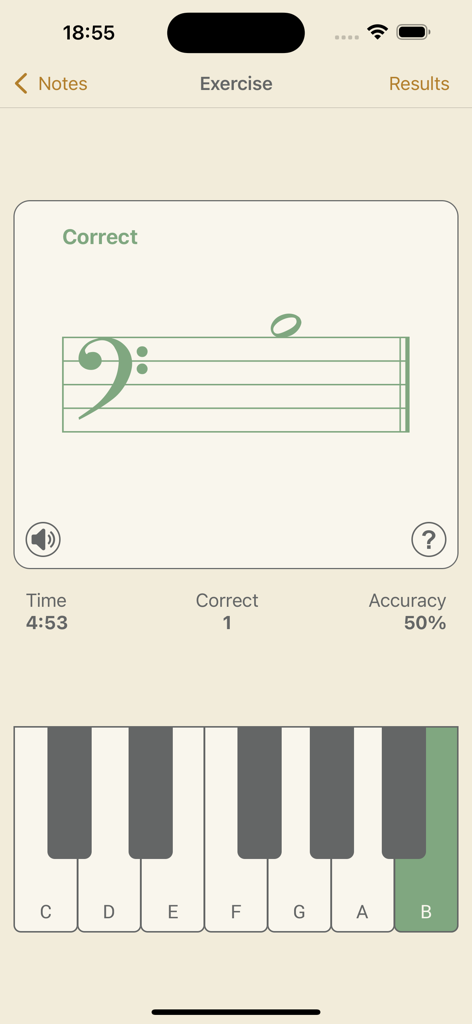
Music Buddy Lite – Learn notes - Music Buddy Lite app note recognition exercise featuring a bass clef and a virtual piano keyboard.

Music Buddy Lite app note recognition exercise featuring a bass clef and a virtual piano keyboard.
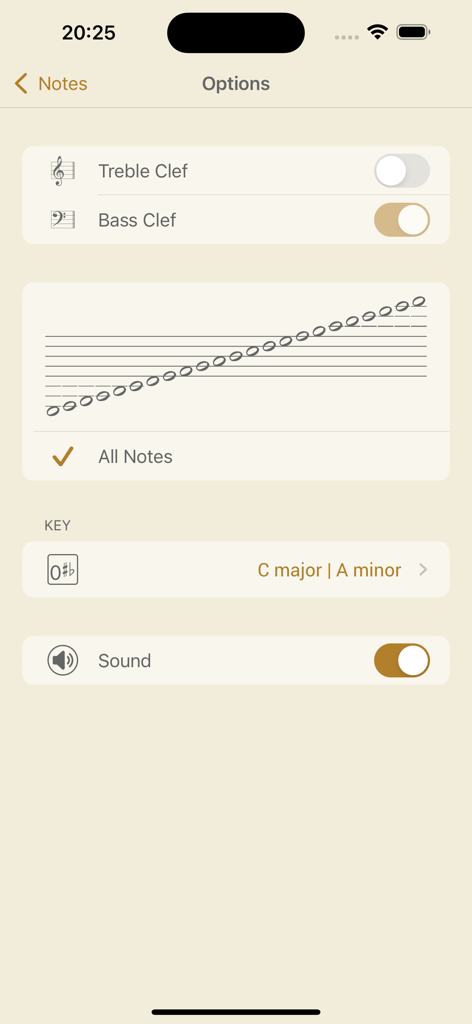
Music Buddy Lite – Learn notes - Options screen for the notes module in the Music Buddy Lite app showing clef and sound settings
Options screen for the notes module in the Music Buddy Lite app showing clef and sound settings

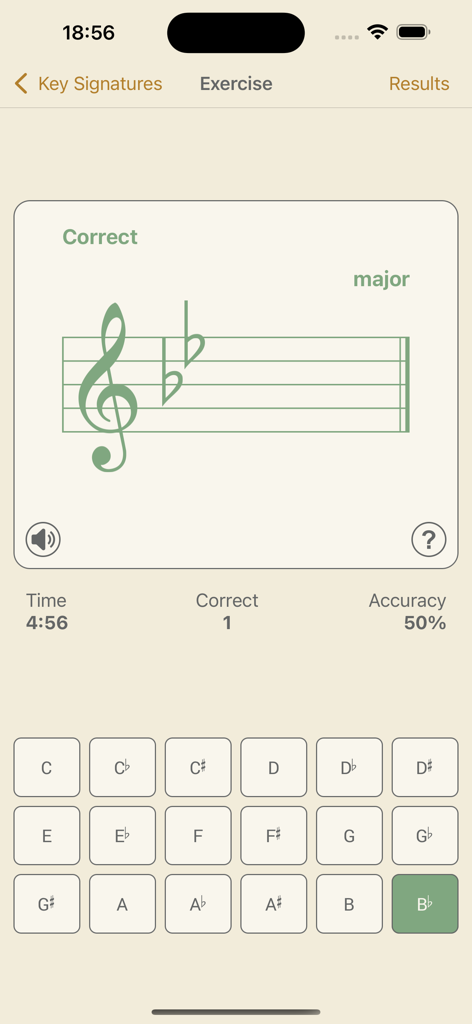
Music Buddy Lite – Learn notes - Music Buddy Lite app exercise screen showing a treble clef with two flats for B-flat major and a grid of note selection buttons.
Music Buddy Lite app exercise screen showing a treble clef with two flats for B-flat major and a grid of note selection buttons.

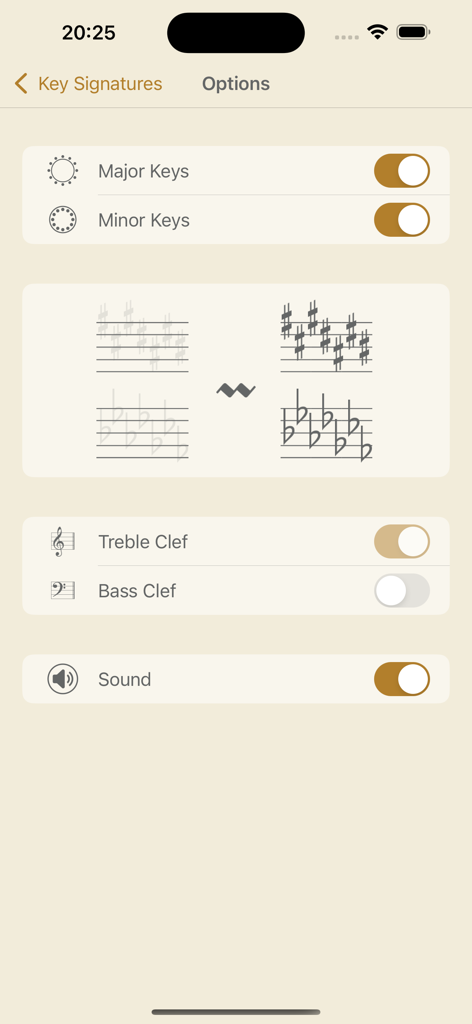
Music Buddy Lite – Learn notes - Customizable options for learning key signatures in Music Buddy Lite
Customizable options for learning key signatures in Music Buddy Lite

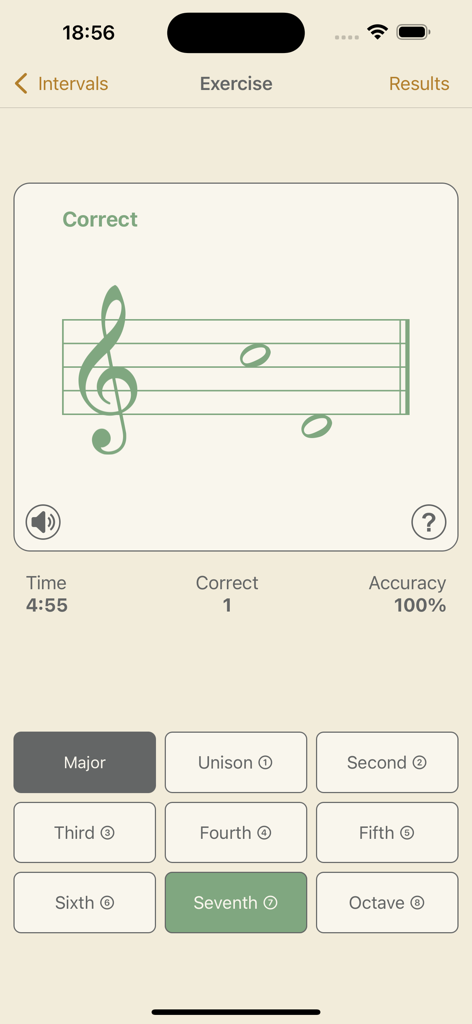
Music Buddy Lite – Learn notes - Music Buddy Lite app screenshot showing a musical intervals exercise with a staff and selection buttons
Music Buddy Lite app screenshot showing a musical intervals exercise with a staff and selection buttons

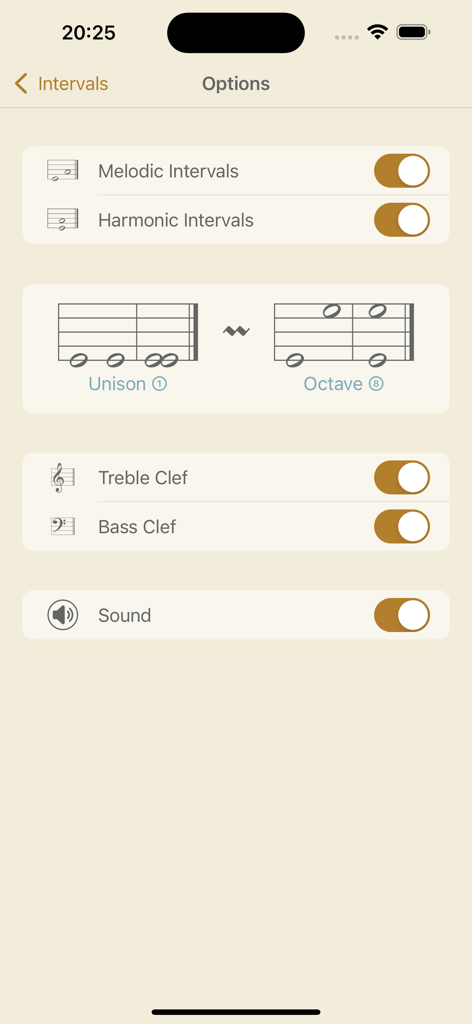
Music Buddy Lite – Learn notes - Music Buddy Lite app intervals options screen with settings for melodic and harmonic intervals
Music Buddy Lite app intervals options screen with settings for melodic and harmonic intervals

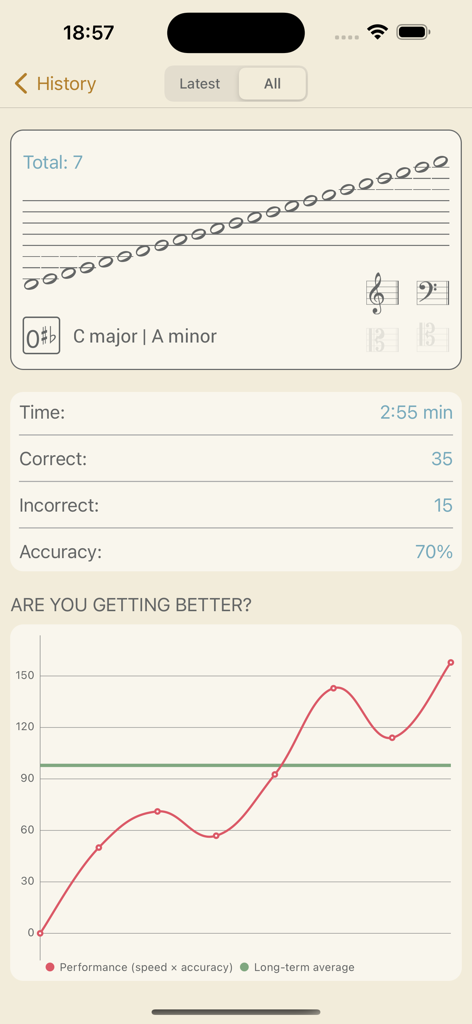
Music Buddy Lite – Learn notes - Performance history chart and session statistics in the Music Buddy Lite app.
Performance history chart and session statistics in the Music Buddy Lite app.

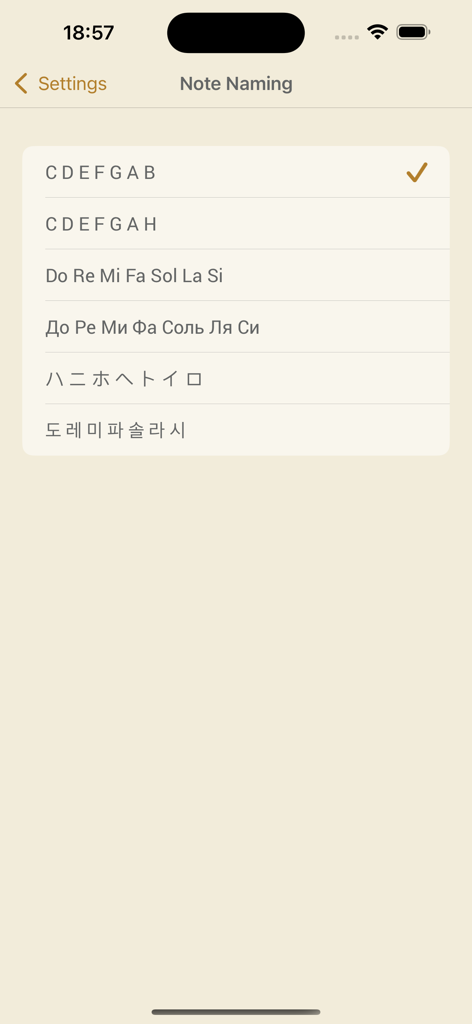
Music Buddy Lite – Learn notes - Note naming settings screen showing options for different musical notation systems like CDEFGAB and Do Re Mi
Note naming settings screen showing options for different musical notation systems like CDEFGAB and Do Re Mi

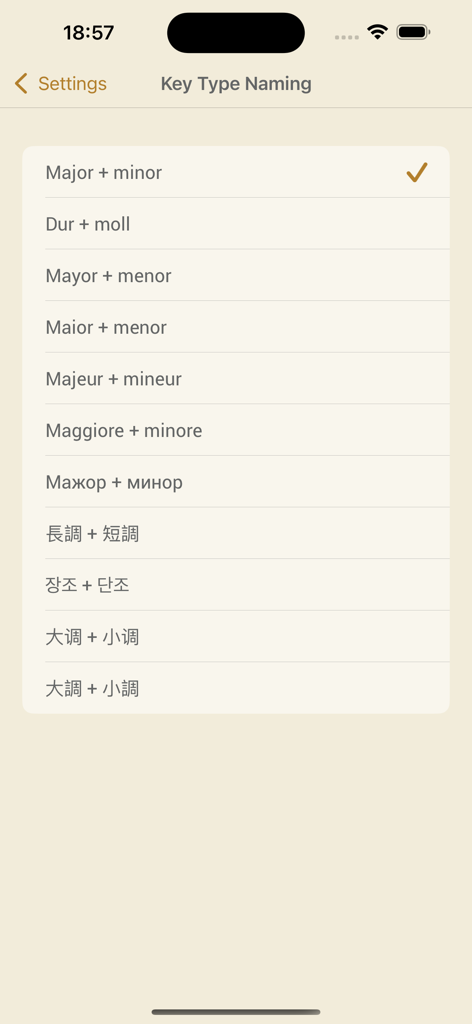
Music Buddy Lite – Learn notes - Music Buddy Lite settings screen showing various international naming conventions for major and minor musical keys

Music Buddy Lite settings screen showing various international naming conventions for major and minor musical keys

Description

Music Buddy – learn and memorize notes, key signatures (circle of fifths), and intervals, practice sight reading sheet music using flash cards principle. Read sheet music quickly and effortlessly like a pro. Learn to recognize notes, key signatures, and intervals in the blink of an eye. Three independent learning modules in one app. Set aside five minutes a day for this app and you'll be reading sheet music like a professional musician in no time. The app uses an ingenious approach to memorizing information through repetition and visual patterns with a focus on hard-to-remember pieces of information. The simple, elegant, and intuitive interface allows you to switch between different note-naming systems used in major countries around the world: • C D E F G A B (major + minor, 大调 + 小调, 大調 + 小調) • C D E F G A H (dur + moll) • Do Re Mi Fa Sol La Si (mayor + menor, maior + menor, majeur + mineur, maggiore + minore) • Дo Рe Ми Фа Coль Ля Си (мажор + минор) • ハ ニ ホ ヘ ト イ ロ (長調 + 短調) • 도 레 미 파 솔 라 시 (장조 + 단조) The learning experience starts by tapping the big frame with a graphical representation of selected options on the main screen of each module. A neat interface will efficiently teach you your coveted knowledge – after each session you will see a significant improvement. And you can follow your achievements on the Results screen, where everything is summarized in a beautiful chart. Every module has its own options that are accessible by tapping the Options button in the top right corner of the main screen of the module. On the following screen you can then choose options to your liking. Notes module: This module will teach you to quickly recognize notes without thinking about it – you’ll look at them and you’ll simply know them. Key Signatures module: This module will help you memorize the circle of fifths – a must for every musician. You will learn to recognize keys based on the number of sharps or flats in a key signature at the beginning of a staff. Intervals module: This module is especially helpful for pianists. Skilled pianists don't need to identify every note in a sheet. They recognize patterns based on the distance between notes (intervals) and automatically stretch their fingers accordingly. Each module keeps its own history of your results, accessible using a dedicated History button, and also contains a Music Theory section accessible via the button with the same name. All exercises are accompanied by beautifully recorded sounds of a real acoustic grand piano. The sounds can be muted or unmuted for each module independently using a button below the staff on the Exercise screen or in the options of the particular module. The volume can be set globally for the whole app in Settings, or you can use the device hardware buttons. Good luck on your journey toward becoming a great musician!

Download

Download on App Store

This page is not an official page of the app or its developer, but an independent editorial publication created for informational and commentary purposes. Unless expressly stated otherwise, neither the app nor its developer is affiliated with, endorsed by, sponsored by, authorized by, or otherwise officially connected with MWM, Apple, Google Play, the app publisher, or the app's developer, and nothing on this page implies that the app was developed using MWM's services. Any trademarks, logos, screenshots, and other content remain the property of their respective owners.







