
This page is not an official page of the app or its developer, but an independent editorial publication created for informational and commentary purposes. Unless expressly stated otherwise, neither the app nor its developer is affiliated with, endorsed by, sponsored by, authorized by, or otherwise officially connected with MWM, Apple, Google Play, the app publisher, or the app's developer, and nothing on this page implies that the app was developed using MWM's services. Any trademarks, logos, screenshots, and other content remain the property of their respective owners.

Music Studio Lite
Master 11 studio-recorded instruments and a 127-track sequencer with the legendary audio engine from Steinberg. Experience desktop-quality production and low-latency performance on your iPad or iPhone today.
Downloads
1M+User Rating
Total Ratings
10K+Publisher
Category
MusicLocales
2Latest Version
2.11.1Size
86.0 MBFirst Released
Jun 26, 2010Pro-Level Production on the Go
Transform your iPad or iPhone into a high-performance recording studio with the power and precision of desktop-grade audio engineering.
Authentic Studio Sounds
Access 11 meticulously sampled 16-bit instruments that deliver professional-grade realism for every melody you play.
Zero-Lag Performance
Experience instantaneous response with a highly optimized audio engine designed for professional-level polyphony and reliability.
Frequently Asked Questions
Everything you need to know about Music Studio Lite
What features are included in the Music Studio Lite app?
Music Studio Lite provides a 60-key piano keyboard, 11 instruments, a 127-track sequencer with note editing, reverb, and real-time effects. It supports microphone recording, audio import, and CoreMIDI for music production.
Can I save projects in the Music Studio Lite version?
No, saving, exporting, and sharing functions are disabled in Music Studio Lite. Users can only create and work on one song project at a time.
How many instruments does Music Studio Lite offer?
Music Studio Lite offers 11 studio-recorded instruments. The full version of Music Studio provides an expanded selection of 124 instruments for users.
Does Music Studio Lite support multi-track sequencing?
Yes, Music Studio Lite features a fully functional 127-track sequencer. It allows users to adjust tempo, signature, mute, solo, pan, and volume for each track with extensive note editing.
Is MIDI compatibility available in Music Studio Lite?
Yes, Music Studio Lite supports CoreMIDI (in/out), Virtual MIDI, and MIDI hardware. However, MIDI import and export functionalities are disabled in this Lite version.
What audio recording options are present in Music Studio Lite?
Music Studio Lite supports microphone recording, AudioCopy & AudioPaste, and importing audio from the iPod library or various file formats. It also provides waveform and audio region editing.
What effects does the Music Studio Lite app include?
Music Studio Lite includes high-quality reverb, a resonant filter, a compressor, and a limiter. Additional effects like Delay, EQ, Amp, Phaser, BitCrusher, and StereoWidener are exclusive to the full version.
What is the keyboard octave range in Music Studio Lite?
Music Studio Lite provides a configurable keyboard limited to 5 octaves. The full version of Music Studio offers an extended range of 7 octaves with 85 keys.
What is the difference in available drum loops between Music Studio Lite and the full version?
Music Studio Lite includes 10 drum loops. The full version significantly expands this offering to 100 drum loops for more extensive rhythm creation.
Does Music Studio Lite offer real-time effects processing?
Yes, Music Studio Lite supports real-time effects. This includes high-quality reverb, a resonant filter, a compressor, and a limiter that can be applied during music production.
The following screenshots and description are sourced directly from the app's official store listing and are the property of the app developer.
App Store
Screenshots
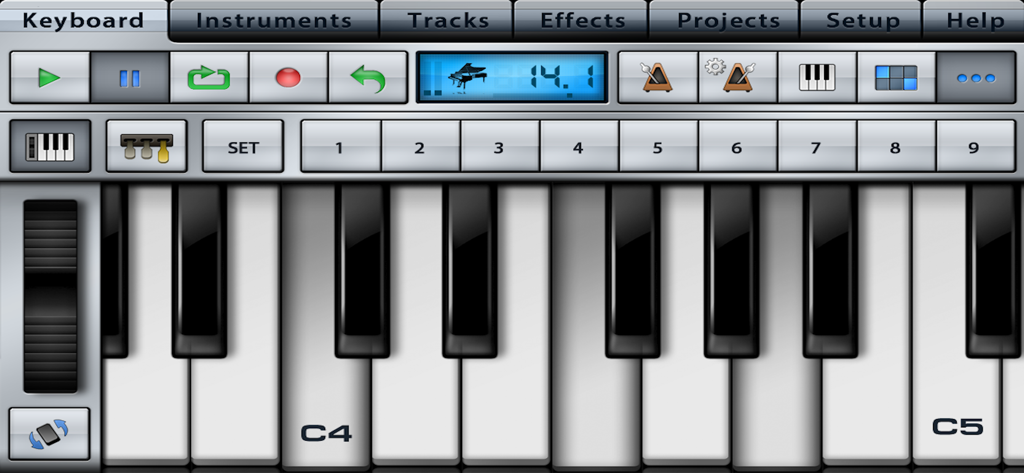
Photorealistic piano keyboard interface with studio controls in Music Studio Lite
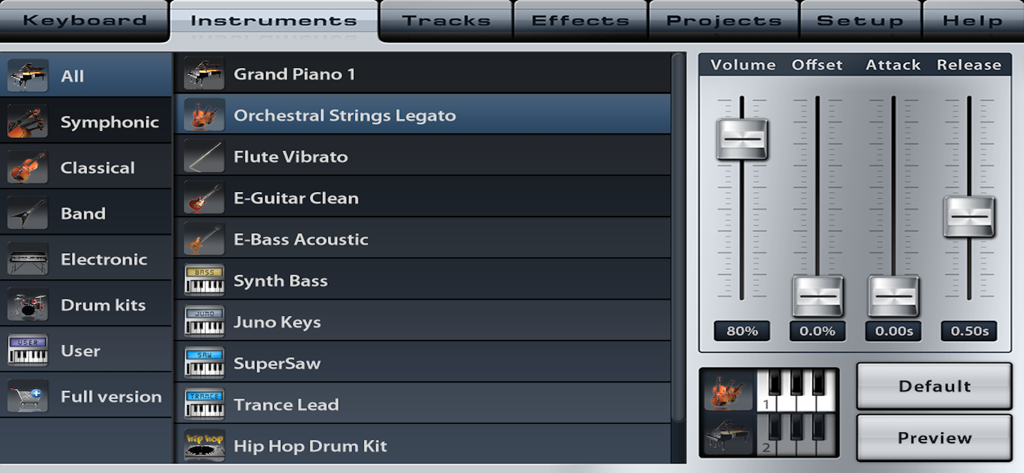
Music Studio Lite instrument selection menu with sound parameter sliders for volume, attack, and release.
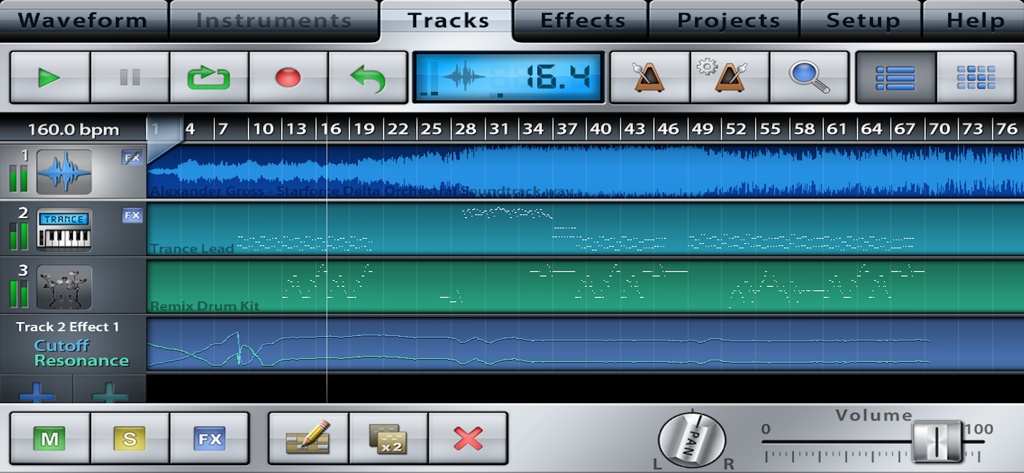
Interface of Music Studio Lite showing a multi track sequencer with audio and instrument sequences
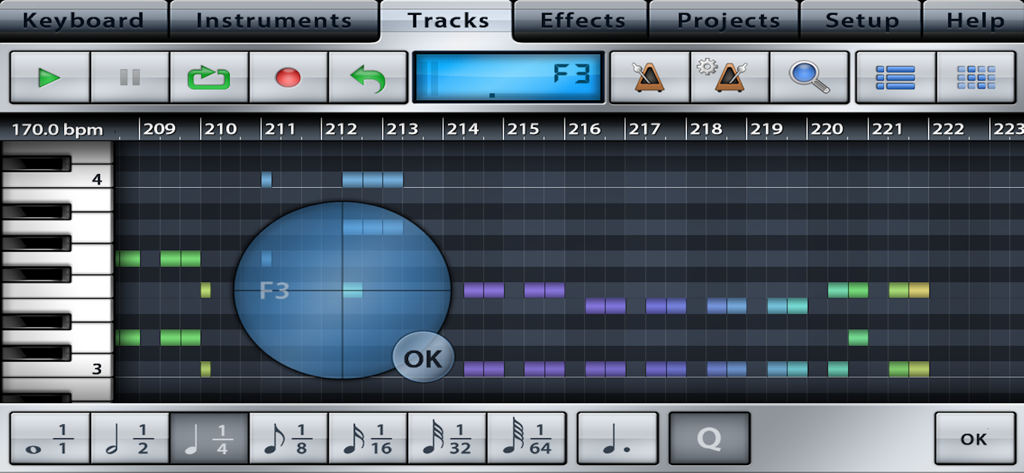
MIDI sequencer and track editing interface in Music Studio Lite
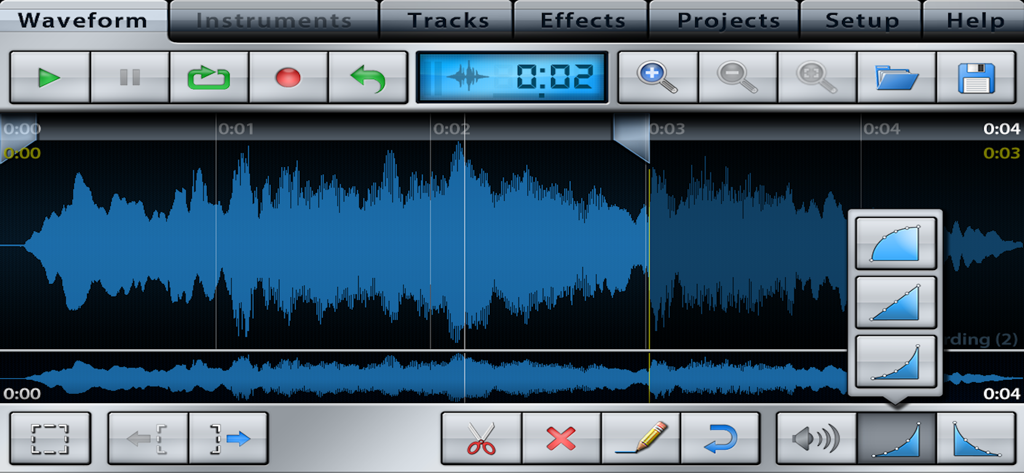
Audio waveform editing screen with track controls and editing tools in Music Studio Lite
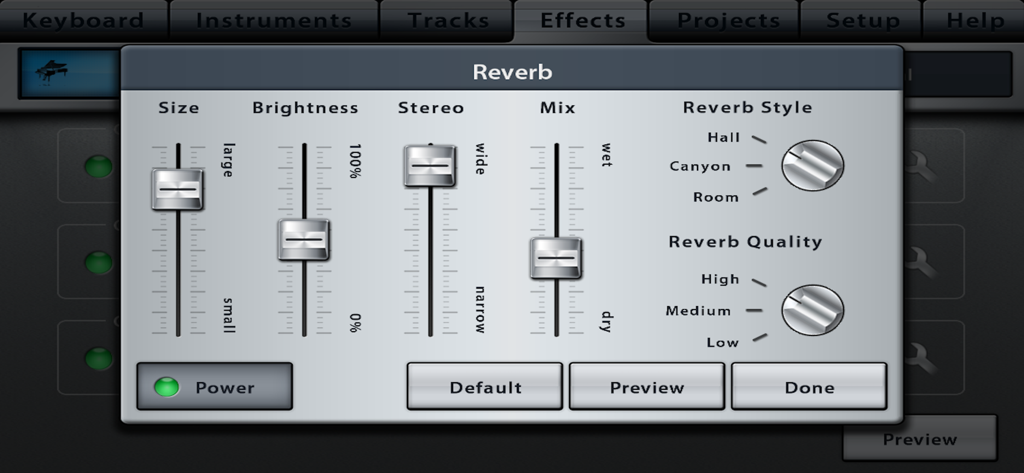
Reverb effect interface in Music Studio Lite with sliders and style selection
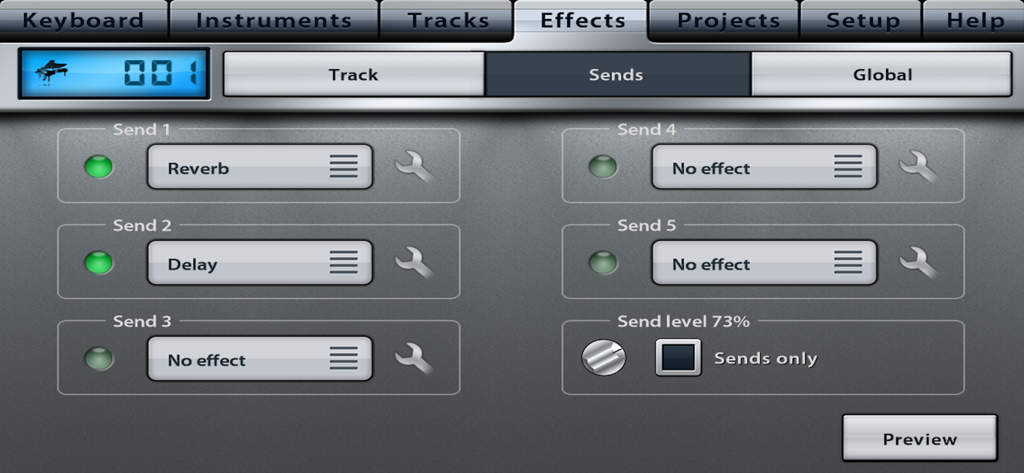
Interface of Music Studio Lite displaying the effects sends tab with reverb and delay options.
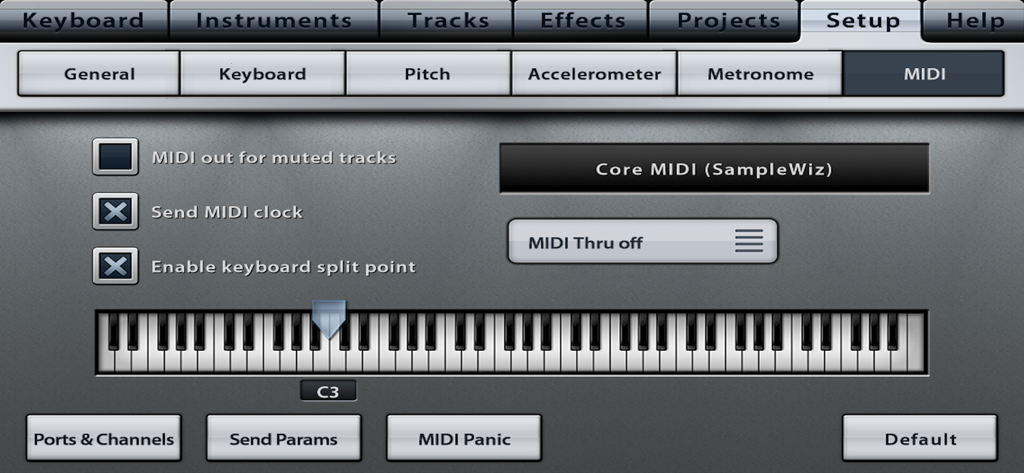
Music Studio Lite app MIDI configuration screen with keyboard split point settings
Description
Download
More Like This
Apps with similar features and user experience

Loopy Pro: Looper DAW Sampler
A Tasty Pixel

AUM - Audio Mixer
Kymatica AB

Drambo
Jaroslaw Jacek

Groove Rider 2
Dmitrij Pavlov

BandLab – Music Maker & Beats
BandLab Singapore Pte Ltd

Medly
Medly Labs Inc.

Cubasis 3 - DAW & Music Studio
Steinberg Media Technologies GmbH

KORG Gadget 3
KORG INC.
iMPC Pro 2 for iPhone
Akai Professional
This page is not an official page of the app or its developer, but an independent editorial publication created for informational and commentary purposes. Unless expressly stated otherwise, neither the app nor its developer is affiliated with, endorsed by, sponsored by, authorized by, or otherwise officially connected with MWM, Apple, Google Play, the app publisher, or the app's developer, and nothing on this page implies that the app was developed using MWM's services. Any trademarks, logos, screenshots, and other content remain the property of their respective owners.