
This page is not an official page of the app or its developer, but an independent editorial publication created for informational and commentary purposes. Unless expressly stated otherwise, neither the app nor its developer is affiliated with, endorsed by, sponsored by, authorized by, or otherwise officially connected with MWM, Apple, Google Play, the app publisher, or the app's developer, and nothing on this page implies that the app was developed using MWM's services. Any trademarks, logos, screenshots, and other content remain the property of their respective owners.


MusicPad
Capture every melody with the precision of Apple Pencil. From quick sketches to complex hand-drawn scores, experience the natural feel of handwriting on the ultimate digital sketchbook designed for musicians.
Downloads
6K+User Rating
Total Ratings
100Publisher
Category
MusicLocales
1Latest Version
1.4.3Size
14.1 MBFirst Released
Dec 31, 2022Compose Without Constraints
The digital sketchbook designed for musicians who value the tactile flow of handwriting combined with the power of professional cloud integration.
Natural Writing Experience
Capture complex melodies with zero-latency precision. Powered by Apple’s PencilKit, it feels exactly like writing with ink on physical manuscript paper.
Fully Flexible Templates
Adapt every page to your needs. Customise stave configurations, margins, and page sizes to create anything from simple lead sheets to intricate orchestral sketches.
The following screenshots and description are sourced directly from the app's official store listing and are the property of the app developer.
App Store
Screenshots
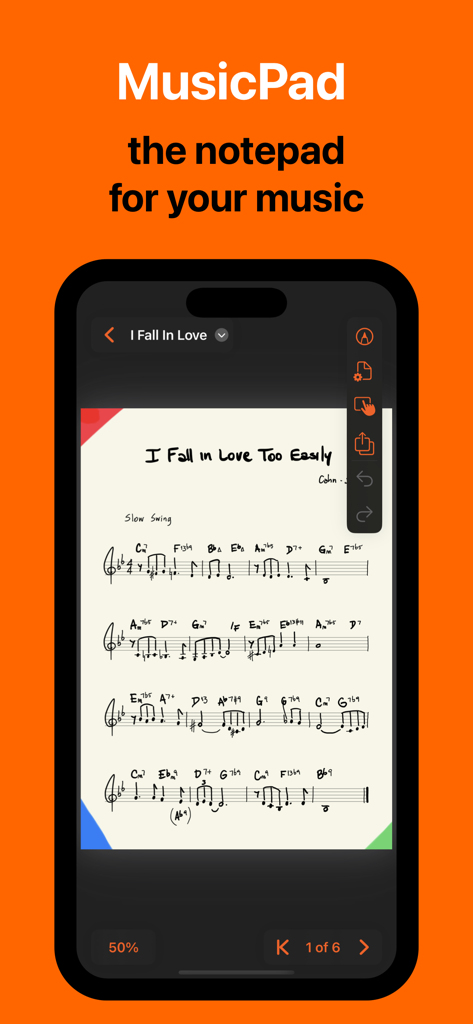
MusicPad app on an iPhone showing a handwritten musical score and composition tools
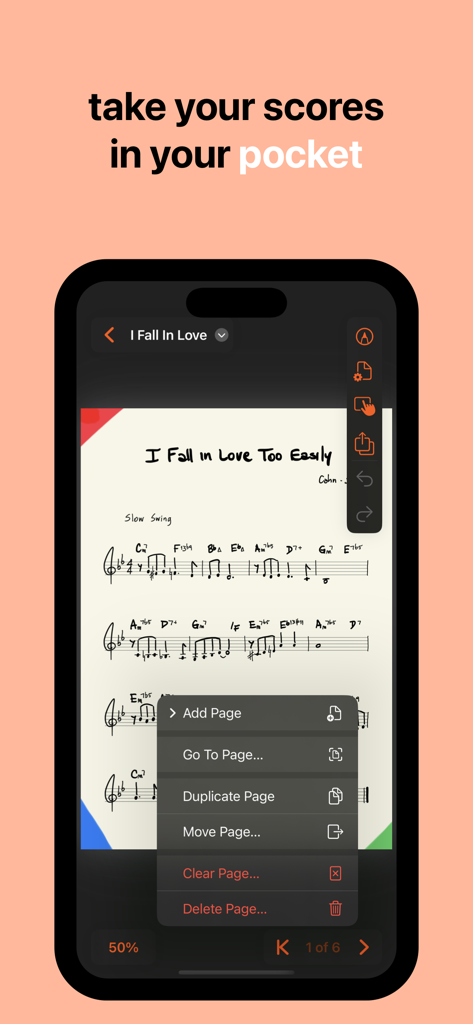
MusicPad app showing a handwritten music score on an iPhone screen with an open page management menu
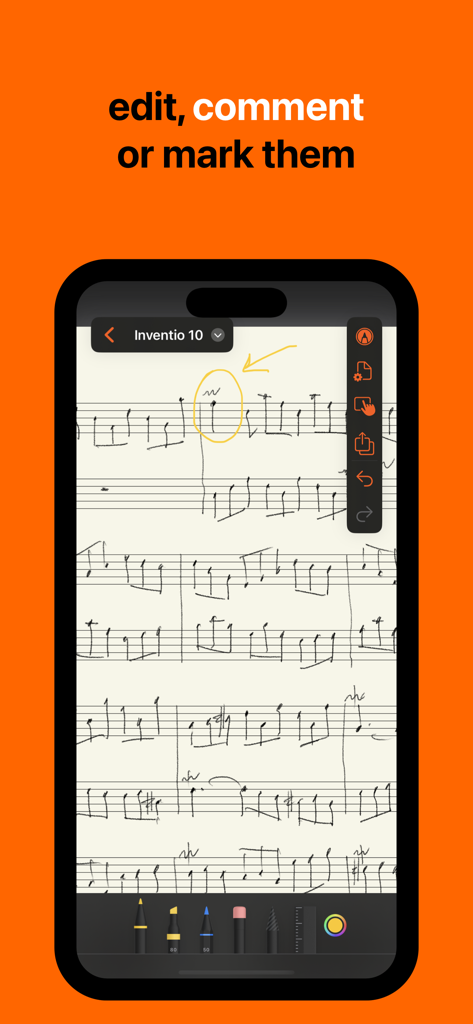
Handwritten music score on MusicPad app with yellow circle and arrow annotations
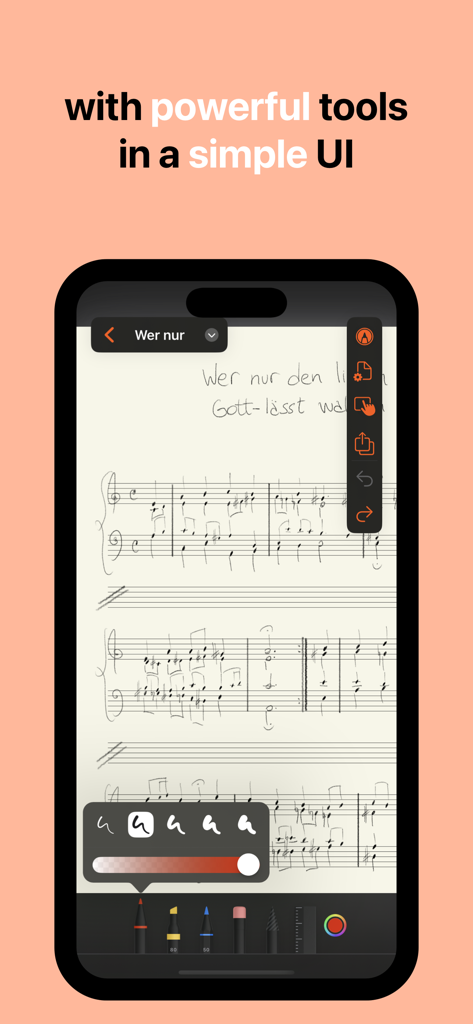
A digital music sheet in the MusicPad app featuring handwritten notes and drawing tools on an iPhone
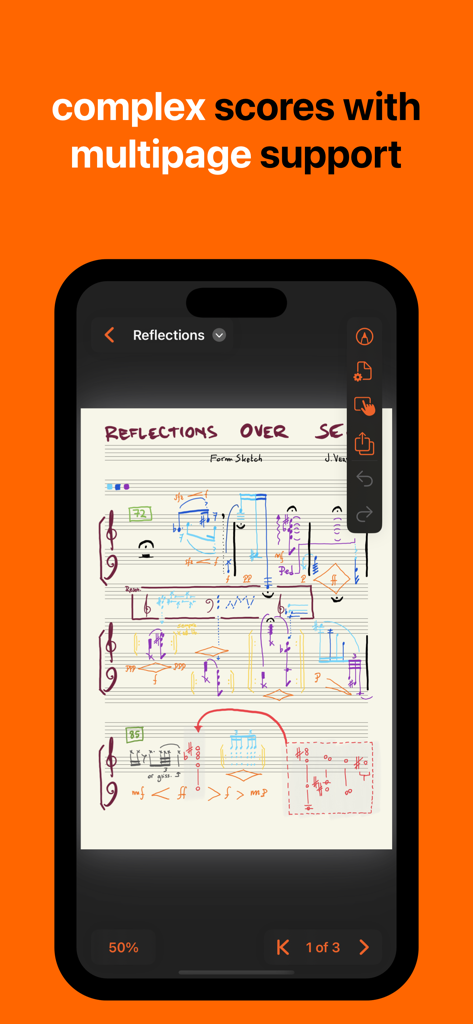
A complex handwritten musical score on the MusicPad app highlighting multipage support
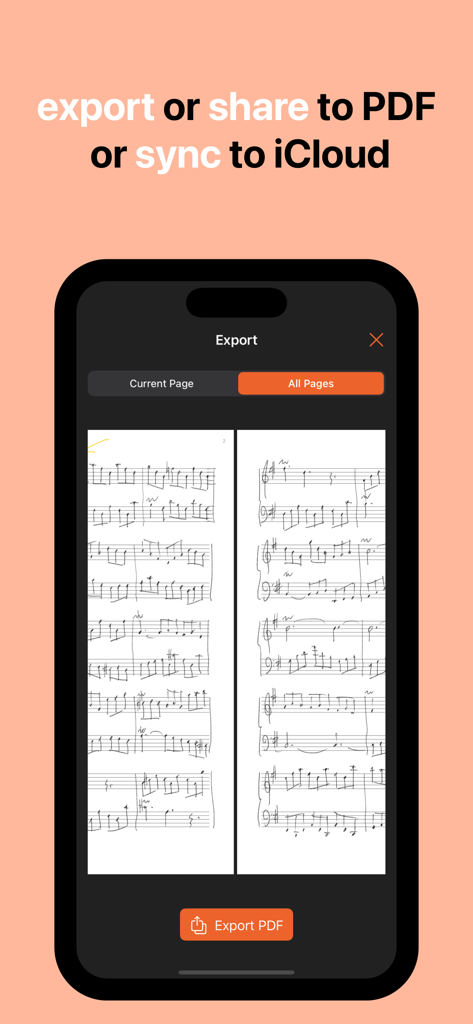
MusicPad app interface on iPhone showing options to export hand-written music as a PDF or sync to iCloud
Description
Download
More Like This
Top-ranked apps in the same category

Spotify: Music and Podcasts
Spotify

YouTube Music
Google LLC

Shazam: Find Music & Concerts
Apple Inc.

SoundCloud: The Music You Love
SoundCloud Global Limited & Co KG

Suno - AI Songs & Music
Suno Inc.

QQ音乐 - 听我想听
Tencent Technology (Shenzhen) Company Limited

Audiomack - Play Music Offline
Audiomack, Inc.

GuitarTuna: Tune & Play Guitar
Yousician Ltd

BandLab – Music Maker & Beats
BandLab Singapore Pte Ltd
This page is not an official page of the app or its developer, but an independent editorial publication created for informational and commentary purposes. Unless expressly stated otherwise, neither the app nor its developer is affiliated with, endorsed by, sponsored by, authorized by, or otherwise officially connected with MWM, Apple, Google Play, the app publisher, or the app's developer, and nothing on this page implies that the app was developed using MWM's services. Any trademarks, logos, screenshots, and other content remain the property of their respective owners.