
This page is not an official page of the app or its developer, but an independent editorial publication created for informational and commentary purposes. Unless expressly stated otherwise, neither the app nor its developer is affiliated with, endorsed by, sponsored by, authorized by, or otherwise officially connected with MWM, Apple, Google Play, the app publisher, or the app's developer, and nothing on this page implies that the app was developed using MWM's services. Any trademarks, logos, screenshots, and other content remain the property of their respective owners.


My Budget Book Pro Edition
Experience professional-grade tracking with total privacy. No registration, no recurring fees, and no bank linking required—just powerful tools to own your financial future.
Downloads
42K+User Rating
Total Ratings
600Publisher
Category
FinanceLocales
2Latest Version
8.0.1Size
43.3 MBFirst Released
Sep 28, 2016Master Your Finances Without the Monthly Fees
A professional-grade budget manager designed for those who value privacy, precision, and the 'buy it once' philosophy. No subscriptions, no data tracking—just total control.
Zero Subscriptions, Forever
Stop the subscription fatigue. Unlock every professional tool, report, and feature with a single one-time purchase. No hidden costs or monthly recurring bills.
Privacy-First Architecture
Your data belongs to you. With no registration required and 100% local storage, your sensitive financial information never leaves your device or your personal iCloud.
The following screenshots and description are sourced directly from the app's official store listing and are the property of the app developer.
App Store
Screenshots
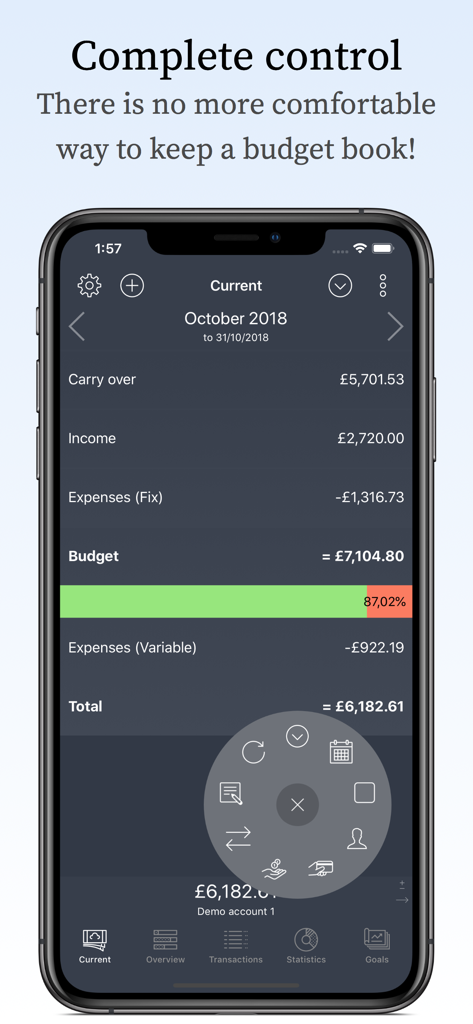
Monthly financial overview screen showing income expenses and budget progress
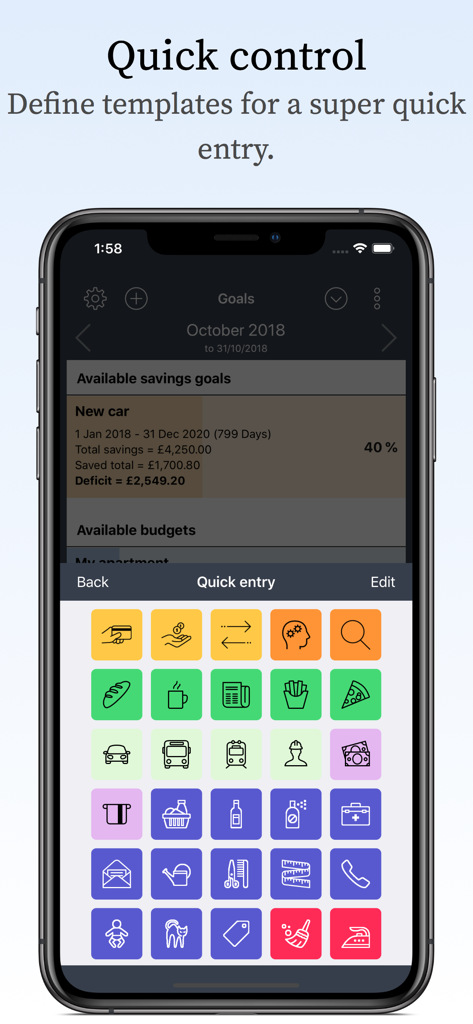
A screen from My Budget Book Pro Edition showing colorful quick entry icons and savings goals.
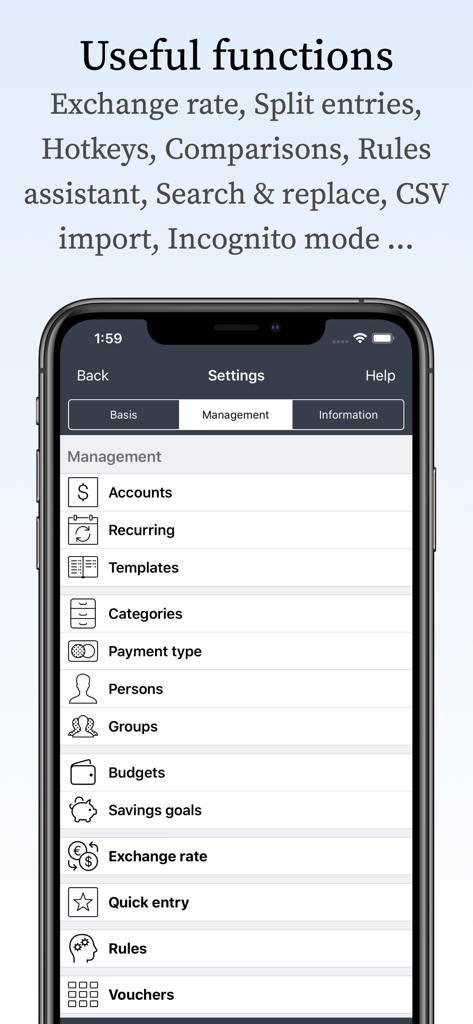
Settings screen in the My Budget Book Pro Edition app showing financial management features like accounts, budgets, and savings goals.
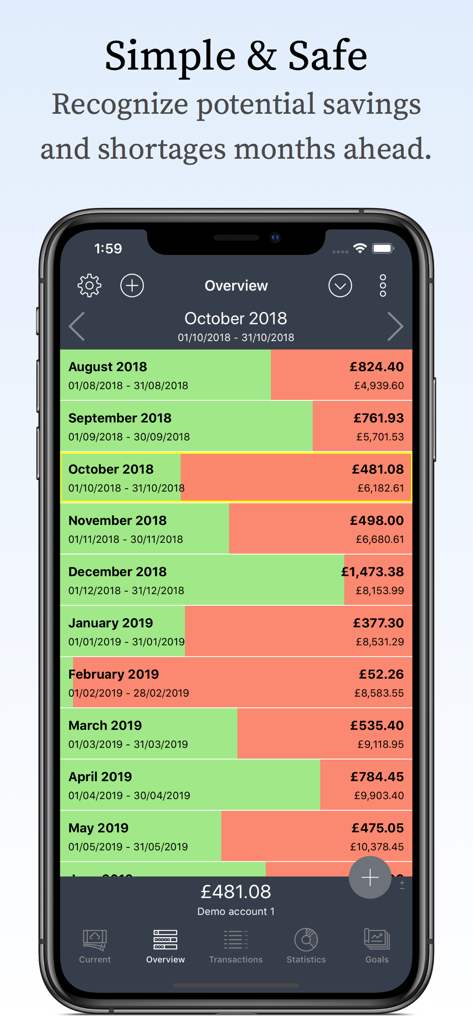
Monthly financial overview screen showing budget progress and balance bars for multiple months
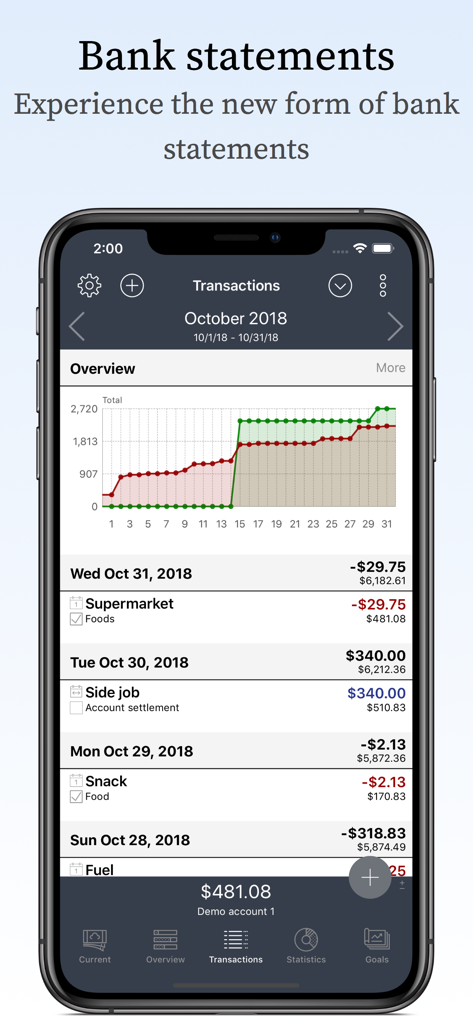
A detailed transaction history and financial progress chart displayed within the My Budget Book Pro Edition mobile app interface.
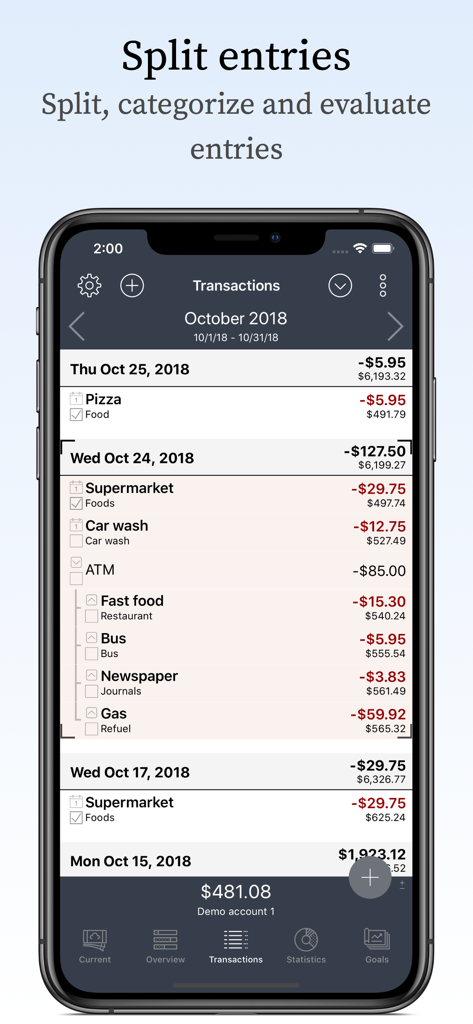
iPhone screenshot of the My Budget Book Pro app showing how to split a single ATM transaction into multiple categories like food and gas
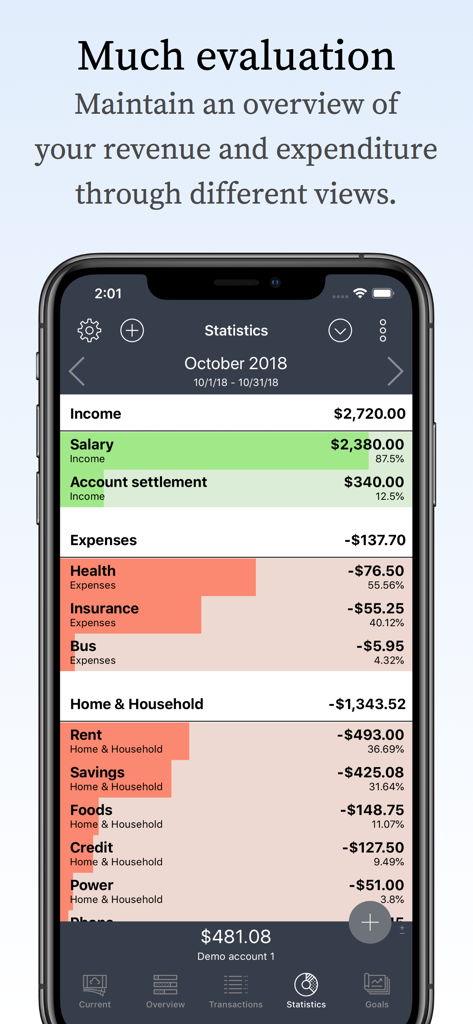
Monthly statistics dashboard showing a detailed breakdown of income and expense categories with colored progress bars
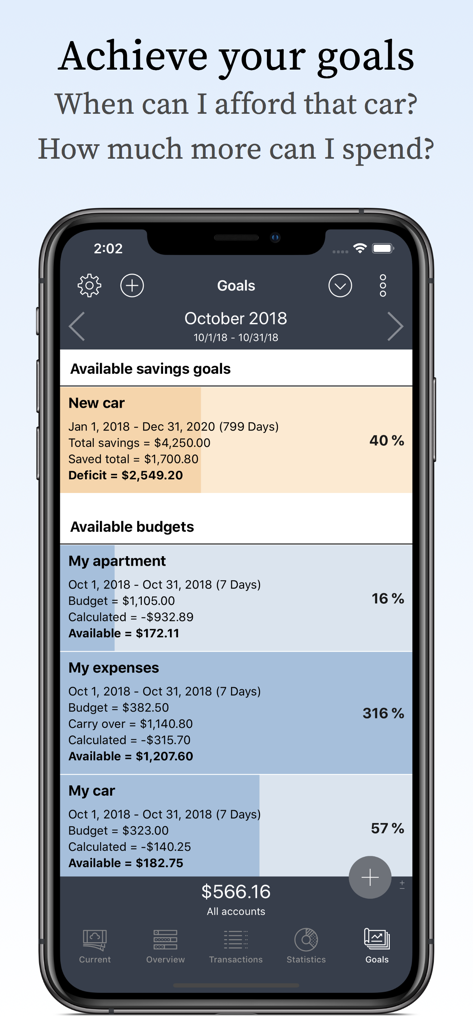
A mobile app interface displaying savings goals and budget tracking for monthly expenses
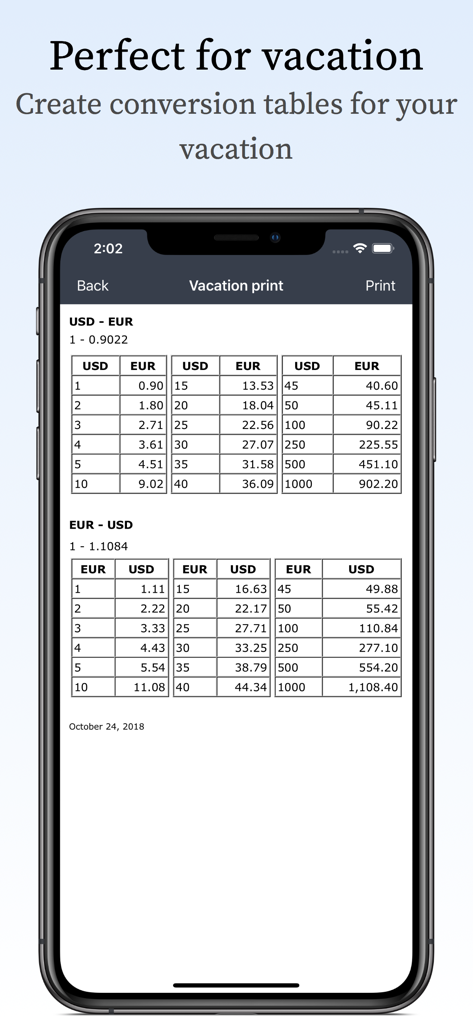
Currency conversion tables for USD and EUR in the My Budget Book Pro app
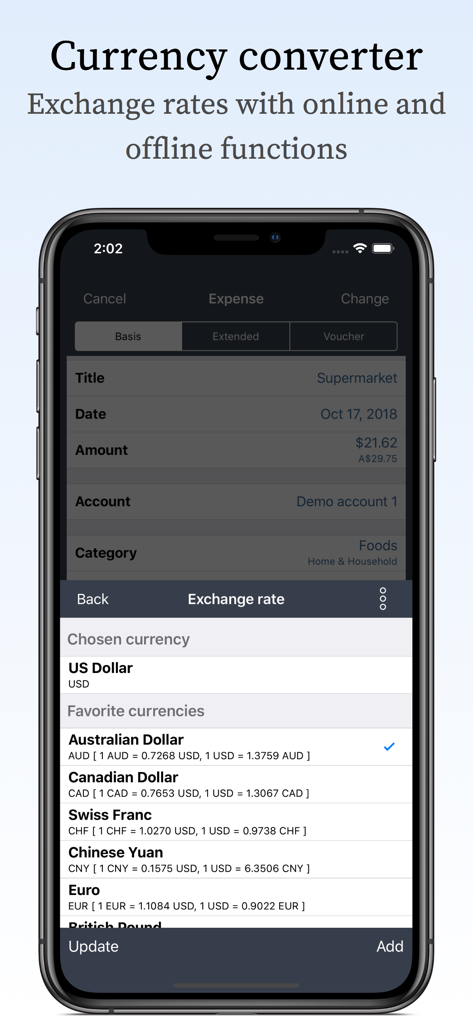
Currency converter interface showing exchange rates for multiple global currencies within the My Budget Book Pro Edition app
Description
Download
More Like This
Top-ranked apps in the same category

电子税务局
State Administration of Taxation

UnionPay APP
China Unionpay Co.,Ltd.

养基宝 - 年轻人的养基神器
Shenzhen Xiaoduotou Information Technology Co.,Ltd.

PayPal - Pay, Send, Save
PayPal, Inc.

中国农业银行
AGRICULTURAL BANK OF CHINA LIMITED

Mercado Pago: cuenta digital
MercadoLibre S.A.

Kalshi: Trade on the Big Game
KALSHI INC.

中国工商银行
Industrial and Commercial Bank of China

个人所得税
State Administration of Taxation
This page is not an official page of the app or its developer, but an independent editorial publication created for informational and commentary purposes. Unless expressly stated otherwise, neither the app nor its developer is affiliated with, endorsed by, sponsored by, authorized by, or otherwise officially connected with MWM, Apple, Google Play, the app publisher, or the app's developer, and nothing on this page implies that the app was developed using MWM's services. Any trademarks, logos, screenshots, and other content remain the property of their respective owners.