
This page is not an official page of the app or its developer, but an independent editorial publication created for informational and commentary purposes. Unless expressly stated otherwise, neither the app nor its developer is affiliated with, endorsed by, sponsored by, authorized by, or otherwise officially connected with MWM, Apple, Google Play, the app publisher, or the app's developer, and nothing on this page implies that the app was developed using MWM's services. Any trademarks, logos, screenshots, and other content remain the property of their respective owners.


My Cancer Tracker
The all-in-one medical companion designed to help you organize medications, log side effects, and generate professional reports for your care team. Regain control of your journey with ease.
Downloads
2K+User Rating
Total Ratings
0Publisher
Category
MedicalLocales
1Latest Version
1.3Size
52.0 MBFirst Released
Mar 16, 2021Empower Your Recovery Journey
Regain control with an all-in-one companion designed to simplify your treatment, organize your medical data, and provide peace of mind.
Digital Health Reporting
Generate and share comprehensive medical reports with your doctors to ensure they have the exact data needed for your next consultation.
Symptom & Side Effect Tracker
Log daily changes in your health and monitor side effect intensity to identify patterns and gauge the effectiveness of your treatment.
Frequently Asked Questions
Everything you need to know about My Cancer Tracker
What is My Cancer Tracker?
My Cancer Tracker is an application designed for cancer patients to manage their diagnosis, track treatment progression, and measure their health progress. It helps gauge treatment effectiveness and supports record-keeping.
How does My Cancer Tracker help track cancer treatment?
My Cancer Tracker allows users to record their treatment details and add ongoing information to monitor the progression or decline of cancer over time. This helps evaluate treatment effectiveness.
Can I track side effects with My Cancer Tracker?
Yes, My Cancer Tracker enables users to identify treatment side effects and record daily changes to observe their longevity and intensity. This feature helps monitor the impact of treatment.
How do I share my medical information using My Cancer Tracker?
My Cancer Tracker allows users to create, generate, and digitally share medical reports with doctors and nurses. This feature facilitates regular updates to healthcare providers.
Does My Cancer Tracker offer data protection for personal medical information?
Yes, My Cancer Tracker provides passcode protection. Users can set up a 4-digit passcode to prevent unintended phone users from accessing their sensitive personal medical information.
Can My Cancer Tracker help me manage my medications?
Yes, My Cancer Tracker includes a feature to note which medicines users take, have taken, or will take. This helps keep track of regular doses and medication history.
Does My Cancer Tracker assist with managing doctor appointments?
Yes, My Cancer Tracker allows users to mark specific calendar dates for doctor appointments and set reminders. This ensures users do not miss any scheduled consultations.
Where can I store emergency medical information in My Cancer Tracker?
My Cancer Tracker has an "Emergency Medical Information" section. Users can keep their cancer-related key information up-to-date for any healthcare provider outside their primary cancer care team.
Can I log questions for my doctor in My Cancer Tracker?
Yes, My Cancer Tracker allows users to log medical queries whenever they arise. This ensures they can refer back to their questions during their next doctor’s appointment.
The following screenshots and description are sourced directly from the app's official store listing and are the property of the app developer.
App Store
Screenshots

A woman wearing a headscarf representing a cancer patient for a health tracker app
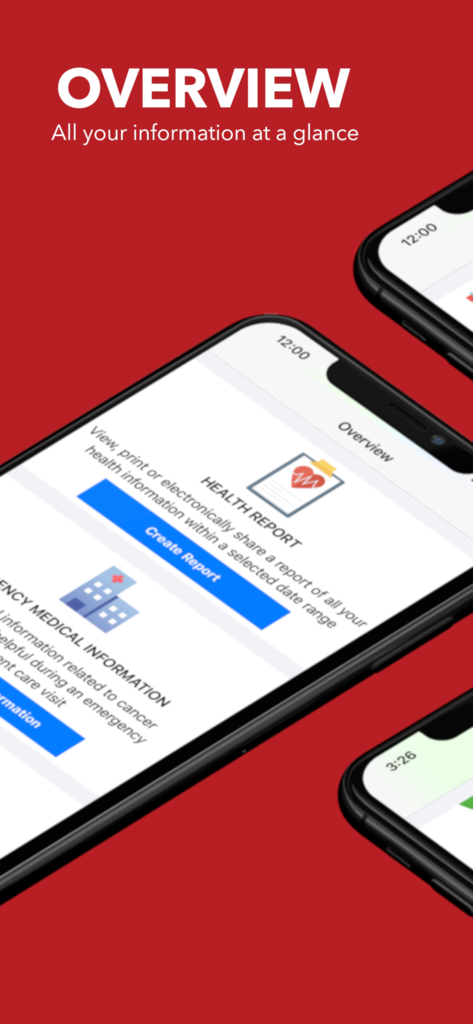
My Cancer Tracker app overview screen displaying health report and emergency medical information sections on an iPhone.
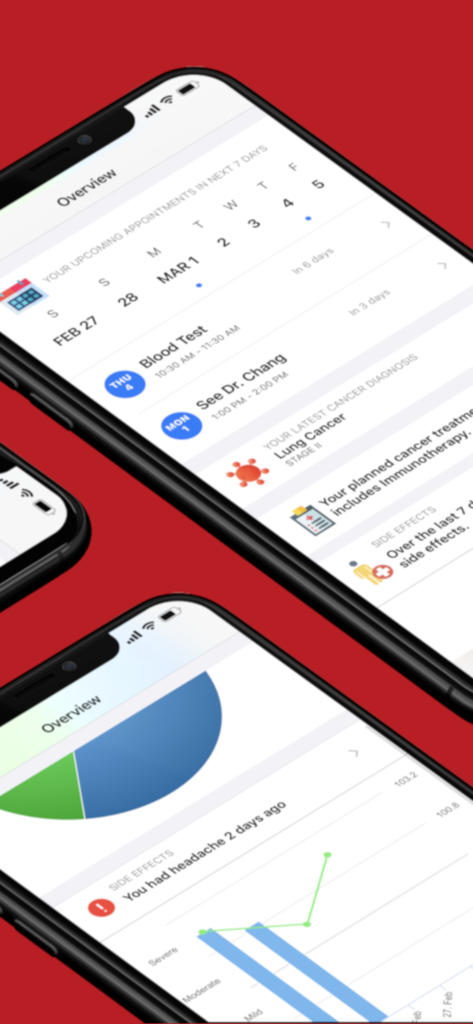
Dashboard of My Cancer Tracker app showing appointment calendar and symptom tracking charts.
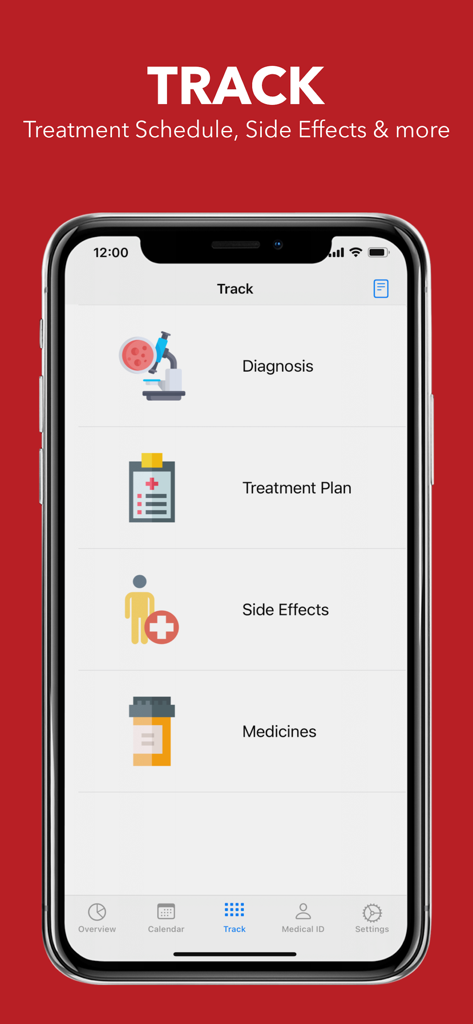
My Cancer Tracker app interface showing tracking options for diagnosis, treatment plan, side effects, and medicines.
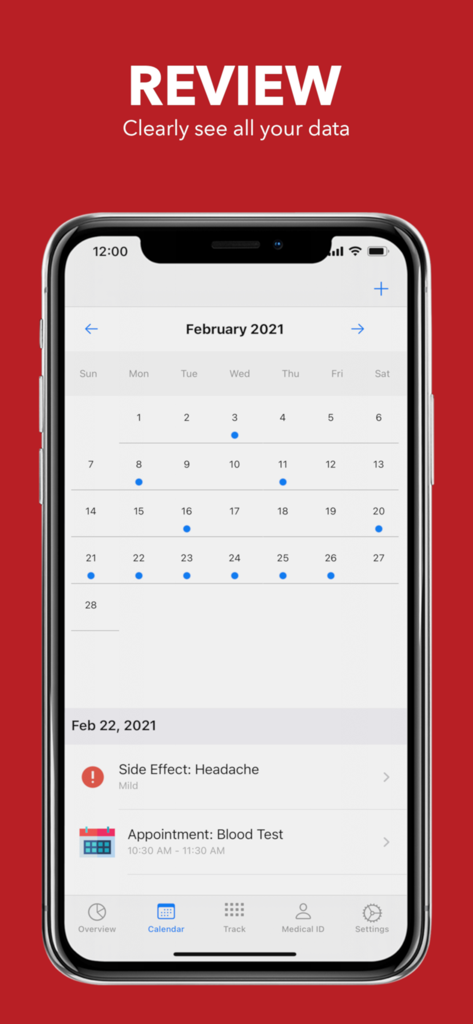
Screenshot of My Cancer Tracker app showing a monthly calendar with logged symptoms like headaches and medical appointments like blood tests.
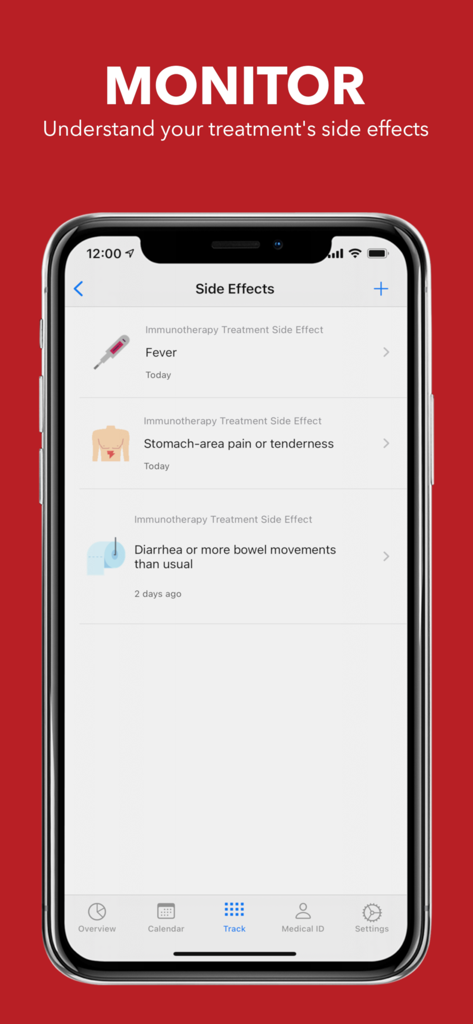
My Cancer Tracker app interface showing a list of tracked immunotherapy side effects like fever and stomach pain.
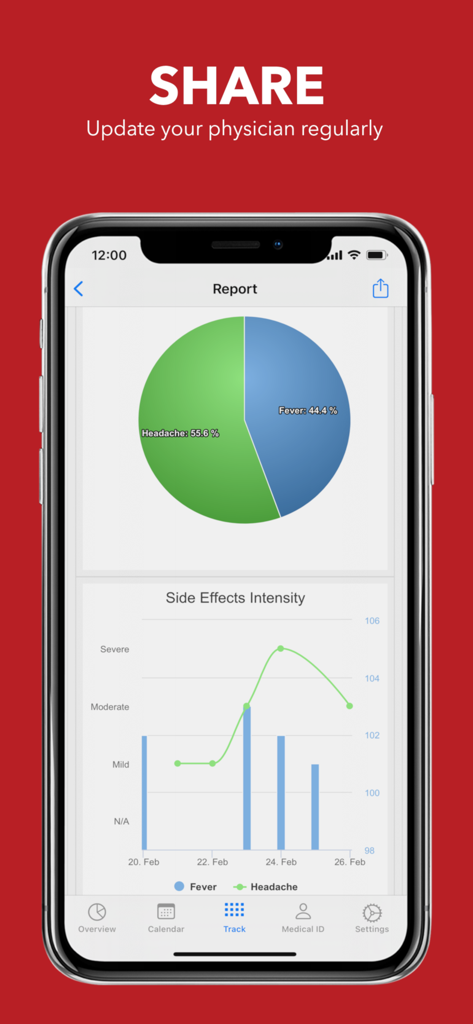
A medical report screen in the My Cancer Tracker app showing side effect intensity graphs and symptom distribution charts.
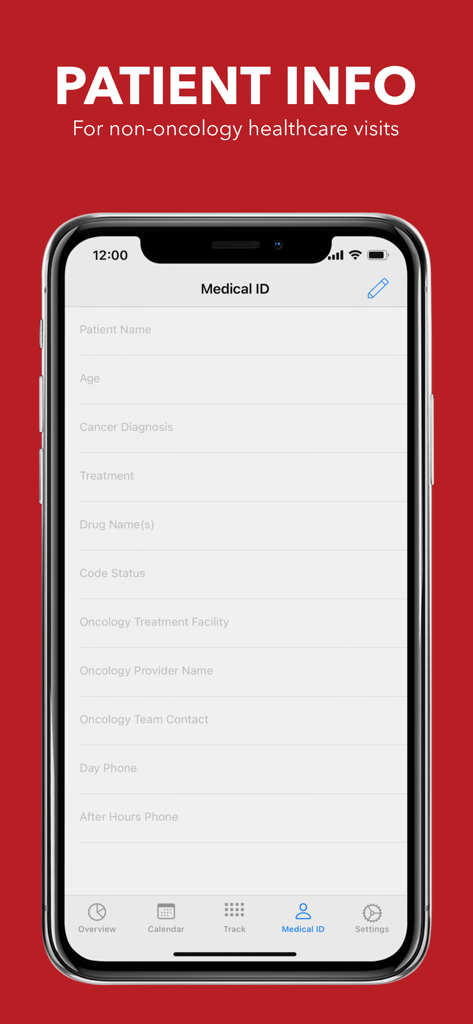
A mobile screen showing the Medical ID form with patient details for emergency medical information
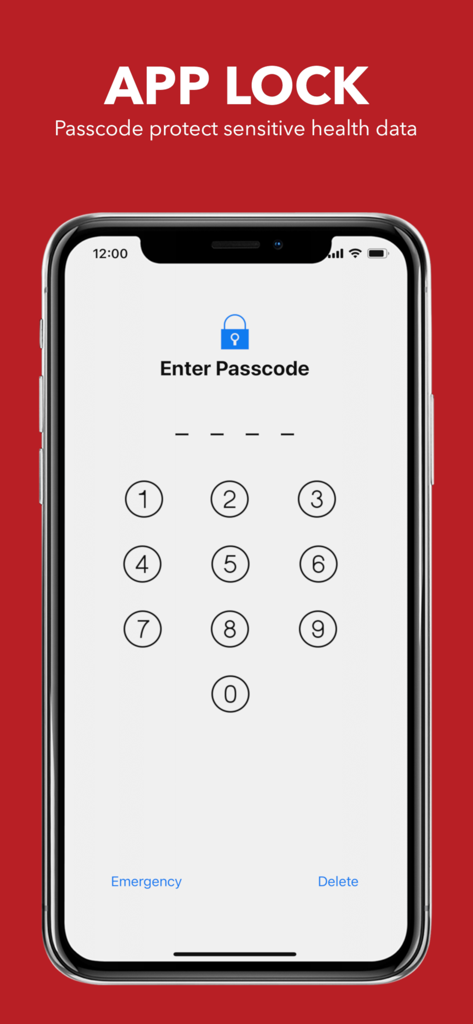
Passcode lock screen in the My Cancer Tracker app to protect sensitive medical data
Description
Download
More Like This
Top-ranked apps in the same category

国家医保服务平台
National Healthcare Security Administration

MyChart
Epic Systems Corporation

Doctolib - Your health partner
Doctolib

Pregnancy + | Tracker App
Philips Digital UK Limited

CVS Health
CVS Pharmacy

江苏医保云
Jiangsu Healthcare Security Bureau

UnitedHealthcare
UNITED HEALTHCARE SERVICES, INC.

京东健康
BEIJING JINGDONG 360 DU E-COMMERCE LTD.

Meu SUS Digital
Servicos e Informacoes do Brasil
This page is not an official page of the app or its developer, but an independent editorial publication created for informational and commentary purposes. Unless expressly stated otherwise, neither the app nor its developer is affiliated with, endorsed by, sponsored by, authorized by, or otherwise officially connected with MWM, Apple, Google Play, the app publisher, or the app's developer, and nothing on this page implies that the app was developed using MWM's services. Any trademarks, logos, screenshots, and other content remain the property of their respective owners.