
This page is not an official page of the app or its developer, but an independent editorial publication created for informational and commentary purposes. Unless expressly stated otherwise, neither the app nor its developer is affiliated with, endorsed by, sponsored by, authorized by, or otherwise officially connected with MWM, Apple, Google Play, the app publisher, or the app's developer, and nothing on this page implies that the app was developed using MWM's services. Any trademarks, logos, screenshots, and other content remain the property of their respective owners.

My Christmas Tree - Countdown
Personalize your own animated tree, choose festive decorations, and track every second until Christmas with stunning, customizable widgets designed for your iPhone, iPad, and Apple Watch.
Downloads
5K+User Rating
Total Ratings
0Publisher
Category
EntertainmentLocales
25Latest Version
1.3.3Size
120.1 MBFirst Released
Dec 5, 2015Bring the Magic of Christmas to Your Screen
Keep the holiday spirit alive every time you check your phone with a fully customizable animated tree and high-quality countdown widgets designed for your aesthetic.
Design Your Dream Tree
Express your holiday style by customizing everything from tree types and blinking light colors to festive bows and stockings for a look that matches your vibe.
Anticipation at a Glance
Build daily excitement with Home Screen and Notification widgets that track every day until Christmas Eve, keeping you organized and festive.
The following screenshots and description are sourced directly from the app's official store listing and are the property of the app developer.
App Store
Screenshots
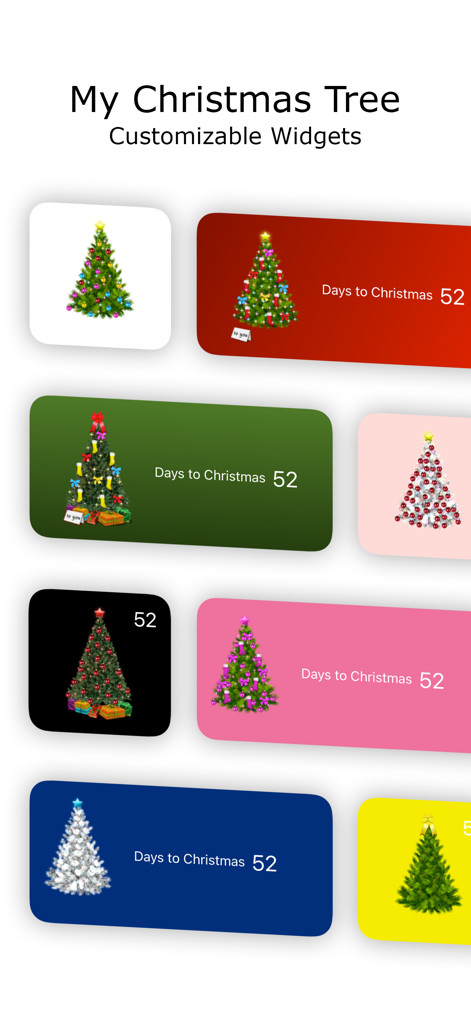
A collection of customizable Christmas tree widgets showing various colors and holiday countdowns
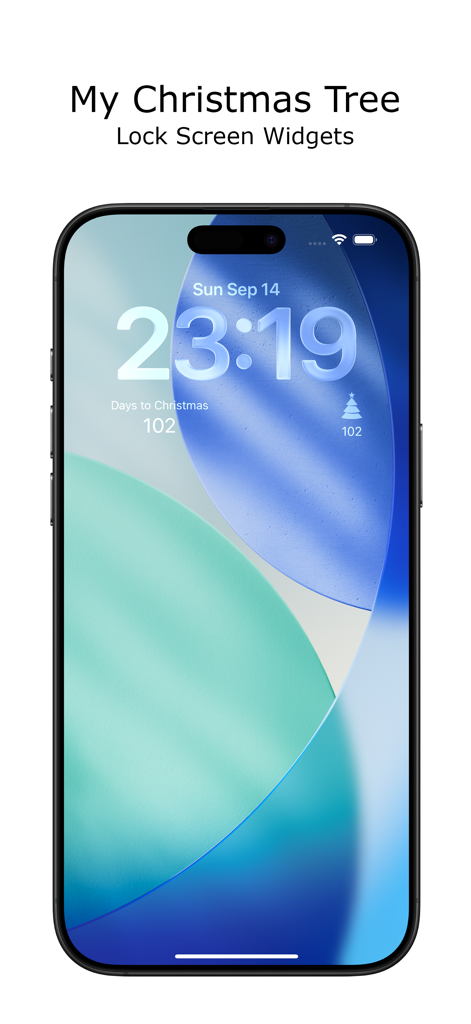
iPhone lock screen showing My Christmas Tree countdown widgets
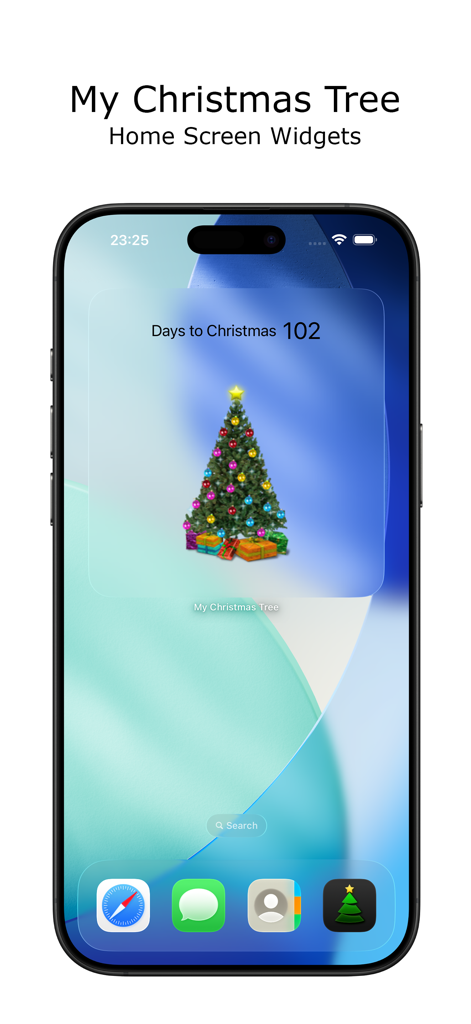
iPhone home screen featuring a decorated Christmas tree widget with a 102 day countdown
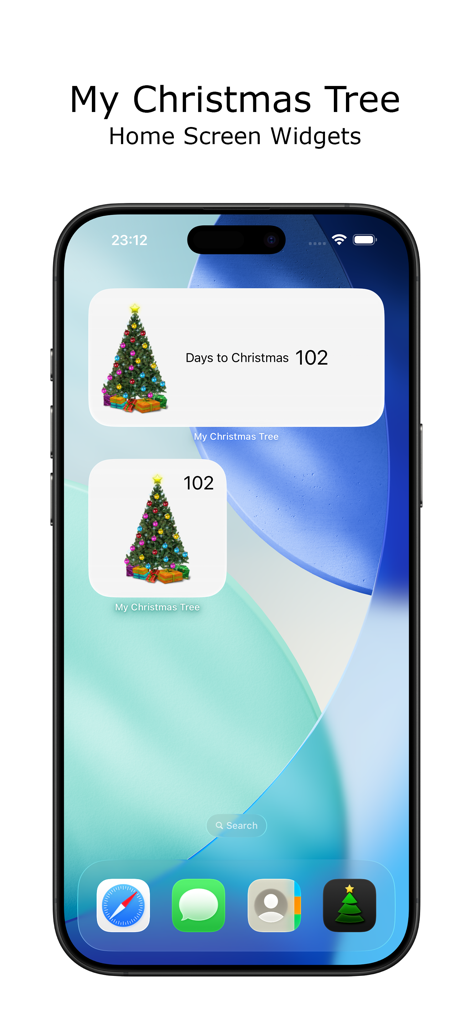
iPhone home screen displaying customized Christmas tree and countdown widgets
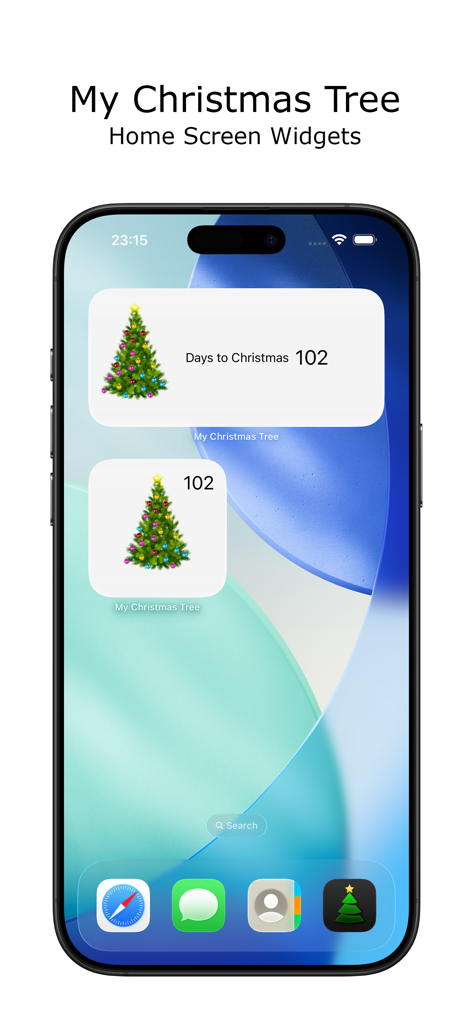
iPhone home screen featuring decorative Christmas tree countdown widgets.
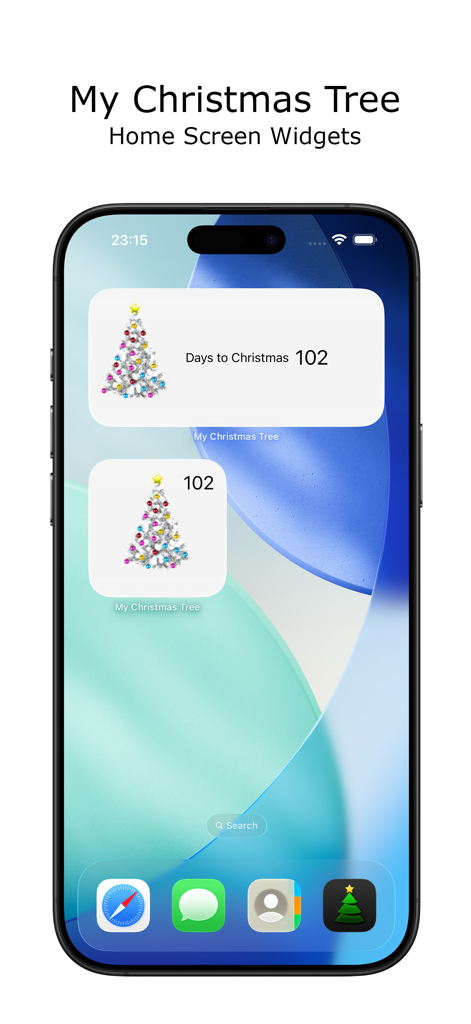
iPhone home screen displaying small and medium Christmas countdown widgets with a decorated white tree
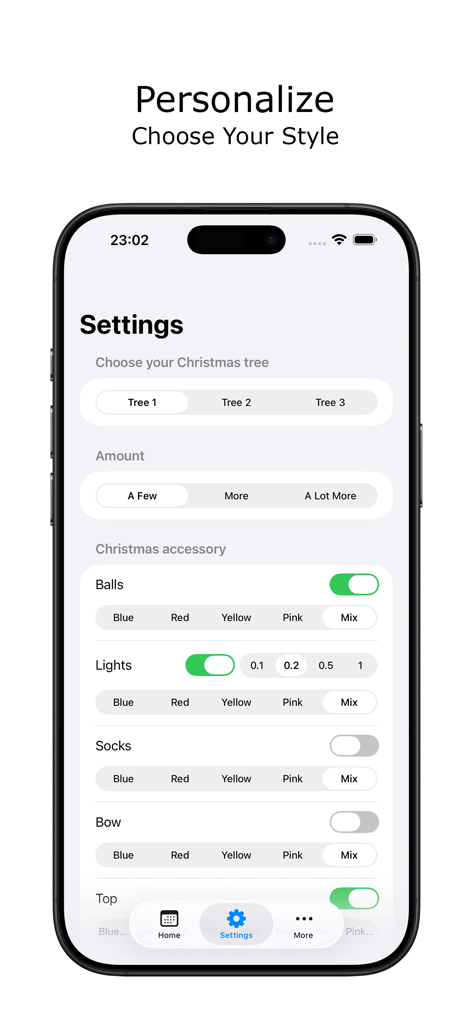
Settings screen of the My Christmas Tree app showing customization options for tree styles and decorations
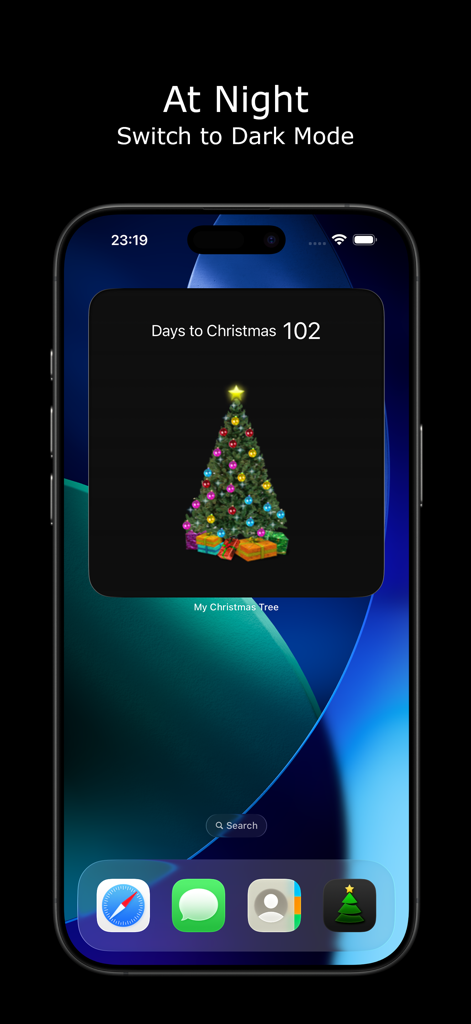
An iPhone home screen showing a Christmas countdown widget in dark mode featuring a decorated tree and 102 days remaining.
Description
Download
More Like This
Top-ranked apps in the same category

TikTok - Videos, Shop & LIVE
TIKTOK PTE. LTD.

Netflix
Netflix, Inc.

Freecash - Get Paid Real Money
256 REWARDS LTD

DramaBox - Stream Drama Shorts
STORYMATRIX PTE. LTD

HBO Max: Stream Movies & TV
WarnerMedia Global Digital Services, LLC

Amazon Prime Video
AMZN Mobile LLC

NetShort - Popular Dramas & TV
NETSTORY PTE. LTD.

ReelShort - Stream Drama & TV
New Leaf Publishing, Inc.

Disney+
Disney Electronic Content, Inc.
This page is not an official page of the app or its developer, but an independent editorial publication created for informational and commentary purposes. Unless expressly stated otherwise, neither the app nor its developer is affiliated with, endorsed by, sponsored by, authorized by, or otherwise officially connected with MWM, Apple, Google Play, the app publisher, or the app's developer, and nothing on this page implies that the app was developed using MWM's services. Any trademarks, logos, screenshots, and other content remain the property of their respective owners.