
my portal. by Dignity Health

Access lab results, securely message your doctor, and manage your family’s medical records with ease and peace of mind.
Publisher
Category
MedicalDownloads
290K+User Rating
Total Ratings
300Locales
2Discover the interface used by 290K+ users.
The tools that make this app stand out, trusted by 290K+ users.
Skip the phone tag and message your provider securely for medical advice, prescription refills, or follow-up questions.
Be the first to see your results. Access your medications, immunizations, and clinical notes the moment they are updated.
Manage your household's health history in one secure location, ensuring you have vital information ready during any medical visit.
Everything you need to know about my portal. by Dignity Health.
Description
Latest Version
102.1.22
Size
39.7 MB
First Released
Nov 4, 2016
Download 'my portal.' today to access your records, message your care team, and manage your family's health from the palm of your hand.
Everything you need to know about my portal. by Dignity Health
To set up, first create a Dignity Health "my care" account online. Then, download the my portal. by Dignity Health app and sign in using your Dignity Health email and password.
The my portal. app allows you to view your health records, personal medication lists, immunizations, and test results. It also facilitates secure messaging with your doctor.
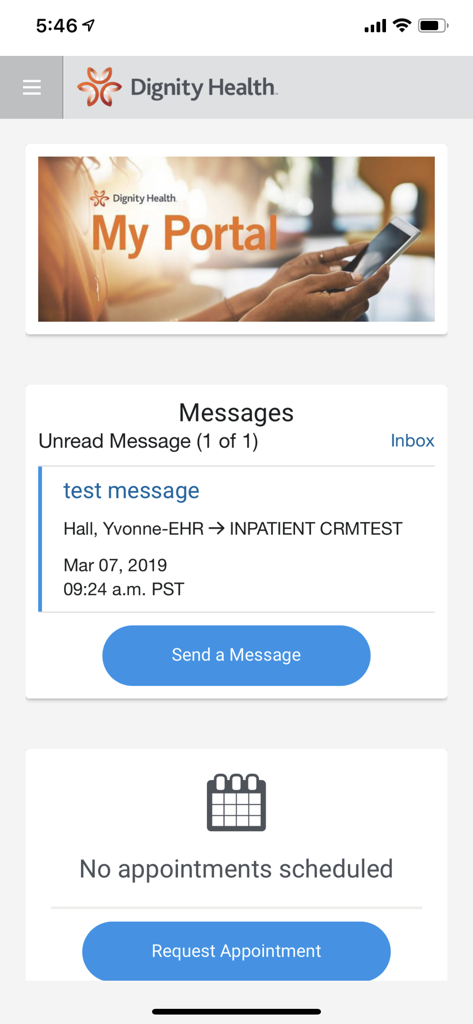
Yes, the my portal. by Dignity Health app supports secure messaging with your doctor. Screenshot #1 shows an active "Messages" section for communicating with care providers.
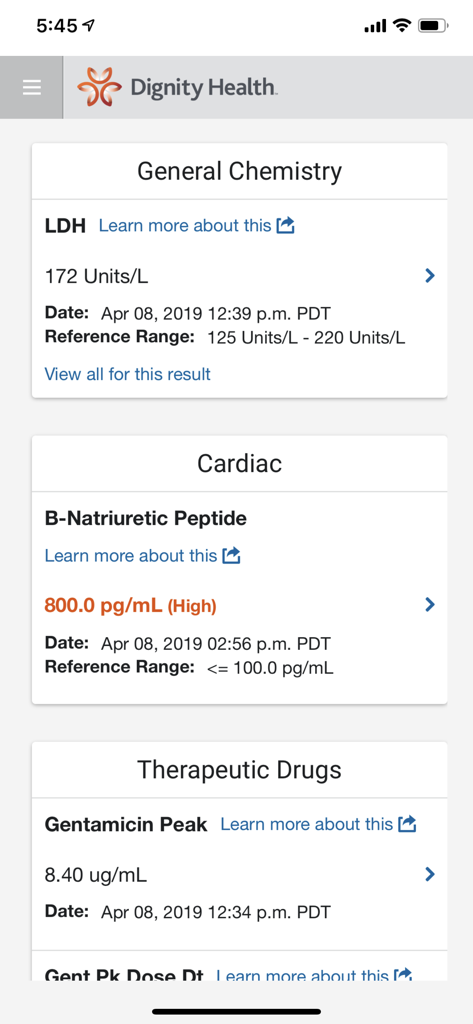
The my portal. by Dignity Health app provides access to your lab and test results. Screenshot #2 displays detailed "General Chemistry" and "Cardiac" results, confirming this functionality.
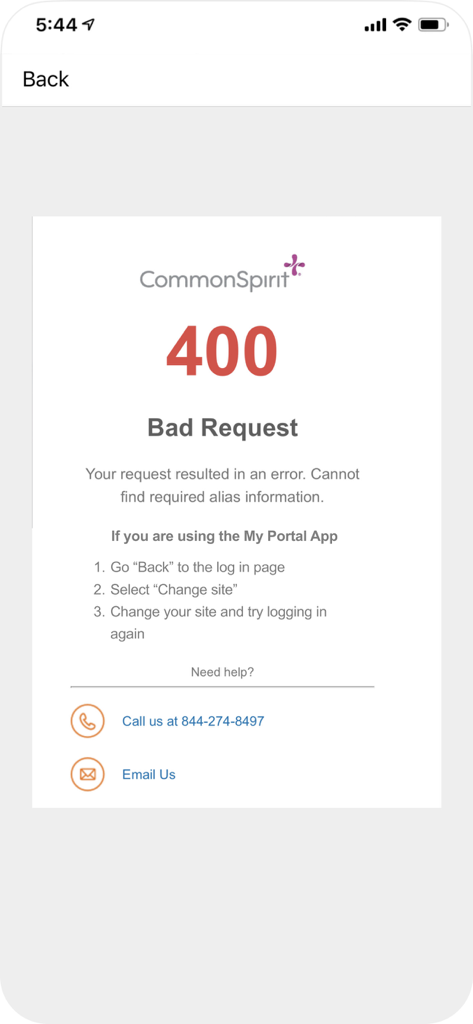
If a 400 error occurs, go "Back" to the login page, then select "Change site." After changing your site, attempt to log in again. Support contacts are also provided.
Yes, the my portal. by Dignity Health app operates on a secure network. This ensures the safety of your data, enabling confident use of all its health management features.
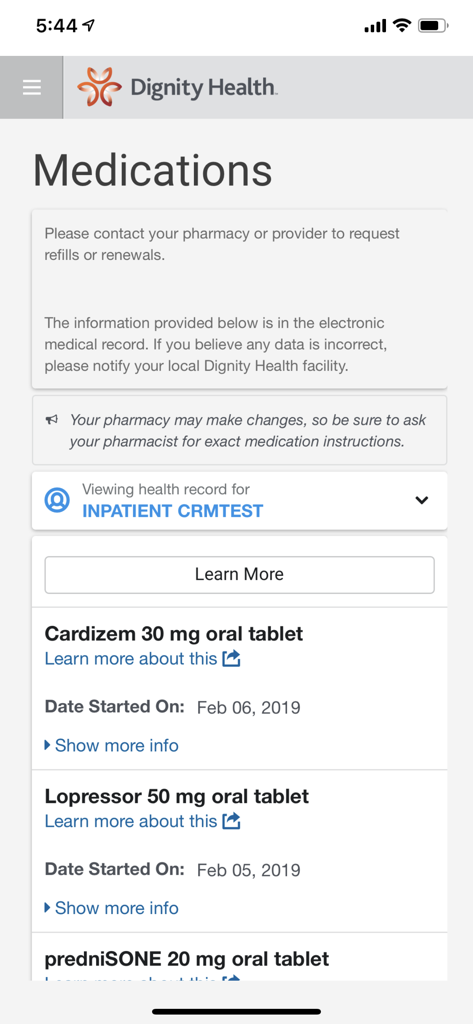
Yes, the my portal. app by Dignity Health provides a personal list of your medications. Screenshot #3 clearly shows a "Medications" section detailing various prescribed drugs.
Yes, you can request appointments using the my portal. by Dignity Health app. Screenshot #1 includes a "Request Appointment" button, indicating this direct functionality within the app.
Apps with similar features and user experience

SimplePractice LLC

athenahealth, Inc.

Kaiser Permanente

One Medical Group, Inc.

Saudi German Hospital

LeapFroggr Inc.

PROVIDENCE HEALTH & SERVICES - WASHINGTON

MEDICLINIC MIDDLE EAST MANAGEMENT SERVICES FZ LLC

NMC HEALTHCARE LTD
App information, icons, screenshots, and descriptions displayed on this page are sourced from the Apple App Store and are the property of their respective developers. Download estimates and rankings are based on MWM's proprietary models and may not reflect actual figures. This page is provided for informational and analytical purposes only.
Believe this page infringes your intellectual property? File a dispute
