
This page is not an official page of the app or its developer, but an independent editorial publication created for informational and commentary purposes. Unless expressly stated otherwise, neither the app nor its developer is affiliated with, endorsed by, sponsored by, authorized by, or otherwise officially connected with MWM, Apple, Google Play, the app publisher, or the app's developer, and nothing on this page implies that the app was developed using MWM's services. Any trademarks, logos, screenshots, and other content remain the property of their respective owners.


SimplePractice Client Portal
Stay connected with your practitioner, join telehealth sessions, and manage appointments and payments for you and your family.
Downloads
4M+User Rating
Total Ratings
25K+Publisher
Category
MedicalLocales
1Latest Version
1.15.12Size
81.7 MBFirst Released
Nov 7, 2022Take Control of Your Care Journey
Manage appointments, secure messaging, and digital payments in one HIPAA-compliant app designed for you and your family.
One-Tap Telehealth
Join your virtual sessions instantly from anywhere without ever searching your inbox for a link again.
Secure, Passwordless Access
Protect your privacy and save time by logging in with Face ID or Touch ID for instant, secure access.
Frequently Asked Questions
Everything you need to know about SimplePractice Client Portal
What is the SimplePractice Client Portal app?
The SimplePractice Client Portal app allows clients to manage their behavioral health, counseling, or other wellness services from practitioners who use SimplePractice. It centralizes appointments, messaging, payments, and documents.
How do I log in to the SimplePractice Client Portal app?
You log in to the SimplePractice Client Portal app using the email provided to your practitioner. After initial authentication, you can set up a passcode, Touch ID, or Face ID for passwordless access.
Can I message my practitioner using the SimplePractice Client Portal app?
Yes, you can message your practitioner directly and securely from your phone using the SimplePractice Client Portal app. All communication is private.
Does the SimplePractice Client Portal app support digital payments?
Yes, the SimplePractice Client Portal app supports digital payments. You can add payment methods, including HSA and FSA cards, and pay bills directly within the app.
Can I join telehealth appointments through the SimplePractice Client Portal app?
Yes, you can join virtual telehealth appointments with your practitioner directly from the SimplePractice Client Portal app, eliminating the need to find separate links.
How do I manage multiple client accounts in the SimplePractice Client Portal app?
The SimplePractice Client Portal app allows profile switching, enabling you to quickly toggle between different Client Portals you manage, such as for multiple providers or individuals.
Is it possible to request new appointments using the SimplePractice Client Portal app?
Yes, you can view your upcoming appointments and request a new appointment with your practitioner directly from the SimplePractice Client Portal app.
What kind of notifications does the SimplePractice Client Portal app provide?
The SimplePractice Client Portal app provides personalized push notifications for new messages, invoices, or documents sent to you by your practitioner.
Can I complete paperwork on the SimplePractice Client Portal app?
Yes, you can complete documents and questionnaires related to your care digitally within the SimplePractice Client Portal app at your convenience.
Does the SimplePractice Client Portal app provide directions to appointments?
Yes, the SimplePractice Client Portal app automatically transfers you to your preferred mobile navigation app for easy directions to your practitioner's office.
Is the SimplePractice Client Portal app secure?
Yes, the SimplePractice Client Portal app ensures your personal information is kept private, and all communication, including messaging, is secure. Passwordless login options also enhance security.
Who can use the SimplePractice Client Portal iOS app?
Clients receiving services for behavioral health, counseling, speech pathology, occupational therapy, physical therapy, or other wellness services from practitioners using SimplePractice can use the app.
Why do features vary in the SimplePractice Client Portal app?
The features available within the SimplePractice Client Portal app vary. They are limited to the specific functionalities that your practitioner has enabled for your profile.
The following screenshots and description are sourced directly from the app's official store listing and are the property of the app developer.
App Store
Screenshots
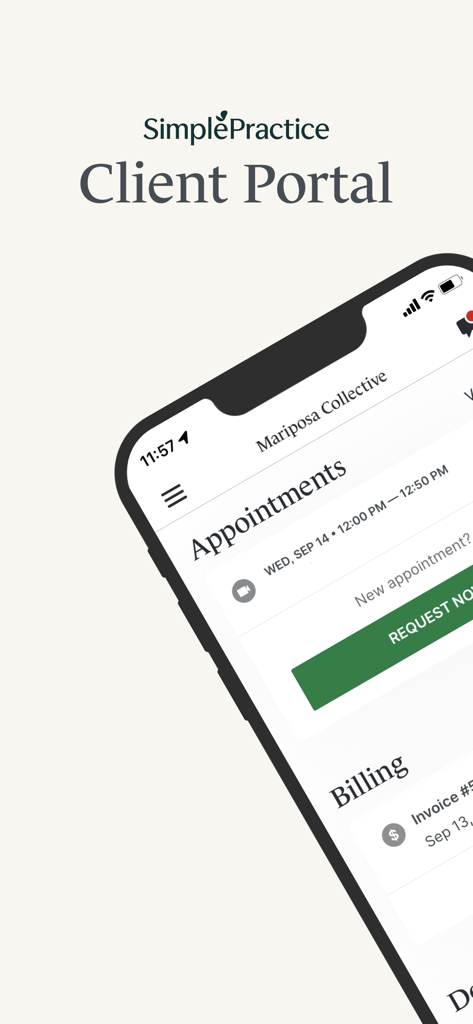
The SimplePractice Client Portal app interface showing an upcoming appointment and billing summary on an iPhone.
SimplePractice app interface displaying text about a secure place to connect for healthcare needs.
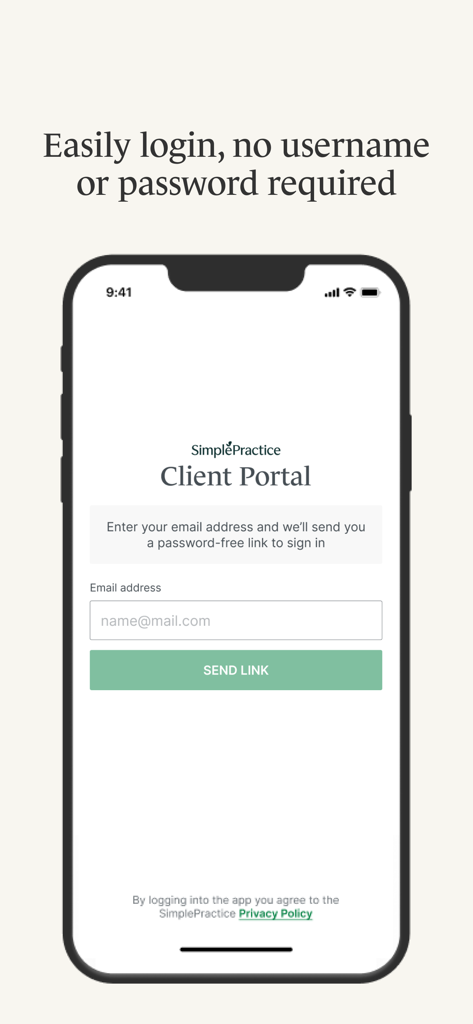
Login screen for SimplePractice Client Portal showing passwordless sign in via email link
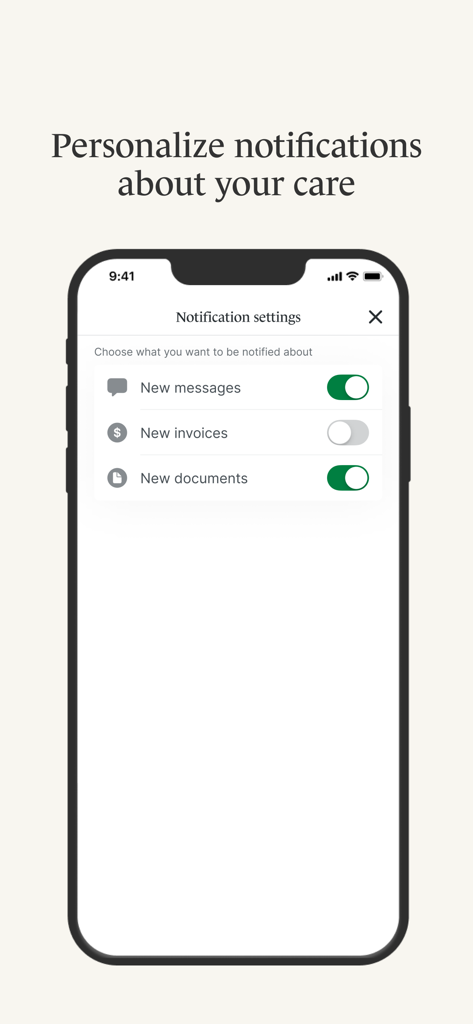
A mobile screen showing notification settings for messages, invoices, and documents in the SimplePractice Client Portal app.
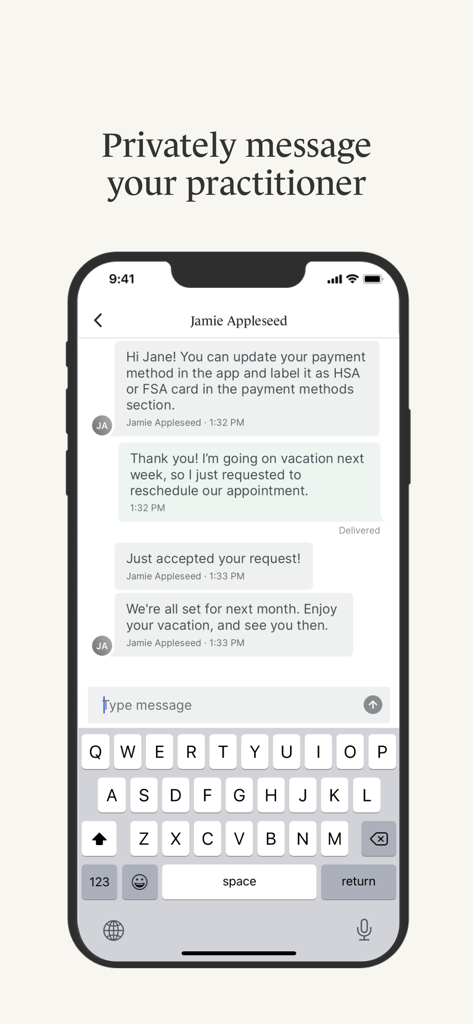
A smartphone screen showing a secure private chat between a client and a healthcare practitioner in the SimplePractice Client Portal app.
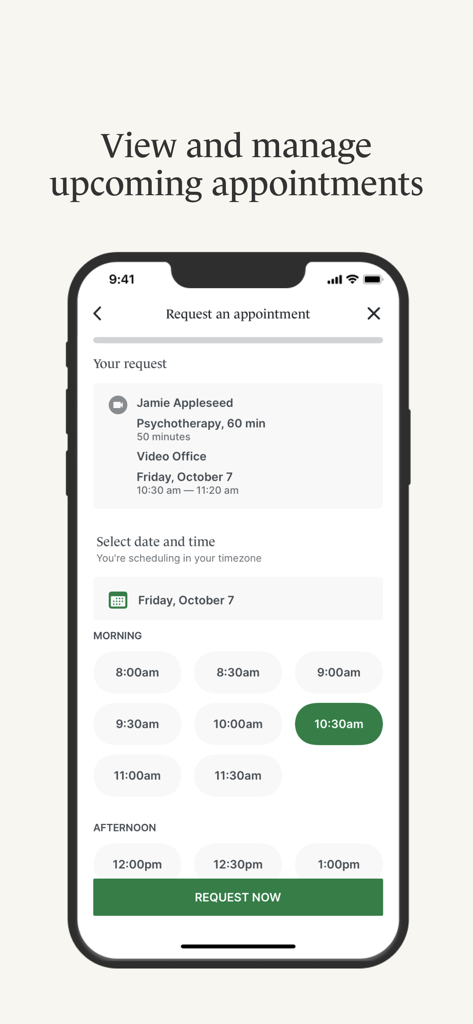
A mobile screen showing how to request a psychotherapy appointment in the SimplePractice Client Portal app
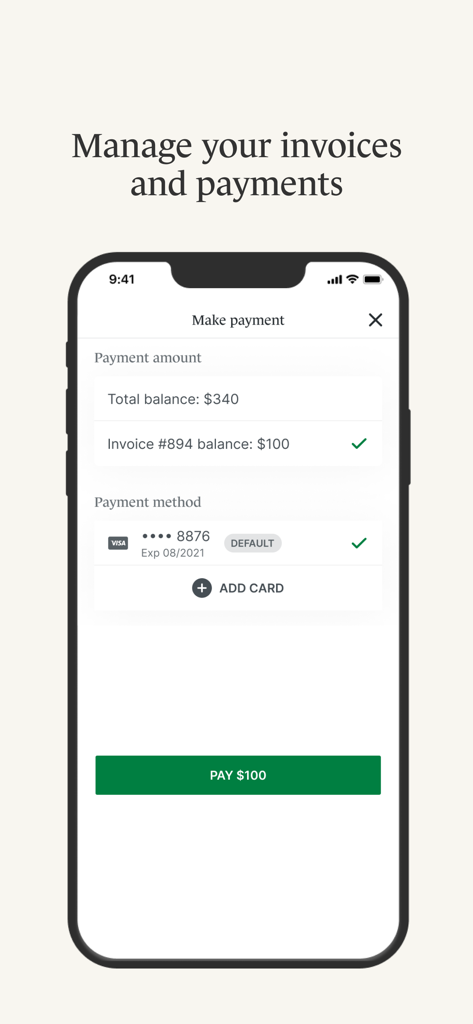
Mobile app interface for managing healthcare invoices and making digital payments within the SimplePractice Client Portal.
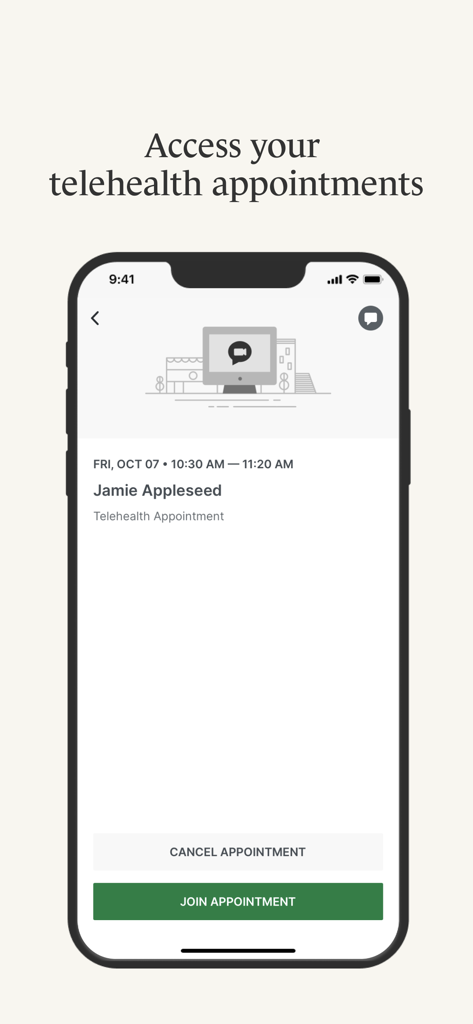
A mobile screen showing details of a telehealth appointment with a button to join the session in the SimplePractice Client Portal app.
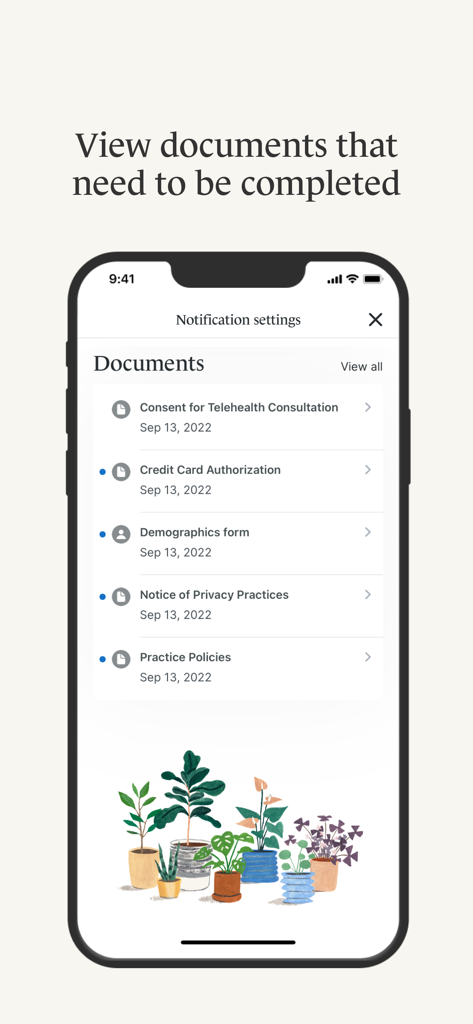
A mobile interface from the SimplePractice Client Portal app showing a list of healthcare documents that need to be completed.
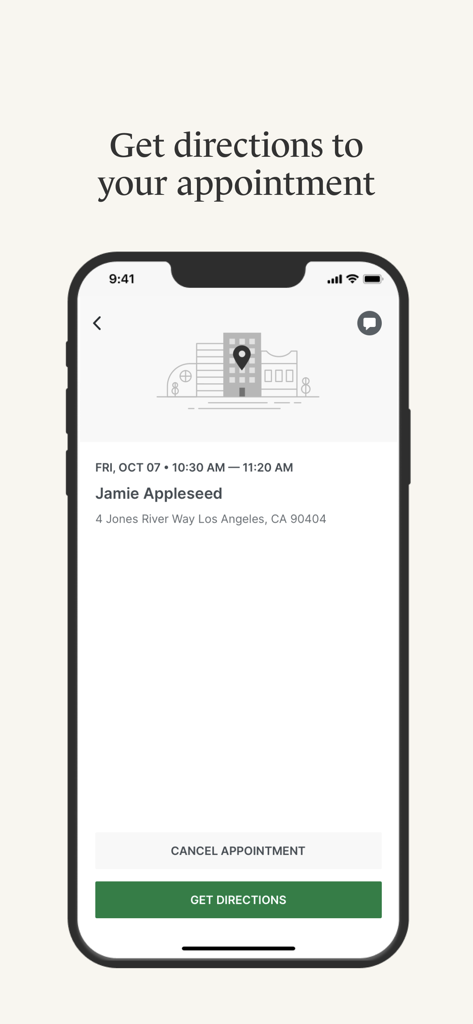
SimplePractice app showing appointment details and a button to get directions
Description
Download
More Like This
Apps with similar features and user experience

athenaPatient
athenahealth, Inc.

Kaiser Permanente
Kaiser Permanente

One Medical
One Medical Group, Inc.

Saudi German Health
Saudi German Hospital

NowServing by SeriousMD
LeapFroggr Inc.

Providence
PROVIDENCE HEALTH & SERVICES - WASHINGTON

Mediclinic - ميديكلينيك
MEDICLINIC MIDDLE EAST MANAGEMENT SERVICES FZ LLC

NMC - MyHealth
NMC HEALTHCARE LTD

MyBSWHealth
Baylor Scott & White Holdings
This page is not an official page of the app or its developer, but an independent editorial publication created for informational and commentary purposes. Unless expressly stated otherwise, neither the app nor its developer is affiliated with, endorsed by, sponsored by, authorized by, or otherwise officially connected with MWM, Apple, Google Play, the app publisher, or the app's developer, and nothing on this page implies that the app was developed using MWM's services. Any trademarks, logos, screenshots, and other content remain the property of their respective owners.