
This page is not an official page of the app or its developer, but an independent editorial publication created for informational and commentary purposes. Unless expressly stated otherwise, neither the app nor its developer is affiliated with, endorsed by, sponsored by, authorized by, or otherwise officially connected with MWM, Apple, Google Play, the app publisher, or the app's developer, and nothing on this page implies that the app was developed using MWM's services. Any trademarks, logos, screenshots, and other content remain the property of their respective owners.


My-Viva
The essential self-care app for Viva subscribers. Manage your account, instantly recharge for family back home, and switch plans with ease from anywhere in the world.
Downloads
529K+User Rating
Total Ratings
300Publisher
Category
EntertainmentLocales
3Latest Version
2.24.0Size
37.1 MBFirst Released
Nov 5, 2014Empowering Your Connection to Armenia
Manage your Viva account from the USA with ease. Whether you're supporting family back home or planning your next visit, My-Viva puts total control in your hands.
Care from a Distance
Easily top up balances or activate data packages for your relatives in Armenia, ensuring you stay connected with your loved ones.
Travel-Ready in Seconds
Prepare your SIM for your next trip to the homeland. Switch tariffs and check roaming options before you even board your flight.
Frequently Asked Questions
Everything you need to know about My-Viva
What is the My-Viva app?
My-Viva is a mobile application for subscribers to manage their account, check balance, recharge, switch tariff plans, control services, and redeem bonus points.
How can I check my account balance using My-Viva?
The My-Viva app's home screen prominently displays the current account balance, along with remaining minutes, internet data, and SMS allowances.
Can I recharge my mobile balance through the My-Viva app?
Yes, the My-Viva app provides a convenient "Refill" button directly on the home screen to add funds to your account balance.
How do I change my tariff plan in My-Viva?
My-Viva allows users to change their tariff plan by navigating to the "My Tariff Plan" section and selecting the "Change tariff" option to choose from available plans.
Does My-Viva support both prepaid and postpaid tariff plans?
Yes, the My-Viva app features separate tabs for "Prepaid" and "Postpaid" plans, allowing users to browse and manage both types of tariffs.
How can I view and use my bonus points in My-Viva?
My-Viva users can check their bonus points balance in the "My Bonuses" section and exchange them for various items from the "Rewards Catalogue."
What kind of rewards are available in the My-Viva Rewards Catalogue?
The My-Viva Rewards Catalogue offers voice, internet, and SMS packages, as well as options for mobile phones, modems, and "Beautiful Phone Numbers" in exchange for bonus points.
Can I activate content services like IVI Online Cinema via My-Viva?
Yes, the My-Viva app enables users to activate content services like IVI Online Cinema, with options for daily or monthly subscriptions, directly within the application.
How do I activate roaming services in the My-Viva app?
Users activate roaming services in My-Viva by navigating to the "Roaming" section and toggling the "Service Status" switch on to enable mobile services abroad.
What is the daily cost for the My-Viva "Voyage" roaming service?
The My-Viva "Voyage" roaming service has a fixed daily service fee of 500 ֏, which covers internet usage in selected roaming countries.
Where can I find customer support for My-Viva?
The My-Viva app provides access to customer support through the "Support" option located in the "More" menu. Users can also contact the Hot Line.
Does the My-Viva app help me find service centers?
Yes, the My-Viva app includes a "Service Centers" option in the "More" menu, allowing users to easily locate the nearest physical service points.
The following screenshots and description are sourced directly from the app's official store listing and are the property of the app developer.
App Store
Screenshots
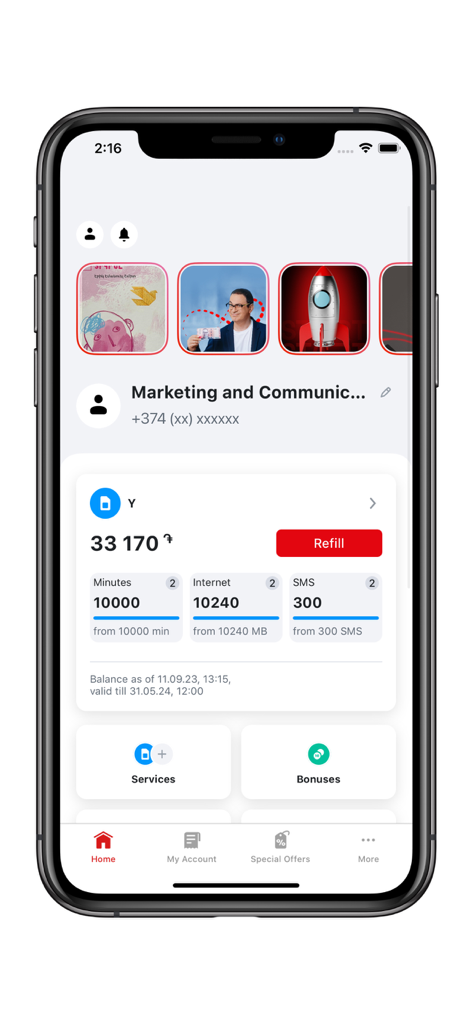
A screenshot of the My-Viva app home screen showing account balance and remaining mobile data
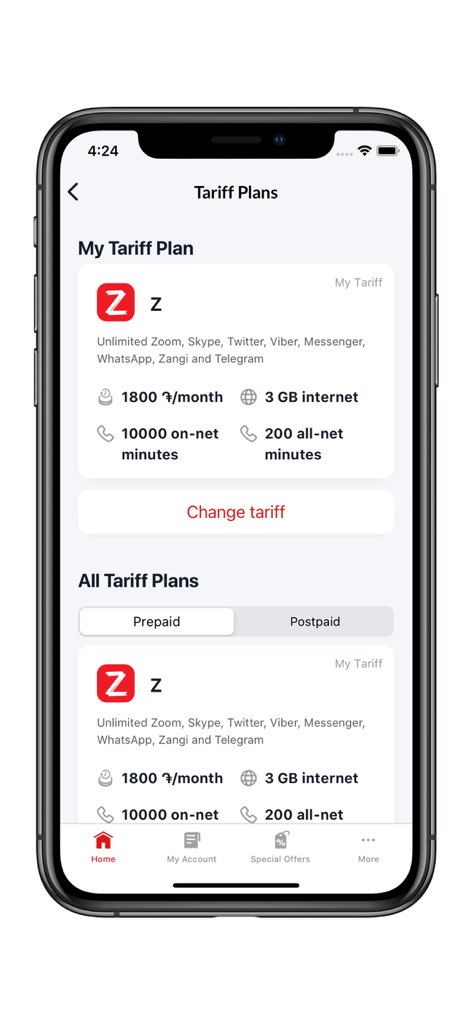
My Viva app interface showing tariff plan details and options to change prepaid or postpaid plans
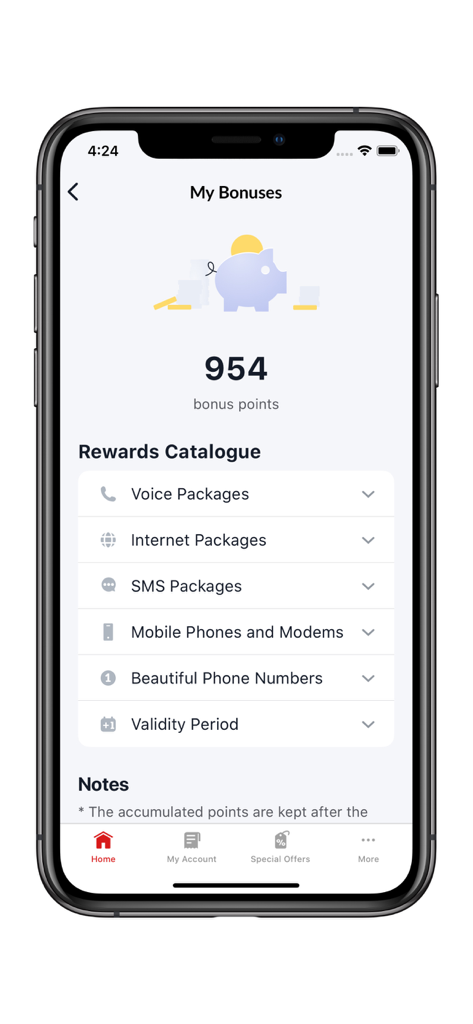
My-Viva app bonuses screen showing accumulated points and rewards options
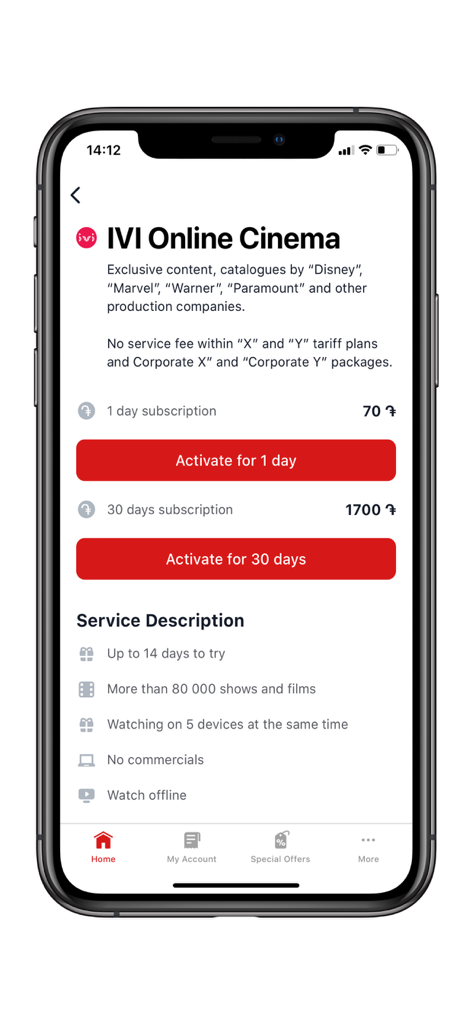
My Viva app screen displaying IVI Online Cinema subscription options and benefits
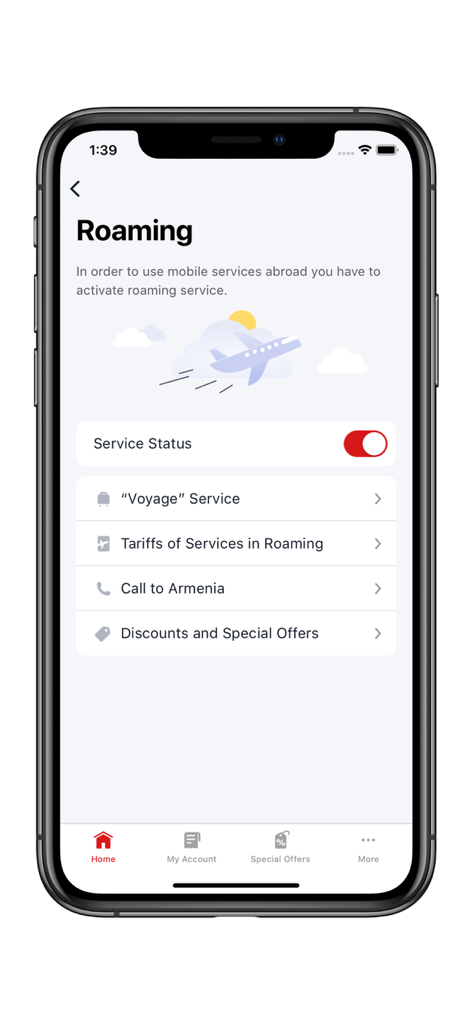
My-Viva app screen for managing roaming services including voyage service and call to Armenia options
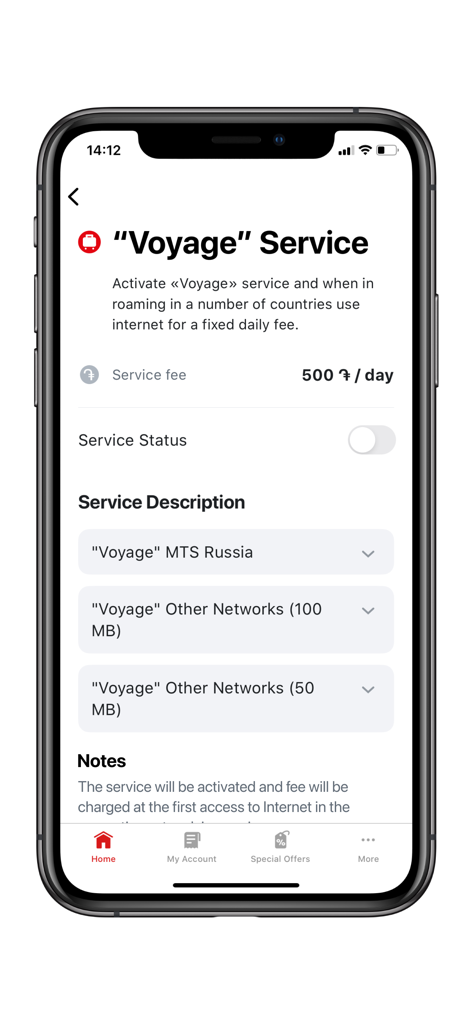
My-Viva app interface for the Voyage roaming service showing service fees and status toggle
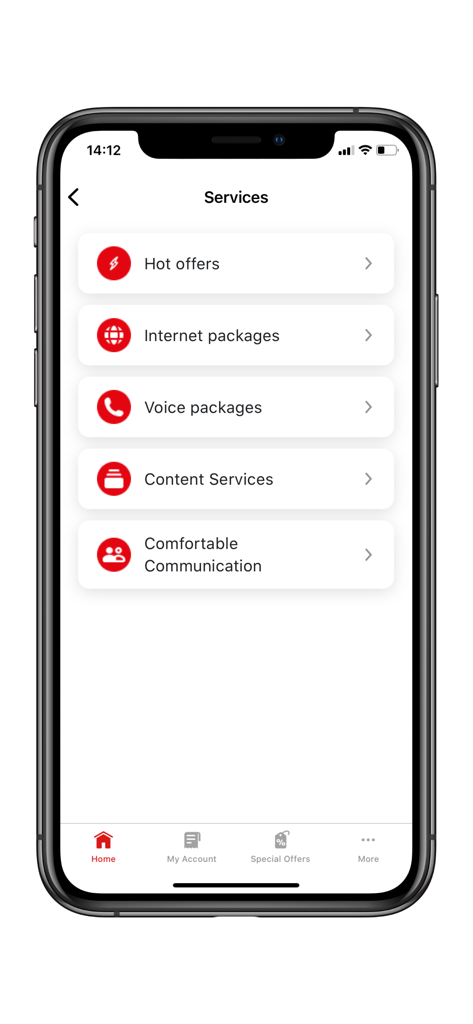
My-Viva mobile app services screen listing internet and voice packages.
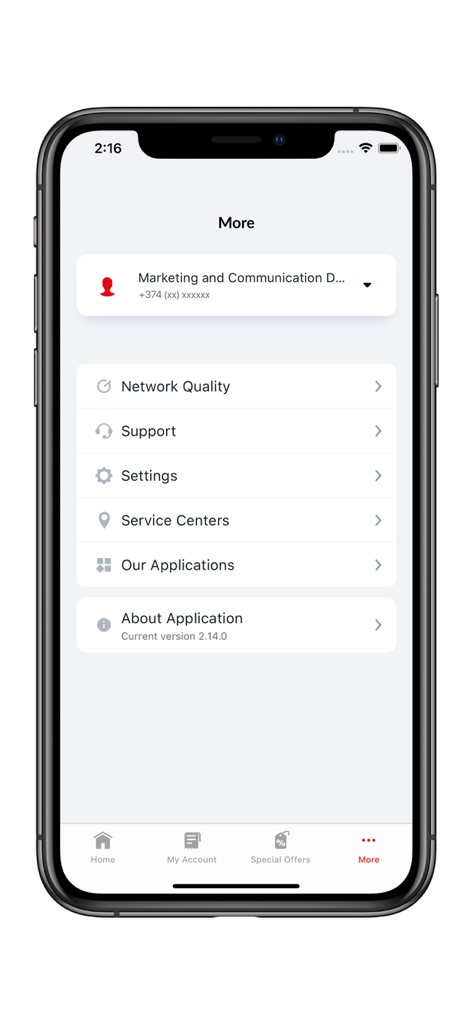
My-Viva app More screen displaying menu options for support settings and service centers on iPhone
Description
Download
More Like This
Apps with similar features and user experience

My lifecell
Limited Liability Company "ASTELIT"
My Straight Talk: Mobile App
Tracfone Wireless Inc.

Azercell
Azercell Telecom MMC

Halo Telco
Winner Venture Sdn Bhd

Everyday Mobile (Woolworths)
Woolworths Group Limited

Bakcell
BAKCELL MMC

Mint Mobile
UVNV, Inc.

Visible mobile
Visible Service LLC

myMetro®
MetroPCS Wireless, Inc.
This page is not an official page of the app or its developer, but an independent editorial publication created for informational and commentary purposes. Unless expressly stated otherwise, neither the app nor its developer is affiliated with, endorsed by, sponsored by, authorized by, or otherwise officially connected with MWM, Apple, Google Play, the app publisher, or the app's developer, and nothing on this page implies that the app was developed using MWM's services. Any trademarks, logos, screenshots, and other content remain the property of their respective owners.